
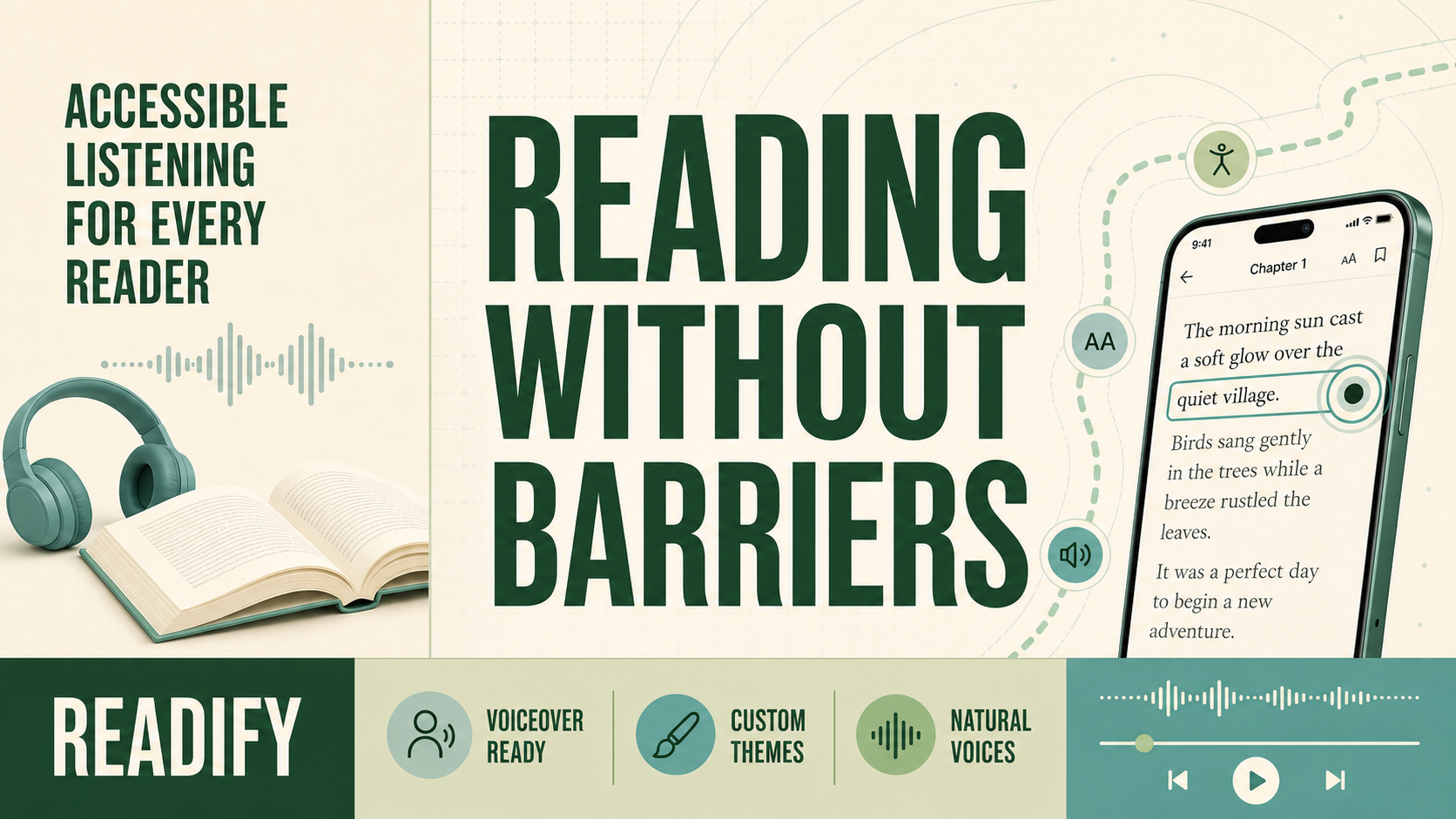
Reading should not depend on whether a screen, a font, or a navigation pattern happens to work for you. Readify is built around a more practical idea: give people flexible ways to reach the same books, documents, and ideas. As an accessible AI reader, it brings spoken audio, clear controls, and adjustable presentation together so more people can create a reading routine that feels sustainable.Accessibility is not a single switch that a product turns on once. It is an ongoing process of listening, testing, and improving. Readify works with more than 100 visually impaired users, and their feedback helps guide the product's updates. That feedback has shaped smoother navigation, more useful controls, and a listening experience that aims to remove friction instead of adding another layer of it.
Why accessibility in reading apps matters
Good accessibility in reading apps benefits many kinds of readers. A visually impaired listener may need reliable navigation through headings and controls. Someone with dyslexia may need a different font, calmer colors, and the option to hear a paragraph while following the text. A busy reader may simply want to rest their eyes during a commute or at the end of the day.The purpose is not to prescribe one correct way to read. It is to make space for readers to choose. An AI reader for visually impaired users should make searching, opening, playing, pausing, and organizing content feel predictable. The same clear structure can help anyone who prefers less visual noise and fewer steps between a book and its ideas.Readify keeps the interface light and the book structure easy to move through. Small design choices, such as recognizable controls, consistent placement, and straightforward content management, make it easier to return to a book after an interruption. Over time, those details support a stronger sense of independent reading.
VoiceOver support that respects the reading flow
On iPhone and iPad, VoiceOver support on iOS makes a major difference to how an app feels in everyday use. Readify's VoiceOver support is designed to help users search for books, read content, and manage their library with less effort. Instead of treating accessibility as a separate experience, the goal is to make core actions available through the same reading workflow.Reliable screen reader support means more than announcing a button label. It also means that focus order makes sense, controls provide useful context, and key actions do not disappear behind visual-only interactions. When a person can navigate a library, begin listening, and adjust playback independently, the technology starts to feel like a reading tool rather than an obstacle course.

Readify continues to improve through direct feedback. If a reader finds a control unclear or a journey unexpectedly difficult, that insight can identify a real barrier worth fixing. This feedback loop is central to a useful accessible audiobook app: real use informs the next improvement.
Listen when reading with your eyes is not the best option
Text and audio do not need to compete. A flexible text to speech reader can let people move between them as their attention, energy, and setting change. Readify turns authorized books and documents into spoken listening sessions, so readers can hear a chapter while cooking, walking, commuting, or taking a visual break.This kind of text to speech accessibility can support screen-free reading without taking the original text away. You can listen first, return to a passage for closer study, and adjust the pace when the material becomes dense. For people who benefit from audio reinforcement, a clear, steady voice may make a difficult text feel easier to approach.Readify's AI audiobook generator helps prepare authorized material for listening, while AI audiobook narration lets the experience follow a reader's personal library rather than a limited traditional catalog. Always convert material you own, are licensed to use, is in the public domain, or is otherwise authorized for audio transformation.
Personal controls can make a meaningful difference
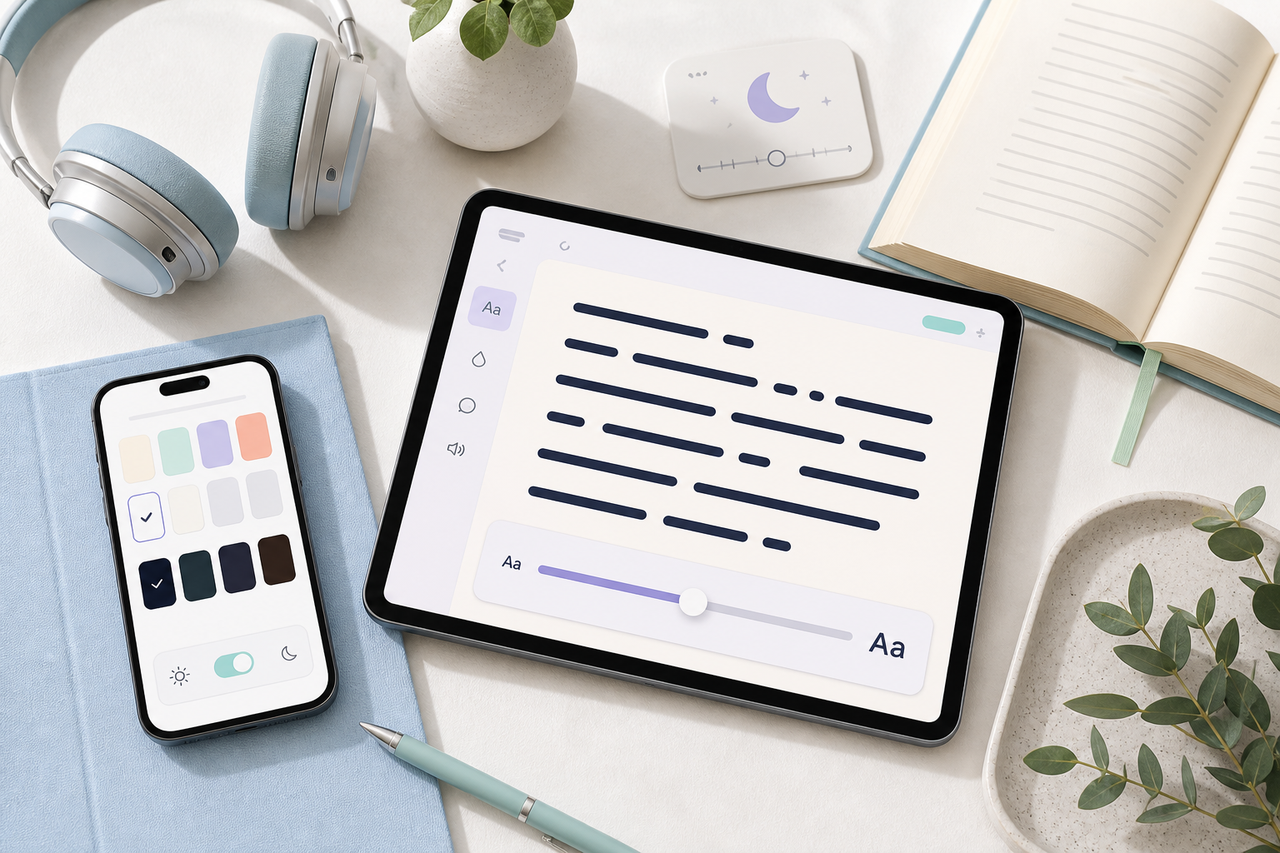
Readers do not all respond to the same visual presentation. Readify supports custom fonts and colors so people can tune the app to their eyes, their device, and their mood. A softer contrast may feel calmer in the evening; larger type may help with focus; a familiar theme can make returning to a long document less demanding.These options also support dyslexia-friendly reading by giving each reader a starting point for their own preferred layout and pace. No preset works for everyone, which is why adjustable choices are more valuable than a one-size-fits-all design. Pair a readable layout with a natural voice, and a text can become easier to revisit in short, low-pressure sessions. Explore custom fonts and colors as part of a personal reading setup.
A natural TTS tool can contribute to that sense of comfort. Voice quality does not replace thoughtful navigation or adjustable type, but it can reduce fatigue during longer sessions. Together, these choices make audiobook accessibility feel less like an add-on and more like a normal part of reading.
How Readify can fit different readers
- Visually impaired readers: Use VoiceOver navigation and spoken content to search, manage, and hear books with more independence.
- Students: Listen to authorized course readings, then return to the source text for notes and citations.
- Readers with dyslexia or attention differences: Combine an adjustable theme, readable font, and steady narration.
- Professionals: Turn long reports and drafts into a listening queue when a screen is impractical.
- Anyone with visual fatigue: Use audio as a flexible companion rather than forcing every reading session onto a screen.
Some readers may use a read aloud chrome extension or a text to speech chrome extension for a quick webpage. For more specialized accessible reading, explore the Dolphin EasyReader app, Capti accessibility tools, or Thorium Reader. Each offers a different approach to screen reader support, personalized display, or accessible digital books. Readify is intended to be a more complete home for books and documents when you want your library, audio, and personalization controls in one place.
Start with one accessible reading habit
- Choose a book or document you are authorized to use.
- Set a font, theme, and text size that feels comfortable.
- Try VoiceOver navigation or a natural voice for a short section.
- Adjust playback speed before committing to a long session.
- Notice what makes the experience easier, then keep those settings for the next book.
The best reading setup is the one that helps you return. Readify combines accessibility feedback, VoiceOver-ready navigation, flexible display choices, and audio tools so readers can listen and learn on their own terms. As the app continues to evolve with community input, the aim stays simple: make access to reading wider, calmer, and more personal.
FAQs
Is Readify accessible for visually impaired users?
Readify is developed with feedback from more than 100 visually impaired users and includes VoiceOver support on iOS to help users search, read, and manage content.
Can I change the appearance of the reader?
Yes. Custom fonts and colors allow readers to adapt the presentation to their visual comfort and preferences.
Can Readify turn documents into audio?
Yes, for content you are authorized to use. The AI audiobook generator can prepare eligible text for audio listening.
