
A 38-page paper lands in your inbox at 9:10 p.m. You need to discuss it tomorrow.
You download the PDF, open it, see two columns of dense text, a page full of citations, and several figures that will require closer inspection. You know you can understand the paper. The problem is getting yourself to begin.
For many graduate students and researchers, this is the real reading barrier. It is not a lack of intelligence, curiosity, or reading speed. It is the friction between receiving a document and reaching its first useful sentence.
Traditional text-to-speech tools do not always remove that friction. Some require you to select text, correct broken lines, paste it into another window, generate an audio file, and then return to the original PDF whenever the narration reaches a figure. The tool has technically made the document audible, but it has also created another task.
Modern neural TTS can support a better workflow. When it is combined with direct document import, structured PDF parsing, synchronized text, adjustable speed, and saved reading progress, listening becomes part of reading rather than a separate conversion project.
That is the problem Readify is designed to address: reducing the distance between “I need to read this” and “I have started understanding it.”
Why Starting a PDF Can Be Harder Than Reading It
Academic reading often begins under poor conditions.
You may already have spent most of the day looking at a screen. You may have six other papers waiting in a folder. The subject may be important but not immediately engaging. If you have ADHD, dyslexia, visual fatigue, or difficulty maintaining attention through dense paragraphs, merely opening the document can feel like the beginning of a long struggle.
Researchers discussing text-to-speech tools often describe an impossible volume of weekly reading, tired eyes, and a desire to listen while walking, commuting, or doing routine tasks. Their concern is not always voice quality alone. They also want the tool to avoid citations, preserve the paper’s reading order, and require as little preparation as possible.
The hidden workload of a basic PDF-to-audio process may include:
- Opening the PDF.
- Selecting several pages.
- Copying the text.
- Removing page numbers and broken lines.
- Correcting text extracted from two-column layouts.
- Pasting it into a text-to-speech generator.
- Waiting for audio generation.
- Downloading or opening the audio.
- Returning to the PDF to find the corresponding figure.
- Repeating the process for the next section.
Each step is small. Together, they create enough resistance for a tired reader to postpone the task.
The most useful metric is therefore not simply words per minute. It is time to first meaningful sentence: how much work stands between obtaining a document and hearing its actual content?
Neural TTS Matters After the First Sentence
Direct PDF upload solves only the beginning of the problem. Once playback starts, the voice has to be sustainable.
Dense academic sentences often contain several clauses, qualifications, abbreviations, and references. A conventional synthetic voice may pronounce every word correctly while still making the sentence difficult to follow. It might pause after an abbreviation, ignore the logical break between clauses, or emphasize a minor word instead of the main finding.
That is where neural text-to-speech becomes relevant.
A useful neural voice can apply more natural pacing, stress, and intonation. It can signal that a sentence is continuing, distinguish a question from a statement, and make long passages feel less like a stream of disconnected tokens.
This matters because an unnatural voice competes with the paper for attention. When the listener starts noticing every strange pause or pronunciation error, the TTS system becomes another distraction.
Naturalness, however, is not enough. Neural TTS cannot repair a document that has been extracted in the wrong order. It cannot make a complex table understandable simply by reading every cell aloud. The complete experience depends on three connected layers:
- The document parser decides what should be read and in which order.
- Neural TTS decides how that text should sound.
- The reading interface helps the user control, inspect, and resume the material.
A strong product must handle all three.
A Practical Readify Workflow for a Research Paper
Imagine that the 38-page paper is due for discussion the next morning.
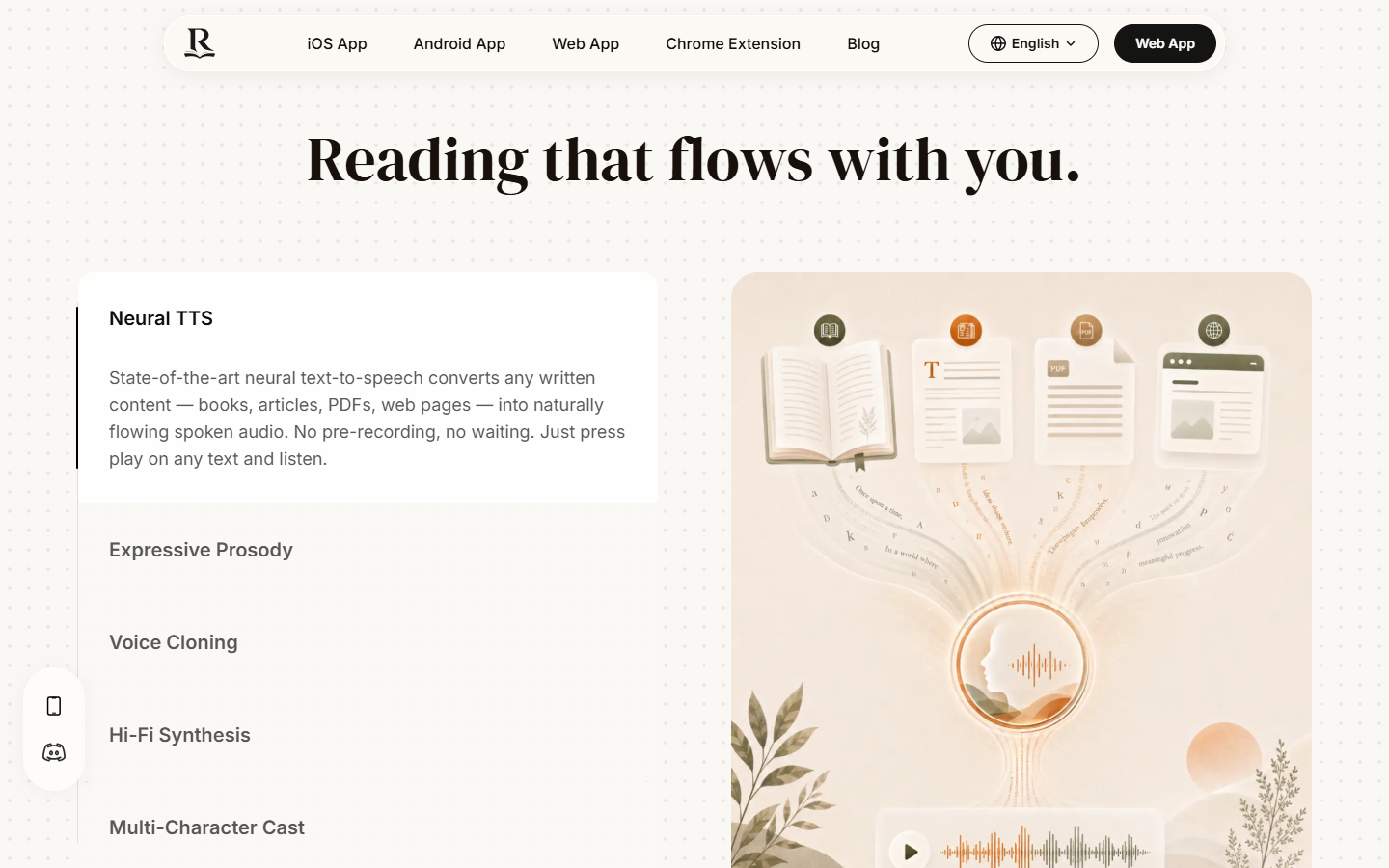
Instead of converting the entire paper into an MP3, the researcher can open the Readify web reader, import the PDF, choose an appropriate voice, and begin listening inside the reading environment.
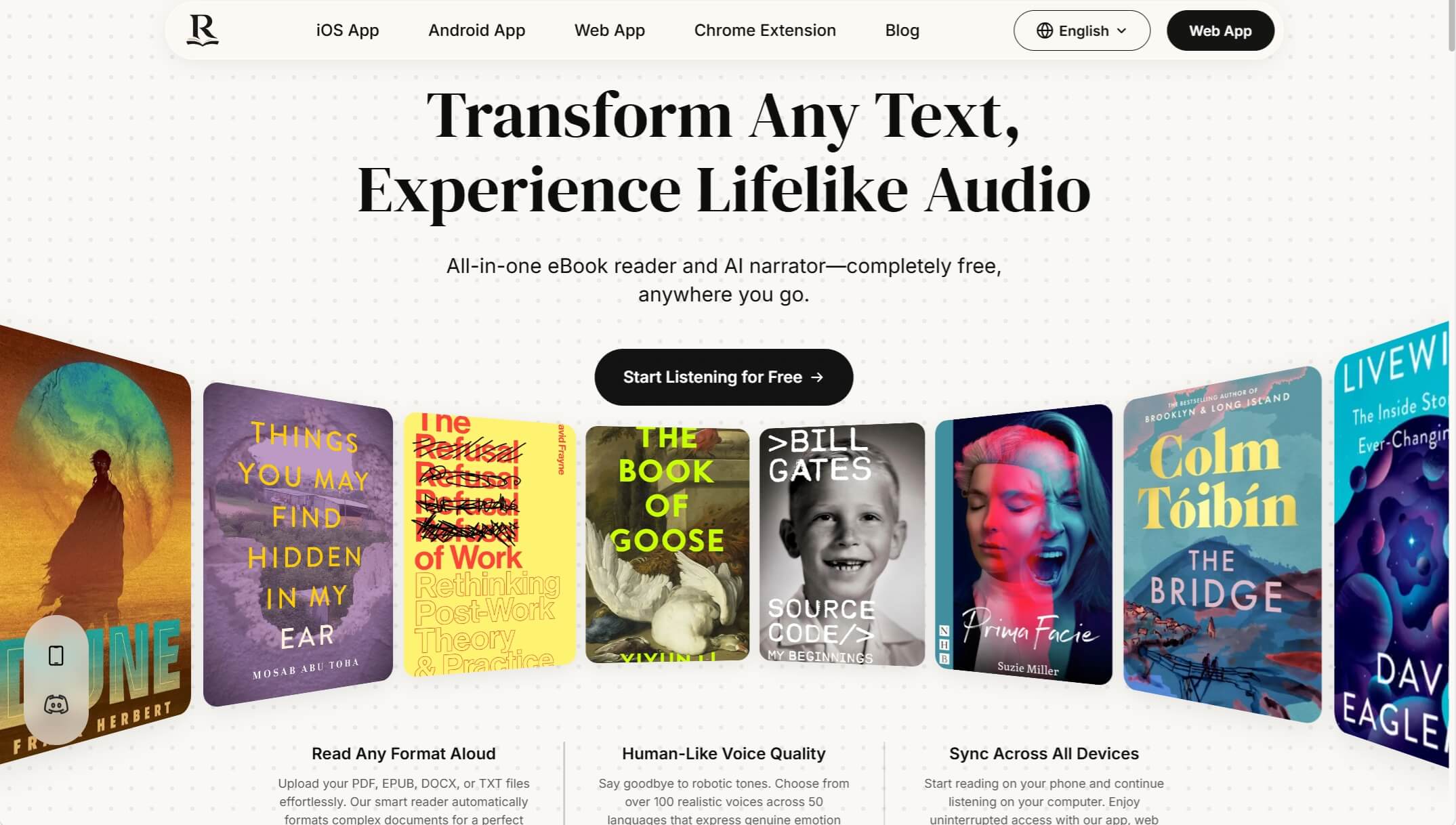
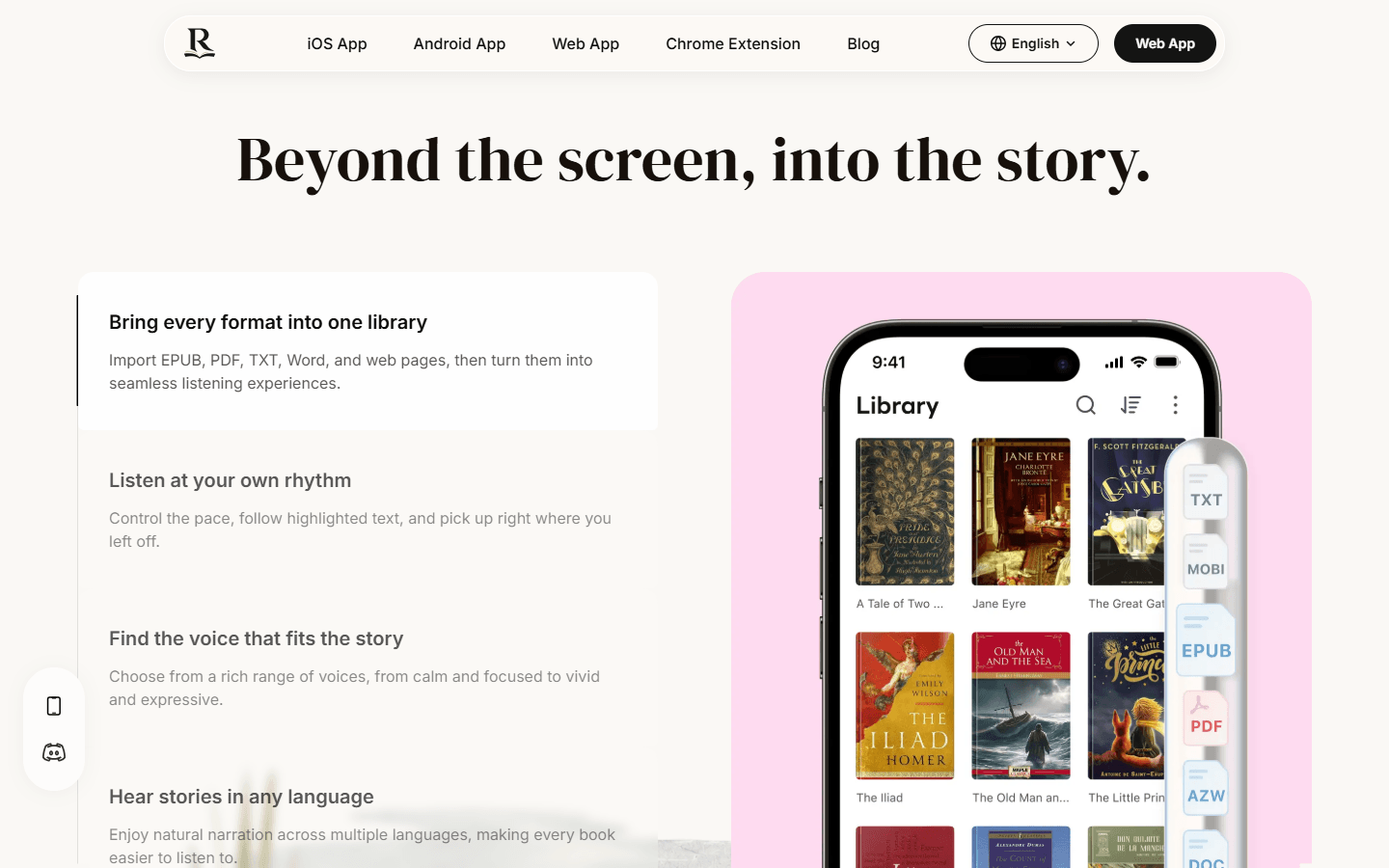
Readify’s published product experience keeps the source document connected to the narration. It supports PDF, EPUB, DOCX, TXT, and webpage imports, along with speed control, synchronized highlighting, and progress continuation.
That changes how the researcher can approach the paper.
Start with the Abstract
The abstract is not the place for slow, word-by-word study. It is a relevance check.
The researcher can listen at a moderately faster speed and answer three questions:
- What problem does the paper address?
- What did the authors do?
- Is the result relevant enough to continue?
If the paper is not useful, the researcher has discovered that quickly. If it is useful, the act of listening has already broken the initial resistance.
Move Quickly Through Familiar Background
Introductions often contain context the researcher already knows. A faster playback speed can keep the reading moving without requiring the same attention as a new method or result.
This is where neural TTS needs to remain intelligible above normal conversational speed. Speed control is only valuable when sentence boundaries, numbers, and technical terms remain clear.
Slow Down for Methods and Results
A single playback speed rarely works for an entire paper.
Methods may require slower listening because small details affect how the findings should be interpreted. Results may contain percentages, confidence intervals, variable names, and references to figures. These sections often require listening and visual reading at the same time.
Readify’s follow-along text lets the researcher remain visually anchored while listening. When an important sentence appears, the user can pause, replay it, or examine the surrounding paragraph instead of searching through a separate audio track.
Stop Listening When the Page Matters More
Not every part of a research paper should be consumed as audio.
A graph showing an interaction effect, a dense statistical table, a mathematical derivation, or a diagram of an experimental setup usually needs visual inspection. A responsible listening workflow should make it easy to pause and return to the page.
This is an important difference between listening to a PDF and exporting a PDF as an audiobook. An exported audio file separates the voice from the source. An integrated reader lets the user move between audio and visual evidence.
Resume Without Paying the Restart Cost
The researcher may stop when the train arrives or when another task interrupts the session. The next problem is not pressing Play again. It is recovering the intellectual context.
A reading system that keeps the current position, highlighted text, and surrounding page reduces this restart cost. The user can replay the previous sentence and continue instead of trying to remember which audio timestamp corresponded to which PDF page.
How Readify Differs from Other Academic Listening Tools
Readify is not the only product that can make research papers audible. The important question is which workflow matches the user’s actual task.
Listening.com: Strong Academic Navigation, but Conversion Is Still a Stage
Listening.com can accept uploaded PDFs, webpage or PDF links, pasted text, scanned pages, forwarded email, and Zotero imports. Its academic navigation is particularly useful when a researcher wants to move between paper sections or bring material in from Zotero.
The more practical difference for many students and independent researchers is cost. Listening.com lets users begin with a free trial, but continued access moves to a paid subscription.
Readify currently operates as a free service, so users can upload a paper, listen with a neural voice, follow the synchronized text, and return to saved progress without deciding whether another recurring subscription is worth keeping. Listening.com may still be the stronger choice when Zotero import and academic section navigation are essential. Readify has the clearer advantage when the priority is a free, low-friction route from a personal research PDF to usable audio.
Audemic Scholar: Specialized for Papers, Narrower for the Rest of a Reading Life
Audemic Scholar is built specifically for PhD students and researchers. Users can upload a research paper PDF or import it from a reference manager, listen to the full text or key statements, reorder sections, highlight passages, and take notes.
That specialization is valuable. If a user works almost entirely with journal articles and wants paper-specific summaries and knowledge organization, Audemic has a focused proposition.
Its published FAQ, however, identifies research-paper PDFs as its supported file type. Readify accommodates a broader collection that can include PDFs, EPUBs, Word documents, text files, and webpages.
That difference matters more than it first appears. Research work rarely lives entirely inside journal PDFs. A literature-review session may involve a paper, a conference webpage, a supervisor’s DOCX comments, an industry report, and an ebook chapter. Readify allows those materials to enter the same broader listening library.
Audemic Scholar is the more specialized academic workspace. Readify is the more flexible choice when research reading crosses formats and contexts.
Zotero 9: Excellent for Citation Work, Less Immediate Outside the Desktop Workflow
Zotero 9 introduced Read Aloud for PDFs, EPUBs, and webpage snapshots. It can start from a selected point, move by sentence or paragraph, annotate the current sentence, and save reading position.
For researchers already managing their literature in Zotero, this is a powerful advantage. Citations, annotations, notes, and reading all remain inside the reference-management system.
The distinction is accessibility of the workflow. As of Zotero’s April 2026 announcement, Read Aloud was available in the desktop application, with mobile versions planned. High-quality Zotero Voices also require an internet connection and account, with usage allocations that depend on account type.
Readify already spans web, mobile apps, and a browser extension. Its advantage is not replacing Zotero’s citation management. It is making neural listening easier to introduce outside a desktop reference-library workflow—for example, opening a long webpage in the browser, importing a Word document, or continuing a document in a mobile listening context.
Zotero remains the better choice when citation organization and academic annotation are the center of the task. Readify is more convenient when the immediate objective is to start listening across different content types and devices.

Where Readify’s Advantage Is Most Concrete
The strongest Readify story is not that it has one feature competitors lack. Its advantage appears in how several capabilities reduce the total effort of beginning and continuing a reading task.
One Reading Workflow Across Formats
A researcher does not need a separate routine for every source. PDFs, ebooks, Word files, text files, and webpages can enter the same general reading experience.
This reduces the amount of setup knowledge required. The user learns one workflow and applies it to different materials.
Audio Remains Connected to Text
Readify is not only producing speech. The visible text, synchronized position, playback controls, and source document remain part of the experience.
This matters whenever the listener needs to verify a term, reread a sentence, inspect a chart, or recover after losing attention.
Neural Voices Serve Endurance, Not Decoration
A natural voice is valuable because researchers may listen for long periods and because academic sentences place unusual demands on rhythm and pronunciation.
The practical benefit is not that the voice is impressive in a short demo. It is that the voice is less likely to become the reason the listener stops after ten minutes.
Starting Does Not Require Building an Audiobook
A researcher should not have to make a permanent audio asset every time a new PDF arrives. In many cases, the document only needs to become listenable long enough to evaluate, understand, or review it.
Readify treats listening as a reading mode rather than a production task.
What Neural TTS Still Cannot Solve
A credible article should not imply that every PDF becomes a perfect audiobook.
Scanned PDFs may contain recognition errors. Two-column layouts can produce incorrect reading order. Equations can lose meaning when spoken linearly. Tables may require interpretation rather than literal narration. In-text citations and footnotes can still interrupt a sentence if the document parser fails to classify them correctly.
High-stakes details also deserve visual confirmation. If a paper’s conclusion depends on a decimal point, dosage, confidence interval, or figure label, the listener should return to the page.
Neural TTS is best understood as a way to reduce reading friction and add another route into the material. It does not replace critical reading, visual evidence, or domain expertise.
Research on students with reading difficulties also suggests that TTS can be useful for some learners, but the effect varies across users and presentation conditions. It should be offered as a configurable reading support, not as a guaranteed improvement in comprehension.
The Real Evolution of Text-to-Speech
The most meaningful change in text-to-speech is not simply that machines sound more human.
The deeper change is that TTS is moving closer to the reading task itself.
A useful system must recognize that the user may be tired, interrupted, overwhelmed by a reading backlog, or working with a document that was never designed for listening. It must shorten the path to the first useful sentence, maintain a connection to the source, and let the user change modes when the material becomes too visual or too complex for audio alone.
For researchers, that is the practical promise of neural TTS.
It does not make a 38-page paper disappear. It makes beginning the paper require less negotiation.
When another dense PDF arrives, the next action does not have to be “I will read this later.” It can be: upload it to Readify, press Play, and reach the first sentence.
