
Introduction
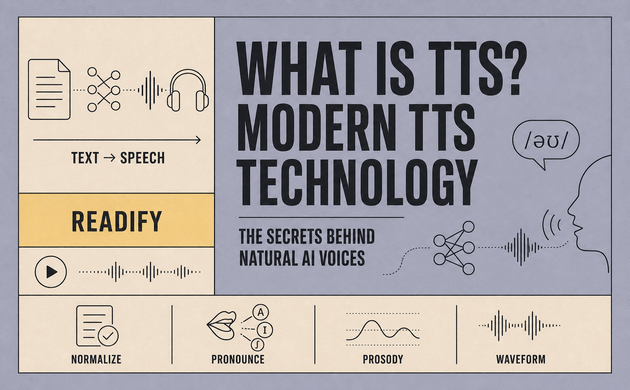
What is TTS, and why does it now sound so different from the mechanical voices people remember? TTS stands for text to speech: technology that turns written words into synthetic speech. The visible process seems simple—add text, press play, and hear a voice—but several hidden layers shape every sentence.
Modern TTS technology combines linguistics, machine learning, and digital audio processing. A TTS system must recognize words, choose pronunciations, place pauses, predict emphasis, and generate a playable waveform. When those decisions work together, the listener hears a natural AI voice instead of a text to speech robot.
This progress has made TTS technology useful far beyond short system messages. Readers now use AI text to speech for ebooks, PDFs, articles, study notes, and everyday documents. Readify applies neural TTS to long-form reading, offering more than 100 lifelike voices across over 50 languages. Start listening for free with one document and hear how modern text-to-speech technology changes the reading experience.
What Is TTS Technology?
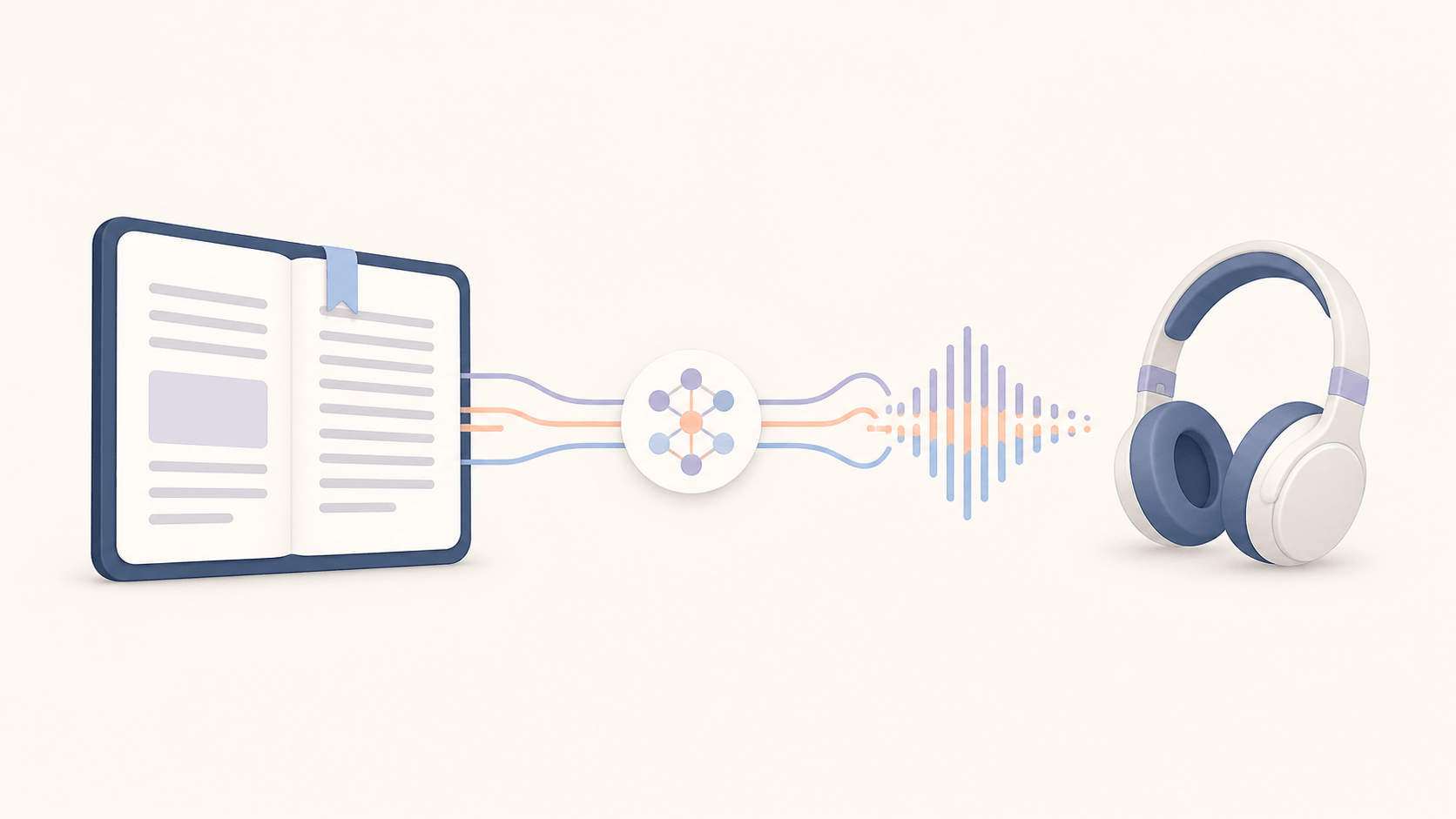
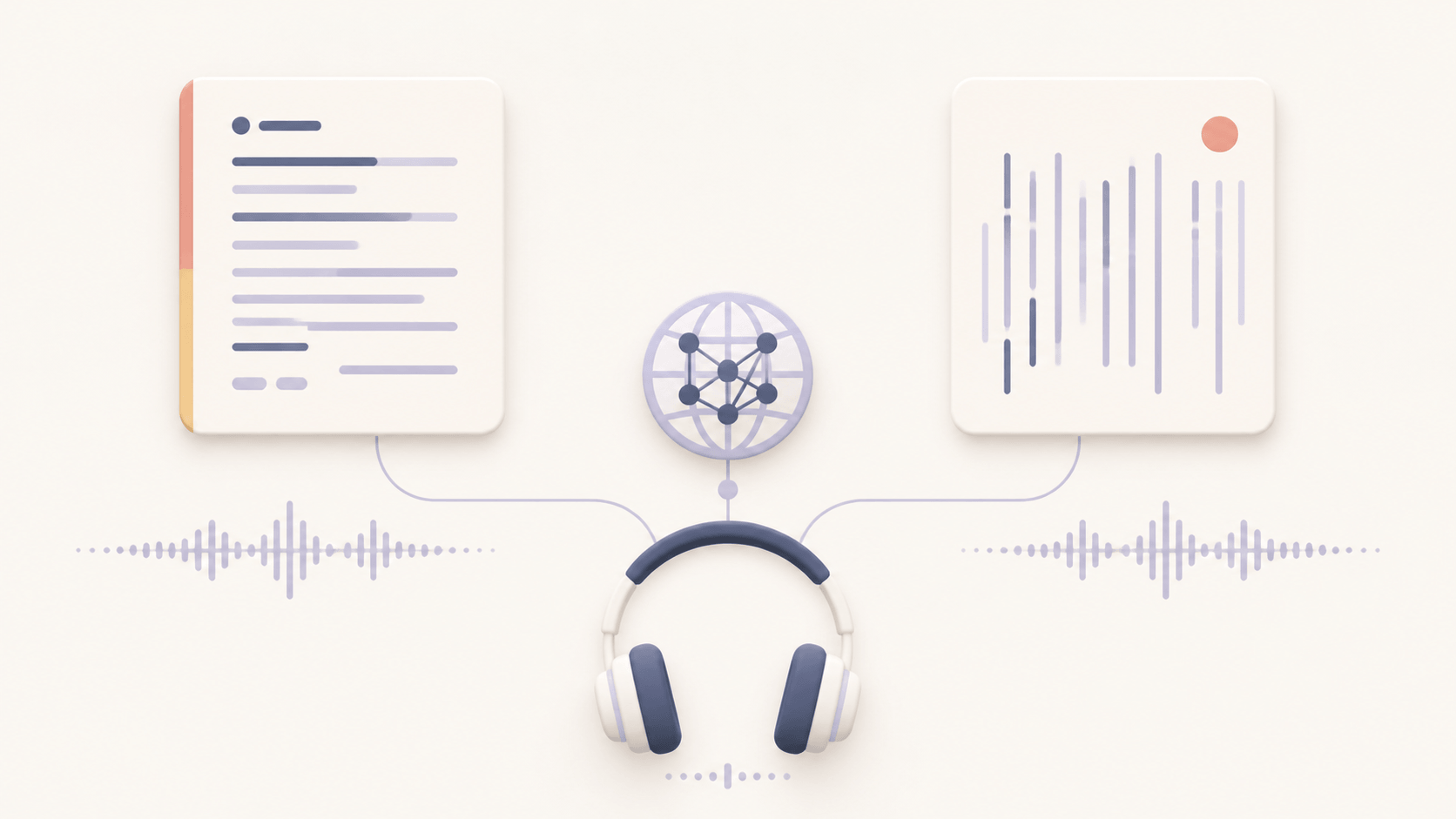
Text-to-speech technology is a form of speech synthesis. It accepts written text as input and produces spoken audio as output. It is the opposite of speech-to-text, which listens to audio and converts it into written words.
That definition answers “what is TTS?” at a basic level, but it does not explain the difficult decisions inside a TTS engine. Written language contains abbreviations, dates, prices, names, punctuation, and words with several possible pronunciations. A sentence such as “Dr. Lee paid $12.50 on 5/6” cannot be read naturally through simple letter-to-sound substitution.
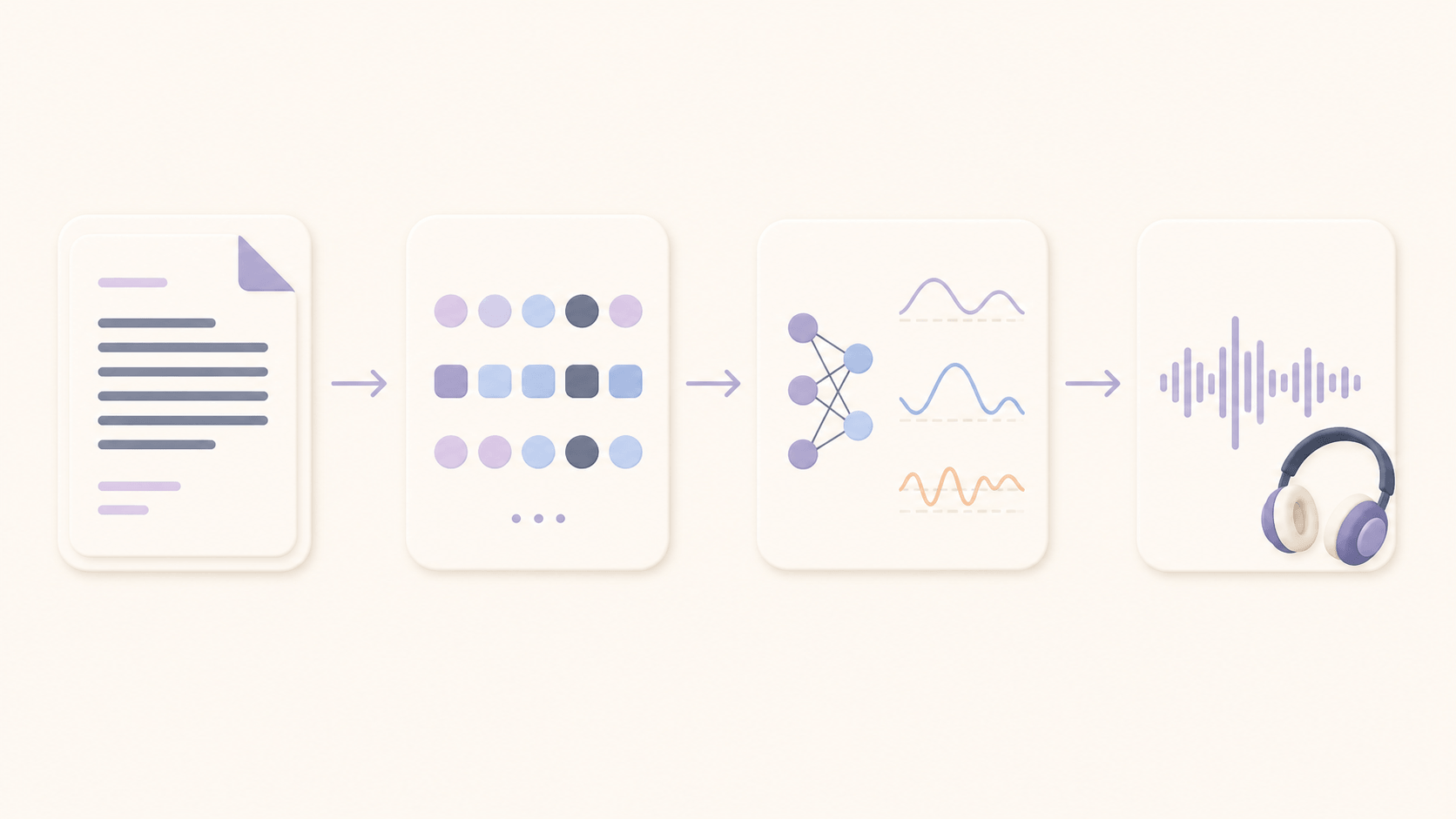
A modern TTS system examines context before it speaks. It decides that “Dr.” means “doctor,” expands the price, interprets the date, and groups the sentence into a natural phrase. A major survey of neural speech synthesis identifies text analysis, acoustic modeling, and vocoders as central parts of neural TTS. Different systems arrange these components differently, but the underlying tasks remain similar.
From Text to Sound: The Core Steps
Prepare and Normalize the Text
The TTS engine first cleans the input and decides what should be spoken. In a normal paragraph, that means interpreting punctuation, abbreviations, symbols, dates, and numbers. In an ebook or PDF, the TTS system may also need to separate the main text from page numbers, headers, footnotes, or repeated navigation elements.
This stage is called text normalization. It turns written forms into speakable forms. “$12.50” may become “twelve dollars and fifty cents,” while a year such as “2026” is spoken differently from a quantity. Context matters because the same characters can represent different meanings.
Clean document structure is essential for long-form TTS technology. Even a good AI voice becomes tiring if it reads the footer on every page or places a table in the wrong order. The quality of synthetic speech therefore begins before audio generation.
Choose the Pronunciation
Next, the text-to-speech engine determines how the words should sound. Many TTS systems convert written units into phonemes, the sound categories that distinguish words in a language. A pronunciation dictionary can help, but context is still necessary.
English words such as “read,” “record,” and “live” change pronunciation depending on meaning. Proper names, acronyms, technical terms, and fictional words create additional uncertainty. A neural TTS model uses surrounding words and learned language patterns to select a likely pronunciation.
Developers can sometimes provide more control through Speech Synthesis Markup Language. The W3C SSML standard defines markup for pronunciation, pauses, speaking rate, pitch, and emphasis. Not every TTS engine supports every instruction, but SSML demonstrates why text-to-speech technology needs more information than plain letters alone.
Predict Rhythm, Stress, and Tone
Correct pronunciation is only part of natural speech. A TTS voice also needs rhythm, stress, pitch, and pauses. These features are known as prosody.
People do not speak every word at the same speed or volume. They pause between ideas, raise their pitch for some questions, and emphasize important words. A neural TTS system predicts those patterns from punctuation, grammar, and sentence context.
Prosody is one reason modern TTS technology sounds less robotic. An older text to speech robot might pronounce each word clearly but deliver the sentence with repeated timing. Natural TTS varies the duration and pitch so the listener can follow the meaning.
Long chapters make this task harder. A TTS voice that sounds impressive for ten seconds may become repetitive after several pages. Good audiobook TTS needs enough variation to stay comfortable without adding emotion that does not belong in the text.
Build and Play the Audio
After the TTS system predicts pronunciation and prosody, an acoustic model creates a representation of the speech. Many neural TTS pipelines use a mel-spectrogram, which represents frequency energy over time. Other systems use learned audio tokens or internal sound representations.
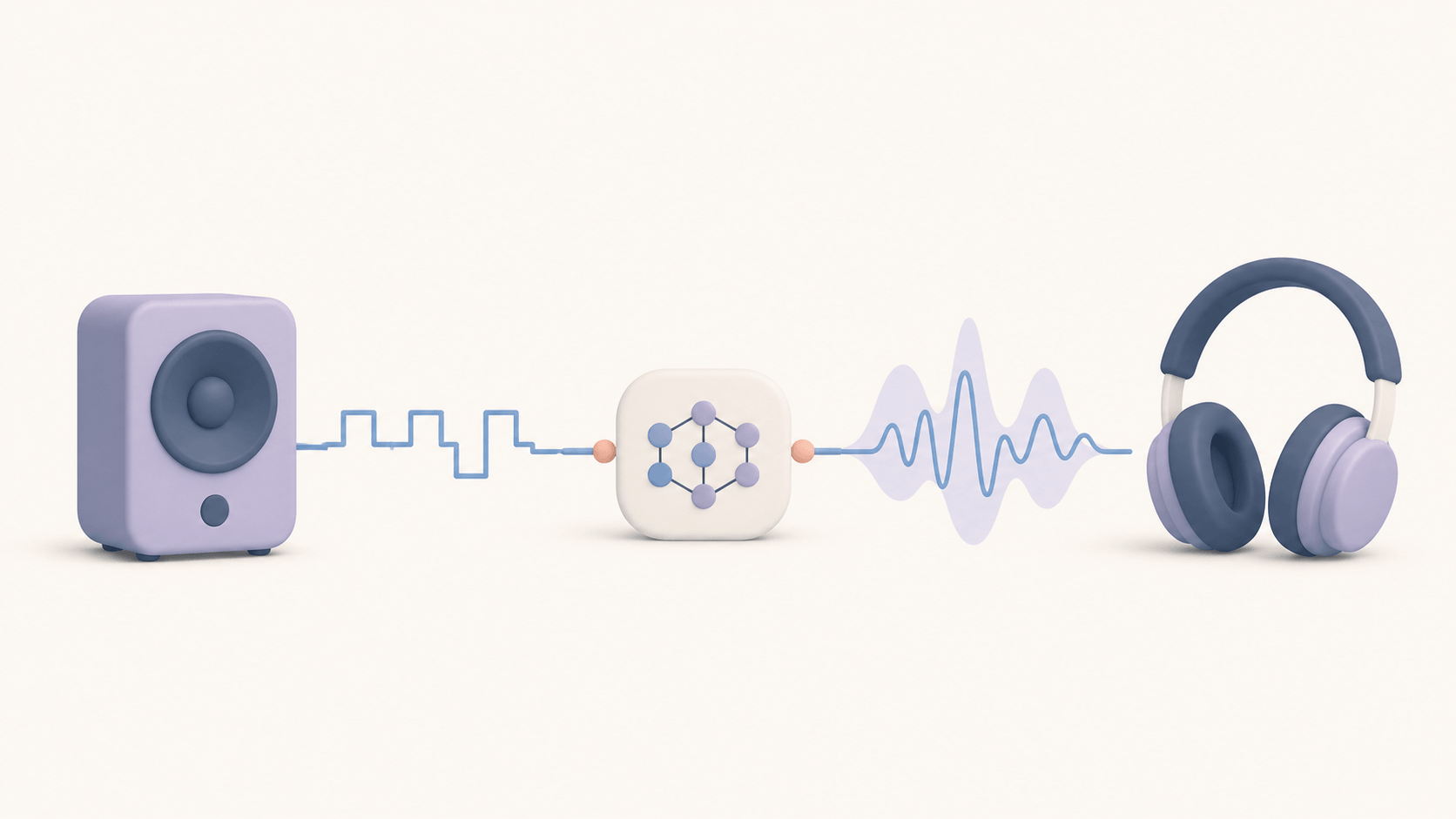
A vocoder then turns that representation into an audio waveform. Neural vocoders help produce clearer consonants, smoother vowels, and fewer metallic artifacts. The result can be encoded and played through headphones, speakers, or a reading app.
Playback software adds the controls readers actually touch: speed, progress, bookmarks, replay, and synchronized highlighting. MDN’s SpeechSynthesisUtterance documentation shows how browser speech synthesis can expose language, pitch, rate, voice, volume, and text controls.
Why Today’s TTS Sounds More Human
Neural networks changed TTS technology by learning connections between text and real speech. Earlier systems relied more heavily on fixed rules or small prerecorded units. They could be understandable, but their timing often exposed the machinery.
Neural TTS models learn how pronunciation, pitch, duration, energy, and sentence context influence one another. Instead of treating every word as an isolated sound, the TTS engine considers the surrounding phrase. The voice can rise, soften, pause, or slow down in ways that support meaning.
Modern waveform generation also matters. A neural vocoder produces finer audio detail than many older methods, reducing the buzzy edge associated with robotic TTS. Better audio alone does not guarantee good narration, but it allows pronunciation and prosody to reach the listener more smoothly.
Natural does not always mean dramatic. Students may prefer a steady natural AI voice for notes, while fiction can benefit from more expressive delivery. The best TTS technology matches the voice and pace to the content instead of applying the same style to every document.
Multilingual TTS Technology
Multilingual TTS involves more than changing an accent. Each language has its own pronunciation, writing conventions, rhythm, and ambiguity.
Spanish text to speech must handle regional vocabulary and native syllable timing. A Spanish TTS voice also needs to manage English names or brands that appear inside a Spanish paragraph. Japanese text to speech faces a different challenge because kanji, hiragana, katakana, and Latin characters can appear in the same sentence.
A Japanese TTS engine must choose context-appropriate readings and produce believable phrasing. A Spanish text to speech tool must preserve clear native pronunciation across full sentences. When comparing multilingual TTS, test names, numbers, questions, and mixed-language passages rather than relying on one demo phrase.
How Readify Uses Modern TTS Technology
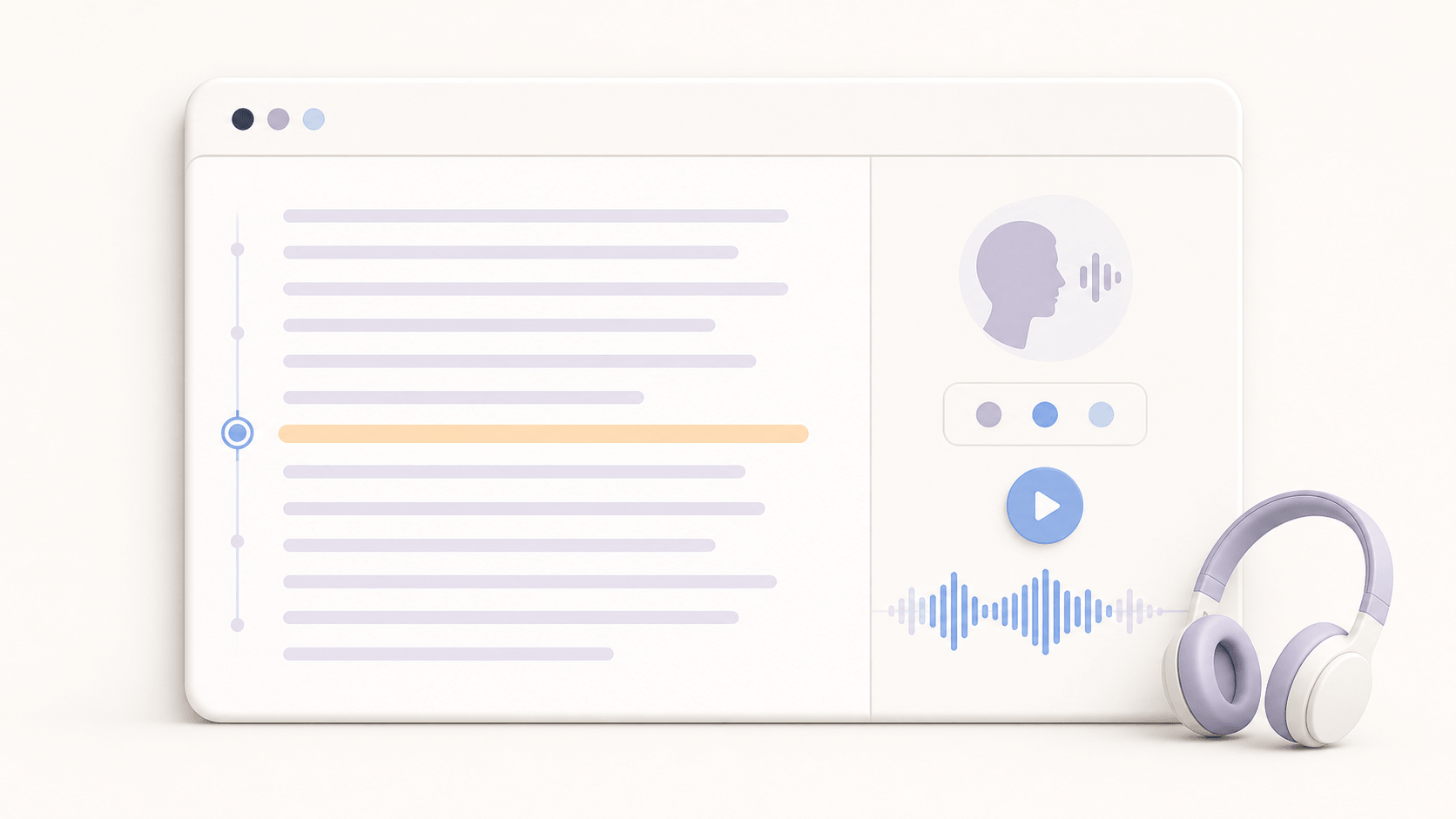
Readify turns supported PDF, EPUB, DOCX, and TXT files into spoken reading experiences. Its neural text to speech handles the narration, while document processing prepares the material and synchronized highlighting keeps the audio connected to the page.
Readers can choose from more than 100 voices across over 50 languages and adjust playback speed. According to Readify’s current product information, synced content can also use on-device synthesis. That combination makes TTS technology practical for books, articles, study notes, and personal documents.
Voice quality should still be tested with real material. Import a short eligible file, preview difficult names, and listen for several minutes. Try Readify for free before moving to a full book. For additional comparisons, see Readify’s guide to the best TTS reading apps.
The Future of AI Reading
TTS technology will continue to become more contextual and personal. Future models may track meaning across longer passages, preserve character voices across chapters, and adjust tone more precisely for fiction, study, or technical content.
Multilingual TTS will also improve as models learn more native speech patterns and handle language switching more smoothly. Faster on-device TTS systems may reduce delays and make offline reading easier.
The most important progress will not be realism alone. As AI voices become more convincing, consent and disclosure become more important. Voice cloning should require permission, and users should understand whether a voice is synthetic or based on a real person.
The future TTS reader should therefore combine natural speech with clear controls. Readers need to change speed, replay a sentence, follow the text, and choose an appropriate voice. TTS technology works best when it supports the reader rather than hiding every decision.
Frequently Asked Questions
What Does TTS Stand For?
TTS stands for text to speech. It is technology that converts written text into synthetic spoken audio. A TTS system can read interface text, articles, documents, ebooks, or other supported digital content aloud.
How Does Text-to-Speech Technology Work?
Text-to-speech technology cleans and normalizes the input, determines pronunciation, predicts prosody, creates an acoustic representation, and generates an audio waveform. Modern neural TTS may combine several of these tasks inside one model.
Why Does Some TTS Sound Robotic?
Robotic TTS often has repeated timing, limited prosody, weak context, or rough waveform generation. Modern TTS technology uses neural models to improve pronunciation, pitch, duration, stress, and audio detail, although poor source text can still cause unnatural speech.
Can TTS Read Spanish and Japanese?
Yes, when the TTS system supports those languages. Spanish text to speech and Japanese text to speech require language-specific pronunciation and rhythm. Test complete sentences and mixed-language passages before selecting a voice.
Is TTS the Same as an AI Voice?
Not exactly. TTS is the process that turns text into speech. An AI voice is the generated voice a listener hears. One TTS engine may offer many AI voices in different languages, accents, and speaking styles.
Can Readify Turn Documents Into Audio?
Readify can read supported PDF, EPUB, DOCX, and TXT files aloud with neural TTS voices. Import only content you own or are authorized to use, choose a voice and speed, and follow the highlighted text while listening. Get started for free with a short document.
Discover What Modern TTS Can Do
TTS technology blends language analysis, machine learning, and audio generation to turn text into natural speech. The process is complex, but the reader’s experience stays simple: choose content, press play, and listen.
Start listening for free with Readify. You can also follow Readify on YouTube and Instagram for product updates and reading ideas.
