New: natural AI voices in 30+ languages — press play on anything you read
All Topics

Give Your E-Books a Voice

Turn a supported e-book you are permitted to process into a flexible reading-and-listening experience. Readify combines an audio book reader, natural AI text-to-speech, visible text, playback control, and saved progress.

iOS App
Listen on iPhone and iPad
Scan to download app
Android App
Listen on any Android device
Scan to download app

Use an Audio Book Reader with the E-Books You Already Have

Keep the original book available while adding audio for moments when visual reading is inconvenient or tiring.

Listen to Nonfiction Away from the Desk
Add an authorized business, history, science, or self-development e-book and listen during a walk or routine task. Return to the visible passage when a claim, name, or example needs closer attention.
Continue a Novel When Your Eyes Need a Break
Switch a compatible personal e-book from visual reading to narration without abandoning the story. Follow along when you want the text, or let the voice carry the next chapter while you rest your eyes.
Review a Chapter in Two Modes
Listen first to understand the flow, then reread the key paragraphs visually. Combining audio with visible text gives you a practical way to preview, revisit, and verify the same e-book chapter.
Keep Personal Reading in One Library
Bring supported digital books into a continuing Readify library instead of creating a separate pasted-text project for every session. Saved progress helps each title resume from the last stopping point.

From E-Book File to Natural Audio in Three Steps

Use the original supported file, check that the text is readable, and choose a listening setup that fits the book.
Add a Supported E-Book
Step 1
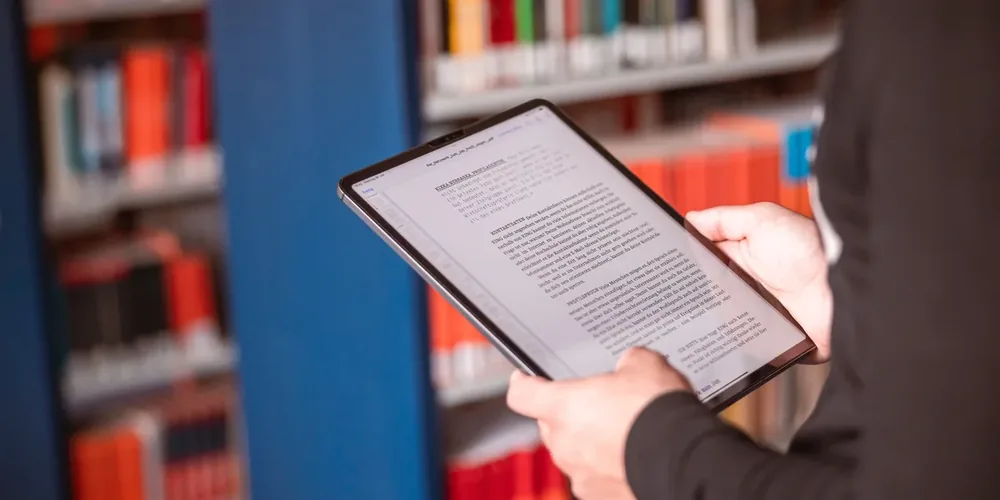
Add a Supported E-Book
Upload a supported file such as EPUB, PDF, DOCX, or TXT when you own it or have permission to process it. Availability can depend on the file format and any digital-rights restrictions applied to the book.
Choose the Best Text-to-Speech AI Voice for the Book
Step 2
Choose the Best Text-to-Speech AI Voice for the Book
Preview a complete paragraph rather than one sentence. Select a voice that keeps dialogue, explanation, and long passages clear, then set a comfortable speed for the book and your purpose.
Listen, Follow, and Resume
Step 3
Listen, Follow, and Resume
Start the narration, keep synchronized text visible when useful, pause or replay a passage, and stop at a meaningful boundary. Return later without searching manually for the previous sentence.

Why Add Audio to an E-Book?

Audio gives a personal digital book another way to fit the reader's attention, environment, and available time.

Move Between Reading and Listening
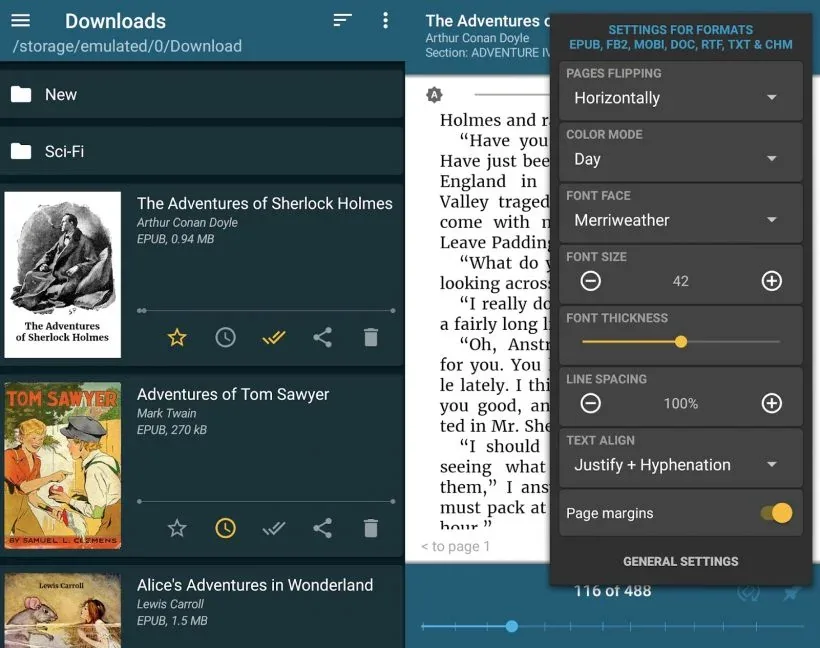
Use visual reading when typography and close attention matter, then switch to audio when your hands or eyes are occupied. The e-book remains the same source instead of becoming disconnected excerpts.
Hear Sentence Structure More Clearly
Natural speech can make pauses, contrast, and dialogue boundaries easier to notice in long passages. Replay the sentence and inspect the visible text whenever meaning remains uncertain.
Make Long Books Easier to Return To
A large digital book becomes a sequence of manageable sessions. Progress continuity reduces the effort required to re-enter the book after several hours or days away.

An E-Book Reader Designed for Listening Too

Readify connects flexible file support with neural voices, playback controls, synchronized text, and progress continuity.


One Reader for Multiple Book Formats
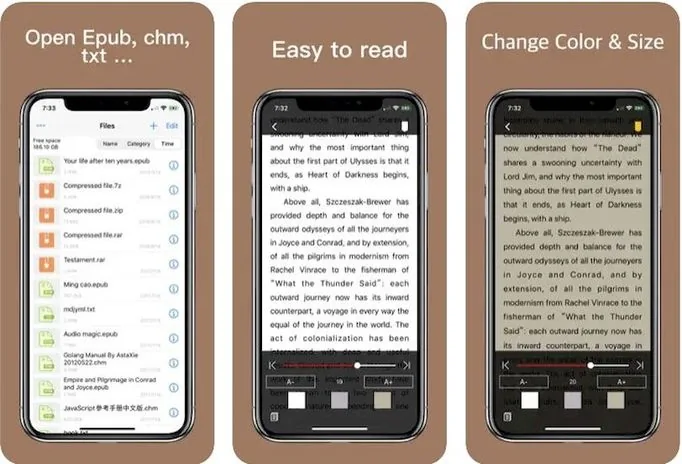
Use supported personal EPUB, PDF, DOCX, and TXT reading files in one workflow. The best result depends on the source text, document structure, and whether the file can be processed.
Visible Text with Listening Controls
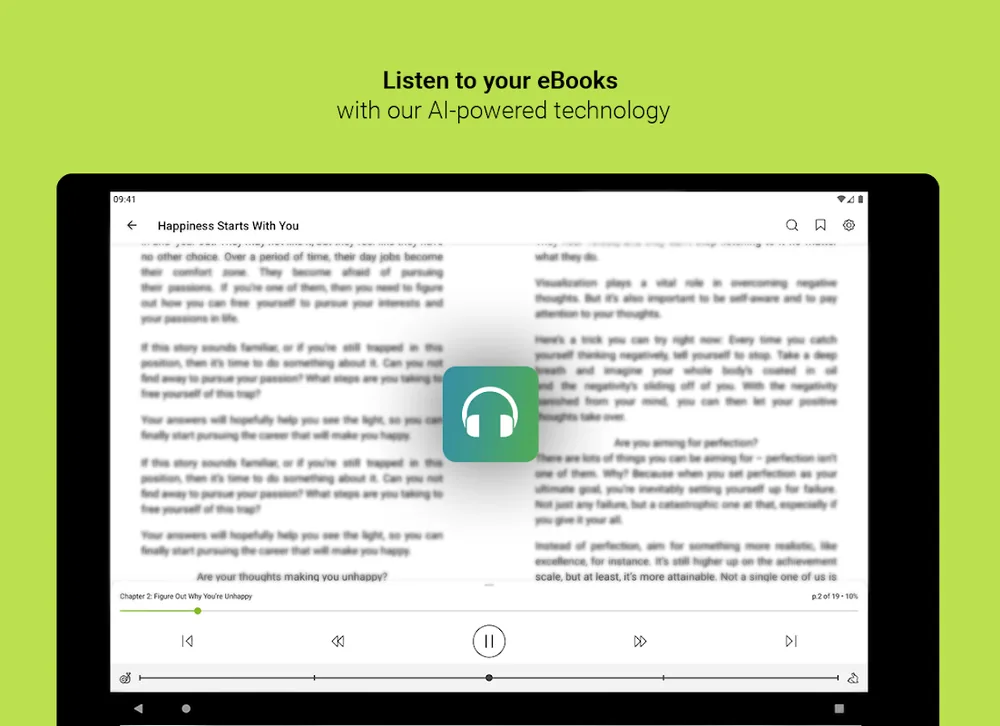
Keep the active passage visible, adjust playback speed, pause, and replay. These controls help a listener move between relaxed narration and closer reading without losing the location.
A Comfortable Setting for Each Book
Change voice and speed to suit a detailed nonfiction chapter, a fast-moving story, or a second-language book. Test a full paragraph before committing to a long session.

Frequently Asked Questions About Listening to E-Books

What is an audio book reader?

An audio book reader can refer to an app that plays recorded audiobooks or a text-to-speech reader that speaks text from a supported digital book. Readify uses text-to-speech within a reading interface for supported personal files.

Can Readify read my e-book aloud?

Readify can process supported e-book and document formats when the text is accessible and you are permitted to use the file. Digital-rights restrictions, image-only pages, corrupted files, or unusual formatting can affect availability and results.

What is the best text-to-speech AI for an e-book?

The best option should support your file, maintain sensible reading order, offer a comfortable long-form voice, provide speed and replay controls, keep text available, and preserve progress. Test it with a real chapter rather than a short voice demo.

Does text-to-speech create a recorded commercial audiobook?

No. Readify provides a personal reading-and-listening experience for supported content. Commercial audiobook production, distribution rights, narration licensing, and exported media involve separate requirements.

Can I use a protected e-book file?

Only use files you own or are authorized to process. Some e-books include digital-rights controls that prevent extraction or use outside an approved reader, and Readify should not be used to bypass those restrictions.

Can I follow the text while listening?

Yes. Readify is designed to keep narration connected with visible text, allowing you to follow the active passage, pause, replay, and inspect important wording.

Will every e-book sound perfect?

No. Results depend on source quality, reading order, language, punctuation, headings, images, tables, and unusual layout. Check the opening pages before beginning a long listening session.