New: natural AI voices in 30+ languages — press play on anything you read
All Topics

Turn Free College Textbooks into Audio

Find legally available textbooks online, then bring your PDF, EPUB, Word file, or scanned pages into Readify. Listen with natural voices, follow synchronized text, and make dense chapters easier to revisit.

iOS App
Listen on iPhone and iPad
Scan to download app
Android App
Listen on any Android device
Scan to download app

Find Free College Textbooks, Then Start Listening

Start with trusted open-education collections, check the license and file format, then bring the textbook into Readify to create a personal audio textbook.


Start with OpenStax
Start with OpenStax
Browse free, peer-reviewed, openly licensed textbooks for college subjects including business, psychology, chemistry, physics, and biology. Download an available format, then listen while following the text in Readify.
Search the Open Textbook Library
Use subject filters to compare openly licensed free college textbooks from many authors and publishers. Check the book page for PDF, EPUB, or online formats before adding it to your listening workflow.
Explore OER Commons
Explore OER Commons
Look beyond complete textbooks to open course modules, readings, and teaching materials. It is useful when your syllabus combines several sources and you want to hear each assigned text in one consistent voice.
Use LibreTexts for Subject Libraries
Explore subject-specific libraries across science, math, social sciences, and more. A dense biology textbook chapter can become easier to revisit when you hear it and follow the highlighted text together.
Browse the B.C. Open Collection
Search free, open, and customizable materials by course or subject. When a resource includes a downloadable file and a license that fits your use, bring that file into Readify and continue learning by listening.
Find Scholarly Open-Access Books with DOAB
Use the Directory of Open Access Books to discover peer-reviewed academic books from trusted open-access publishers. It is especially useful when a course needs deeper reading beyond a standard textbook.

From Textbook to Audio in Three Steps

You do not need to wait for a publisher-made audiobook. If you have a legal digital copy, turn it into a flexible listening experience.
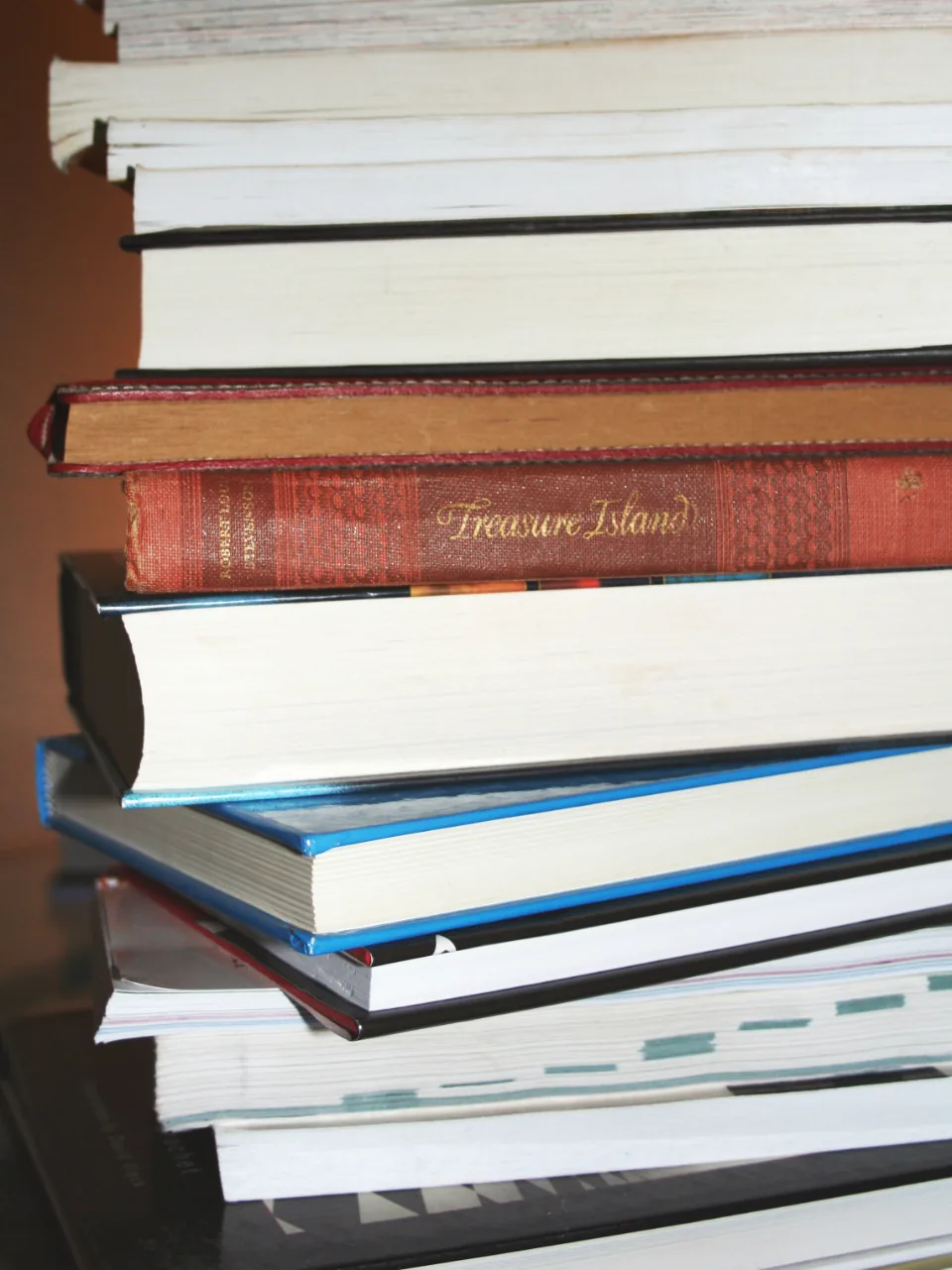

Find a Legal Digital Textbook
Step 1
Find a Legal Digital Textbook
Choose a trusted free textbook website, your school library, or the publisher. Confirm that you can access the file and review the license or terms before downloading it.
Import the File into Readify
Step 2
Import the File into Readify
Upload the PDF, EPUB, Word document, or supported scanned pages you already use for class. Keep the original chapter structure so it is easy to move between sections.
Listen, Follow, and Review
Step 3
Listen, Follow, and Review
Choose a natural voice, set a comfortable speed, and follow synchronized text as the chapter plays. Pause for diagrams, replay difficult paragraphs, and return to important sections before class or an exam.

Why Turn Textbooks into Audio?

Audio textbooks do not replace close reading, diagrams, or problem solving. They add another route into the material you already need to study.
Make Dense Chapters Easier to Start
A long wall of text can feel less intimidating when narration gives it a clear pace. Listen to the opening pages, build context, and slow down where the ideas become technical.
Study When Reading Is Not Practical
Continue with assigned reading during a commute, a walk, or a routine task. Audio textbooks help you use more of the day without pretending every passage can be mastered without the page.
Replay Definitions, Processes, and Key Terms
Repeat the paragraph that explains a new concept instead of searching through the entire chapter. Hearing the same explanation again supports review before lectures, quizzes, and exams.
Give Your Eyes a Break Without Losing Your Place
Switch from visual reading to listening while the text remains available for reference. Return to the exact section when a formula, table, citation, or diagram needs closer attention.

A Listening Experience Built for College Textbooks

Readify keeps the page and audio connected, giving technical course material more control than a conventional audiobook.


Follow Synchronized Text Highlighting
See the current passage as you hear it. Synchronized highlighting helps you stay oriented in long chapters and return to the page when a key term appears.
Choose a Natural Voice and the Right Speed
Select a voice that is comfortable for a long study session. Move faster through familiar review and slow down when a new concept needs more attention.
Resume, Revisit, and Review Key Sections
Keep your place across study sessions, replay difficult explanations, and return to sections that matter for the next lecture or exam.
Use the Course Files You Already Have
Bring supported PDFs, EPUB files, Word documents, and scanned textbook pages into one listening workflow. OCR helps with image-based pages when the text can be recognized clearly.

Frequently Asked Questions

Where can I find free college textbooks legally?

Start with established open-education collections such as OpenStax, the Open Textbook Library, OER Commons, LibreTexts, and the B.C. Open Collection. DOAB is useful for open-access scholarly books. Always check the license and file options on the individual resource page.

Does Readify provide or host free college textbooks?

No. Readify is a reading and text-to-speech tool, not a textbook library or distributor. Find a legal copy through a publisher, library, school, or open textbook website, then import a supported file you are permitted to use.

Can Readify read PDF textbooks?

Yes. Import a supported PDF textbook and listen with synchronized text. Results are best when the PDF contains clear, selectable text; image-based or scanned pages may depend on OCR quality.

Can I listen to a biology textbook with Readify?

Yes. Import a biology textbook file you are allowed to access, choose a comfortable voice and speed, and listen chapter by chapter. Keep the visual page nearby for diagrams, labels, equations, and tables.

What are audio textbooks?

Audio textbooks are spoken versions of textbook content. Some are professionally recorded by publishers; others can be created from a digital text file with text-to-speech. Readify turns supported course files into a listen-and-follow experience.

What is the best way to listen to audiobooks and textbooks for studying?

Use audiobooks for continuous listening and synchronized text-to-speech when you need to move between audio and the page. For textbooks, listen in short sections, pause for visuals, replay key definitions, and adjust speed to match the material.

Are all free textbook websites legal?

No. A website calling a book free does not automatically mean it has permission to distribute it. Prefer official publishers, libraries, and open-education repositories, and confirm the license or access terms before downloading a file.