New: natural AI voices in 30+ languages — press play on anything you read
All Topics

Turn Business Documents into Clear, Useful Audio

Listen to proposals, policies, meeting notes, and permitted Google Docs content without losing sight of the page. Readify adds controlled audio and synchronized text to the documents that move everyday work forward.

iOS App
Listen on iPhone and iPad
Scan to download app
Android App
Listen on any Android device
Scan to download app

Listen to the Documents Behind Everyday Decisions

Business documents carry commitments, instructions, context, and next steps. Audio creates another way to review them while the visible text preserves the wording that matters.


Review Proposals Before the Next Conversation
Listen through a proposal or client brief to hear its structure, value case, and open questions. Pause at prices, dates, deliverables, and conditions, then verify those details directly on the page.
Prepare for Meetings with Shared Context
Hear the agenda, briefing notes, or decision record before a meeting. Audio helps refresh the narrative, while the document remains available for names, figures, ownership, and deadlines.
Understand a Business Case from Start to Finish
Use a complete listening pass to follow the problem, recommendation, evidence, and requested decision. Return to the source before quoting figures or acting on a specific clause.
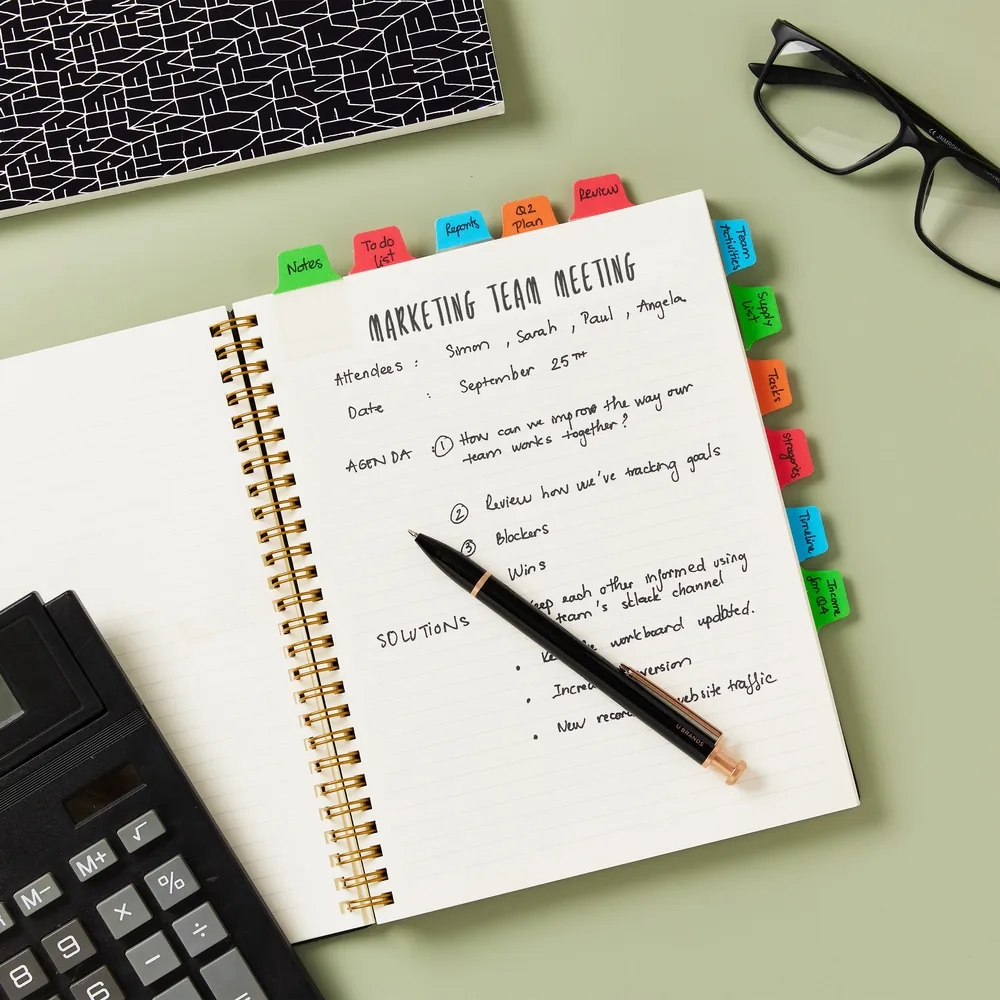
Turn Meeting Notes into Actionable Review
Listen to decisions and action items after the meeting instead of letting notes disappear in a folder. Recheck owners, due dates, and exact commitments in the original document.

From Business Document to Audio in Three Steps

A simple workflow helps you listen for meaning while keeping important details anchored to the original document.


Add the Document You Are Allowed to Process
Step 1
Add the Document You Are Allowed to Process
Upload a supported file, add permitted webpage content, or paste text from your working document. For a Google Docs read aloud workflow, use content you are authorized to copy or export and follow your organization's handling rules.
Choose a Voice and Review Pace
Step 2
Choose a Voice and Review Pace
Use a measured pace for policies, contract-like language, and unfamiliar terminology. Move faster through familiar background, then slow down whenever a number, obligation, or decision needs attention.
Listen, Pause, and Confirm the Source
Step 3
Listen, Pause, and Confirm the Source
Follow synchronized text as the document is spoken. Pause at critical passages, reopen the source, and confirm exact language before making a decision, forwarding a summary, or assigning work.

Make Business Reading Easier to Review

Listening is useful for orientation, repetition, and continuity. Visual confirmation remains essential wherever wording, numbers, formatting, or approval status affects the outcome.
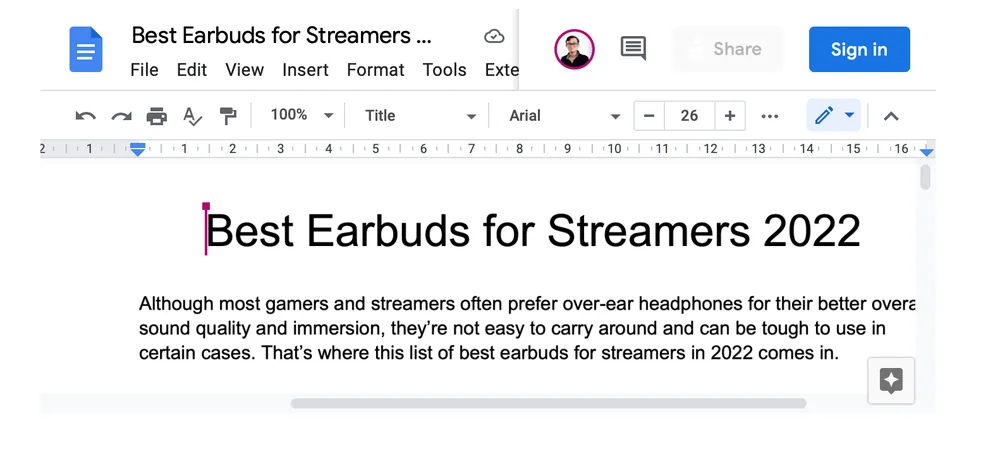

Use a Google Docs Read Aloud Routine
When a working draft lives in Google Docs, copy or export permitted content into a supported Readify workflow. Listening can reveal the document's flow while synchronized text keeps each spoken passage visible.
Hear the Logic Before Checking the Details
A first listening pass can make the sequence of a proposal or memo easier to recognize. Use a second visual pass for exact figures, tables, version changes, and approval language.
Create More Time for Document Review
Listen during a suitable low-risk part of the day, then return to the page when close attention is available. Do not play confidential material in public or where others can overhear it.
Repeat Policies and Process Language
Replay a definition, procedure, or exception without rereading the full document. Repetition can support familiarity, but the current controlled version remains the authority for workplace action.

A Listening Experience Built for Business Documents

Readify keeps audio connected to visible text, giving professionals practical control over how they move through document-heavy work.


Synchronized Text for Exact Wording
Track the active passage while it is spoken. Names, dates, responsibilities, and decision language remain visible so audio does not separate meaning from the source.
One Library for Supported Work Material
Keep supported files, permitted webpages, and pasted text in a consistent listening library. Separate projects or document groups so the right version is easier to find again.
Flexible Playback for Different Documents
Match speed to complexity. A short memo may suit a faster pace, while a policy, proposal, or technical brief benefits from slower playback and targeted replay.
Resume Review Across Work Sessions
Return to the same place after a call, meeting, or focused task. Resume support helps split a substantial document into manageable listening sessions without losing the thread.

Frequently Asked Questions About Business Documents and Text to Speech

What are business documents?

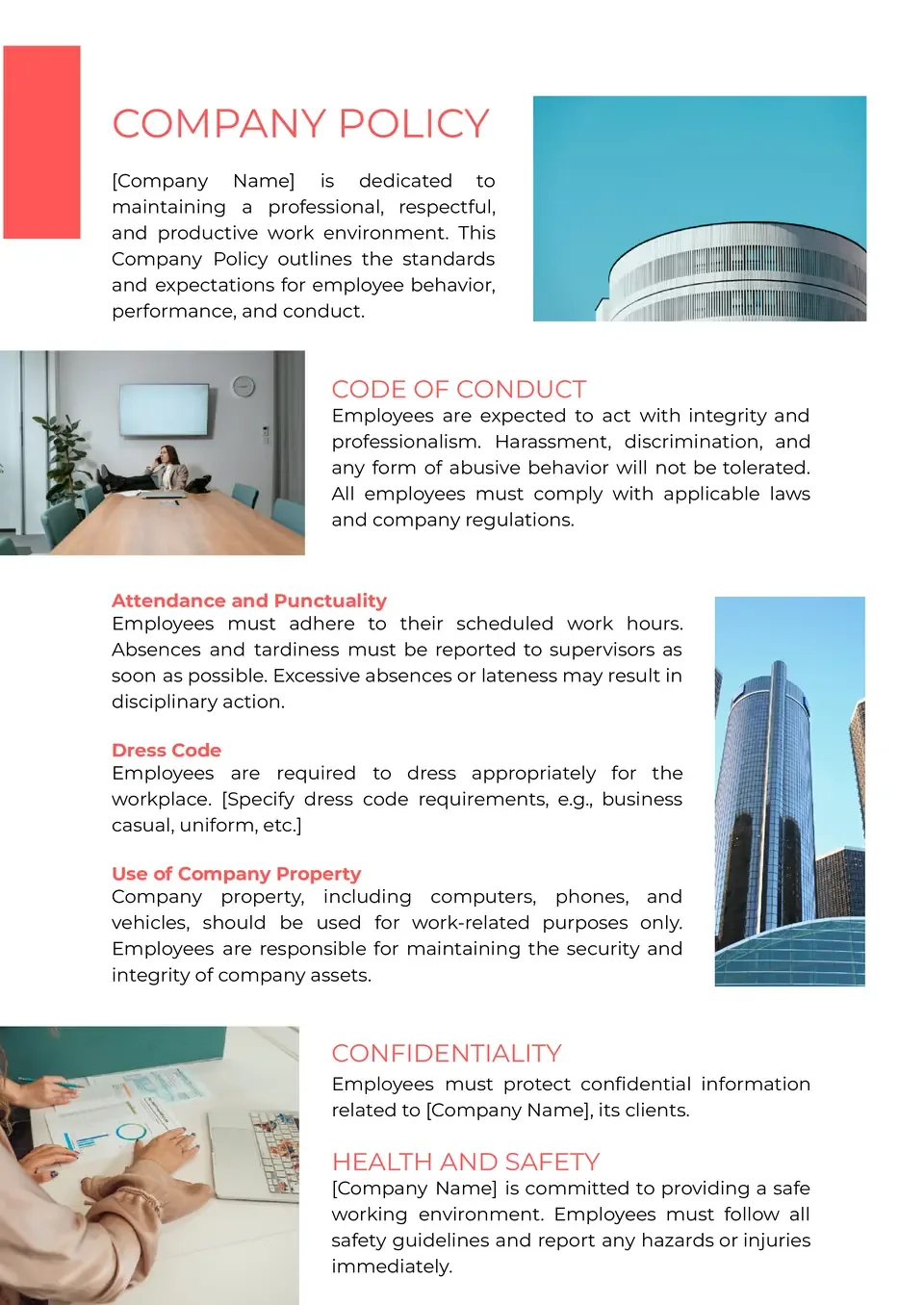
Business documents are materials used to communicate, record, propose, instruct, or support decisions at work. Common examples include proposals, memos, policies, procedures, meeting notes, briefs, and client documents.

Can Google Docs read aloud?

Available Google Docs and browser accessibility options can change by account, browser, device, and region. For a separate listening workflow, you can copy or export content you are permitted to process and add it to a supported Readify format.

How to do text to speech on Google Docs?

One approach is to use an accessibility or browser reading feature available in your current setup. Another is to copy or export authorized content into Readify, choose a voice and pace, and listen while following synchronized text. This does not imply a direct Google Docs integration.

What is the difference between text to speech in Google Docs and Readify?

A built-in or browser-based option may read the document in its current interface. Readify is designed as a listening library for supported files, permitted web material, and text, with synchronized reading and playback controls. Compare current platform capabilities before choosing.

Can I use text to speech on Google Docs for business documents?

Yes, when the content and your workplace rules allow it. Confirm access rights, confidentiality requirements, data-handling policies, and the current terms of any service before processing business material.

Can Readify read proposals, policies, and meeting notes?

Readify can provide a listening layer for material you add in a supported format. Results depend on the source file and text quality, so tables, formatting, dates, and decision-critical wording should still be checked visually.

Is text to speech safe for confidential business documents?

Safety depends on the document, your organization's rules, the service terms, and where audio is played. Do not upload or play restricted material unless authorized, and avoid listening where confidential information can be overheard.