
Introduction
The best reading apps do more than display an ebook. They organize books, open useful formats, improve reading comfort, and let people continue without staying fixed to a screen. When audio matters, the right reading app should make switching between reading and listening feel natural.
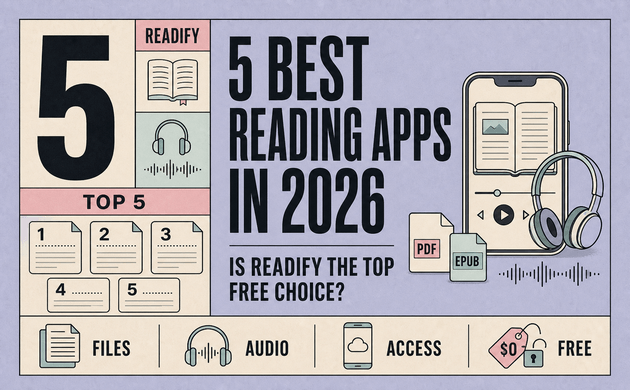
No single best free reading app wins every category. Libby handles library borrowing; Google Play Books combines purchased books with PDF and EPUB uploads; ReadEra is a local-file ebook reader app; and Inkitt focuses on fiction discovery. Readify combines an ebook library with text-to-speech for eligible personal documents.
If you want a reading app with text to speech, get started for free with Readify using one document you already need to finish. Then compare that experience with the other free reading apps below.
How We Compared the Best Reading Apps
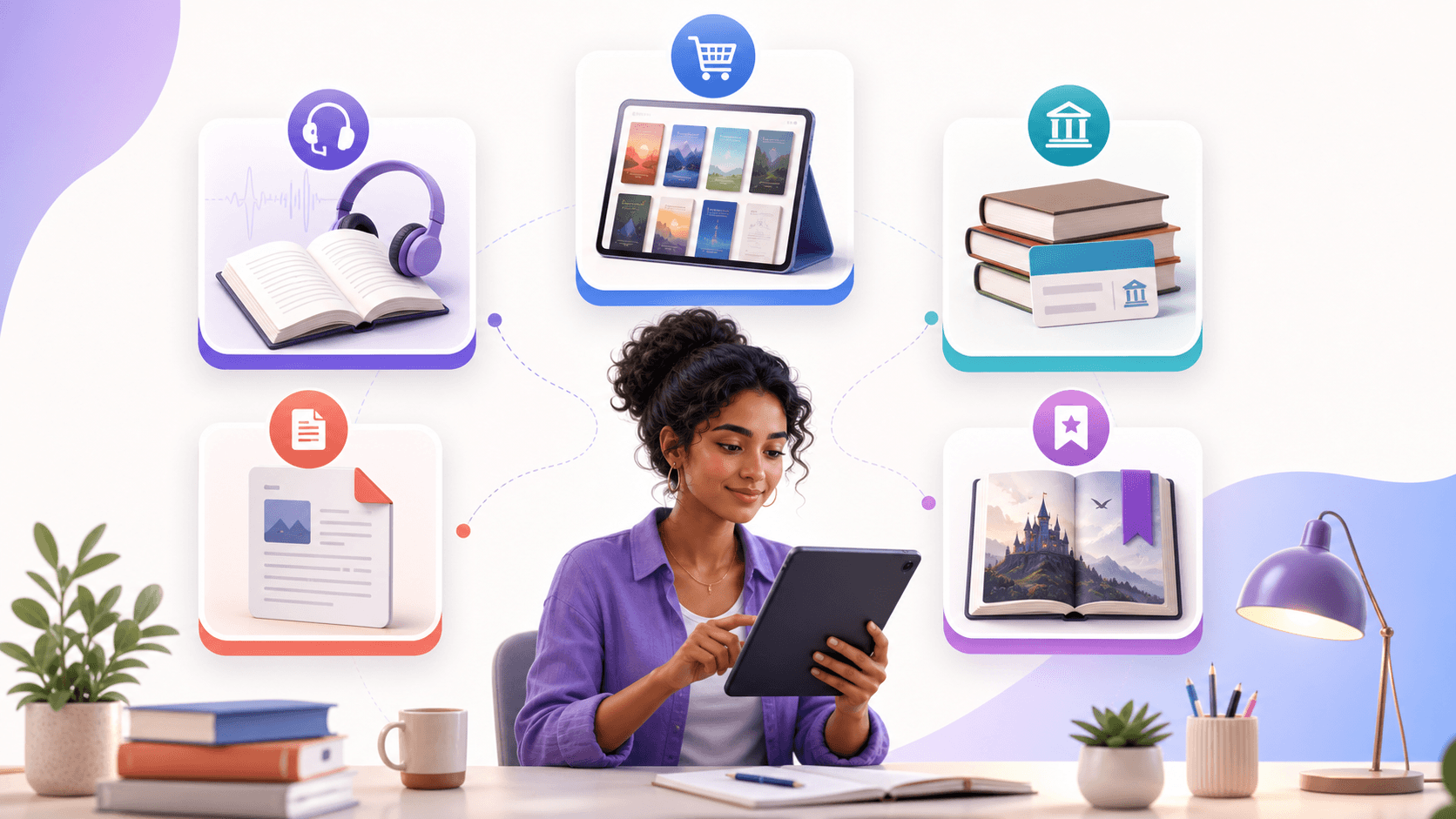
Calling something the best book reading app only makes sense when the criteria are clear. Ask six questions:
- Can it open personal files?
- Which formats does the ebook reader app support?
- Can it work as an app that reads books aloud?
- What does free access include or require?
- Are the controls practical for study and multitasking?
- Is the app accessible?
“Free” can mean a free installation with paid books, library loans requiring a card, platform-hosted stories, or a local-file PDF reader where you supply the content. A useful reading app comparison separates these models.
The test should cover a PDF reader with text to speech, an EPUB reader with text to speech, and the best reading app with text to speech for personal files.
Quick Comparison of Five Reading Apps
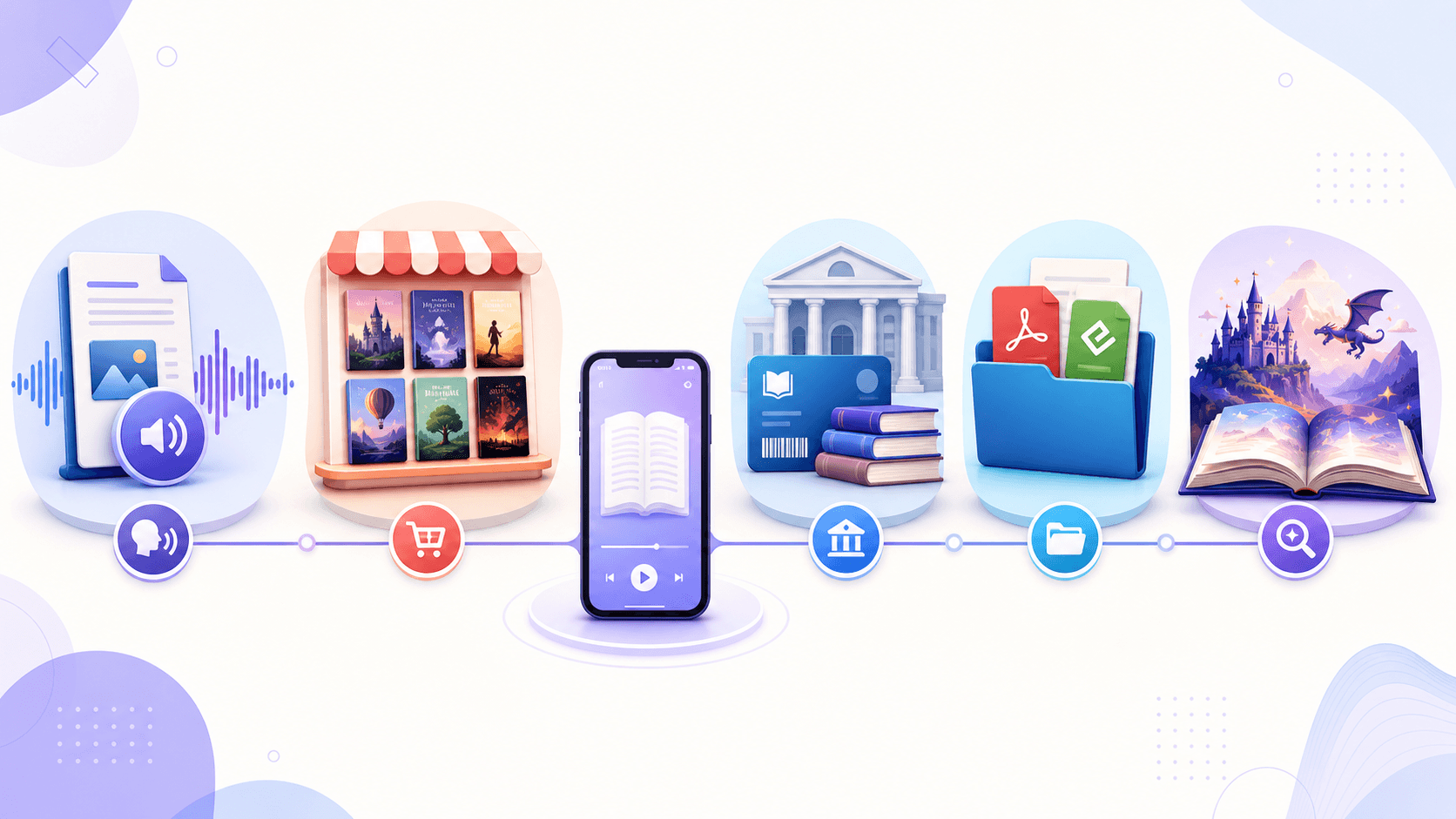
- Readify: Best for reading and listening to eligible personal PDF, EPUB, DOCX, TXT, and other supported files. It combines AI text-to-speech with visible text, but users generally bring their own eligible content.
- Google Play Books: Best for purchased ebooks and a synced Google library. It accepts PDF and EPUB uploads, although much of its commercial catalog is paid.
- Libby: Best for borrowing ebooks, audiobooks, and magazines. It offers professionally produced library audiobooks but requires a participating library and available loans.
- ReadEra: Best for reading many local document formats. Its strength is broad file support and visual reading, while users should verify current audio features for their platform.
- Inkitt: Best for discovering serialized and independent fiction. Its catalog stays within the Inkitt ecosystem and is not intended for importing a personal document library.
1. Readify: Best for Reading and Listening to Personal Files
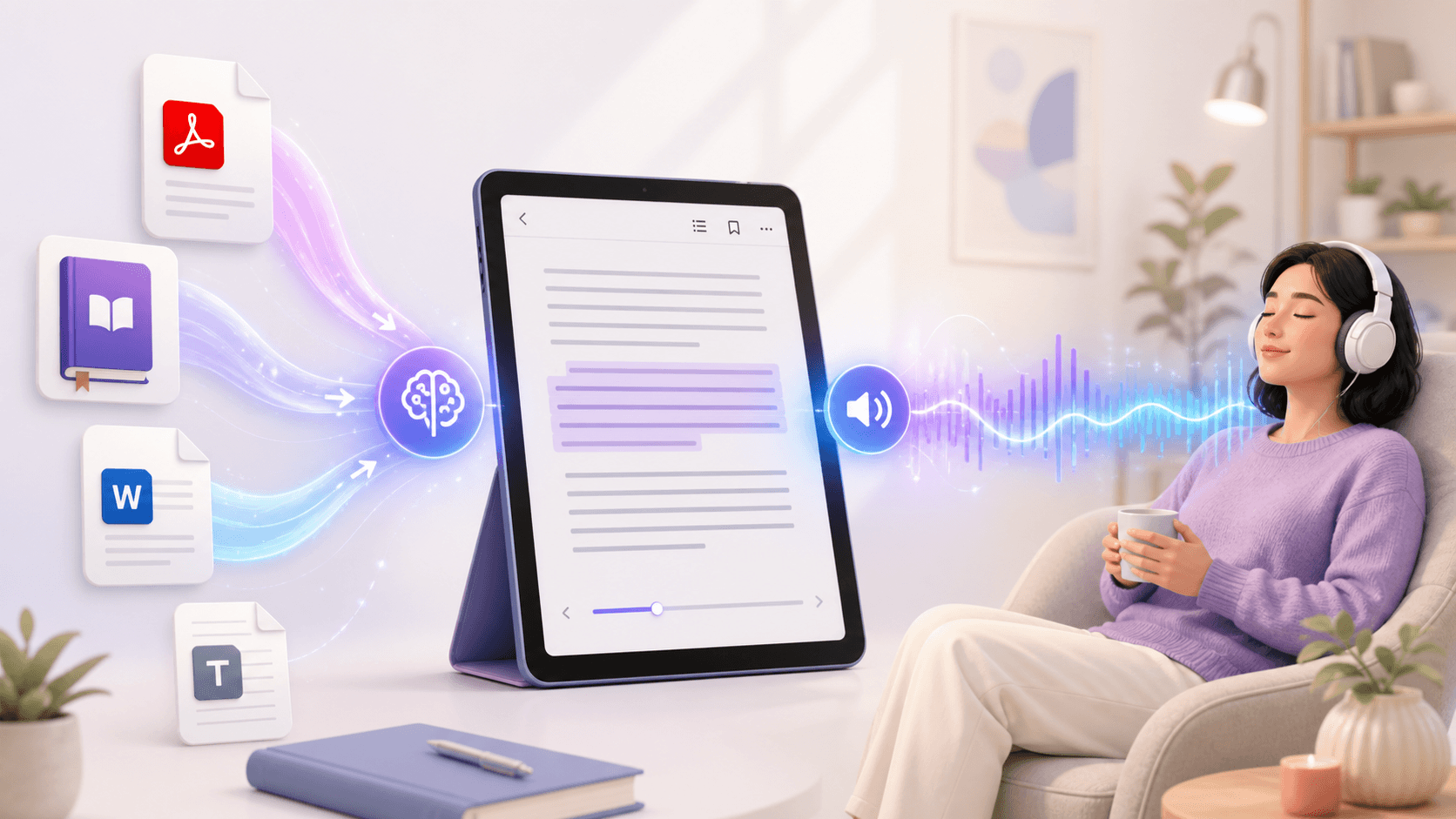
Readify is the strongest candidate for readers who want a text to speech reading app rather than a conventional bookstore. It accepts supported PDF, EPUB, DOCX, and TXT files, then turns the text into spoken audio while keeping the written content available on screen.
That makes it useful as an app that reads books aloud during commuting, walking, chores, or a screen break. Its public site currently lists more than 100 natural voices across over 50 languages, plus pace controls and synchronized highlighting. Readers can listen, return to a quotation, and continue in the same material.
Positioned as a free AI reader, it should still be tested with a representative file. The practical question is whether the free reading app handles the document you use most.
Choose this option when you:
- already have eligible ebooks, articles, reports, or study documents;
- want an app that reads text aloud with natural voices;
- prefer visible text and audio in the same workflow;
- need a PDF reader with text to speech or an EPUB reader with text to speech.
For a closer feature walkthrough, see this Readify guide to reading and listening with personal books.
2. Google Play Books: Best for a Google-Based Ebook Library
Google Play Books is one of the best reading apps for Google ebook buyers. It offers display controls, bookmarks, notes, and offline downloads for supported books.
It can also serve as a basic PDF reader and EPUB reader. Google's official instructions confirm that users can upload PDF and EPUB files to Google Play Books and access them on signed-in devices.
It is not automatically the best free reading app for commercial books: the application is free to install, but many titles are individual purchases. It suits readers in Google's ecosystem more than someone seeking a dedicated free audiobook app or advanced TTS reader.
3. Libby: Best for Free Library Borrowing
Libby belongs among the best free reading apps because it connects readers with participating libraries. Its official help center confirms access to free ebooks, digital audiobooks, and magazines with a valid library card, with streaming, downloads, and automatic returns.
For published titles, Libby may be the best app to read books without buying each one. The tradeoff is availability: catalogs vary, holds may apply, and Libby does not serve as a general importer for personal PDF or DOCX files.
Choose Libby if borrowing is your priority. Choose a document-based reading app with text to speech when the material comes from your own authorized library rather than a public-library catalog.
4. ReadEra: Best for Broad Local-Format Support
ReadEra is a strong book reading app for Android users with mixed local files. Its official site lists EPUB, PDF, MOBI, AZW3, DOC, DOCX, RTF, ODT, TXT, and comic support, plus organization, bookmarks, notes, themes, and text controls. Review the current ReadEra format and reading features before installing it.
This makes ReadEra a practical free ebook reader app for format coverage and visual customization, especially when books already live on an Android device.
For audio, verify the current platform and edition rather than assuming every local ebook reader app provides the same narration. The first option centers its workflow on natural AI narration; ReadEra's public positioning emphasizes reading and document management.
5. Inkitt: Best for Discovering Free Fiction
Inkitt focuses on community-published romance, fantasy, science fiction, thriller, and young-adult stories. Its strengths are recommendations and serialized reading without file imports.
Inkitt is a useful free book app for fiction discovery, but less suitable as a flexible PDF reader, academic digital reading app, or app that reads books aloud from a personal collection. For personal documents converted into audio, a dedicated free AI reader better matches the task.
Which Features Matter Most in the Best Free Reading App?
Support for the Files You Actually Read
Do not choose an ebook reader app from a format list alone. Test a real PDF, structured EPUB, and DOCX file. Check reading order, search, and saved position.
Format quality matters as much as the extension. The W3C EPUB 3.3 standard defines EPUB as structured web content packaged for digital publication and includes specifications for reading systems and accessibility.
Reading Aloud and Natural Audio
An app that reads text aloud creates reading time when hands or eyes are busy. The DAISY Consortium develops standards and guidance for accessible digital reading, including work designed to improve access for people with print disabilities. Audio alone does not make an app accessible, but it is a useful alternative to visual reading.
When comparing a TTS reader, listen for clear pronunciation, natural pauses, stable playback, highlighting, speed control, and easy navigation. The best reading app with text to speech should let you return to the visible passage whenever close reading matters.
A Free Model You Understand
The best free reading app should explain where its content comes from. Libby uses library lending. Inkitt provides platform-hosted stories. Google Play Books combines purchased content with personal uploads. ReadEra reads local files. A document-based TTS reader turns eligible user-supplied content into a combined reading and listening experience.
For another legal source of free material, Project Gutenberg provides more than 75,000 free ebooks. Check each title's license and the applicable rules in your location before importing or redistributing it.
Accessibility Beyond Font Size
Useful accessibility includes understandable navigation, screen-reader compatibility, contrast, adjustable text, and reliable controls. A reading app for visually impaired users should be tested with the person's actual assistive technology and device.
Readify supports VoiceOver on iOS and connects spoken narration with visible text. That can help some visually impaired users and readers with print-related barriers, but individual needs differ. No product should treat one font, theme, or audio button as proof that every accessibility requirement has been solved.
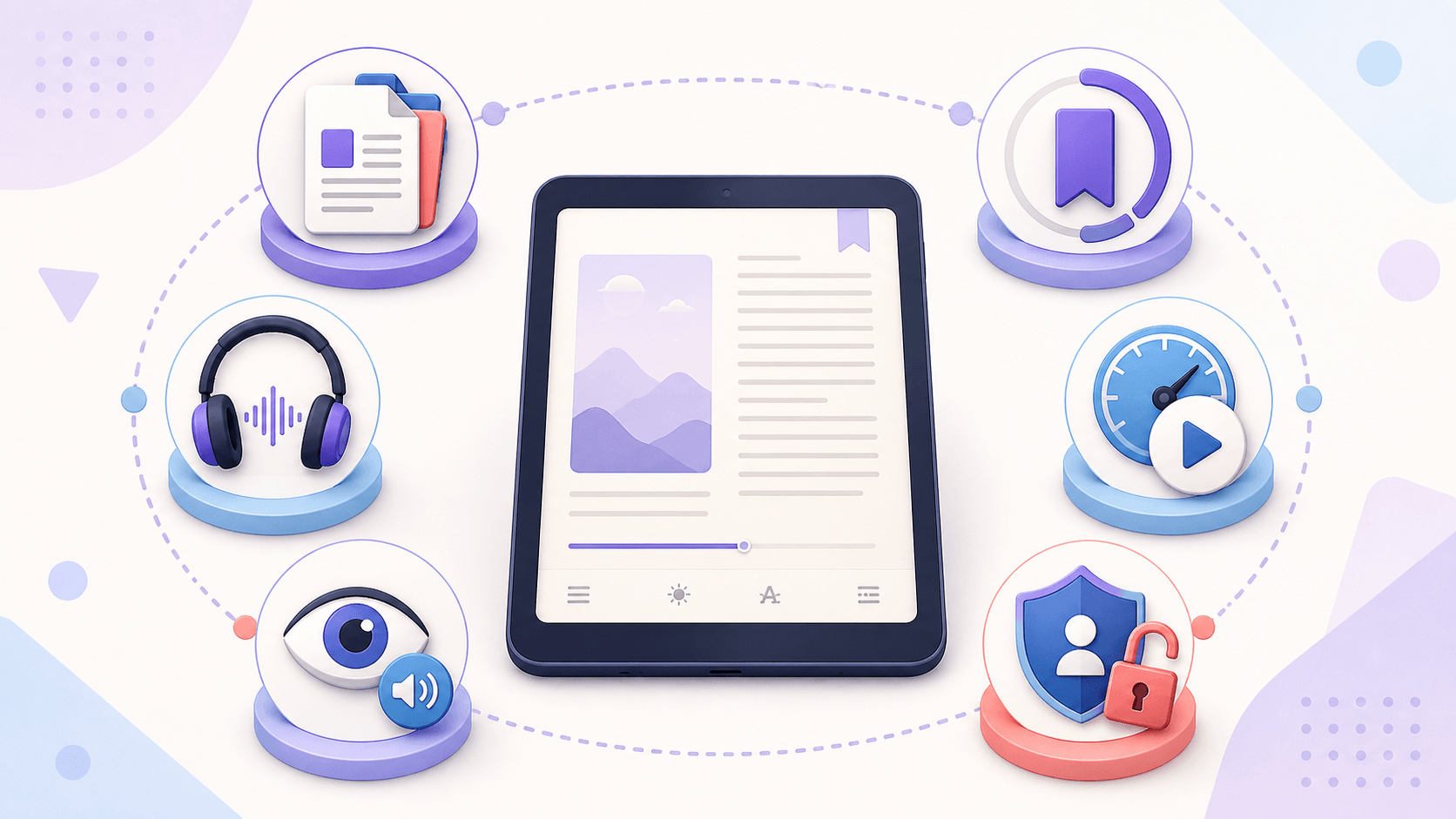
How to Choose Among the Best Reading Apps
Test one document before moving your library:
- Choose one book or document you genuinely want to finish.
- Confirm that the reading app can legally access or import it. The U.S. Copyright Office explains that copyright protects original works including books, so use content you own, are authorized to use, or may lawfully access.
- Read for five minutes and check layout, search, navigation, and bookmarks.
- If audio matters, listen for ten minutes and test replay, speed, highlighting, and background playback.
- Close the app, switch devices if relevant, and confirm that your place is saved.
- Check the current free limits, privacy information, and platform support.
This test makes a reading app comparison personal. Borrowers may choose Libby; Android file readers may prefer ReadEra; fiction fans may enjoy Inkitt; and Google users may stay with Play Books. Someone needing a free AI reader may prefer the document-focused option.
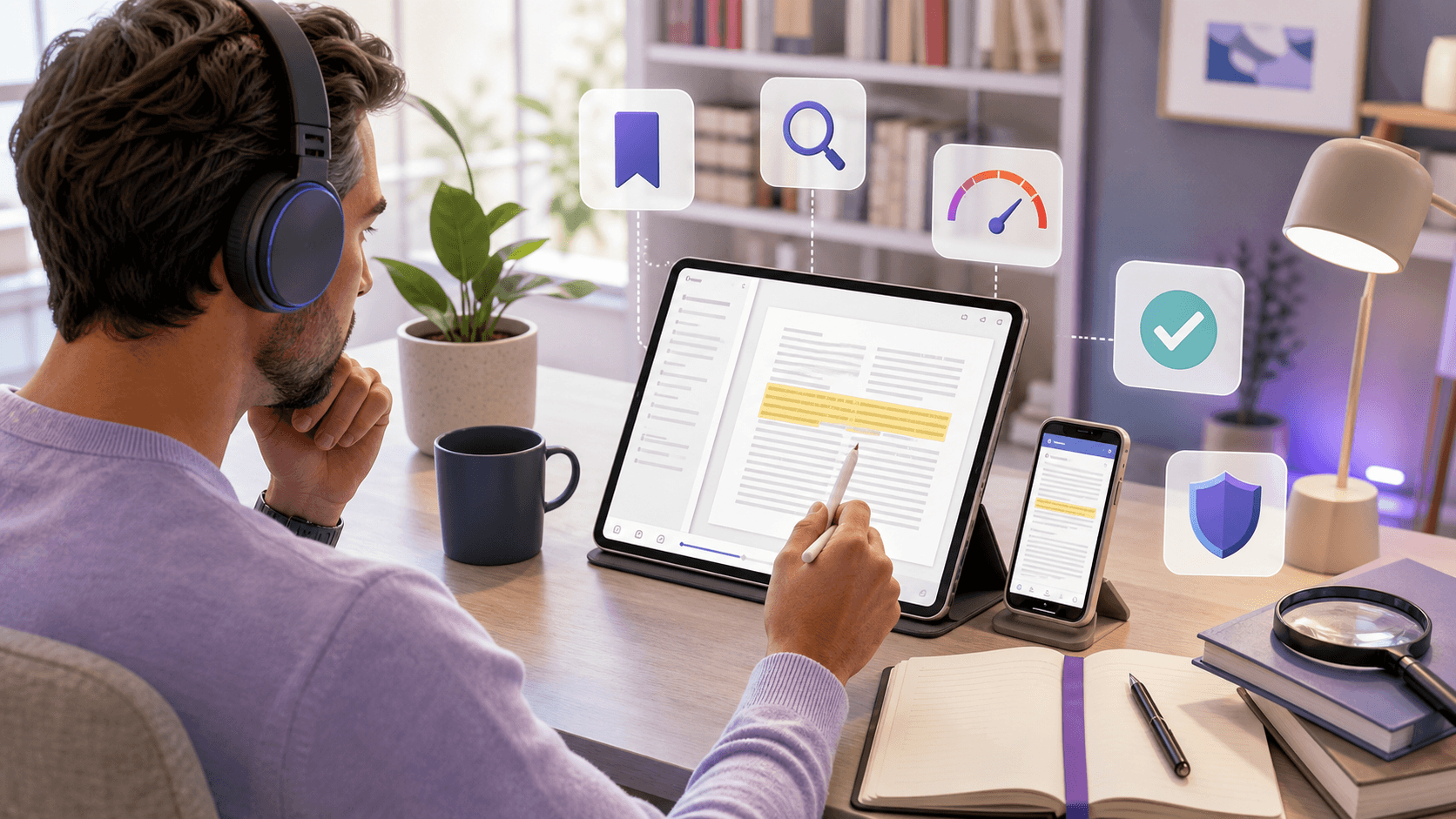
Frequently Asked Questions
What Are the Best Reading Apps for Free Books?
The best reading apps for free books include Libby for library loans, Inkitt for platform-hosted fiction, ReadEra for local files, and a reading app with text to speech for eligible personal content. The right free reading app depends on whether you want a catalog, library borrowing, file support, or text-to-speech.
What Is the Best Free Reading App Without a Library Card?
ReadEra can read compatible local files without a library card, while Inkitt provides stories within its own platform. A text to speech reading app is another option when you own or have permission to use the document. Commercial titles may still need to be purchased or lawfully obtained.
Which Reading App Can Read Books Aloud?
Readify is an app that reads books aloud using AI text-to-speech for supported personal files. Libby includes professionally produced audiobooks available through participating libraries. Other reading apps may provide audio only for certain titles, formats, platforms, or editions, so test the exact content you need.
What Is the Best Reading App with Text to Speech?
The best reading app with text to speech should accept your file formats, use clear voices, highlight spoken text, remember your position, and provide practical playback controls. Readify is designed around this combined workflow and supports multiple document formats and natural voices.
Can a Free Ebook Reader App Open PDF and EPUB Files?
Yes. Google Play Books accepts PDF and EPUB uploads, ReadEra supports both formats, and Readify supports PDF and EPUB alongside DOCX and TXT. Import quality can vary, especially with scanned or multi-column PDFs, so test a representative document.
Is Readify the Best Choice Overall?
Readify is the strongest choice in this comparison for readers who want personal-file support and natural text-to-speech in one reading and listening app. It is not automatically best for borrowing library books or discovering serialized fiction. The winner depends on the job you need the app to perform.
Final Verdict: Which Reading App Should You Choose?
There is no universal winner among the best free reading apps. Libby is the clearest choice for library borrowing. Google Play Books suits people invested in Google's ebook ecosystem. ReadEra handles a wide range of local formats, and Inkitt helps fiction fans discover new stories.
For eligible personal documents, however, Readify offers the most distinctive combination: visual reading, natural narration, broad format support, synchronized text, and flexible voice controls. If your definition of the best free reading app includes both reading and listening, it deserves the first test.
Try Readify for free with one authorized book, article, or document and decide from a real reading session—not a feature list.
