
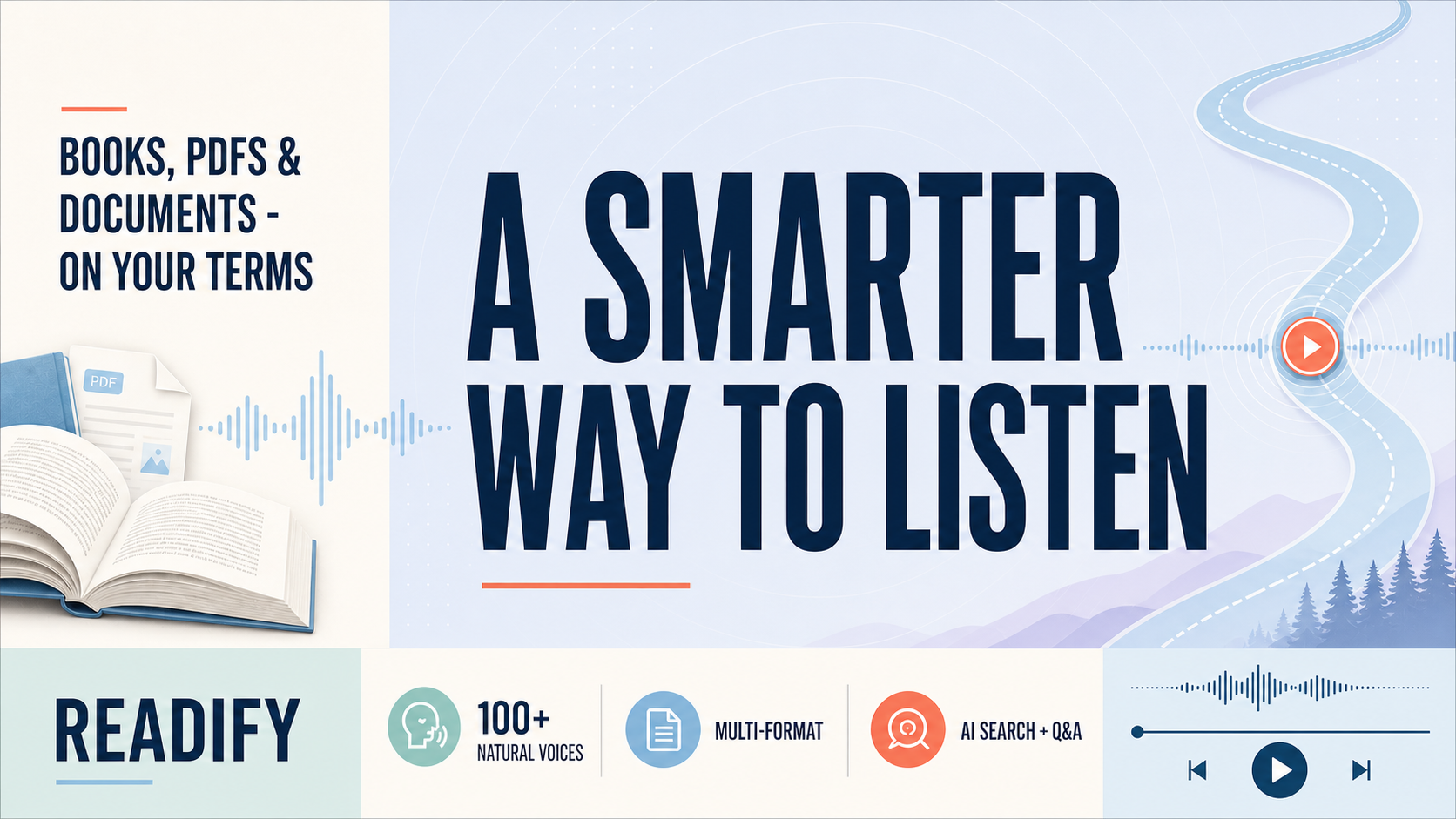
A Smarter Way to Listen to Your Books
Books do not have to compete with every other part of the day. A long commute, a full study schedule, and tired eyes can all make it harder to sit with a page. Readify offers a calmer alternative: bring the text you are allowed to use into one place, choose a voice, and let listening fit around your routine.As a text to speech reader, Readify is designed for people who want less friction between opening a document and understanding it. Its format support, voice options, search tools, and listening controls make it useful for leisure reading, coursework, and everyday documents. For anyone seeking a text to speech reader free option, the goal is simple: make a reliable listening habit without ads or paywalls interrupting the flow.
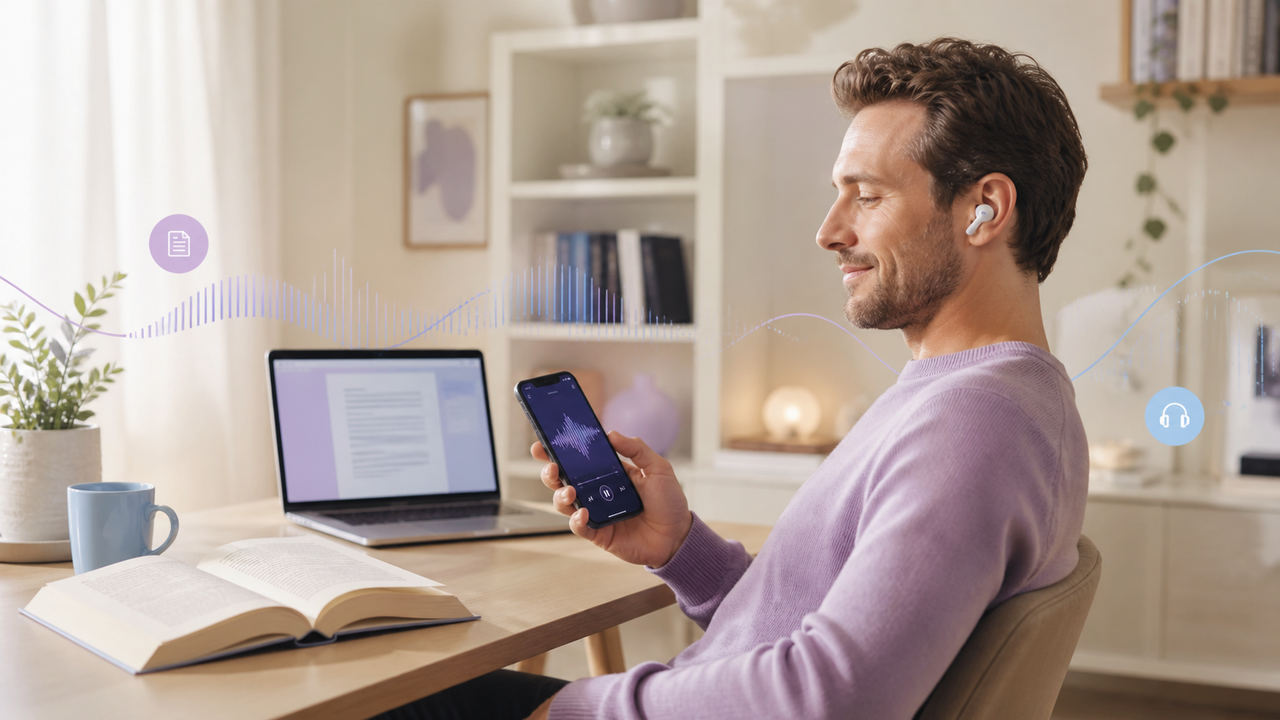
What makes Readify a smarter listening space?
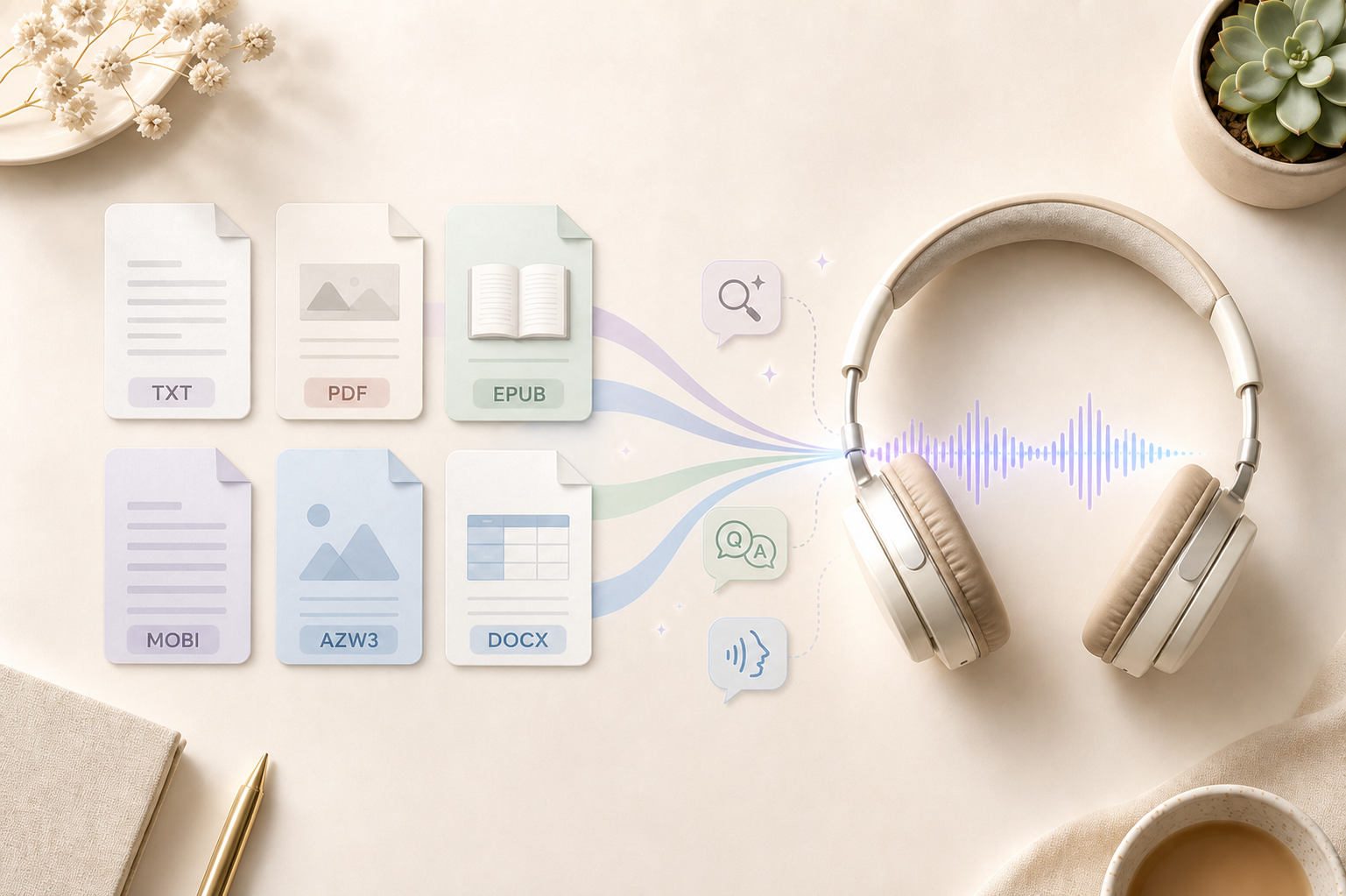
Readify is a free AI reader for people who prefer a simple, natural way to hear written material. Rather than limiting your library to a single file type, it supports TXT, PDF, EPUB, MOBI, AZW3, and DOCX. That flexibility matters when your reading life includes older saved files, new ebooks, class handouts, and work documents.
The experience begins with a clear choice: import authorized material, select one of 100+ natural AI voices, and set a pace that matches the moment. A thoughtful AI audiobook narration experience can help a dense chapter feel less tiring, while a familiar voice can make it easier to return after an interruption. Readify keeps the controls close to the listening session instead of hiding them behind a complicated setup.
For readers looking for a Speechify alternative, tools such as Kurzweil 3000 may be part of the comparison. The best fit depends on the material you have and the routine you want to build. Readify focuses on free, uninterrupted listening and practical tools for finding, hearing, and understanding your own reading list.
Bring more file formats into one reading routine
File compatibility is more than a checklist. It determines whether you can continue a book when it arrives in a new format or listen to a report without rebuilding your workflow. With Readify, a saved PDF can become a PDF to audiobook listening session, while longer digital books can follow an ebook to audiobook routine.Use pdf text to speech for eligible lecture notes, reports, and reference material. An EPUB to audiobook workflow is useful for reflowable ebooks, while MOBI to audiobook and AZW3 to audiobook options help keep older personal libraries within the same listening habit. When a document begins as a manuscript, notes, or a draft, DOCX text to speech gives you another way to review it away from the keyboard.
Only convert books and documents you own, have permission to use, or may lawfully access and transform. Copyright rules still apply when text becomes audio, whether you are listening privately or preparing a study queue.
Find books faster with AI search and Q&A
A large reading list can be useful and still be difficult to navigate. Readify includes AI search for books to help readers locate titles within the app instead of bouncing between external sites. That can be especially helpful when you remember an idea, subject, or title fragment but not the exact file location.Listening also creates questions. Readify's AI Q&A for books is built to support deeper engagement with plots, themes, and key ideas. Students can use it to orient themselves before a review session, while curious readers can revisit a concept without losing their place in the book. It works best as a learning companion: check important claims against the original material and use your own judgment for assignments or research.For longer listening plans, the AI audiobook generator workflow can help turn authorized text into a queue that feels ready when you are. Pair search with a clear folder structure and a few intentional playlists, such as study, fiction, and work reading, to spend less time looking and more time listening.
Designed for focus, rest, and accessibility
Good listening is not only about the voice. It is also about knowing when to pause, how the page looks when you return, and whether the controls respect your attention. Readify includes a sleep timer, layout options, and custom reading themes so people can shape an experience that feels less demanding late at night or during a long session.Those choices can support screen-free reading when your eyes need rest, while still leaving the original text available for close review. They can also make dyslexia-friendly reading easier to personalize through manageable pacing, voice choice, and a calmer visual environment. Accessibility needs vary, so the most useful settings are the ones that help you maintain focus without forcing a single reading style.
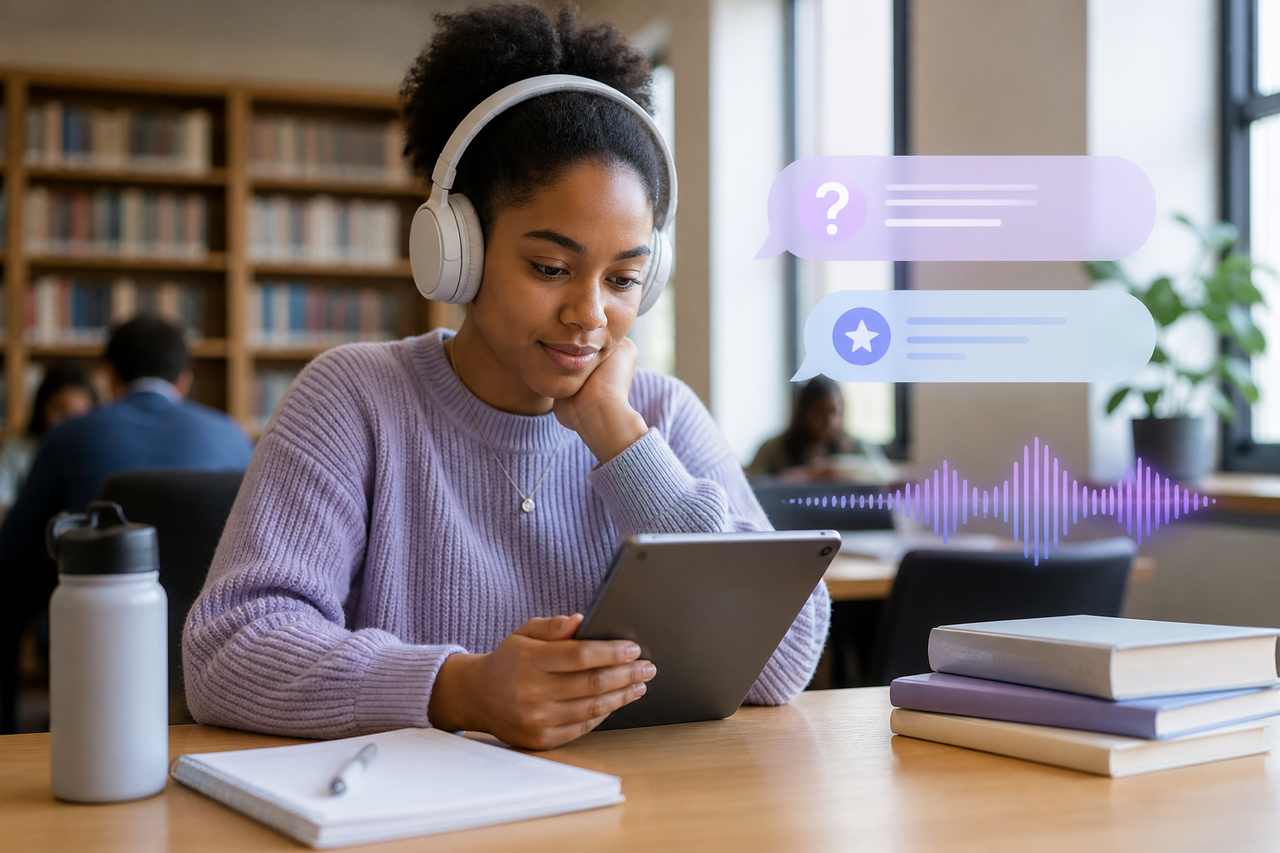
Where Readify fits into everyday life
Readify works best when it serves a real moment in your day. A student can listen to assigned reading before class, then return to the page to highlight a passage. A professional can hear a report on the way to work and review the details later. A parent can continue a chapter while preparing dinner, and a leisure reader can use a sleep timer to end an evening session gently.
- Students: Turn eligible notes and chapters into a repeatable audio review routine.
- Knowledge workers: Listen to saved reports and drafts when a screen is not practical.
- Language learners: Follow the text while hearing natural pacing and pronunciation.
- Readers with attention challenges: Use a voice, theme, and speed that make restarting easier.
- Book lovers: Keep personal ebooks and documents together instead of relying on one catalog.
A browser tool can be useful for a quick webpage, too. You may compare a text to speech chrome extension for short selections or a read aloud chrome extension for a browser-based session. Readify is a better home base when you want your documents, books, voice choices, and learning tools to remain in one focused listening space.
How to start listening with Readify
- Choose a book or document you are authorized to use.
- Import a supported TXT, PDF, EPUB, MOBI, AZW3, or DOCX file.
- Select a natural voice and a comfortable playback pace.
- Use AI search to locate a title or explore AI Q&A when you need context.
- Adjust layout, theme, and the sleep timer to match the time you have.
- Return to the original text whenever you want to annotate, quote, or study closely.
The most sustainable routine is usually small. Start with ten minutes of an article, a chapter, or a report. Once the habit is useful, expand your queue gradually instead of turning every unread file into another obligation.
FAQs
What file formats does Readify support?
Readify supports TXT, PDF, EPUB, MOBI, AZW3, and DOCX, giving listeners flexibility across personal ebooks and documents.
Is Readify free?
Readify is positioned as a free AI reader with no ads or paywalls in the listening experience described here.
Can I use Readify for studying?
Yes. The combination of natural voices, AI search, and AI Q&A can support study routines, especially when you verify important information in the source text.
Can Readify turn a PDF or ebook into audio?
Yes, for content you are authorized to use. Readify supports document and ebook listening workflows, including PDF to audiobook and ebook to audiobook use cases.
Listen on your terms
Readify brings format flexibility, 100+ voices, search, Q&A, and reader-friendly controls into one free listening experience. If your books and documents are waiting for a quieter moment, you do not need to wait for the perfect chair or uninterrupted afternoon. Choose an authorized file, choose a voice, and make listening part of the way you read.
