
Introduction
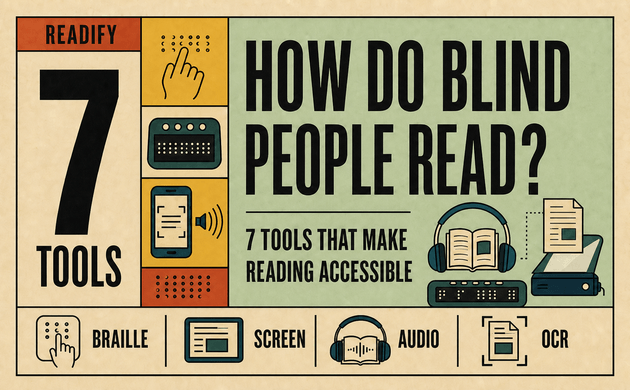
How do blind people read? There is no single method. Blind readers may use braille, screen readers, refreshable braille displays, audiobooks, optical character recognition, text-to-speech reading apps, or accessible digital libraries. The right choice depends on the material, device, setting, and reader’s personal preferences.
The question “how do blind people read?” deserves an answer built around independence rather than assumptions.
This variety matters because blindness is not one uniform experience. Some visually impaired users read enlarged text, while others rely primarily on speech or braille. Many switch between accessible reading tools during the same day: braille for careful spelling, a screen reader for email, and audio books for long-form reading. The goal is not to imitate sighted reading. It is to give each person efficient, independent access to information.
Understanding the question “how do blind people read?” therefore begins with choice rather than a single device. A useful explanation of how blind people read must include tactile literacy, audio access, digital navigation, and the freedom to move between them.
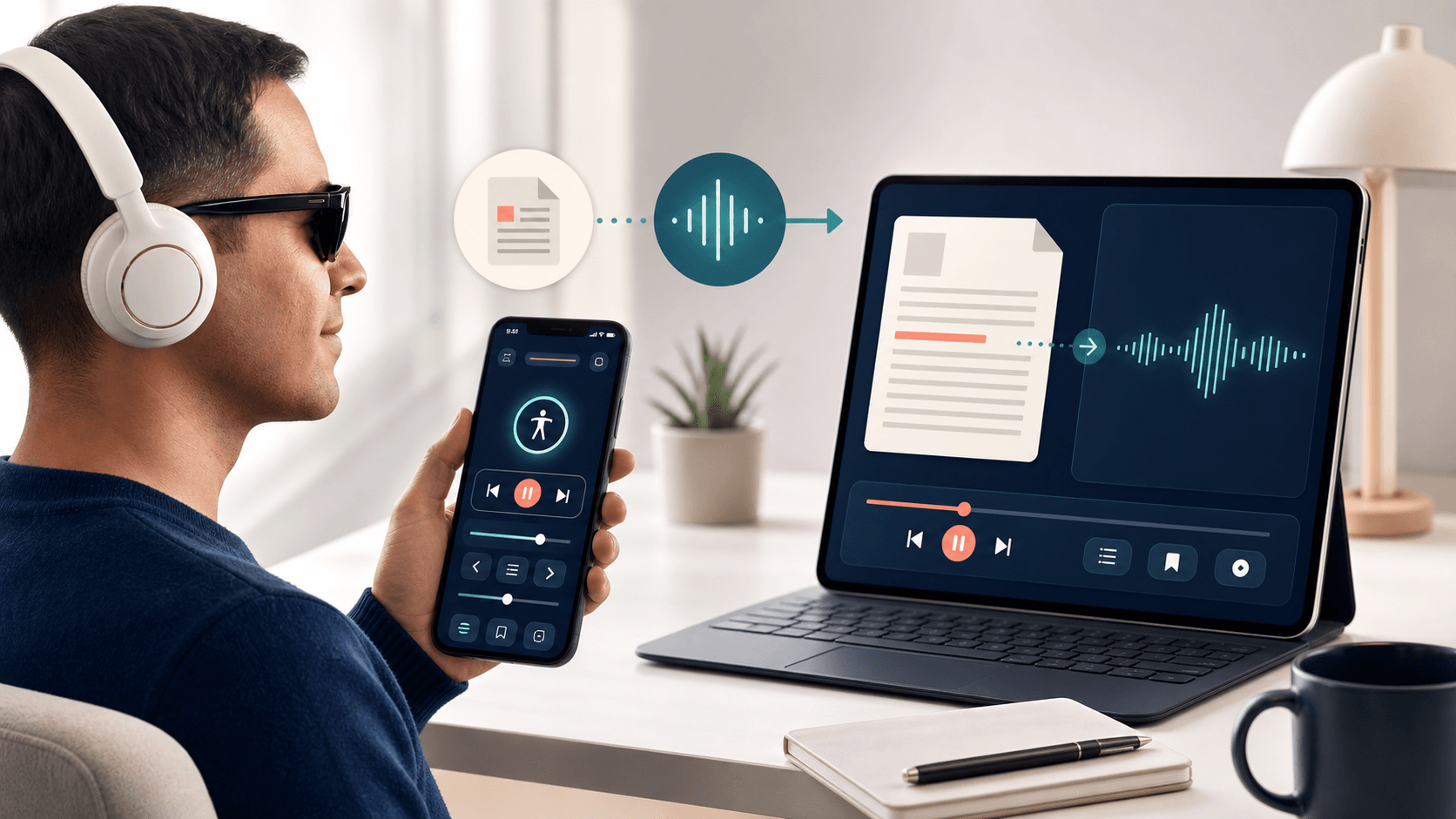
Readify fits that flexible approach by turning personal PDF, EPUB, DOCX, TXT, and web content into spoken audio. Its VoiceOver-compatible reading flow helps blind readers navigate and listen without fighting the interface. If you already have an eligible document you want to hear, you can start listening with Readify and test the experience with your own material.
How Do Blind People Read Without Seeing Printed Text?
Blind people read by accessing language through touch, sound, usable vision, or a combination of all three. Reading is the act of receiving and understanding written information; eyesight is only one route to it. This is why the answer to “how do blind people read?” includes both traditional literacy systems and modern assistive technology.
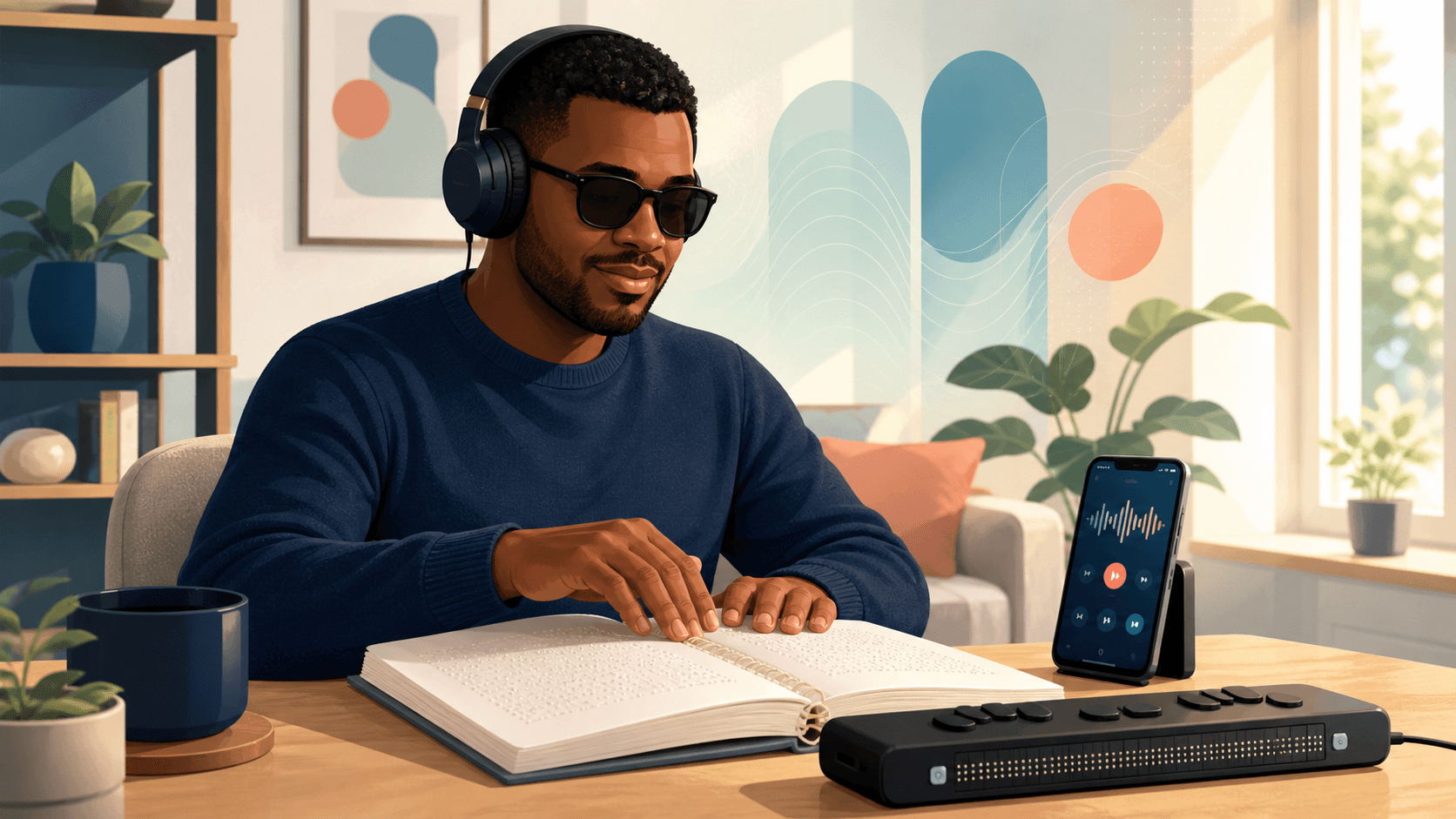
A person who has been blind since childhood may read braille fluently. Someone who loses vision later may prefer audio books and a screen reader. A low-vision reader may enlarge text and adjust contrast. Another reader may connect a refreshable braille display to a phone and read digital text line by line. These are not lesser versions of reading. They are different interfaces to the same language.
The most useful accessible reading setup usually combines several tools. The following seven options explain what blind people use to read books, websites, messages, school materials, work documents, and printed pages.
Looking at each option separately makes it easier to answer “how do blind people read?” in different situations. It also shows that how blind people read can change when the same person moves from a classroom to a commute, workplace, or home.
1. Braille for Reading Through Touch
Braille is a tactile writing system built from patterns of raised dots. Blind readers move their fingertips across the cells to identify letters, numbers, punctuation, contractions, and other symbols. Braille can appear on paper, signs, labels, packaging, and electronic displays.
Braille is especially valuable when exact spelling, punctuation, formatting, mathematics, or music notation matters. Audio can tell a reader how a word sounds, but braille shows how it is written. For students, editors, programmers, musicians, and professionals, that distinction can be essential.
Not every blind person reads braille, and proficiency varies. Age of vision loss, instruction, access to materials, sensitivity in the fingers, and personal preference all influence its use. Therefore, braille should be understood as one important answer to how blind people read, not the only answer.
When accuracy and spelling matter, braille is central to the answer to “how do blind people read?” It explains how blind people read written structure directly instead of receiving every detail through sound.
2. Screen Readers for Computers and Phones
A screen reader converts digital interface information into synthesized speech or braille output. It announces text, headings, buttons, links, form fields, notifications, and changes on the screen. The American Foundation for the Blind’s screen reader overview explains that screen readers connect the operating system and applications with speech synthesizers or braille displays.
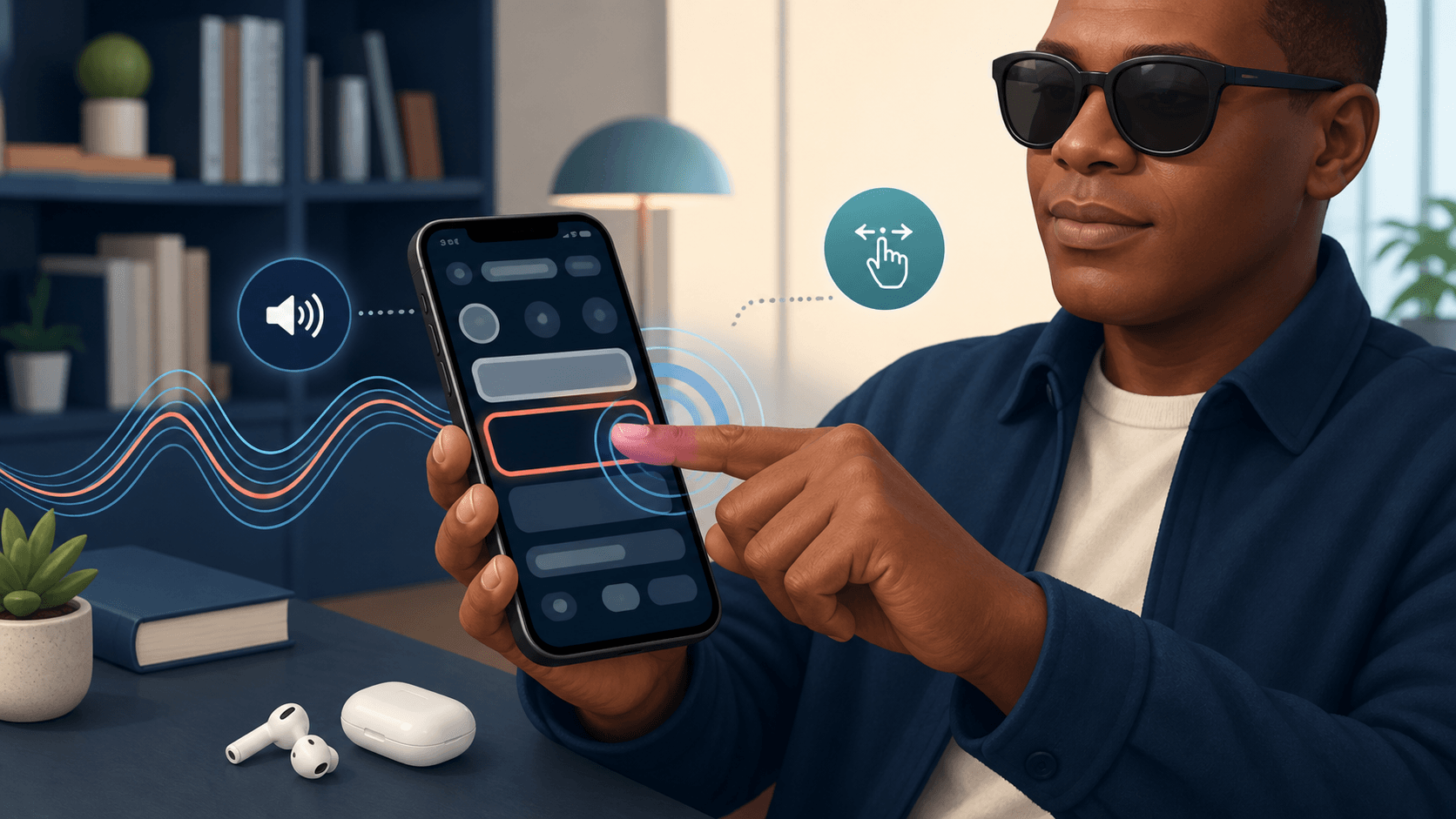
This technology answers two related questions: how do blind people read online, and how do blind people use phones? Instead of aiming at visual controls, blind users navigate by keyboard commands, touch gestures, focus order, headings, landmarks, or lists of links. On an iPhone, Apple’s VoiceOver screen reader describes screen elements aloud and uses a dedicated set of gestures for navigation and activation.
Good screen reader accessibility depends on the app as much as the screen reader. Buttons need accurate labels. Headings need a meaningful hierarchy. Focus must move in a predictable order. Status changes must be announced. When developers overlook these details, the content may technically exist but remain difficult to use.
For websites, email, apps, and office software, screen readers are often the clearest answer to how do blind people read. They demonstrate how blind people read digital interfaces by structure and focus rather than by the visual position of an item.
3. Refreshable Braille Displays for Digital Text
A refreshable braille display is a hardware device with small pins that rise and fall to form braille cells. It connects to a computer, tablet, or phone and presents the text currently selected by the screen reader. As the reader moves through a document, the cells refresh.
This tool gives blind readers direct tactile access to changing digital content. It is useful for proofreading, coding, studying languages, checking punctuation, reading quietly, or working in environments where speech would be distracting. Many displays also include navigation keys, allowing users to move through headings, lines, menus, and controls without reaching for the device screen.
Speech and refreshable braille often work together. A blind reader might listen at a high speed to scan a page, then switch to braille when examining a name, quotation, equation, or code sample. This combination shows why the question “what do blind people use to read?” rarely has only one answer.
Refreshable displays expand the answer to “how do blind people read?” because one tactile device can present changing content from many sources. They also show how blind people read silently when speech would be distracting or private information must remain private.
4. Audiobooks and Talking Books
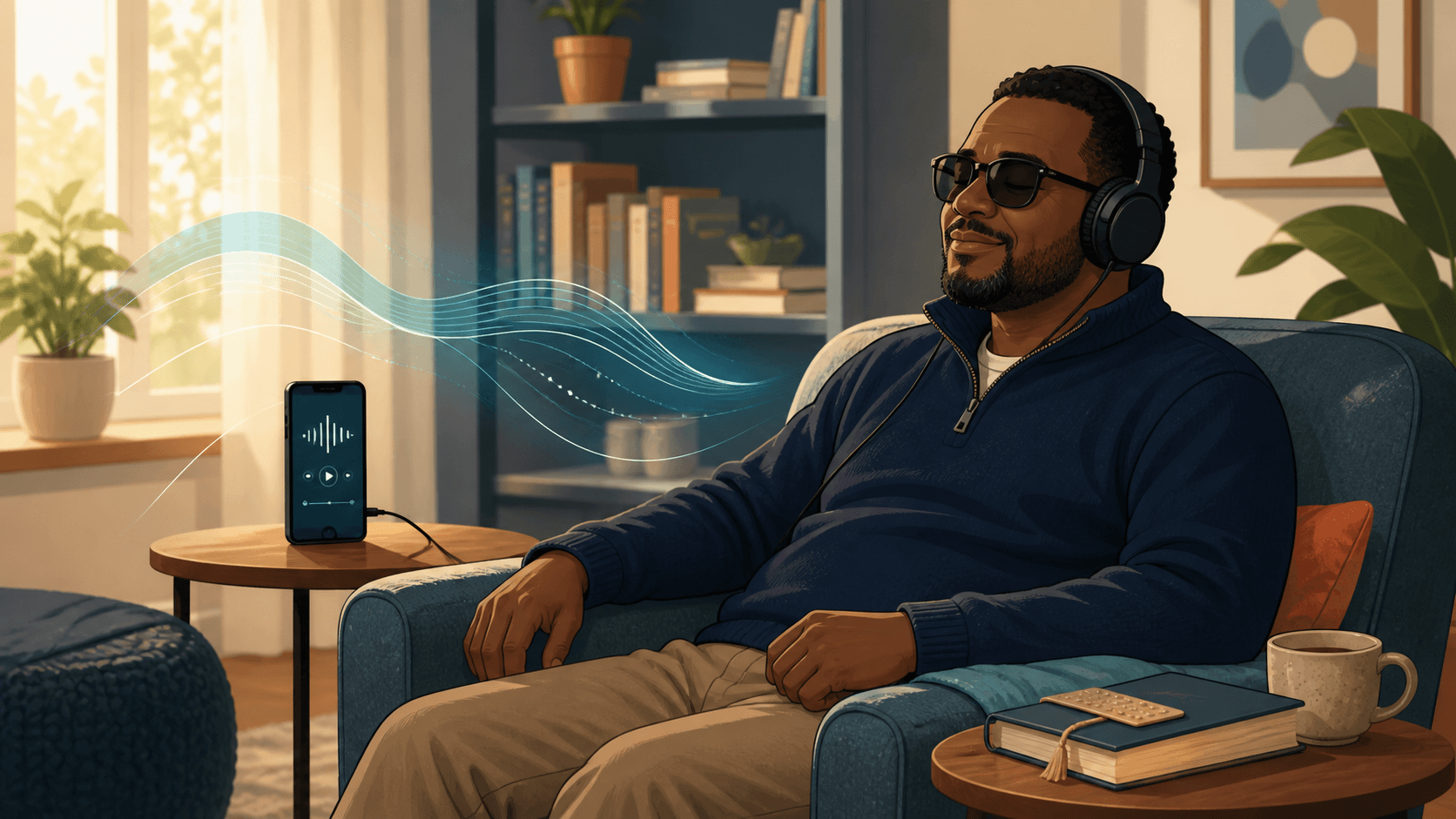
Audiobooks provide human-narrated or synthesized versions of books. They are useful for novels, biographies, long nonfiction, devotional content, and other material that benefits from sustained listening. Audio books can reduce the effort required to navigate a complex page while preserving access to the ideas and story.
Talking-book services are particularly important for people who cannot use standard print. The US National Library Service for the Blind and Print Disabled provides eligible readers with braille and audio materials through its library network and BARD service. This gives blind readers access to books and magazines without depending solely on commercial audiobook catalogs.
Audiobooks are not identical to braille or screen-reader access. Searching, spelling, quoting, and examining structure may be easier in text or braille. However, audio is often the most comfortable format for long sessions, commuting, exercise, chores, or bedtime reading. Many visually impaired users combine audio books with tactile or digital text rather than choosing one format permanently.
For novels and other long works, audiobooks provide a practical answer to “how do blind people read?” Audio illustrates how blind people read for enjoyment or sustained learning without treating listening as less meaningful than visual reading.
5. OCR Tools for Printed Pages
Optical character recognition, usually called OCR, identifies printed or photographed text and converts it into machine-readable characters. A blind person can photograph a letter, restaurant menu, handout, package, or printed page and have compatible software read the recognized text aloud.
OCR makes previously inaccessible print usable, but results depend on image quality and document layout. Curved pages, handwriting, decorative fonts, tables, multiple columns, and poor lighting can introduce errors. Important information such as medication instructions, legal terms, or financial details should be verified when recognition is uncertain.
Apps such as Seeing AI combine text recognition with visual description and product-identification features. It is a broader visual assistant rather than a dedicated long-form book reader, but it demonstrates how a phone camera can become an accessible reading tool for everyday print.
OCR changes the answer to “how do blind people read?” for letters, menus, worksheets, and other materials that begin on paper. This process is one example of how blind people read print after software converts an image into text that speech or braille can present.
6. Text-to-Speech Reading Apps
A text-to-speech reading app converts digital writing into spoken audio. Unlike a general screen reader, which helps someone operate an entire device, a reading app focuses on books, articles, PDFs, and documents. It may provide a library, chapter navigation, synchronized highlighting, speed controls, bookmarks, and saved reading position.
This distinction matters. A screen reader helps a blind user find and activate the Play button; the text-to-speech reading app manages the book and narration after playback begins. When both layers are accessible, blind readers can independently import content, select a chapter, adjust the voice, pause, resume, and return later.
Voice Dream Reader is one established option with text-to-speech, synchronized highlighting, multiple document formats, and accessibility features. Readify takes a similar file-to-audio problem and centers natural AI narration, multi-format importing, playback continuity, and a simplified VoiceOver flow.
For people asking how blind people read personal files, text to speech fills an important gap. A commercial audiobook may not exist for a class handout, research paper, church document, work report, or independently published ebook. A reading app can make eligible digital material listenable without waiting for a recorded edition.
Text to speech broadens the answer to “how do blind people read?” when no professionally narrated edition exists. It shows how blind people read everyday documents by converting available text into controllable speech on demand.
7. Accessible Ebook Libraries and Reading Services
Accessible digital libraries provide books in formats designed for people with print disabilities. Depending on the service, a title may be available as audio, electronic braille, DAISY, EPUB, or text that works with screen readers and text-to-speech software.
Bookshare offers accessible ebooks that can be read aloud, enlarged, highlighted, or accessed in braille. Eligibility, availability, and terms vary, so readers should review the service’s current requirements. These libraries complement mainstream bookstores by providing formats and navigation that may work better for blind readers and other people who cannot use standard print.
The best source depends on the book and the reader. A person might use an accessible library for published titles, OCR for paper mail, a screen reader for websites, and Readify for personal documents. Together, these reading tools form an adaptable system rather than a single universal solution.
Accessible libraries add another answer to “how do blind people read?” because format and availability are as important as the playback device. They reveal how blind people read when publishers and libraries provide audio, braille, DAISY, or compatible ebooks from the start.
How Do Blind People Use Phones to Read?
Blind people use phones through built-in screen readers such as VoiceOver on iOS or TalkBack on Android. The screen reader announces the item in focus, while touch gestures or connected keyboards move focus and activate controls. A blind user can browse the web, send messages, open an ebook, download an accessible title, or control text-to-speech playback without seeing the display.
Phone reading works best when apps respect accessibility conventions. Clear control labels tell the user whether a button imports a file, moves to the next chapter, changes speed, or starts playback. Logical focus order prevents the user from wandering through unrelated controls. Familiar gestures reduce the time required to learn a new interface.
Mobile accessibility has become a major part of the answer to “how do blind people read?” away from a desk. Understanding how blind people read on phones means looking at both the built-in screen reader and the accessibility of each individual app.
Braille Screen Input and connected braille displays can add tactile reading and typing. Speech remains useful for speed, while braille supports precision and privacy. In practice, how blind people use phones reflects the same principle as accessible reading generally: users combine methods according to the task.
What Makes an Accessible Reading App Work Well?
An accessible reading app should do more than produce speech. It must remain usable before, during, and after playback. Blind readers need to locate books, import documents, understand controls, move between chapters, adjust narration, and recover their position independently.
These requirements help answer “how do blind people read?” inside an app without assistance. A well-designed flow respects how blind people read by keeping navigation, playback, and position recovery predictable.
Clear Labels and Predictable Navigation
Every interactive element needs a meaningful name. “Play,” “Next chapter,” and “Import PDF” communicate more than “Button” or an unexplained icon. Focus order should follow the reading task rather than the visual decoration of the page.
The wider design principle is captured by the W3C Web Content Accessibility Guidelines: digital content should be perceivable, operable, understandable, and robust. Although a native app has platform-specific requirements, the same principles help teams evaluate whether screen reader accessibility works as a coherent experience.
Continuous Playback and Easy Chapter Movement
Changing chapters should not force the reader to rebuild the listening session. An accessible reading app should keep the current context clear and resume from the intended position. Reliable pause, resume, skip, and speed controls are more valuable than a long list of visual options that are difficult to reach.
Continuous playback matters when answering “how do blind people read?” long documents because every unnecessary confirmation interrupts comprehension. It supports how blind people read across chapters without repeatedly finding the same controls.
Flexible Output
No single voice, speed, or format works for every reader. Useful text-to-speech tools allow people to choose a comfortable narration style and pace. Some blind readers listen much faster than conversational speech; others need slower playback for technical or unfamiliar content.
Compatibility With Real Documents
Readers encounter PDFs, ebooks, Word files, web pages, and plain text. Accessible reading tools should state which formats they support and explain limitations honestly. Scanned PDFs may require OCR, protected ebooks may restrict importing, and image-heavy documents may still need descriptions written by a person.
How Readify Supports Blind and Visually Impaired Readers
Readify is an accessible reading app for turning eligible personal content into natural spoken audio. According to the Readify product page, users can import PDF, EPUB, DOCX, TXT, and web content, choose from natural voices, control playback pace, and continue across supported devices.
The product’s accessibility work focuses on the full reading flow. Interactive controls use descriptive labels so VoiceOver can announce their purpose. Navigation follows a predictable order. Three-finger swipe gestures support page movement, while a global two-finger double tap can pause or resume playback. When a user changes chapters, playback can continue from the selected position instead of requiring repeated text selection.
These details matter because interruptions accumulate. One unlabeled button may seem minor to a sighted tester, but repeated uncertainty can make a long book exhausting. Readify aims to reduce that friction so blind readers can concentrate on the content rather than the mechanics of the app.
In this context, how do blind people read with Readify? They use VoiceOver to locate controls and use Readify to manage supported documents and narration. This division clarifies how blind people read with both a device-level screen reader and a dedicated reading app.
Readify is not a replacement for braille instruction, a device-wide screen reader, OCR verification, or specialist library services. It serves a narrower and practical role: turning supported digital files into an organized reading-and-listening experience. For related guidance, see Readify’s article on text-to-speech features for easier reading.
To judge whether the workflow suits you, test it with one document you already need to read. Confirm that VoiceOver announces the controls clearly, chapter navigation makes sense, and the selected voice remains comfortable for several minutes. Get started for free, but use only files you own or have permission to process.
Choosing the Right Reading Method
Start with the task rather than the technology. If exact spelling and punctuation matter, braille or synchronized text may be best. For a novel or long report, audio books or text to speech may be more comfortable. For mail and printed handouts, OCR may provide quick access. For websites and phone navigation, a screen reader is essential.
Next, consider where reading happens. Speech may work well at home or through headphones, while refreshable braille offers quiet access in a meeting. A phone is portable, but a physical braille display may make detailed editing easier. Accessible reading is strongest when the user can move between these modes without losing information.
Finally, test accessibility with real content. Do not judge an app only by its welcome screen or voice demo. Import a typical PDF, move between headings, pause and resume, find a chapter, and return to the same position later. Blind readers benefit most from tools that stay reliable beyond the first minute.
Real-document testing gives the most honest answer to “how do blind people read?” with a specific product. It measures how blind people read after the demo ends and normal tasks such as importing, navigating, pausing, and returning begin.
Frequently Asked Questions
How Do Blind People Read Books?
Blind people read books through braille, audiobooks, screen readers, refreshable braille displays, text-to-speech apps, and accessible ebook services. Many blind readers use more than one method. The choice depends on the book, the reading goal, available devices, and personal preference.
What Do Blind People Use to Read?
Blind people use braille, screen readers, talking-book players, audio books, OCR tools, text-to-speech reading apps, magnification, and refreshable braille displays. People with low vision may also use enlarged text, stronger contrast, or customized spacing.
How Do Blind People Read on a Computer?
Most blind computer users rely on a screen reader with speech output, a refreshable braille display, or both. Keyboard commands move through headings, links, form fields, menus, and document text. Accessible websites and applications provide meaningful structure and labels that the screen reader can announce.
How Do Blind People Use Phones?
Blind people use phones with screen readers such as VoiceOver and TalkBack. Touch gestures, voice commands, connected keyboards, and braille displays allow users to navigate apps, type, read messages, browse websites, and control audio playback.
Do All Blind People Know Braille?
No. Some blind readers are fluent in braille, some are learning it, and others primarily use audio, magnification, or screen readers. The choice can be influenced by age, education, access to training, degree and timing of vision loss, physical sensitivity, and individual preference.
Are Audiobooks Considered Reading for Blind People?
Audiobooks are a legitimate way to access and understand written works. Audio is especially useful for sustained reading, but it does not provide the same direct access to spelling, punctuation, or layout as braille. Many blind readers use both formats for different purposes.
This is why audiobooks remain part of the answer to “how do blind people read?” They represent how blind people read through listening when audio best fits the material and situation.
What Is the Difference Between a Screen Reader and a Text-to-Speech App?
A screen reader provides access to the device interface and announces controls, structure, and content across applications. A text-to-speech app is usually designed to narrate specific documents, articles, or books. A blind reader may use a screen reader to operate the text-to-speech app.
Can Readify Read PDFs Aloud?
Yes. Readify supports PDF and several other common document and ebook formats. Results depend on the file: a text-based PDF is generally easier to process than a scanned or image-heavy PDF. Readers should verify important passages when OCR or complex layouts are involved.
Is Readify Compatible With VoiceOver?
Readify has been designed with VoiceOver navigation in mind, including labeled controls, predictable navigation, chapter-flow improvements, and familiar gestures. Because accessibility needs and devices vary, the best approach is to test a representative document with your own VoiceOver settings.
That personal test helps answer “how do blind people read?” with the app under real conditions. It also respects the fact that how blind people read differs according to device settings, preferred speed, content type, and individual habits.
Reading Is Access, Not Eyesight
So, how do blind people read? They read through touch, speech, usable vision, and accessible technology. Braille supports precise literacy. Screen readers open computers and phones. Refreshable displays bring braille to digital content. Audiobooks and talking books support long listening. OCR unlocks print, while text-to-speech apps and accessible libraries expand the range of available material.
No single sentence can fully answer “how do blind people read?”, but the pattern is clear: access works best when readers can choose the format that suits the task. That flexibility is the foundation of how blind people read independently.
The best tool is the one that gives a particular reader reliable access to a particular text. Readify contributes by making personal digital documents easier to hear and navigate with VoiceOver. Bring one eligible file, test the complete workflow, and get started for free with a reading method built around access rather than eyesight.
