
Introduction
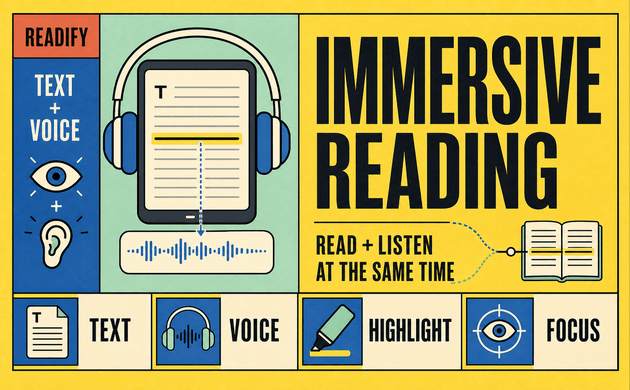
Immersive reading combines visible text with spoken narration so you can read and listen at the same time. Instead of forcing your attention through a silent page, the method gives your eyes and ears one shared path through the material. The words remain available for spelling, structure, and reference, while audio supplies pace, pronunciation, and rhythm.
This reading method can be useful when a dense PDF feels difficult to start, an unfamiliar name interrupts a story, or your attention keeps drifting between paragraphs. Immersive reading does not promise effortless comprehension, and it is not the best approach for every reader or every task. Its value comes from giving readers another way to stay connected to a text.
Readify supports this workflow by turning eligible PDF, EPUB, DOCX, TXT, and web content into natural spoken audio while keeping the written material available. You can control the pace, follow highlighted text, and return to your place later. If you already have a document in mind, start listening with Readify and test immersive reading with material you genuinely need to finish.

What Is Immersive Reading?
What is immersive reading? In its broadest sense, immersive reading is the practice of following written text while hearing the same or closely matching content aloud. The audio may come from a human-narrated audiobook, text-to-speech software, or an accessible reading app. Some readers follow every highlighted word. Others look at the page only when they need a name, quotation, heading, or unfamiliar term.
The phrase is sometimes used more loosely for distraction-free reading environments, ambient sound, visual themes, or digital tools that make a book feel more absorbing. In this article, immersive reading means synchronized or closely coordinated reading and listening. That definition matches the practical search intent behind immersive reading apps: readers want audio support without giving up the visible text.
Immersive reading is also called immersion reading or audio-assisted reading in some contexts. Reading Rockets defines audio-assisted reading as listening to an audio version while following the written text. The terms are not always interchangeable, but they describe a similar dual-channel experience.
Immersive Reading and Immersive Reader Are Not the Same Thing
The wording causes understandable confusion. Immersive reading is a general reading method. Immersive Reader is the name of a Microsoft product integrated into several Microsoft services. A search for what is immersive reader often leads to Microsoft documentation rather than general advice about reading and listening together.
Microsoft Immersive Reader includes features such as read-aloud narration, text preferences, line focus, syllable separation, grammar highlighting, translation, and a picture dictionary. It is an inclusive reading tool with a specific product environment. By contrast, immersive reading can happen with a printed book and audiobook, an ebook with synchronized narration, or an AI reader that speaks an imported document.
This distinction matters when choosing software. Someone searching for immersive reader may want help inside Word, OneNote, Edge, or another Microsoft product. Someone searching for immersive reading apps may want to read personal PDFs, ebooks, articles, or study materials while listening. Start with the content you need to access, then select the tool that supports that content legally and reliably.
Why Immersive Reading Can Make Difficult Text Easier to Follow
Immersive reading adds a steady external pace. Silent readers often pause at distractions, reread the same sentence without noticing, or skim past a difficult section. Spoken narration keeps the text moving. When highlighting follows the narration, the current sentence or word is easier to locate.
The method may also reduce decoding pressure. Hearing pronunciation while seeing spelling can help with unfamiliar vocabulary, names, and second-language material. Expressive narration can make dialogue, punctuation, and sentence boundaries clearer. For some readers, that extra structure creates a calmer reading experience.
Research should be described carefully. A 2023 study indexed by PubMed found higher comprehension scores with text-to-speech than silent reading among participating children with reading and language difficulties, but the authors also called for more research into presentation features such as highlighting. An earlier meta-analysis of text-to-speech and read-aloud tools found a modest positive average effect for students with reading difficulties while noting substantial variation across studies.
These findings do not mean immersive reading automatically improves comprehension for everyone. Material difficulty, narration quality, reading ability, attention, and the purpose of the task all matter. The most accurate claim is that text to speech may support access and comprehension for some readers when it matches their needs.
Seven Elements of an Effective Immersive Reading Experience
An immersive reading app needs more than a pleasant voice. The complete reading flow should help a person import content, locate the current passage, control playback, understand the material, and return later without rebuilding the session.
1. Synchronized or Easy-to-Follow Text
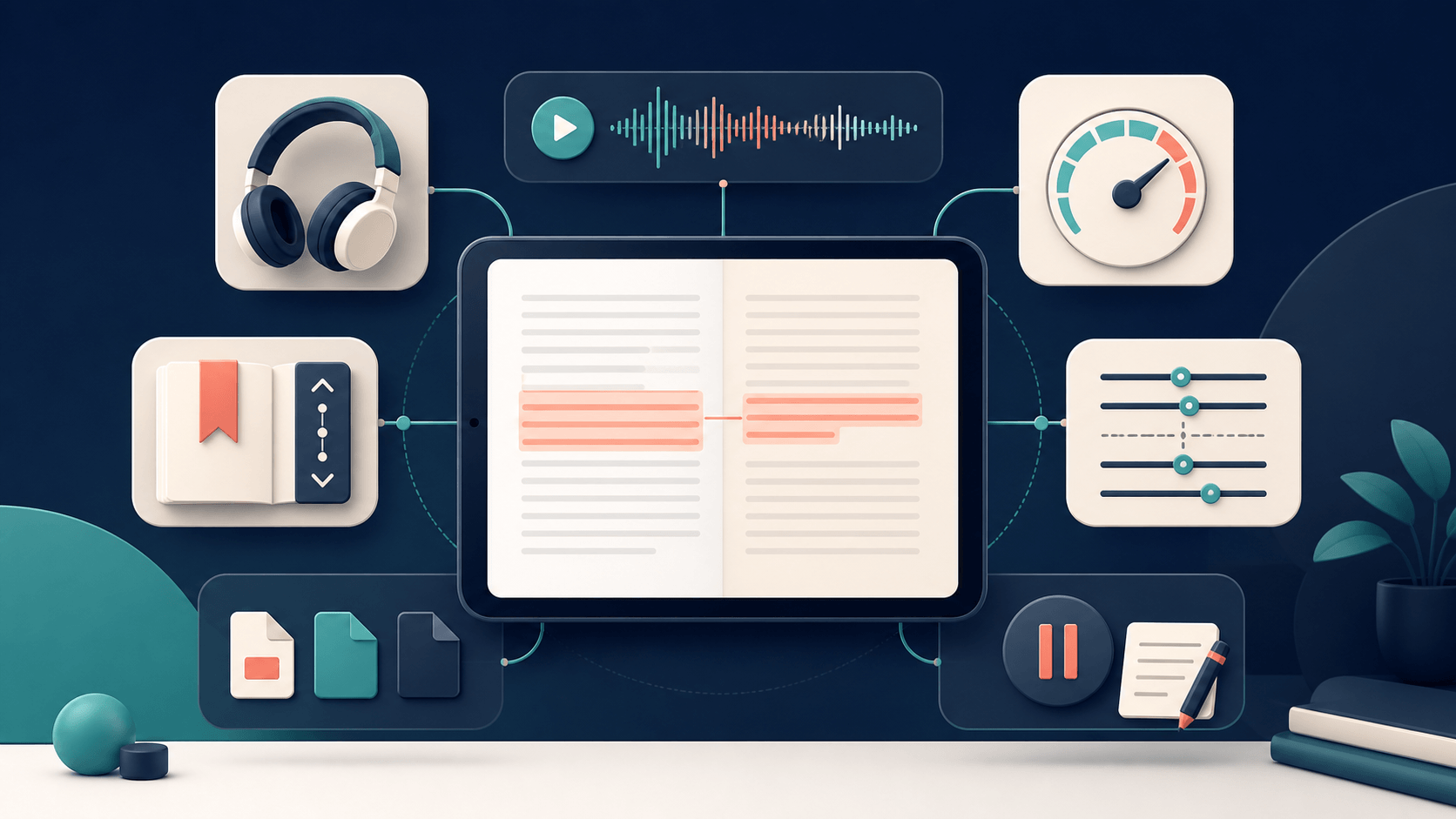
The written page should remain connected to the narration. Synchronized highlighting is ideal when it is accurate, but a stable visible passage can also work. The reader should always know which sentence is being spoken.
This connection is central to immersive reading. Audio without visible text becomes ordinary listening; text without useful audio becomes silent reading. The combination allows readers to check spelling, punctuation, and structure while using narration to maintain momentum.
Highlighting should support attention rather than create visual noise. Some people prefer word-level highlighting, while others find sentence-level or paragraph-level focus calmer. A good immersive reader experience lets the reader follow the text without turning the page into a flashing interface.
2. Natural Narration
A flat or poorly paced voice can make long immersive reading sessions tiring. Natural text to speech uses clearer rhythm, stress, pauses, and intonation, helping sentences feel connected rather than assembled word by word.
Voice preference is personal. A lively narrator may suit fiction but distract from a research paper. A calm voice may help with study but feel too restrained for dialogue. The best immersive reading apps offer enough choice to match the voice to the content and listener.
Natural narration is not a substitute for accuracy. Names, formulas, abbreviations, tables, and specialized terms may still require visual checking or replay. Immersive reading works best when readers can pause and verify anything that sounds uncertain.
3. Independent Speed Control
The right listening speed depends on the book and the goal. A familiar novel may remain comfortable at a faster pace, while a legal document or academic article may require slower narration. Playback speed should be easy to change without leaving the reading view.
Do not assume faster is always more productive. If your eyes repeatedly move ahead of the audio, increase the speed slightly. If meaning starts to blur, slow down. Effective immersive reading uses the fastest pace that preserves understanding, not the fastest number the app permits.
Begin near conversational speed and adjust in small steps. Use a short representative passage rather than the introduction alone. Technical sections often reveal whether the selected speed is realistic.
4. Flexible Text Presentation
Readable text matters even when audio is present. Font size, line length, spacing, contrast, and visual focus can determine whether following along feels comfortable. W3C guidance on text spacing explains that text should remain readable and functional when users adjust line, paragraph, letter, and word spacing.
White space also helps separate sections and reduce visual clutter. An immersive reader should not trap users in one dense layout. Readers may need larger text, a different theme, wider spacing, or fewer visible lines.
Customization is particularly important because immersive reading serves different audiences. Students, language learners, readers with dyslexia, people with low vision, and professionals working through long documents may require very different visual settings.
5. Reliable Navigation
An immersive reading session often lasts longer than a few minutes. Readers need chapters, headings, search, bookmarks, skip controls, and a saved position. Without these basics, even excellent narration becomes difficult to use for a book or lengthy PDF.
Navigation should remain accessible by keyboard and screen reader where relevant. Buttons need meaningful labels, and focus should move predictably. The immersive reading experience begins before Play is pressed, so importing and selecting content must also be usable.
Reliable navigation separates a voice demo from a reading tool. A sample can sound impressive for thirty seconds, but readers need to find chapter nine tomorrow, replay a quotation, and continue from the correct paragraph.
6. Support for Real Reading Material
An immersive reading app should accept the formats its audience actually uses. For many readers, that means PDF, EPUB, DOCX, TXT, and web content. Format claims should be tested with representative documents rather than assumed from a feature list.
Text-based PDFs are usually easier to process than scanned pages. Complex columns, tables, footnotes, and image-only files can create errors or an awkward reading order. DRM-protected ebooks may not permit importing into another app. Use only material you own or are authorized to process.
The strongest workflow handles both books and everyday documents. Immersive reading becomes more useful when it can support a report, lesson, article, manual, or personal draft—not only titles already sold as audiobooks.
7. Simple Pause, Replay, and Reflection
Immersive reading should not become uninterrupted background noise. Readers need easy controls for pausing, replaying, bookmarking, and taking notes. Comprehension often improves when the reader stops after a demanding paragraph and states the main idea in their own words.
For study, pause at the end of each section and write a one-sentence summary. For fiction, stop only when a character, timeline, or scene becomes unclear. The purpose is to support active reading without breaking the flow every few seconds.
A good immersive reader gives the reader control over the pace of thought, not merely the pace of speech.
How to Start Immersive Reading in Six Steps
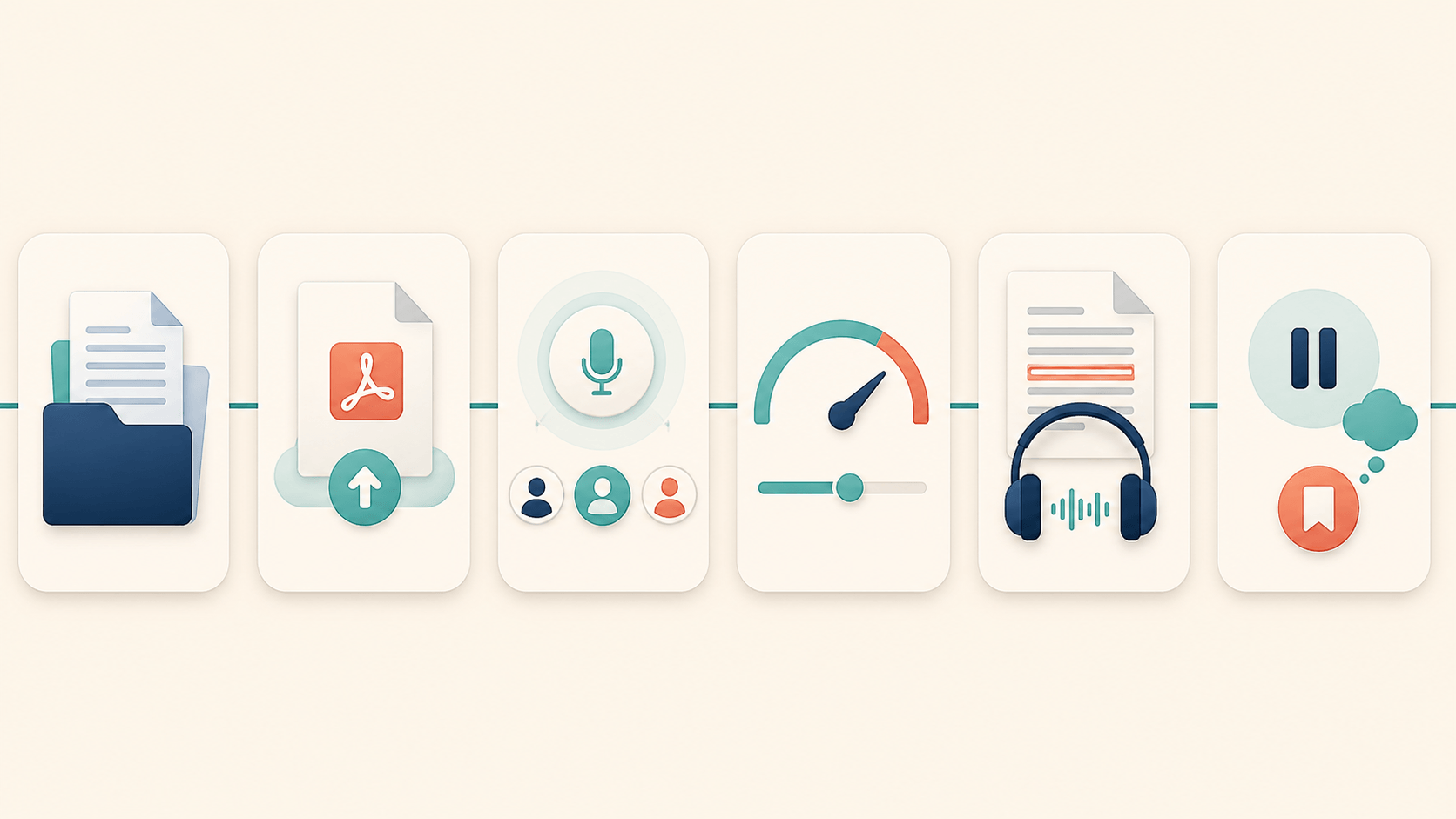
You do not need a complicated setup. Use one short, representative document and adjust the workflow from evidence rather than expectation.
Step 1: Choose the Right Material
Begin with a chapter, article, or document you want to understand—not the longest item in your library. Text with clear headings and paragraphs makes it easier to evaluate the immersive reading experience.
Confirm that you have permission to upload or process the material. If the ebook is protected by DRM, use the reading features provided by its authorized platform.
Step 2: Import or Open the Text
Open the content in an app that keeps the written text available while producing narration. With Readify, you can bring supported personal files into one library and turn them into spoken audio. Use the Readify web app to test a file without building a complicated workflow first.
Check the extracted text before starting a long session. If a PDF is scanned, multi-column, or image-heavy, verify the reading order and important passages.
Step 3: Select a Suitable Voice
Preview a few sentences from the actual document. Choose a voice that pronounces the language clearly and remains comfortable over time. The most dramatic option is not always the best choice for immersive reading.
Readify offers a range of natural voices and languages. For more detail on evaluating narration, see the guide to text-to-speech features for easier reading.
Step 4: Match the Reading Speed
Start playback while following the text. Adjust the speed until your eyes and ears stay near the same passage. If you constantly read ahead, increase the narration speed. If you lose meaning, slow it down.
Save different expectations for different content. A single speed does not need to govern every immersive reading session.
Step 5: Use Active Checkpoints
Pause after a natural section. Recall the main point without looking back. Mark unfamiliar terms, replay a confusing sentence, or write a short note. These checkpoints prevent immersive reading from turning into passive sound.
For educational material, a simple question works well: “What would I need to explain if someone asked about this section?” If the answer is unclear, revisit the passage before continuing.
Step 6: Review the Experience
After ten or fifteen minutes, assess the result. Did you stay with the text? Was the voice comfortable? Did highlighting help? Could you navigate without friction? Did you understand more than you would have through silent reading alone?
Keep the elements that worked and change one variable at a time. Get started for free with one document, then decide whether Readify fits your daily reading habits.
Who May Benefit From Immersive Reading?
Immersive reading can support busy readers who struggle to begin long documents, students following unfamiliar material, and language learners who want to connect spelling with pronunciation. It may also help some readers with dyslexia or other reading difficulties, although individual responses vary.
Professionals can use the method to proofread drafts because hearing a sentence may reveal a missing word or awkward rhythm that silent reading overlooks. Authors can listen while following their manuscript. Researchers can use narration to maintain progress through long papers while keeping figures and citations visible.
The method can also reduce screen-only fatigue by allowing the eyes to rest briefly while the narration continues. However, switching fully to audio changes the task from simultaneous reading and listening to listening alone. Both are valid; they simply serve different situations.
Immersive reading is less suitable when audio interferes with concentration, the text requires constant comparison between tables and diagrams, or the reader moves substantially faster than comfortable narration. Some readers process material better through silent reading, note-taking, or discussion. The method should remain an option, not an obligation.
How Readify Supports Immersive Reading
Readify is an AI reader designed to turn supported books, articles, PDFs, web pages, and documents into natural spoken audio. According to the Readify product page, the platform supports common file formats, multiple natural voices, adjustable playback, highlighted text, and saved reading continuity across supported devices.
For immersive reading, the practical advantage is that readers can bring eligible personal material rather than relying only on a catalog of pre-recorded audiobooks. A report, independent ebook, class document, or personal draft can become a read-and-listen session when the file is compatible.
Readify is not Microsoft Immersive Reader, and it does not need to imitate every grammar or translation feature of that product. It is also different from Kindle’s reading and listening features, which depend on content and features within Amazon’s ecosystem. Voice Dream Reader is another established text-to-speech reader with broad format and accessibility controls. These tools overlap, but they solve different versions of the problem.
Choose based on content access, platform, navigation, voice quality, accessibility, privacy, and cost—not on a shared word in the product name. For Readify, import one representative file and test the entire immersive reading workflow from opening the document to returning to the saved position.
Common Immersive Reading Mistakes
Treating Audio as Background Noise
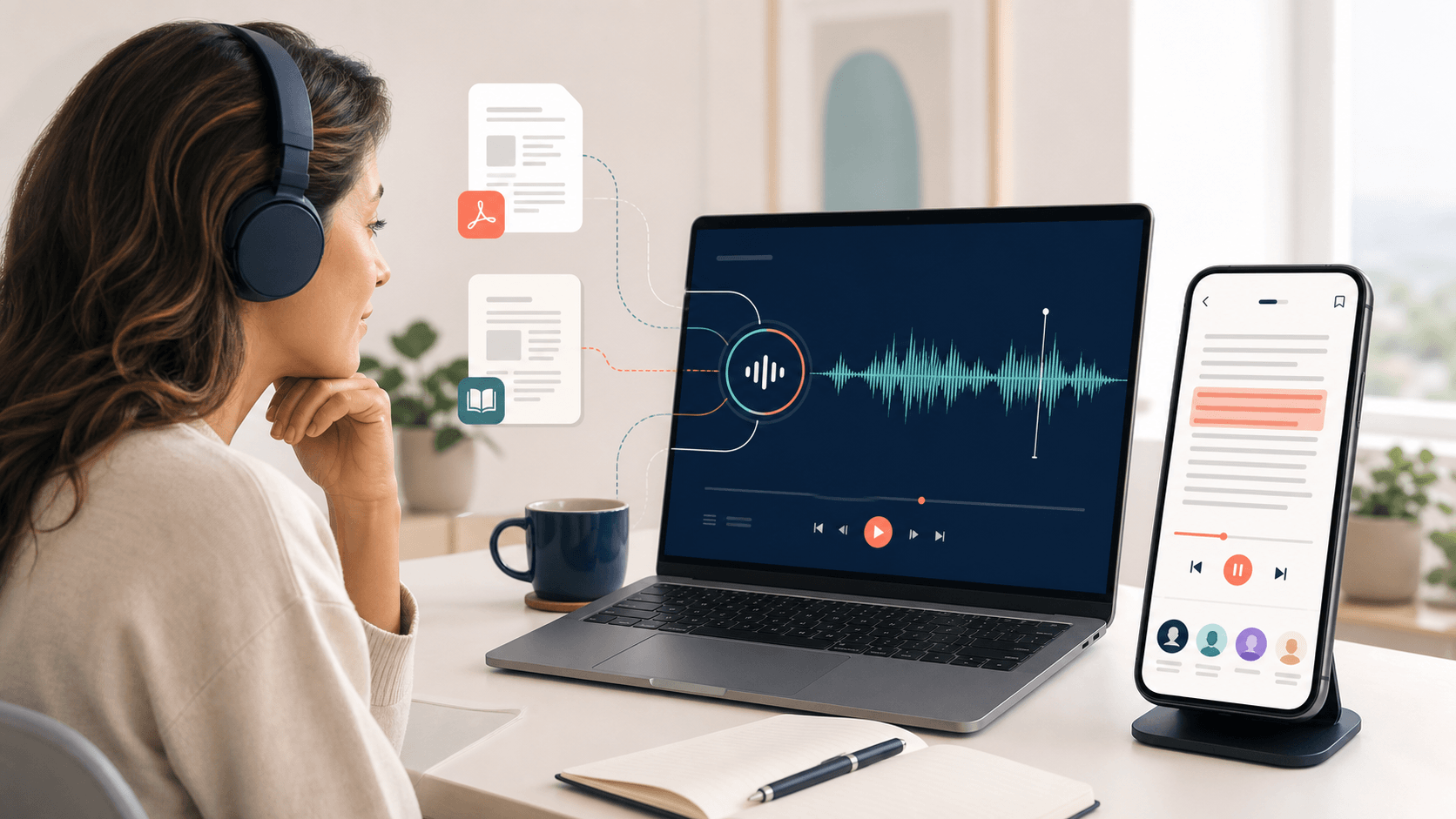
If the goal is comprehension, keep the text and narration connected. When your attention drifts, pause rather than letting several pages play unheard. Background listening can be useful, but it is not the same as focused immersive reading.
Choosing a Voice Before Testing the Material
A voice that sounds impressive in a promotional sentence may mispronounce names or become tiring in a full chapter. Preview the actual document, including a difficult paragraph.
Reading Too Fast
Speed can create the feeling of productivity while reducing recall. Use comprehension as the limit. Slow down when the text introduces unfamiliar ideas, then increase the speed again for easier sections.
Expecting One Tool to Handle Every File Perfectly
Documents vary. Scanned PDFs may need OCR, complex layouts may produce the wrong order, and protected ebooks may stay inside their original platform. Verify the output and use another authorized method when necessary.
Skipping Reflection
Audio can carry readers forward so smoothly that they forget to stop and think. Short summaries, bookmarks, questions, and notes keep immersion connected to understanding.
Frequently Asked Questions
What Is Immersive Reading?
Immersive reading is a method of reading visible text while listening to matching narration. It often uses synchronized highlighting, an audiobook, or text-to-speech software to connect the written and spoken versions of the content.
What Is an Immersive Reader?
An immersive reader can mean any tool that creates a focused read-and-listen experience. However, “Immersive Reader” is also Microsoft’s product name. Microsoft Immersive Reader offers read-aloud, text customization, line focus, translation, syllable, and grammar features within supported Microsoft environments.
Is Immersive Reading the Same as Immersion Reading?
The terms are frequently used for the same basic practice: reading text while listening to its narration. “Immersion Reading” may also refer to specific branded features, particularly within Amazon’s Kindle and Audible ecosystem, so check the product context.
Does Immersive Reading Improve Comprehension?
It may improve access or comprehension for some readers, especially when text-to-speech reduces decoding difficulty or helps maintain attention. Research results vary, and no tool guarantees better comprehension. Test the method with a short passage and check what you can recall afterward.
Is Immersive Reading Good for Dyslexia?
Some readers with dyslexia find text to speech, highlighting, spacing controls, and adjustable speed helpful. Needs differ, so immersive reading should be treated as an optional support rather than a treatment or universal solution.
Can Immersive Reading Help Language Learners?
It can help learners connect written forms with pronunciation, rhythm, and sentence boundaries. Choose narration in the target language, follow the text, and replay short sections. Translation can help, but direct exposure to the target language should remain central.
What Are the Best Immersive Reading Apps?
The best app depends on the content and platform. Microsoft Immersive Reader suits supported Microsoft tools; Kindle provides reading and listening features for eligible Kindle content; Voice Dream Reader supports many document sources; and Readify focuses on turning supported personal files into natural AI narration. Test each option with your actual material.
Can Readify Be Used for Immersive Reading?
Yes. Readify can convert supported documents and ebooks into spoken audio while keeping text available for following along. Readers can choose a voice, adjust playback, use highlighting, and return to their saved position. Results depend on the source file and platform.
Is Listening While Reading Cheating?
No. It is an access and learning method. The important question is whether the approach supports your goal. If you need exact spelling or detailed analysis, keep the text visible and pause for notes. If you are reading for enjoyment, choose the format that helps you stay engaged.
Build an Immersive Reading Habit That Fits the Text
Immersive reading works best when audio, text, pace, and purpose stay aligned. Use visible words for detail, narration for momentum, and pauses for thought. Do not chase speed or force the method onto material that demands a different approach.
Readify gives readers a practical way to try immersive reading with supported personal content. Bring one eligible file, listen while following the text, and evaluate the complete experience. Start listening for free and build a reading workflow around the material you actually want to finish.
