All Topics

Open an EPUB File and Let the Book Speak

Use Readify as an EPUB reader online for personal files you are permitted to process. Keep the reflowable book visible, add natural narration, adjust the pace, replay a passage, and continue from your saved position.

iOS App
Listen on iPhone and iPad
Scan to download app
Android App
Listen on any Android device
Scan to download app

More Than an EPUB Viewer Online

Readify keeps the flexible structure of an EPUB book available while adding a listening layer for different reading moments.
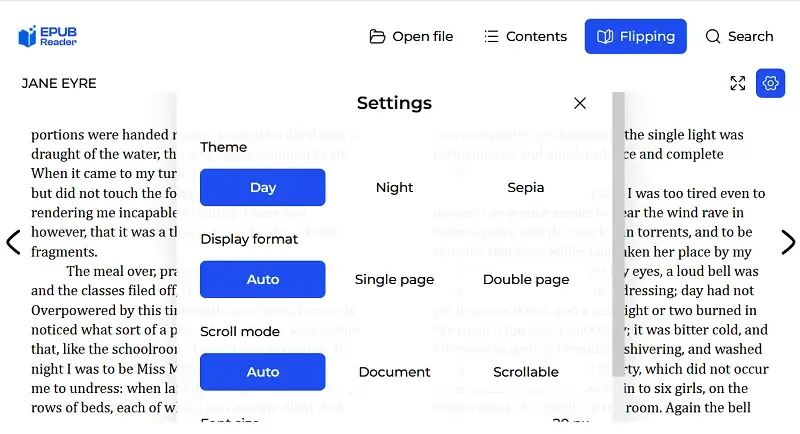
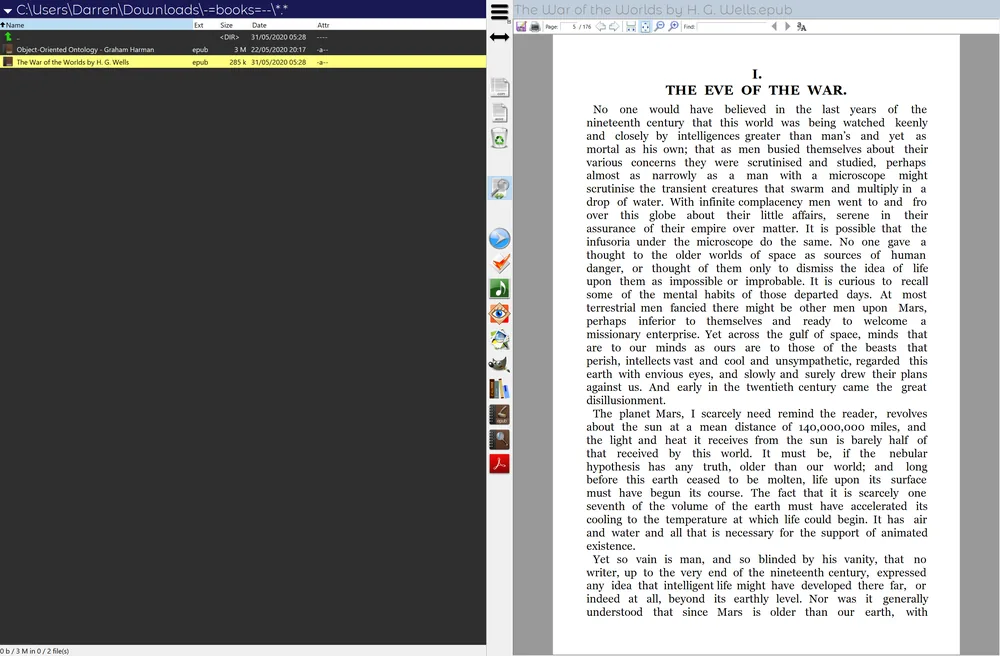
Read and Listen in the Browser
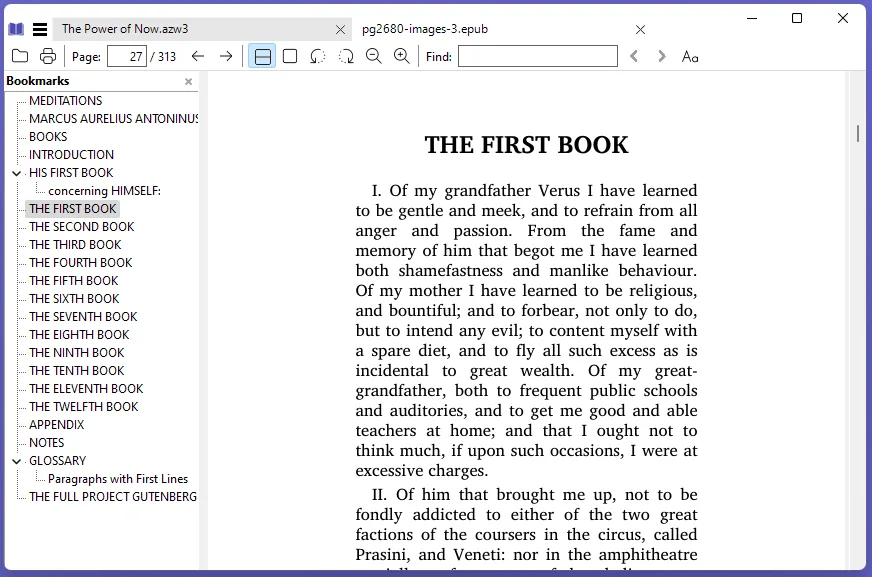
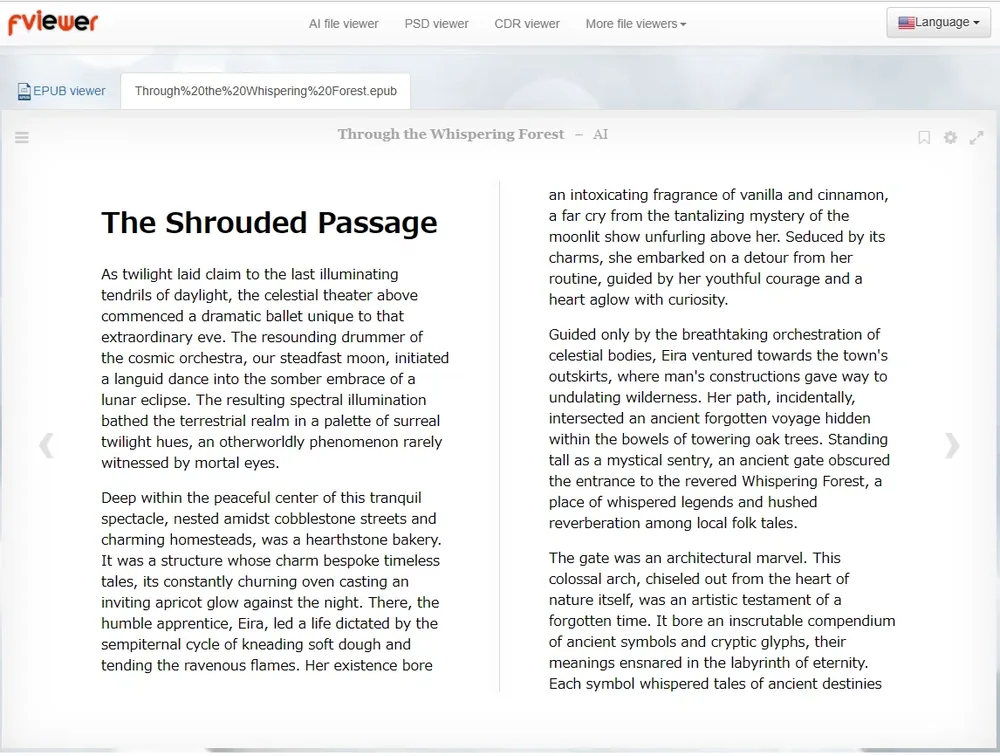
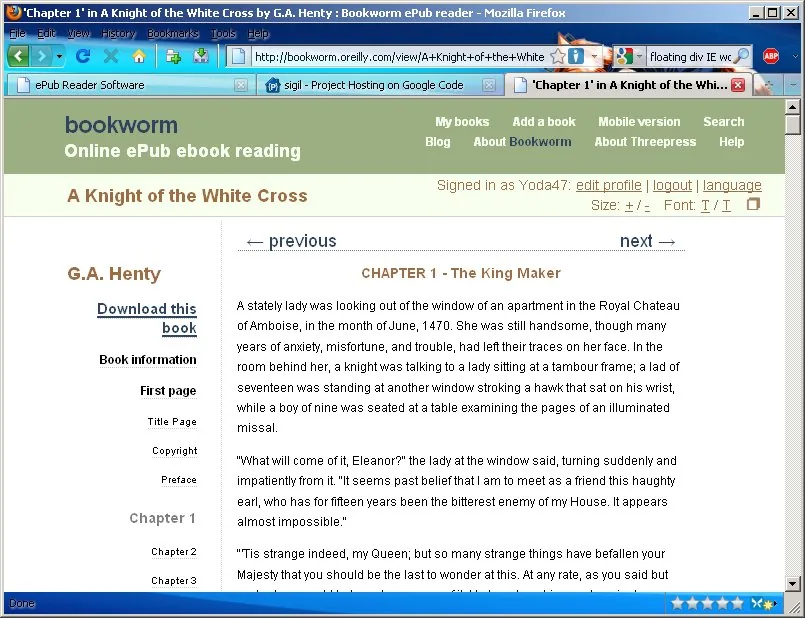
Open a supported personal EPUB file in an online reading workflow and begin from the first chapter. Use the visible page when typography matters, then continue with audio when screen reading is less convenient.
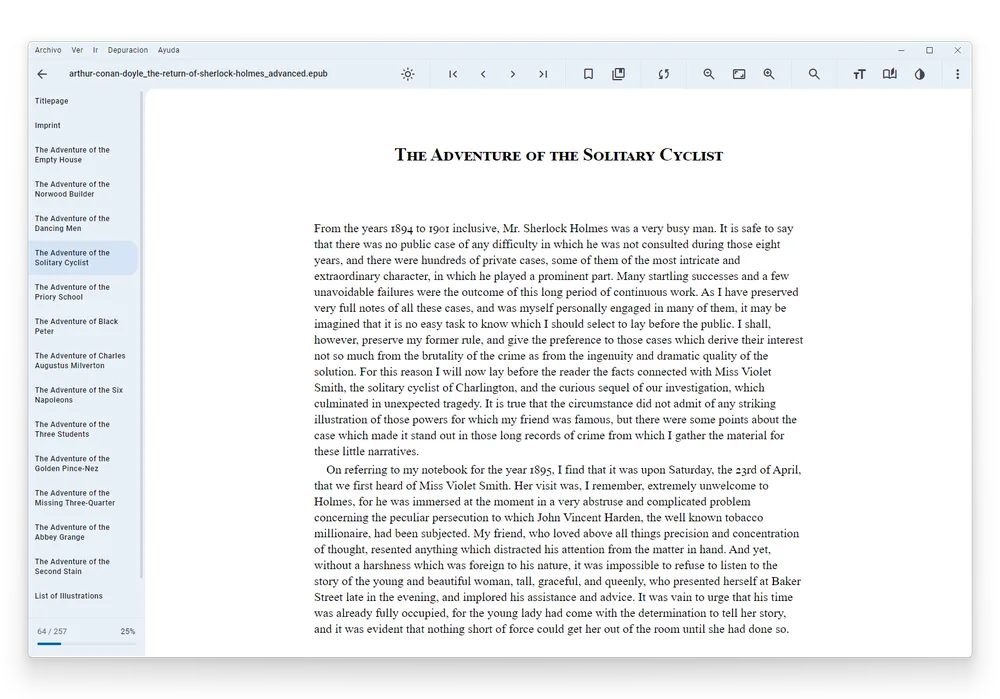
Navigate Long EPUB Books by Section
Use the book's chapter structure to approach a long title in manageable sections. Listen to a complete chapter, stop at a meaningful boundary, and return without searching through one continuous audio track.
Follow Reflowable Text While Listening
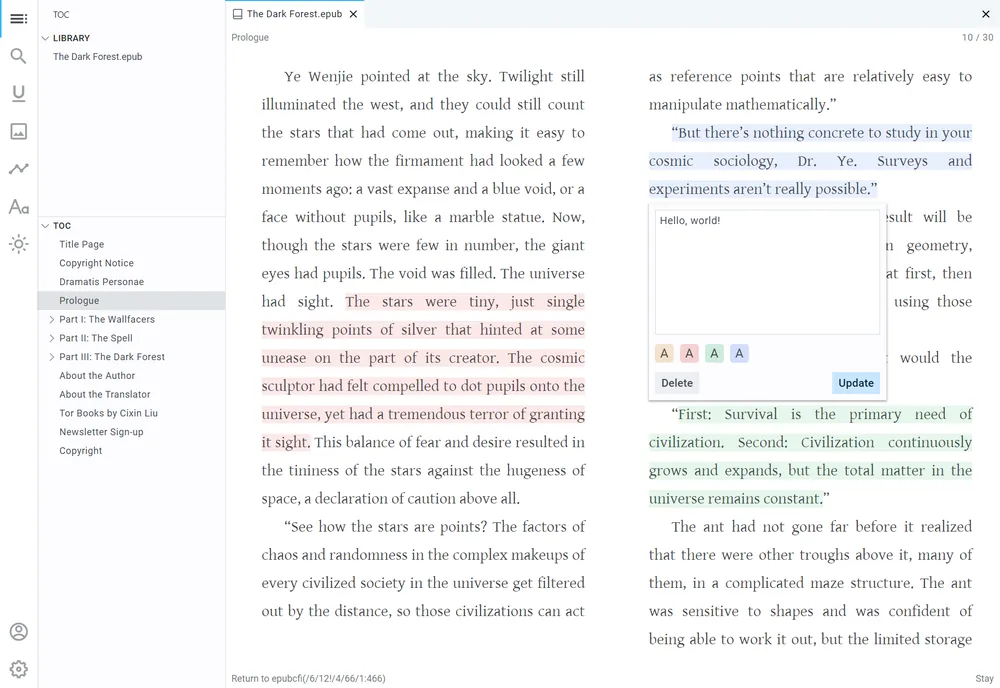
EPUB content can adapt more naturally to the reading window than a fixed-layout page. Keep the active text visible and use narration as a companion instead of separating the audio from the book.
Listen to Fiction or Nonfiction EPUB Files
Choose a voice and speed that fit the title: measured for a detailed nonfiction chapter, more fluid for narrative prose, and slower when names or unfamiliar vocabulary require attention.

Open an EPUB File in Three Steps

Start with a permitted file, check its structure, and set up narration for the way you want to read.
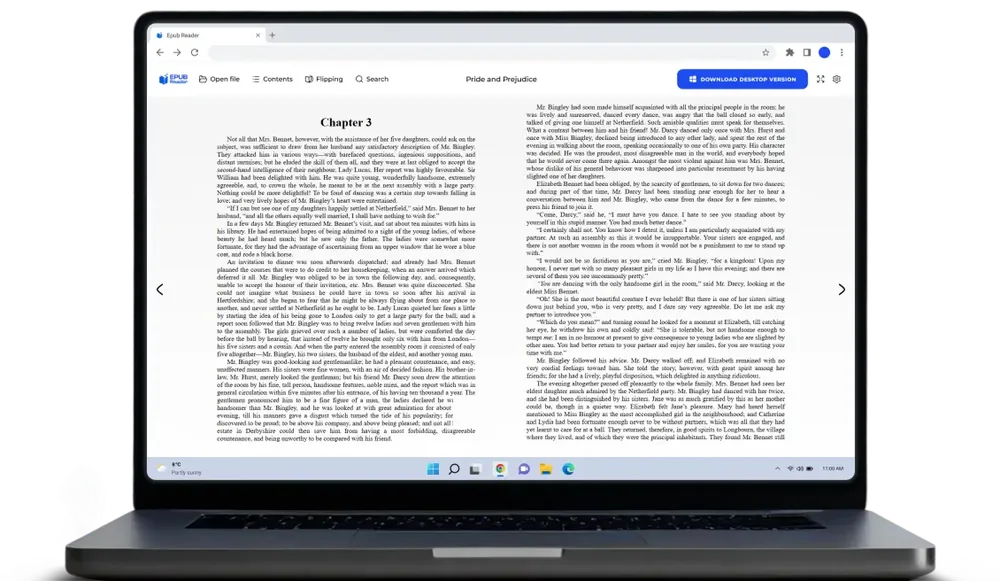
Add the EPUB File
Step 1
Add the EPUB File
Select an EPUB file you own or are authorized to process. Files protected by digital-rights controls may be limited to an approved platform and should not be modified or bypassed.
Check Chapters and Reading Order
Step 2
Check Chapters and Reading Order
Open the beginning, move through the table of contents, and confirm that headings, paragraphs, and chapter transitions appear correctly. Fixing a damaged source is easier before a long listening session begins.
Choose a Voice and Start Listening
Step 3
Choose a Voice and Start Listening
Preview a complete paragraph, choose a comfortable natural voice, and set the playback speed. Keep the text available for names, dialogue, quotations, and any sentence that needs precise checking.

Why EPUB Works Well for Reading and Listening

An EPUB is structured around flexible digital reading, making it a useful source for visible text, chapter navigation, and natural narration.

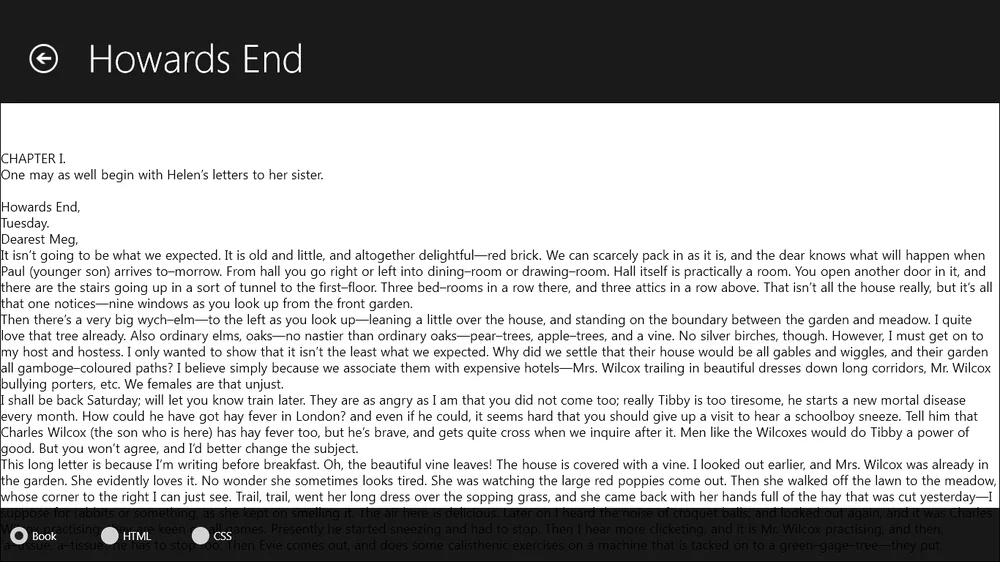
Flexible Text Instead of a Fixed Page
Unlike a fixed-layout PDF, many EPUB books allow text to reflow with the reading window. This can reduce interruptions caused by columns, page furniture, and rigid page dimensions.
Chapter Structure Supports Short Sessions
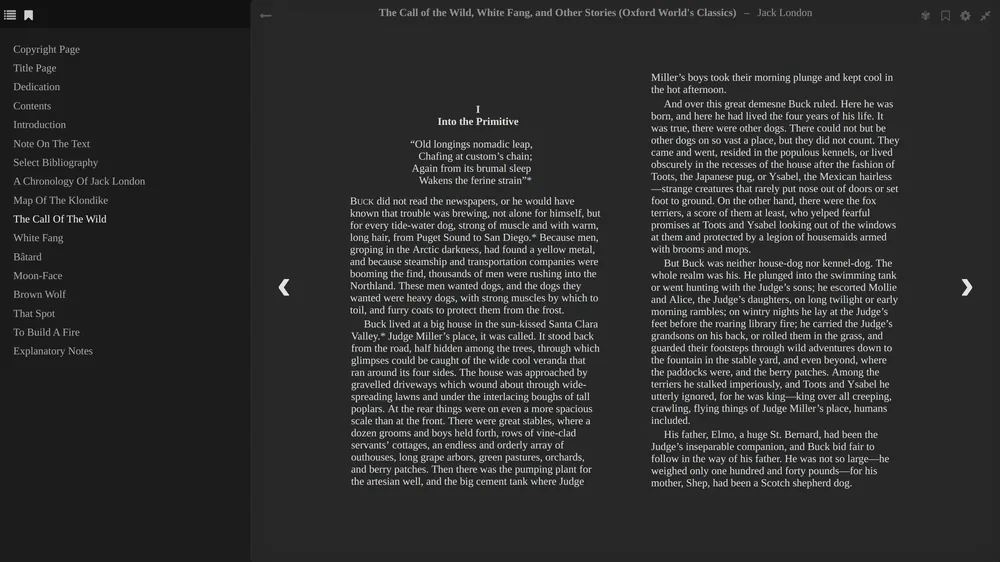
A defined table of contents makes it easier to choose one chapter, stop at a logical point, and understand where the next session begins. Audio becomes part of the book instead of one undivided track.
Display and Audio Can Adapt Together
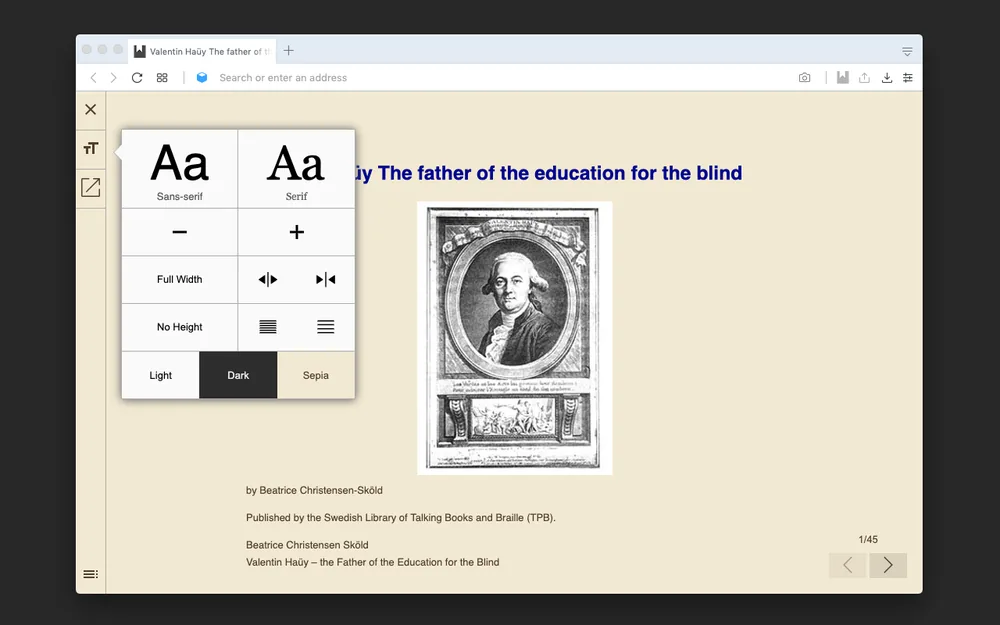
Use a comfortable reading view while changing narration speed and voice. The visual book and spoken delivery can support different environments without changing the underlying content.

What to Expect from Readify's EPUB Reader Online

The experience combines EPUB viewing with natural text-to-speech and controls for long-form reading continuity.
Natural AI Narration
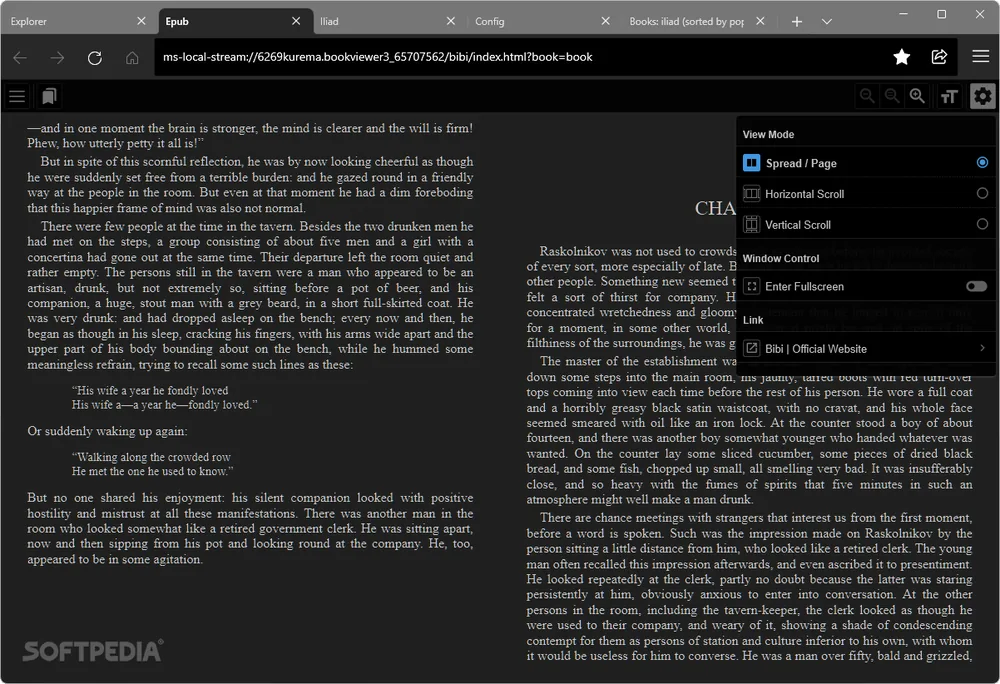
Preview different voices with real paragraphs from the book. Choose the delivery that keeps dialogue, punctuation, and longer sentences comfortable over more than a few minutes.
Playback Speed and Replay
Increase speed for familiar narrative, slow down around unfamiliar language, and replay a difficult paragraph. The useful speed is the one that preserves understanding, not simply the highest setting.
Synchronized Text and Saved Position
Keep the spoken passage connected to the visible book, pause for close reading, and return to the saved position later. This continuity is especially useful for long EPUB titles read across several sessions.

Frequently Asked Questions About EPUB Readers

What is an EPUB file?

EPUB is a common digital-book format designed for structured, reflowable content. It can contain chapters, navigation, text, images, style information, and metadata in a package that compatible readers can display.

How do I open an EPUB file?

Use a reader that supports EPUB, then select or upload a file you are permitted to process. In Readify, check that the title, table of contents, chapters, and text appear correctly before beginning a long listening session.

Can I use Readify as an EPUB reader online?

Readify supports EPUB as part of its reading-and-listening workflow. You can add a supported personal file, keep the text visible, select a voice, control playback, and return to saved progress.

What is the difference between an EPUB viewer online and an EPUB audio reader?

A viewer primarily displays the book. An audio reader also turns accessible text into speech and adds controls such as voice selection, speed, pause, replay, and progress continuity.

Can Readify open a DRM-protected EPUB?

A protected EPUB may be restricted to an authorized platform. Readify should not be used to remove or bypass digital-rights protections. Use only files that you own and are permitted to process.

Is EPUB better than PDF for text-to-speech?

EPUB is often easier for long-form digital reading because its text and chapter structure can reflow. PDF may be preferable when exact page layout matters. The best format depends on the source and the reading goal.

Why does an EPUB file fail to open?

The file may be corrupted, incomplete, protected, mislabeled, or built with unsupported content. Try another authorized copy, confirm the extension, and check the file in a compatible reader before processing it.