All Topics

Read Academic Papers Aloud

Bring your academic papers into Readify and turn dense research PDFs into a focused workspace for reading, annotation, listening, and returning to the evidence that matters.

iOS App
Listen on iPhone and iPad
Scan to download app
Android App
Listen on any Android device
Scan to download app

Bring your research into one place

Research papers ready for a close read
Keep academic papers in a reading workspace where the abstract, methods, results, and references can be reviewed with purpose.
Primary sources with their context
Bring searchable historical documents and permitted source material together so careful research does not depend on a trail of browser tabs. Scanned pages may require OCR before their text can be searched or narrated.
Literature reviews with a clearer thread
Move through related studies and competing findings while keeping the passages and questions that connect them close at hand.

Read academic papers with more control
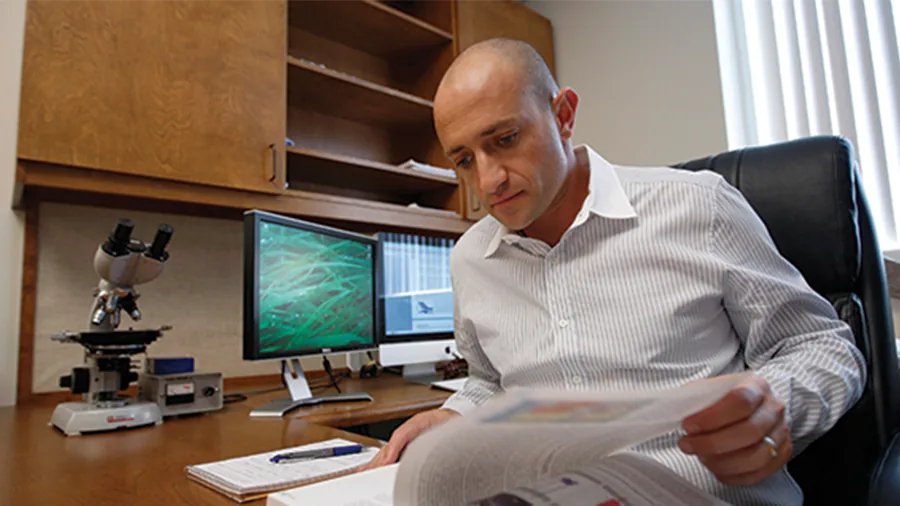
Orient yourself before the deep read
Use headings, abstracts, figures, and references to decide where a paper deserves your closest attention.
Highlight evidence, not just sentences
Mark claims, methods, limitations, and findings in context so your highlights remain useful during synthesis and writing.
Add research notes beside the source
Capture a hypothesis, contradiction, follow-up question, or citation note without separating your thinking from the paper.
Listen through a second pass
Use supported PDF to audio, PDF text to speech, or read aloud workflows to revisit a paper while walking, commuting, or resting your eyes.

From paper discovery to research-ready understanding

Bring the paper you need
Step 1
Bring the paper you need
Add a supported academic PDF, journal article, preprint, thesis chapter, or reference document to Readify.
Read for claims and connections
Step 2
Read for claims and connections
Search, highlight, annotate, and use supported AI PDF reader or read-aloud workflows while the research context stays visible.
Return when the question evolves
Step 3
Return when the question evolves
Resume from your available reading position and revisit the notes that can inform your next comparison, outline, or draft.

Academic reading for real research moments
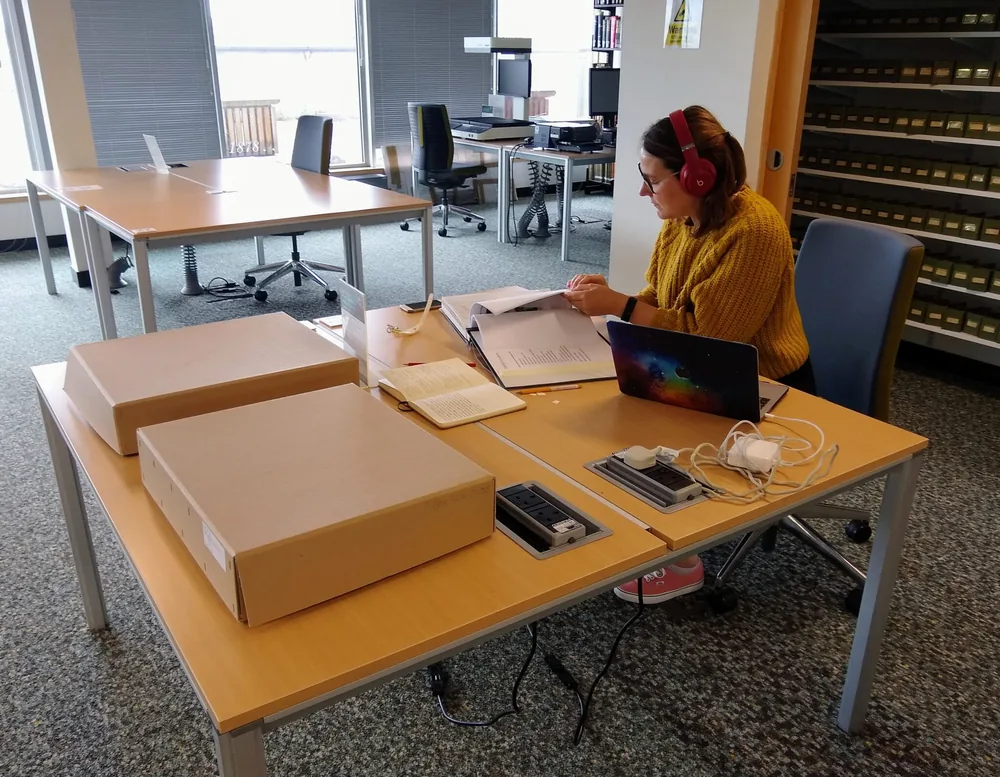
Prepare for a seminar
Review the argument, mark discussion points, and arrive with the evidence you want to question or defend.
Build a literature review
Keep findings, limitations, and recurring concepts connected as you move across a growing set of academic papers.
Check a source before you cite it
Return to the original passage, method, or result instead of relying on a memory of what the abstract seemed to say.

Academic Papers questions

Can I bring my own academic papers to Readify?

Yes, when you have lawful access to a supported, text-readable file. Encryption, scans, unusual layouts, and publisher restrictions can affect whether a paper can be imported or narrated.

Is Readify an AI PDF reader for research papers?

The page positions Readify as a focused research reading workspace with supported AI PDF reader, search, annotation, progress, and listening workflows.

Can I highlight and annotate a research paper?

Supported highlighting and annotation keep claims, evidence, methods, and questions connected to the passages that prompted them.

Can Readify read a PDF aloud?

Supported documents can use PDF text to speech, PDF to audio, and read aloud workflows when the source and product behavior allow it.

Will Readify remember where I stopped?

When progress saving is supported for the file, Readify keeps your latest reading position so you can return without searching for the passage again.