All Topics

Read MOBI Books Aloud

Bring your MOBI files into Readify and turn a scattered ebook library into a clear, personal reading workspace for focused reading and listening.

iOS App
Listen on iPhone and iPad
Scan to download app
Android App
Listen on any Android device
Scan to download app

Bring your own MOBI library

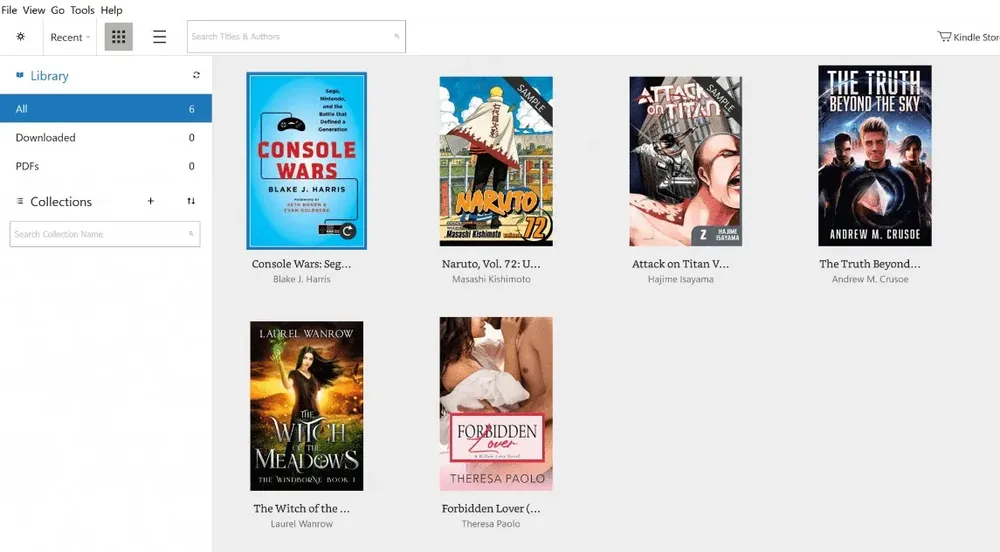
Keep personal ebooks together
Bring supported MOBI and ebook files into one reading space instead of leaving important titles across downloads folders and devices.
Organize a growing reading list
Create a calmer way to return to saved books, reference titles, and long-form reading without losing track of what comes next.
Read across your own collection
Use Readify as an online ebook reader for supported files when your reading list includes more than one store, app, or format.

A more considered MOBI reading workflow
Begin with the right chapter
Return to a saved position and spend your attention on the next meaningful section instead of searching through the book again.
Highlight the lines that stay with you
Keep important ideas, definitions, and passages close to the ebook context that gave them meaning.
Make notes for the next session
Capture reactions, questions, and short summaries so your reading notes remain useful when you reopen the book later.
Listen when reading needs another mode
Use Readify narration with extractable text from supported, DRM-free MOBI files. This does not enable Kindle-only features or bypass store, device, or rights restrictions.

From your MOBI file to a finished reading session

Bring your file
Step 1
Bring your file
Add a supported MOBI, ebook, or compatible reading file to Readify and give it a dependable home.
Read, mark, and listen
Step 2
Read, mark, and listen
Use reading progress, highlights, notes, and supported text to speech tools to build understanding at your own pace.
Return with context
Step 3
Return with context
Pick up where you left off with the available position and annotations still connected to the book.

Bring your reading wherever the day takes it
Commute with a personal library
Prepare MOBI files and reading progress before a train ride, flight, or low-signal stretch of the day.
Study from the books you chose
Keep reference books, course reading, and long-form study materials available for deliberate review.
Read away from the browser
Give deep reading a quieter place with fewer tabs, clearer progress, and a more deliberate return point.

MOBI Reading questions

Can I bring my own MOBI files to Readify?

You can add a supported, DRM-free MOBI file that you own or are permitted to process. Compatibility can vary with the file's structure, encoding, and embedded content, so test the file before beginning a long reading session.

Is Readify an online ebook reader?

Readify can serve as an online ebook reader for supported files, with a workflow centered on personal reading context rather than a single store.

Can I use text to speech with a MOBI book?

Readify can narrate extractable text from a supported, DRM-free MOBI file. Kindle device features are separate, and DRM-protected store purchases may not be importable.

Can I turn an ebook into an audiobook?

Readify can narrate supported ebook text for personal listening. It does not remove DRM or create a commercial audiobook that can be redistributed.

Will my reading progress and notes be remembered?

For files and features supported by your current Readify version, saved progress, highlights, and notes remain connected to the book so you can continue later.