All Topics

Read PDFs Aloud

Bring your own PDFs into Readify and turn scattered documents into a focused reading workspace for research, study, work, and deep reading.

iOS App
Listen on iPhone and iPad
Scan to download app
Android App
Listen on any Android device
Scan to download app

Bring every important PDF into one place

Research papers ready to review
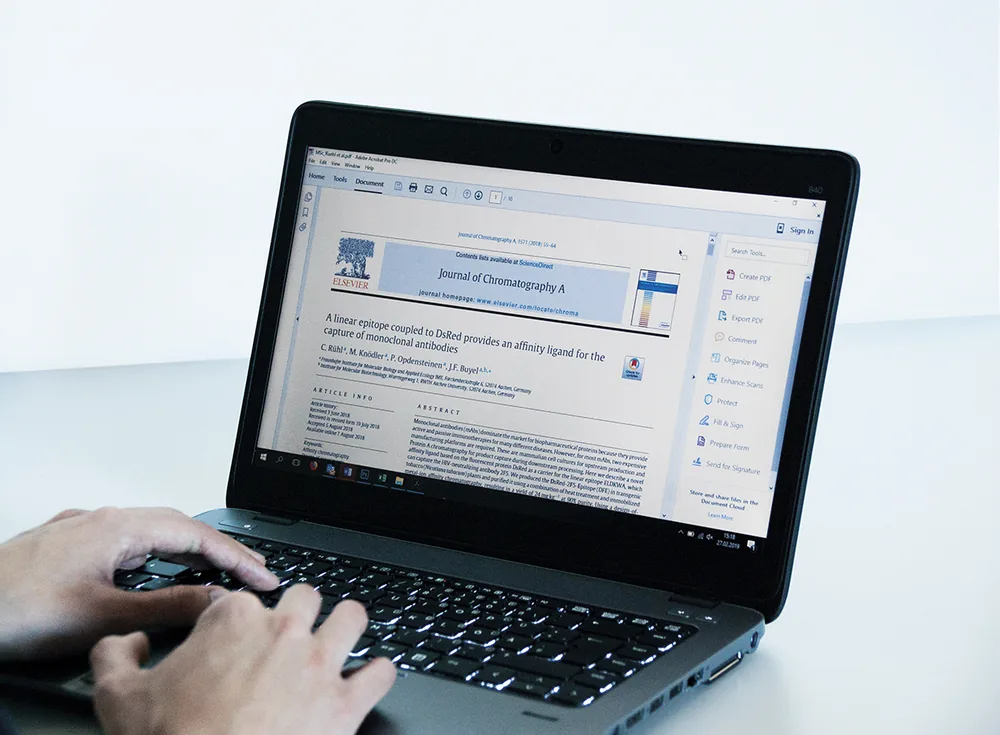
Open scholarly PDFs in a workspace designed for careful reading, source comparison, and returning to the details that matter.
Reports that keep their shape
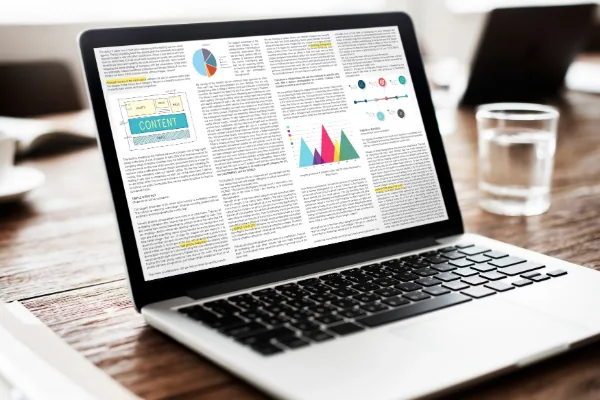
Read long reports, white papers, and technical documents with their original layout, charts, tables, and references intact.
Coursework without the scramble
Keep lecture notes, assigned readings, and reference PDFs together so study sessions begin with the right material already open.

A better way to work through dense documents
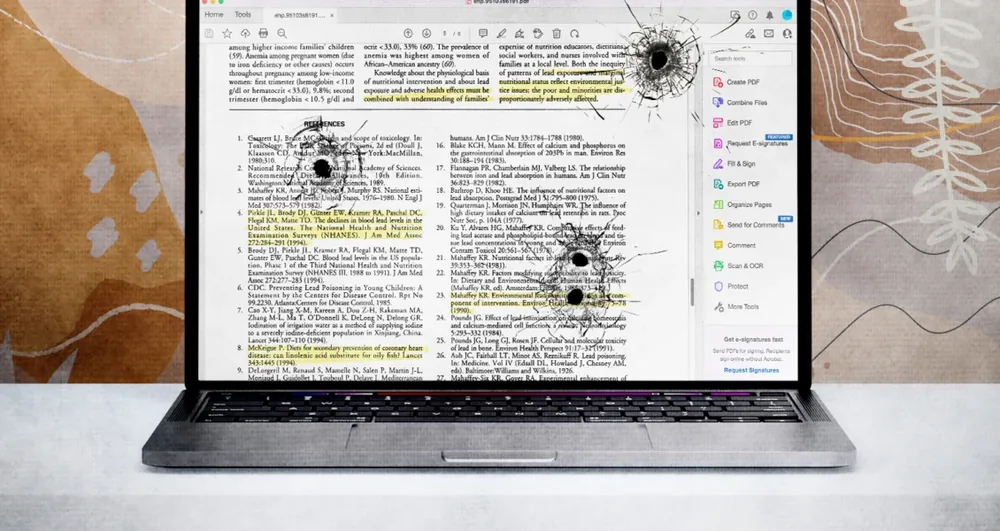
Find the signal quickly
Scan headings, references, and key passages before committing attention to a full research paper or lengthy report.
Mark the passages worth keeping
Highlight evidence, definitions, and ideas in context so your future self can understand why a passage mattered.
Add notes with a point of view
Capture questions, reactions, and short summaries beside the source instead of scattering them across separate apps.
Listen when your eyes need a break
Pair PDF reading with supported text to speech and read-aloud workflows for review, commuting, or a second pass.

From your PDF to a finished thought

Bring your PDF
Step 1
Bring your PDF
Add the supported PDF you want to read, review, study, or keep close for a later session.
Read and shape your understanding
Step 2
Read and shape your understanding
Highlight, annotate, search, and use supported read-aloud tools while the original document stays in view.
Return with your context intact
Step 3
Return with your context intact
Pick up where you left off with saved progress, notes, and highlights available for the next reading session.

PDF reading for the moments that need more attention

Prepare for a meeting
Review the brief, annotate decisions, and keep the important evidence close before the conversation begins.
Build a research trail
Move through papers and reports while preserving the highlights and questions that will guide your next source.
Study beyond the screen
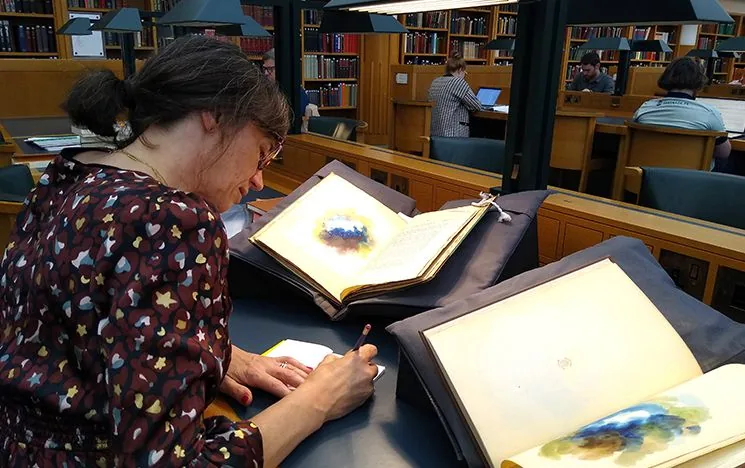
Use saved PDF context for quiet library sessions, travel, revision blocks, and focused work away from distractions.

PDF Reading questions

What does Bring Your Own Reading mean?

It means you can bring supported PDFs into Readify and use one workspace for reading, highlights, notes, progress, and supported listening workflows.

Can I read my own PDFs in Readify?

Yes, for supported PDFs that contain readable text and that you own or are permitted to process. File size, permissions, encryption, scans, and unusual layouts can affect compatibility.

Can I highlight and annotate a PDF?

The page is designed around supported highlighting and annotation workflows that keep your thinking connected to the source passage.

Will Readify remember where I stopped?

Yes. The workflow is built to preserve available reading progress so you can return to the document without starting over.

Can I listen to a PDF?

Readify can narrate extractable text from supported PDFs. Scanned pages may require OCR, and charts, equations, tables, and layout-dependent details should be checked visually.