
Listen to Word Documents
Bring permitted Word documents into Readify for listening, review, and a calmer second pass while keeping exact wording available on screen.

Bring your Word documents into a better reading rhythm
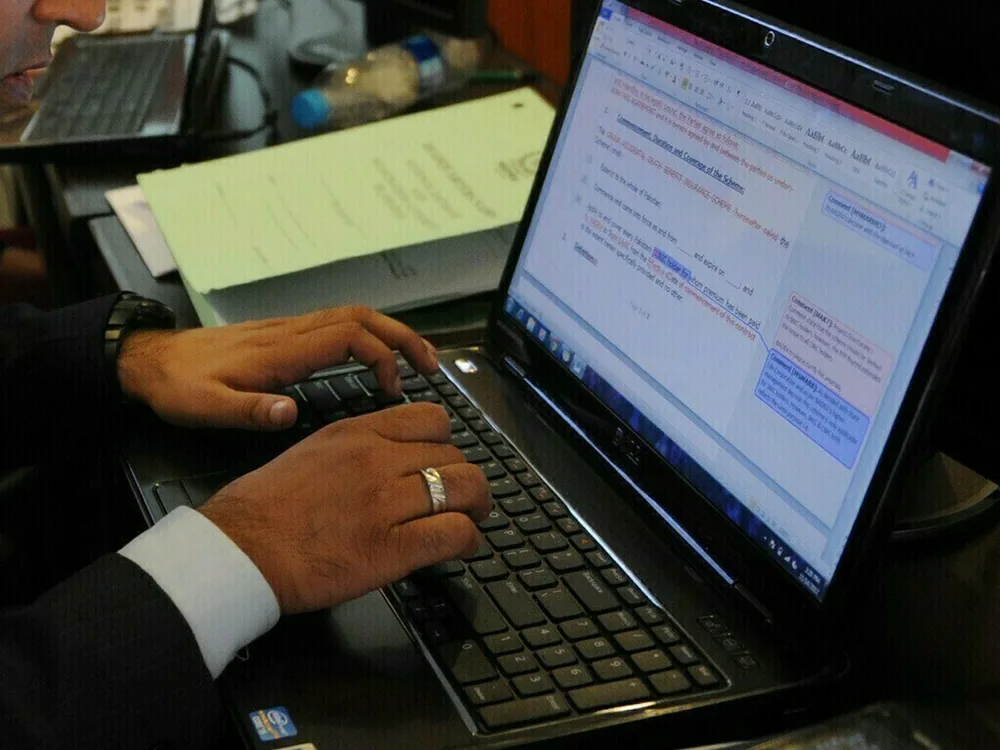
Read the document, not just the deadline
Open the Word documents behind your work in Readify and give them the attention they need. Reports, drafts, meeting notes, and long reference files become part of a reading space built for focus.
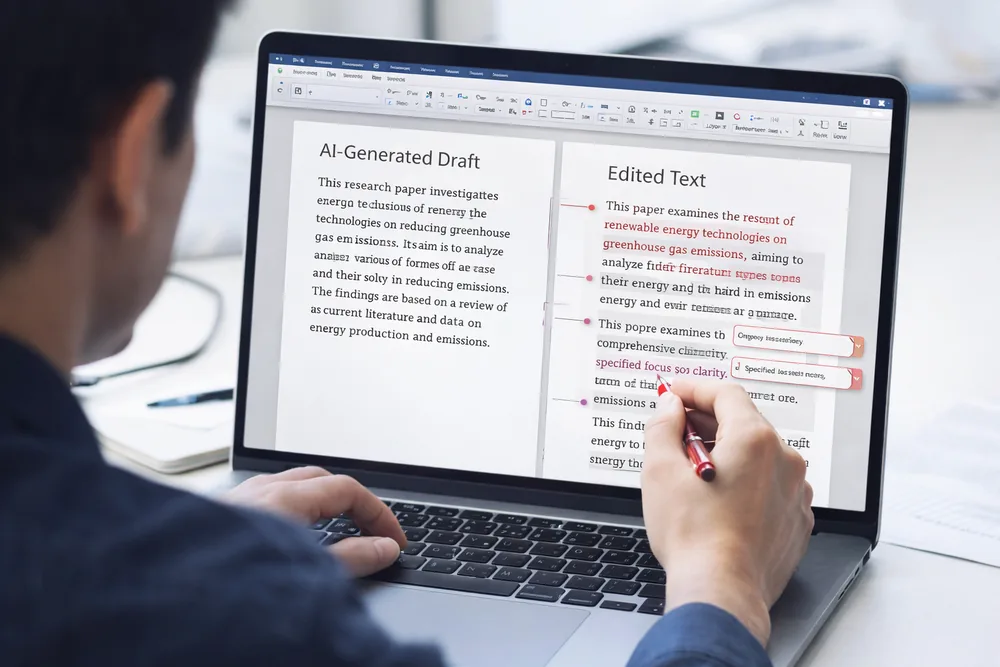
Keep revisions easy to return to
A document often changes after the first read. Save the version you need, return to it later, and keep the context of your review close instead of losing it across attachments and folders.
A simpler way to read Word documents
Step 1
1. Add the document you need to understand
Bring in a Word document when it becomes part of your reading: a project brief, a shared draft, a research note, or a report waiting for a closer pass.
Step 2
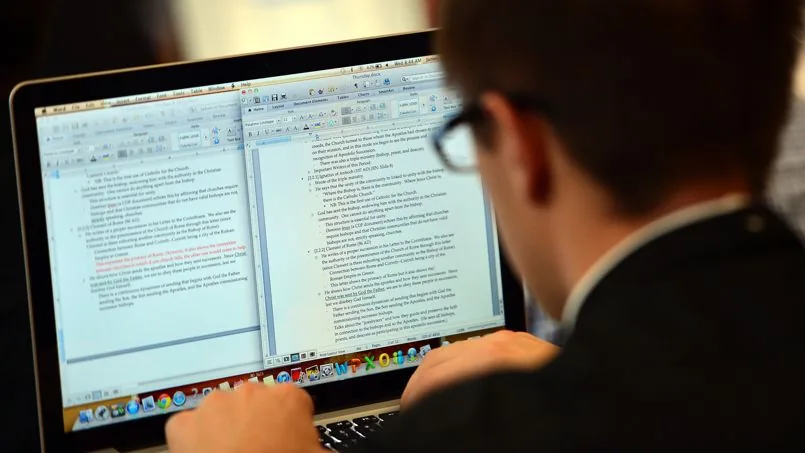
2. Read for the ideas beneath the formatting
Move through the argument, evidence, and comments at a pace that suits the material. Readify gives dense working documents a more deliberate place than a quick preview window.
Step 3
3. Return when the work comes back around
When a colleague replies, a deadline moves, or a project reopens, the document is already in your library. Pick up the reading without searching through old downloads.
Make space for close document reading
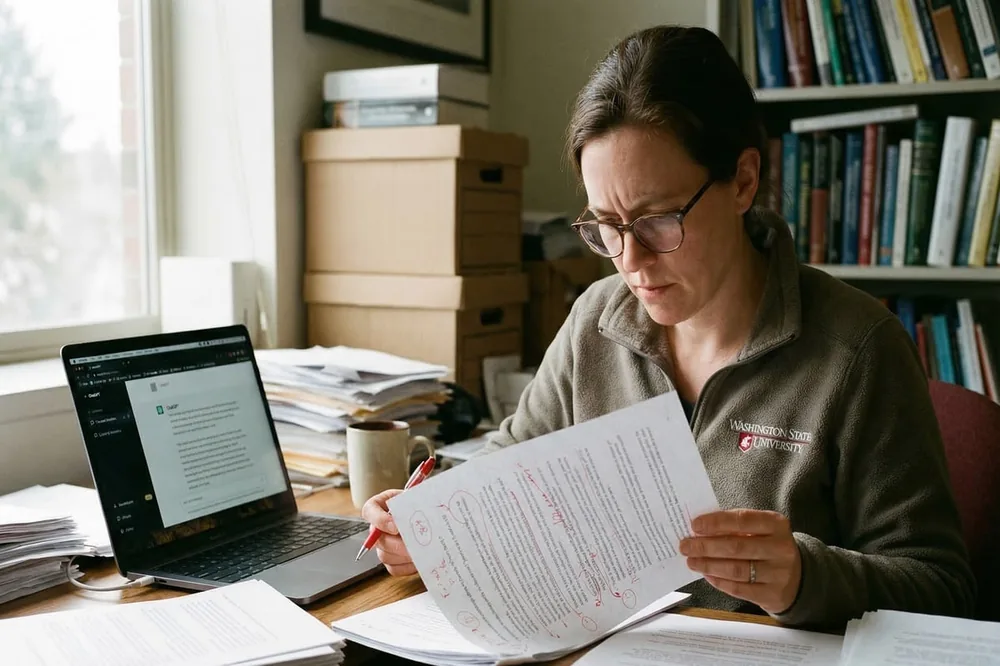
Follow changes with more context
Word documents carry decisions in their edits, annotations, and supporting sections. Keep time for the details that shape a final version, rather than treating the file as something to scan once and close.
Useful for the files that keep moving
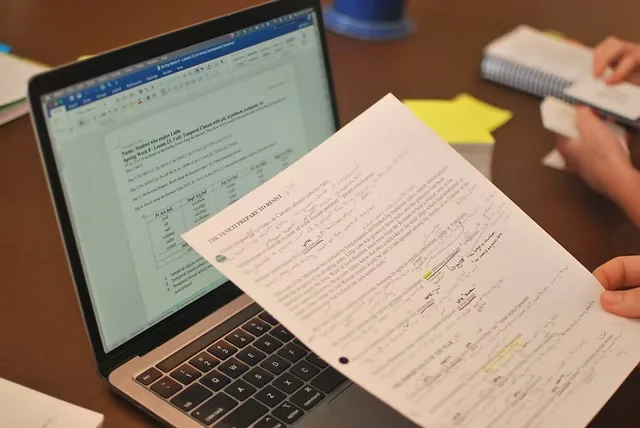
Drafts, feedback, and working notes
Bring together the documents that collect input over time. A saved reading space makes it easier to revisit the source material before you write, reply, or make the next decision.
Questions about Word documents in Readify
Can I use Readify with Word documents?
Use Readify to bring the Word documents you need to read into a dedicated library, alongside the other material you want to revisit.
What kinds of Word documents are useful to save?
Project briefs, reports, research notes, drafts, meeting documents, and any file that benefits from a more deliberate second read are useful candidates.
Why read a Word document in a saved library?
A saved library keeps important documents reachable when the project returns, without relying on a download folder or a long thread of attachments.
Can I return to a document later?
Yes. Saving documents in one place makes it easier to reopen the material and continue the reading when you are ready.