All Topics

Give Every Character a Voice of Their Own

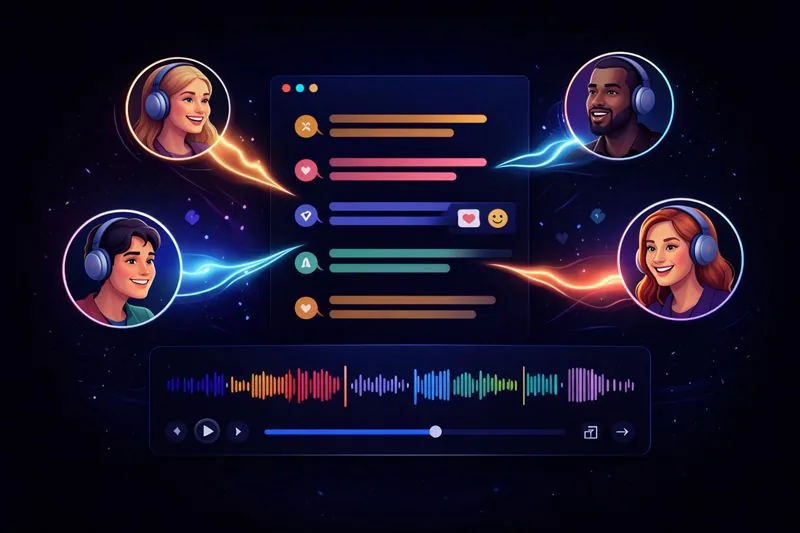
Turn dialogue into a listening experience where each speaker is easier to recognize. Assign distinct AI voices to characters, roles, or interview participants while keeping the original text close.

iOS App
Listen on iPhone and iPad
Scan to download app
Android App
Listen on any Android device
Scan to download app

Dialogue That Is Easier to Follow by Ear

Distinct voices add audible structure without rewriting or shortening the source.

Bring Novel Dialogue to Life
Give major characters recognizable voices while a consistent narrator carries descriptions, transitions, and scene changes.
Hear a Script Before Rehearsal
Preview exchanges, interruptions, and scene rhythm before actors gather for a table read or recording session.
Separate Interview Speakers
Use one voice for questions and another for answers so interview transcripts and research notes stay organized while listening.
Practice Everyday Conversations
Assign contrasting voices to both sides of a language-learning dialogue so questions, responses, and pronunciation are easier to repeat.

Set Up Multiple AI Voices in Three Steps

Start with clearly structured dialogue, build a recognizable cast, and preview the result before listening through.

Open a Story, Script, or Transcript
Step 1
Open a Story, Script, or Transcript
Add supported text with character names, speaker labels, or consistent quotation structure that makes each speaking turn clear.
Assign a Voice to Each Role
Step 2
Assign a Voice to Each Role
Choose distinct voices for characters or participants and keep narration separate when the source includes exposition.
Preview the Cast and Press Play
Step 3
Preview the Cast and Press Play
Test a short exchange, replace voices that sound too similar, adjust the pace, and continue through the complete text.

Why Use Different Voices for Different Speakers?

Recognize Speaker Changes Faster
A change in voice can signal the next character or participant before another dialogue tag appears.
Keep Long Conversations Organized
Consistent voice assignments help interviews, scenes, and multi-person transcripts remain clear across several pages.
Hear the Rhythm Between Lines
Listening can reveal rushed exchanges, long monologues, and transitions that feel different from silent reading.

Multi-Character Voices: Frequently Asked Questions

What are multi-character voices?

Multi-character voices are a text-to-speech setup in which different AI voices are assigned to different characters, speakers, or labeled roles within the same text.

Can I use separate voices for narration and dialogue?

Yes. Narration or exposition can keep one voice while spoken lines use distinct character voices.

How are speaker changes identified?

Clear character names, speaker labels, quotation structure, and consistent formatting help identify turns. Ambiguous dialogue may need manual review or reassignment.

Can I preview voices before listening to the full text?

Yes. Preview a short exchange and change voices that are difficult to distinguish or do not fit the role.

What content works well with multiple AI voices?

Novels, scripts, interviews, podcast drafts, classroom dialogues, role-play scenarios, and clearly labeled transcripts are suitable examples.

Can I adjust the dialogue reading speed?

Yes. Change the playback speed to slow down rapid exchanges or move more quickly through familiar scenes.