
Natural AI Voices That Fit What You Read
Turn PDFs, eBooks, articles, and documents into clear, natural-sounding audio. Preview the voice, choose a language or accent, and adjust the pace before you settle in to listen.

Choose a Voice for the Way You Read
The right narration can change with the material, the language, and how closely you need to follow the text.

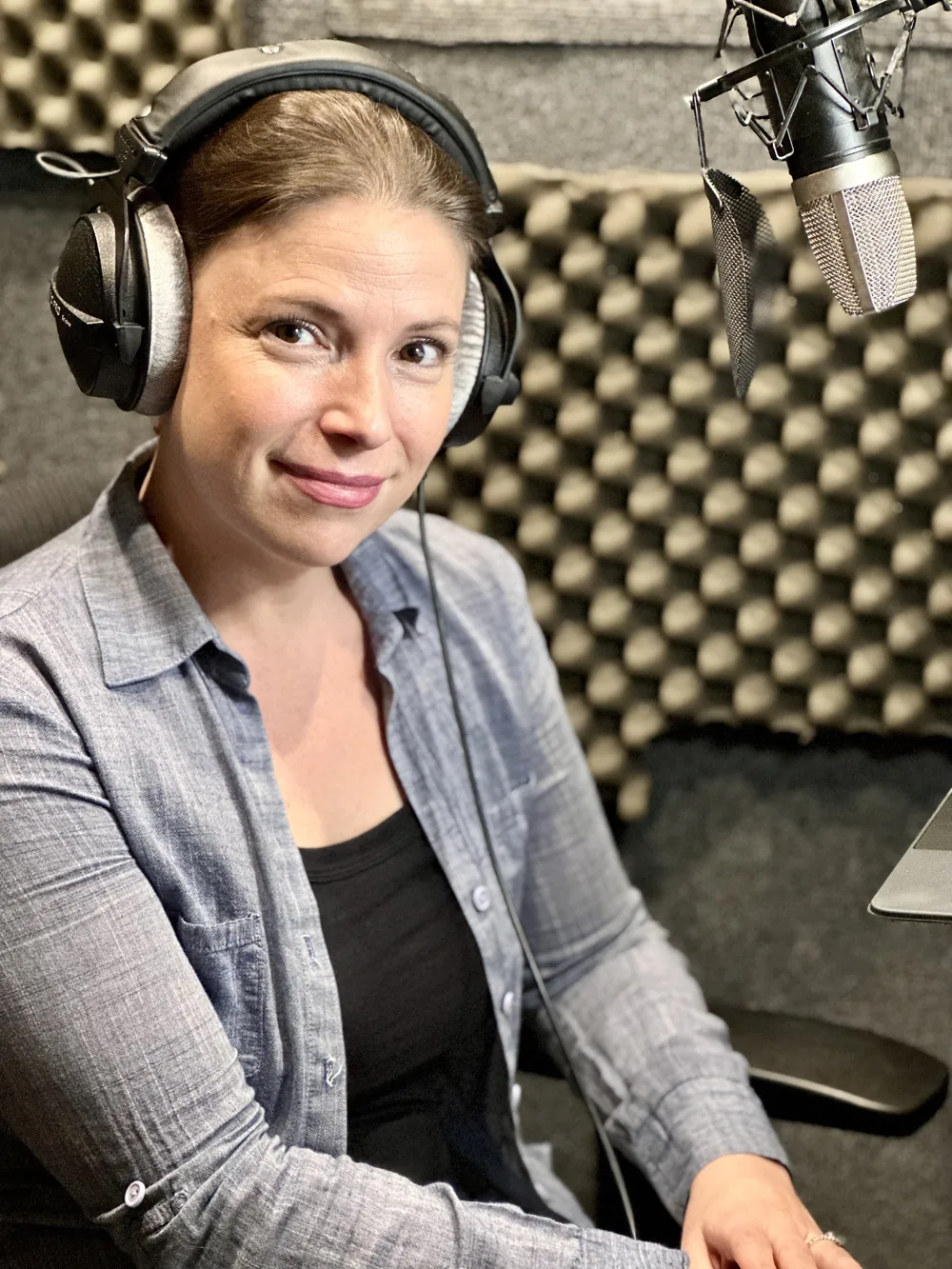


Find the Right AI Voice in Three Steps
Start with your text, compare how it sounds, and fine-tune the pace for the reading ahead.
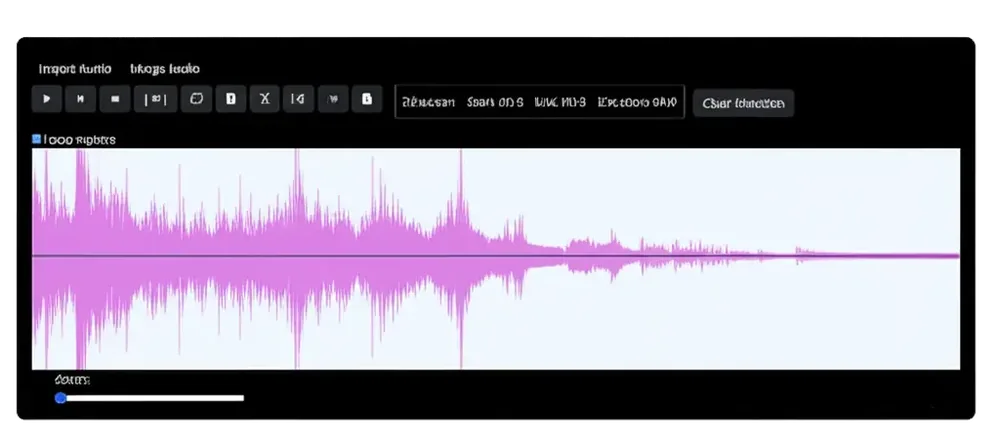
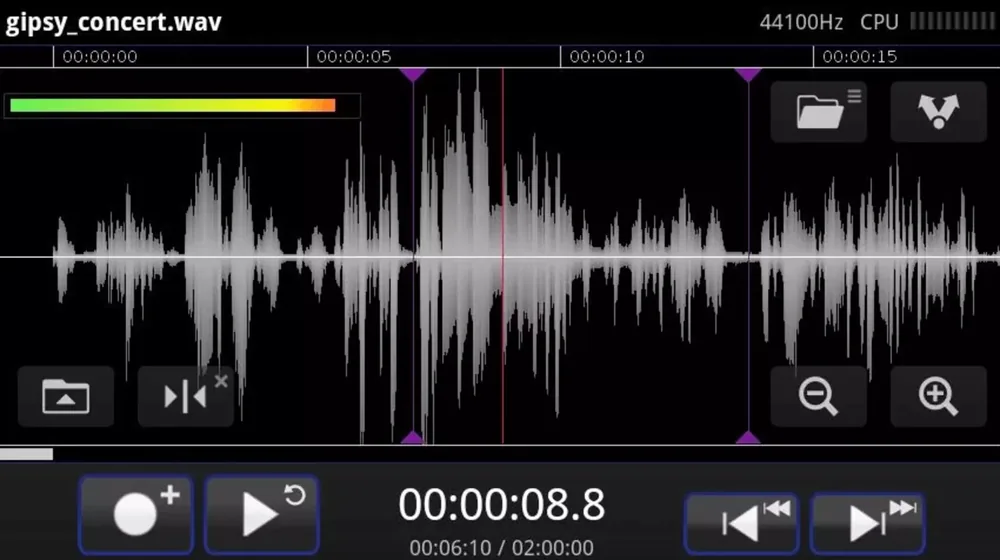

Voice Controls Without the Clutter
Keep the original reading close while changing how the narration sounds.




Natural AI Voices: Frequently Asked Questions
What are natural AI voices?
Natural AI voices are text-to-speech voices designed to use more realistic pacing, pronunciation, and intonation than traditional robotic narration. Names and specialist terms may still occasionally be pronounced incorrectly.
How many AI voices does Readify offer?
Readify offers more than 100 realistic AI voice options. Availability can vary by language and accent.
Can I preview a voice before listening?
Yes. You can compare voice samples before selecting the narration you want to use for your text.
Can I change the voice while reading?
Yes. You can switch voices when a different tone, language, or accent better suits the next document or section.
Can I adjust speed without changing the AI voice?
Yes. Voice selection and playback speed are separate controls, so you can keep the same narrator while changing the pace.
What can Readify read aloud with natural AI voices?
Readify supports common reading formats including compatible PDFs, eBooks, online articles, and documents. Results depend on whether readable text can be extracted from the source.