All Topics

Make Your Reading Sound More Like You

Create a custom AI voice from an authorized recording, preview how it sounds, and use it to narrate supported PDFs, eBooks, articles, and documents—with consent and control built into the workflow.

iOS App
Listen on iPhone and iPad
Scan to download app
Android App
Listen on any Android device
Scan to download app

A Familiar Voice, Used With Intention

Personalized narration can make repeated listening feel consistent and recognizable without changing the original text.
Narrate Your Own Reading List
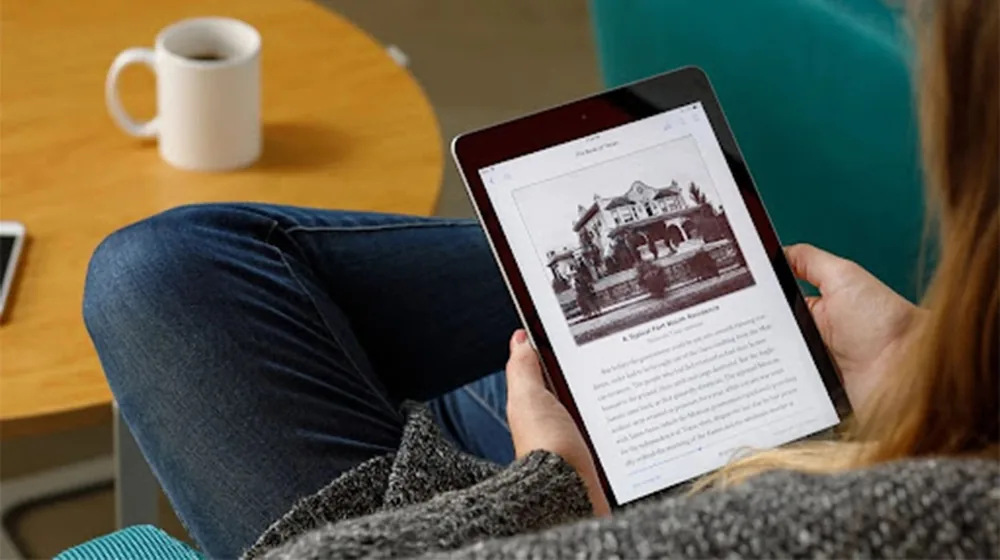
Listen to supported articles, PDFs, eBooks, and documents in an AI voice modeled from your own authorized recording.
Review Drafts in a Familiar Voice
Hear your writing aloud to notice repetition, awkward pacing, missing words, and transitions that need another pass.
Keep an Approved Creator Voice Consistent
Use the same permission-based narrator across recurring educational scripts, explainers, and written content.
Share Stories in a Recognizable Voice
With the speaker’s explicit permission, give personal stories and shared reading a warm, familiar narrator.

Create a Custom AI Voice in Three Steps

Begin with permission, use a clean voice sample, and review the result before applying it to longer text.

Confirm Permission and Record
Step 1
Confirm Permission and Record
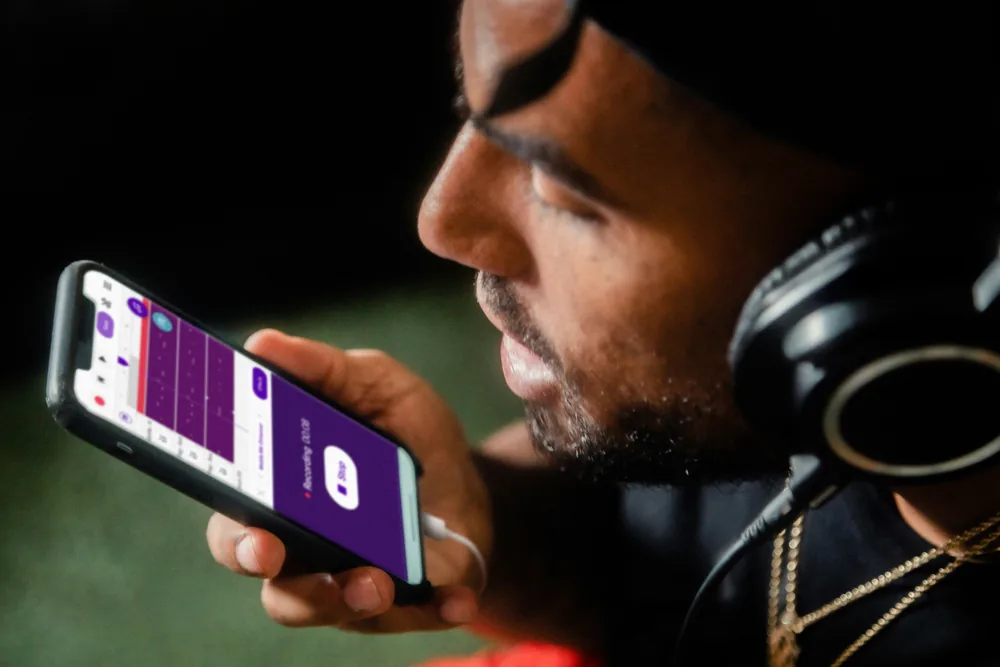
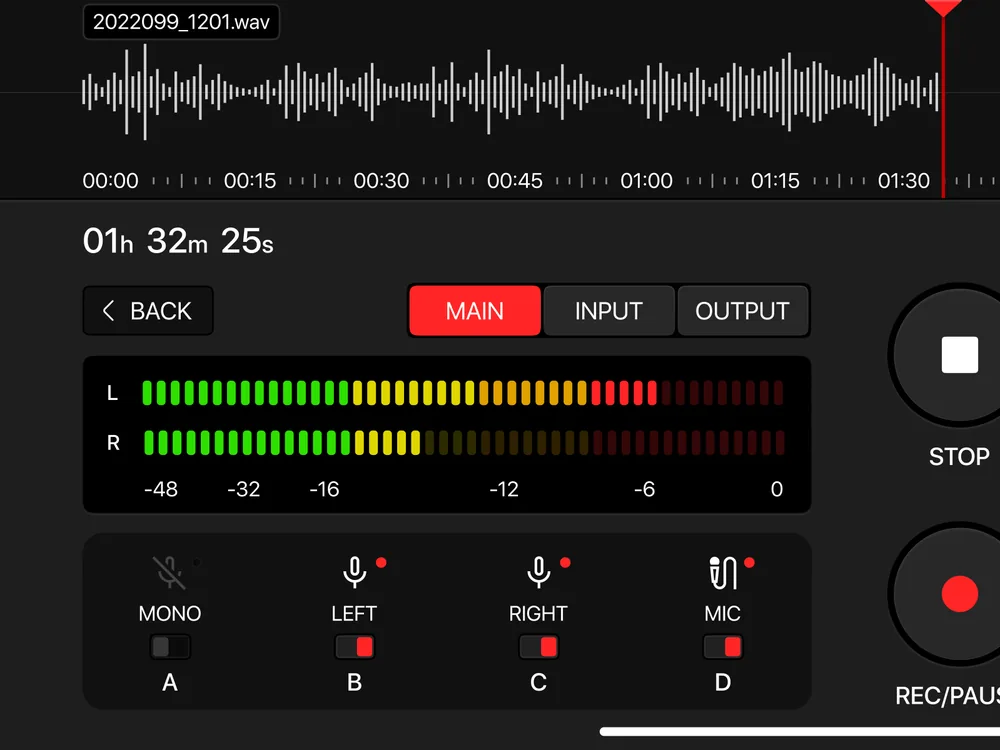
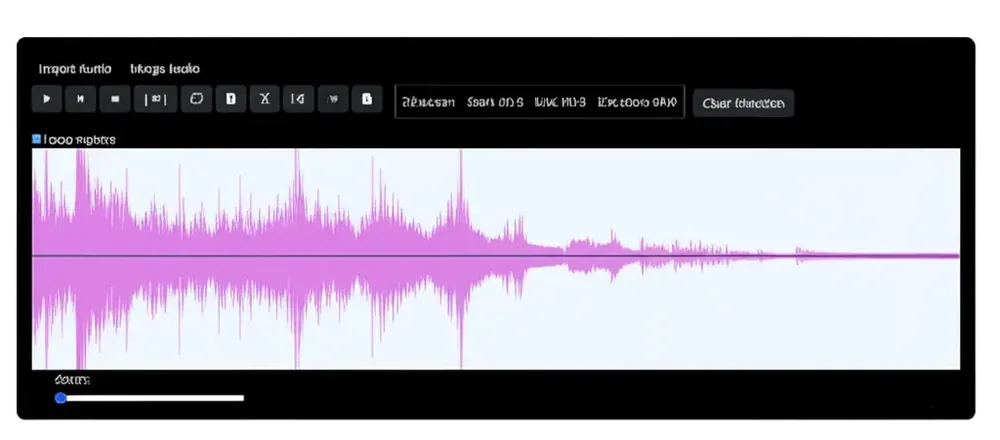
Use your own voice or obtain the speaker’s explicit consent, then record a clear sample with minimal noise, music, and echo.
Create and Review the Voice
Step 2
Create and Review the Voice
Generate the custom voice and preview several sentences to check pronunciation, pacing, and overall resemblance.
Choose the Text and Stay in Control
Step 3
Choose the Text and Stay in Control
Apply the approved voice to supported reading, adjust the playback speed, and pause, switch, or stop whenever needed.

Consent Is Part of the Voice

A useful voice cloning workflow makes authorization clear before creation and keeps the result manageable afterward.

Clone Only an Authorized Voice
Create a custom voice only from your own recording or from a speaker who has clearly approved the intended use.
Preview Before Longer Playback
Test different sentences before using the voice for a full document, since pronunciation and resemblance can vary.
Keep the Original Text Available
Voice cloning changes how supported text sounds, not what the source says, so the written document remains available for reference.

Voice Cloning: Frequently Asked Questions

What is AI voice cloning?

AI voice cloning uses an authorized voice recording to create a synthetic voice with similar vocal characteristics. It generates new speech from written text rather than replaying the original recording.

Whose voice can I clone?

Use your own voice or a voice whose speaker has explicitly approved the intended use. Do not clone another person without clear authorization.

Does a cloned voice sound exactly like the speaker?

Not always. Results can vary with recording quality, language, pronunciation, and the voice model, so samples should be reviewed carefully.

What makes a good voice sample?

Use a clear recording in a quiet space with consistent volume, natural pacing, and minimal echo, music, or background noise.

Can I change the reading speed of a cloned voice?

Yes. Playback speed can be adjusted independently so you can slow down detailed sections or move faster through familiar material.

What should voice cloning not be used for?

Do not use a cloned voice to impersonate someone, mislead listeners, bypass identity checks, fabricate endorsements, or create content without permission.