All Topics

A Voice You Can Stay With for the Whole Story

Long-form reading needs more than a voice that sounds impressive for one sentence. Preview natural AI voices, choose a steady narrator, adjust the pace, and continue through books, reports, essays, and documents without losing your place.

iOS App
Listen on iPhone and iPad
Scan to download app
Android App
Listen on any Android device
Scan to download app

Built for Reading That Takes More Than a Few Minutes

Match the narrator and pace to the length, density, and purpose of the material in front of you.

Stay With an eBook Chapter After Chapter
Choose a warm, consistent narrator whose tone remains comfortable across long scenes, descriptions, and transitions.
Follow a Detailed Report From Start to Finish
Use a clear, measured voice for long explanations, then slow down whenever terminology or reasoning needs closer attention.
Work Through a Long-Form Article Queue
Turn saved essays and investigations into a listening sequence that can continue across shorter sessions during the week.
Review a Thesis or Manuscript by Ear
Hear repeated phrasing, uneven pacing, and transitions that are easy to overlook during extended visual proofreading.

Choose a Long-Form Reading Voice in Three Steps

Test more than one sentence, set a sustainable pace, and keep the same reading position across pauses.

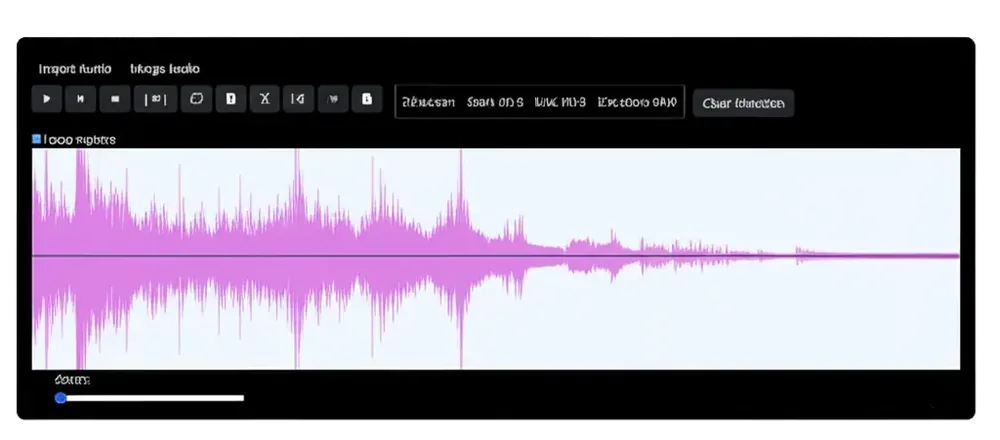
Open the Complete Text
Step 1
Open the Complete Text
Add a supported eBook, PDF, article, or document so you can judge the voice against the material you will actually read.
Preview a Full Paragraph
Step 2
Preview a Full Paragraph
Compare natural AI voices using enough text to hear cadence, pauses, pronunciation, and whether the delivery becomes tiring.
Set the Pace and Keep Going
Step 3
Set the Pace and Keep Going
Adjust the reading speed, pause when needed, and return later with your progress available instead of starting over.

What Makes a Voice Work for Long Listening?

Steady, Natural Cadence
A consistent rhythm helps narration remain predictable without making every sentence sound identical.
Speed That Changes With the Text
Slow down complex passages, move faster through familiar context, and keep the same preferred voice as the pace changes.
A Clear Way Back to the Page
Use synchronized highlighting and saved progress to reconnect the narration with the visible text after a pause or interruption.

Voices for Long-Form Reading: Frequently Asked Questions

What makes an AI voice suitable for long-form reading?

A useful long-form voice should remain clear and comfortable across paragraphs, with consistent pronunciation, natural cadence, and a pace you can adjust.

Can Readify read an entire eBook aloud?

Readify can narrate supported eBooks and documents containing extractable text. Format compatibility and document structure can affect the result.

How should I preview a voice for a long document?

Listen to a complete paragraph rather than one short sentence. Include dialogue, longer sentences, or specialist terms that resemble the rest of the text.

Can I change the voice partway through a book?

Yes. Switch voices when another narrator feels more comfortable or better suits a new type of content.

Can I adjust the reading speed without changing voices?

Yes. Playback speed is independent of voice selection, allowing you to keep the narrator while changing the pace.

Will Readify remember where I stopped?

Readify supports continuing a reading workflow after a pause so you can return without manually searching for the same passage.

Is this the same as listening to an audiobook?

Not exactly. An audiobook is a produced recording of a specific title, while Readify uses text to speech to narrate compatible books, articles, PDFs, and documents you choose.