
How to Read an EPUB Aloud
Open a supported, DRM-free EPUB, start narration from the chapter you need, and follow or replay the text at a comfortable pace.

Let your EPUB become a listening session
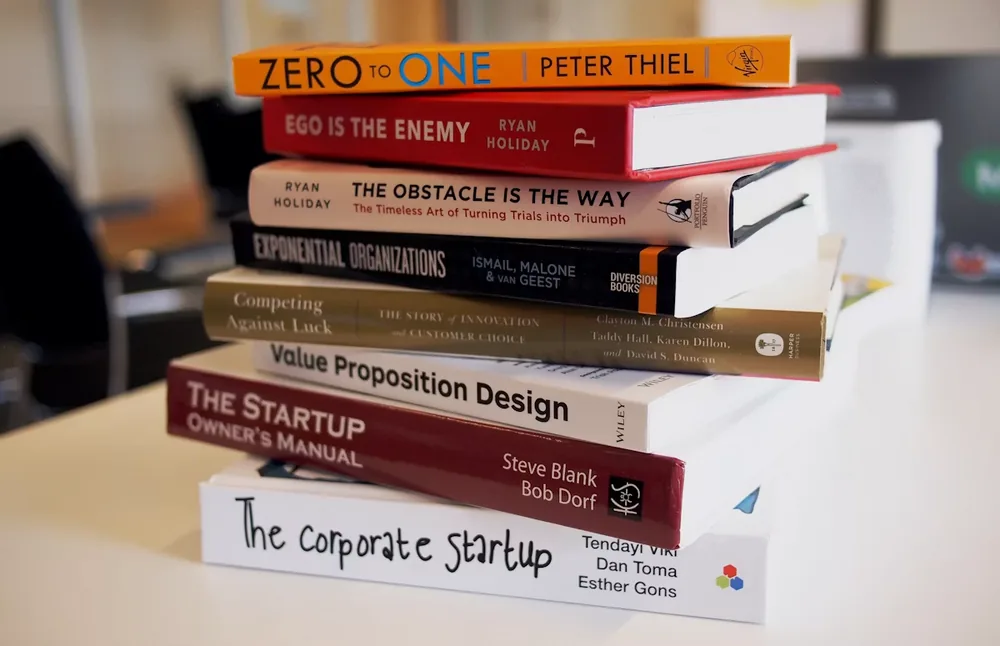
Start with the EPUB you want to finish
Bring a novel, nonfiction book, course text, or saved EPUB into Readify when you want to hear the chapter instead of reading every page on screen.

Listen by chapter, not by interruption
An EPUB keeps the book's structure close, making it easier to move through a chapter and return to the part that matters.
How to read an EPUB aloud in Readify

Step 1
Open your EPUB in Readify
Choose the book you want to read aloud and begin from the chapter or passage that fits your current reading session.

Step 2
Choose a comfortable listening pace
Start at a speed that lets the writing breathe, then adjust as you move between familiar scenes, dense ideas, and important passages.

Step 3
Save your place in the book
Keep progress, highlights, and notes so the next chapter begins with the context you already built.
Use read aloud to stay with the book

Move through longer chapters
Listen through a chapter while walking, resting your eyes, or taking a break from the screen, then return to the text when you want to look closer.

Hear the rhythm of the writing
Audio can reveal pacing, emphasis, and transitions in a story or argument that are easy to rush past in a fast visual skim.

Make room for regular reading
Turn small stretches of time into a continuing book habit instead of waiting for a perfect uninterrupted session.
Useful for the EPUBs you return to

Fiction and longform nonfiction
Follow the thread of a book chapter by chapter while keeping important passages ready for a later reread.

Course books and collected reading
Listen through assigned EPUB material before returning to an idea, a quote, or a section that needs annotation.

Personal digital libraries
Keep books in motion with saved progress and a clear path back to the place where you left off.
The book stays at the center

Audio support, original text nearby
Readify supports listening while keeping the EPUB and its chapter structure available for checking, exploring, and saving context.

Resume without re-finding the chapter
Return to your book with progress and saved context already connected to the reading session.
How to read EPUB aloud: common questions
Can I read an EPUB aloud in Readify?
Readify supports focused EPUB reading with audio assistance, so you can listen through a book while keeping its original text and structure close.
What kinds of EPUB books are good for read aloud?
Novels, nonfiction books, course readings, essay collections, and other longform EPUBs can all work well as listening sessions.
Can I listen by chapter and return to the text?
Yes. Use audio to move through a chapter, then return to the EPUB whenever you want to reread, check a passage, or save a note.
Will Readify remember where I stopped?
Readify helps you pick up where you left off, keeping reading progress and saved context ready for your next session.