
How to Read Without Eye Strain
Alternate listening with visual reading, adjust your setup, and reserve close screen attention for the details that need it most.

Make long reading easier on your eyes



Create a more comfortable digital reading session
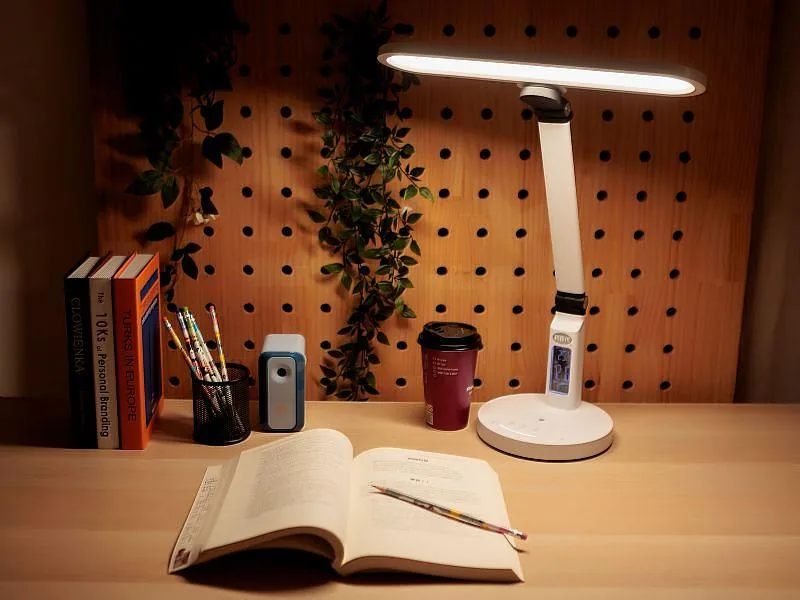
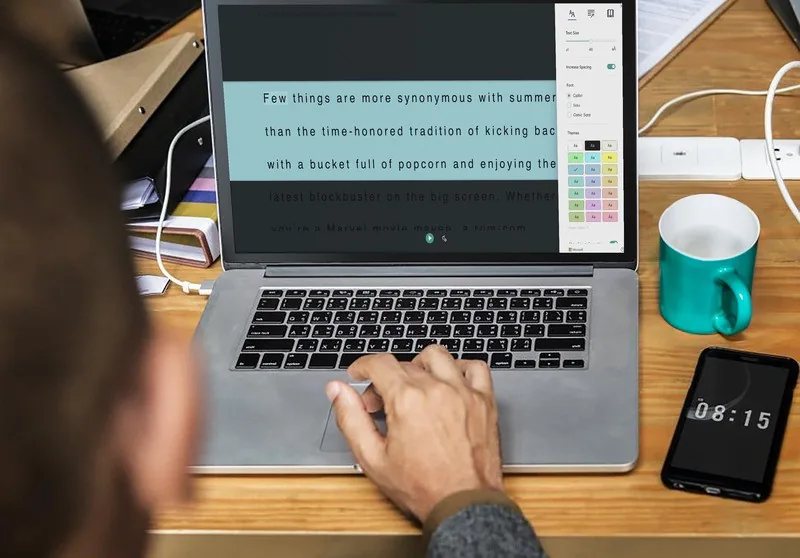

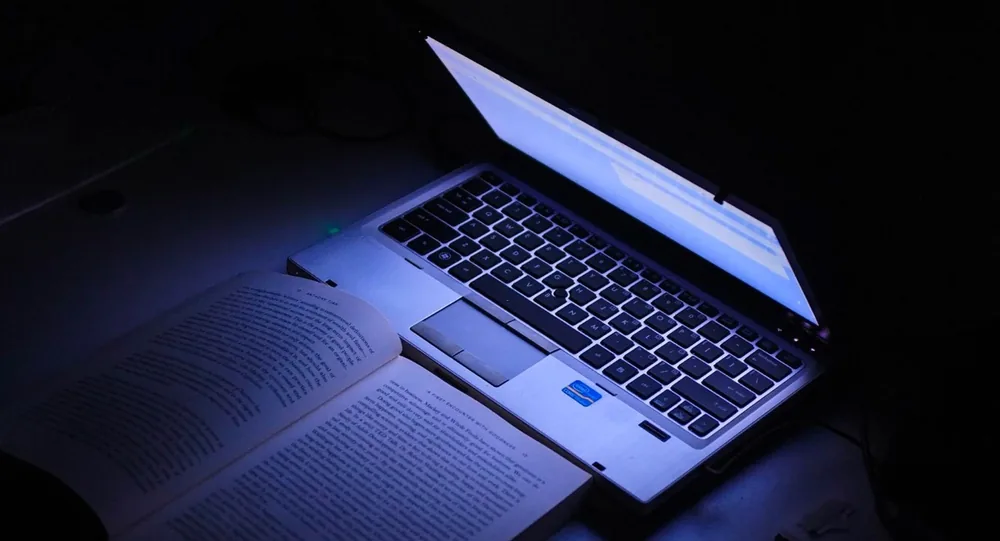
How to read without eye strain in Readify


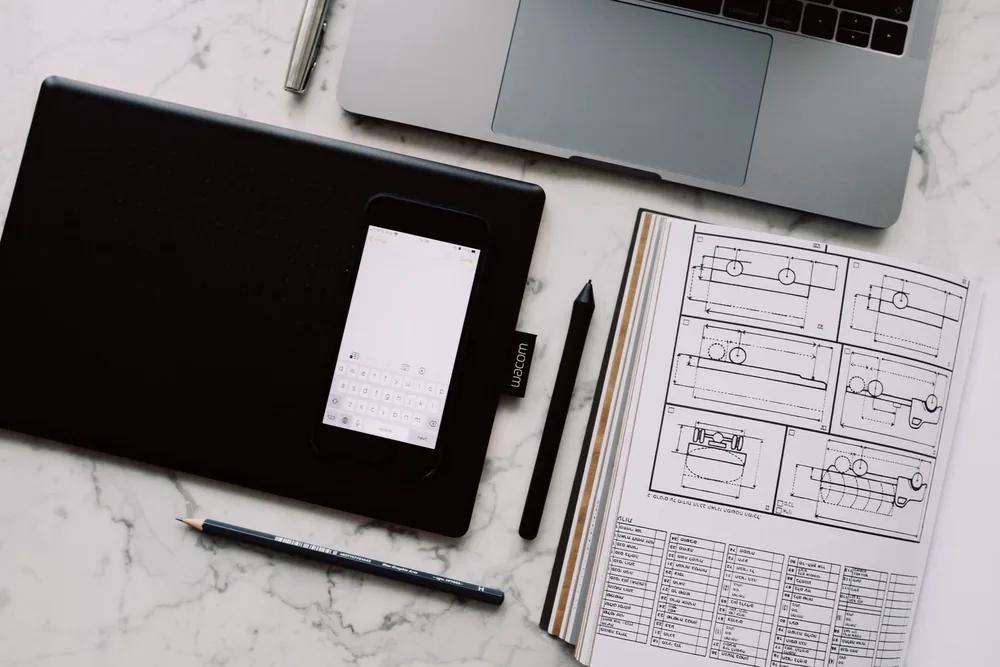
Reduce strain across different reading situations
Keep comfort connected to comprehension
How to read without eye strain: common questions
Can Readify help me read with less eye strain?
Readify supports audio-assisted reading, saved progress, highlights, and notes so you can reduce screen-heavy reading while keeping source context close.
What kinds of content can I use for eye-friendlier reading?
Supported PDFs, articles, web pages, notes, study material, and long documents can all fit a more comfortable Readify reading workflow.
Is listening a good way to rest my eyes while reading?
Listening can help when your eyes need a break, especially if you return to the original text for exact wording, citations, or complex details.
Can I keep highlights and notes while switching modes?
Yes. The page is designed around keeping highlights, notes, and reading progress connected to the source material.
Will Readify remember where I stopped?
Yes. Saved reading progress helps you resume without searching through the same document or page again.