
How to Turn Text into Audio
Add permitted text or a supported document, choose a voice, and create a listening session without disconnecting the audio from its source.

Turn reading time into listening time
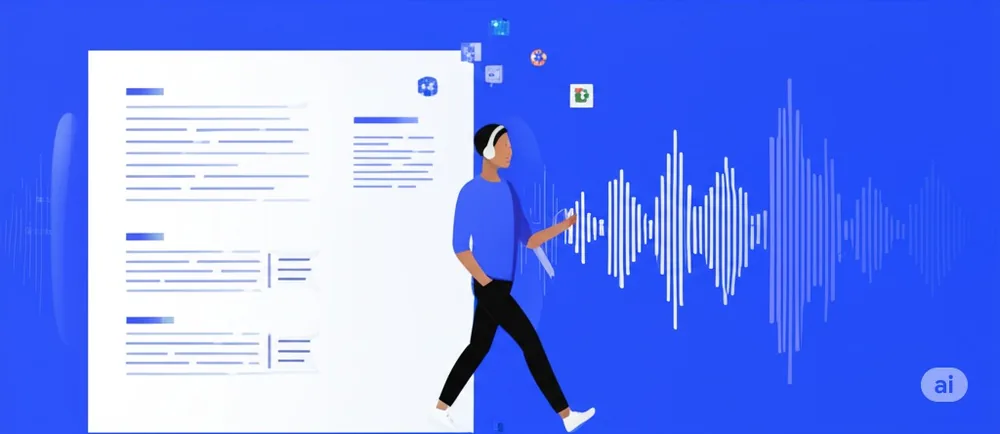
Start with the text you already want to read
Choose a saved article, document, or passage that deserves your attention. With Readify, turning text into audio starts from the reading already in your library.
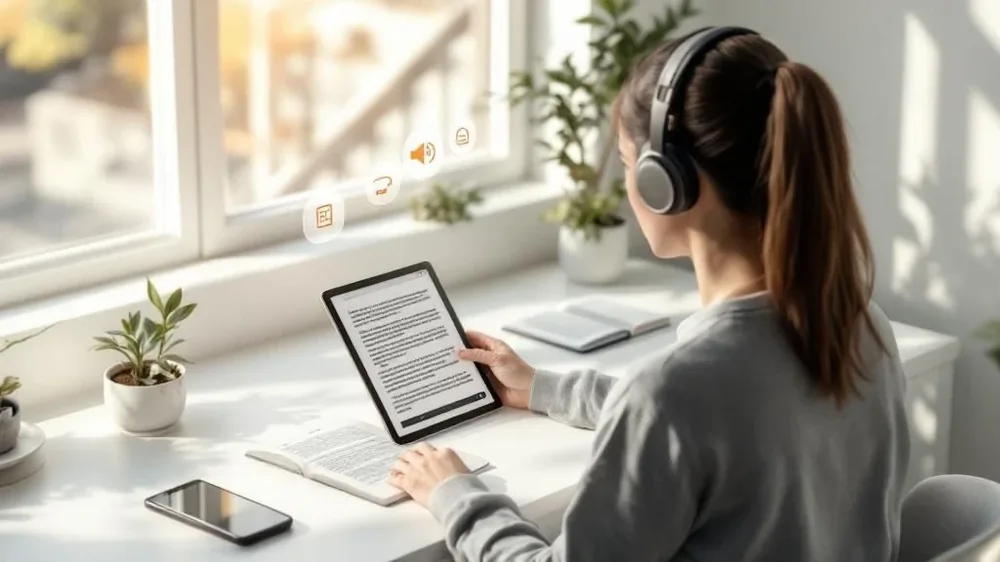
Give your eyes a different kind of break
Text to audio lets you keep up with reading when a screen is not the right fit. Listen while you move, rest your eyes, or make room for a longer piece in a fuller day.
How to turn text into audio with Readify
Step 1
1. Open the text you want to hear
Open a saved article or document from your Readify library. Select reading that would be useful on a walk, during a commute, or away from a desk.
Step 2
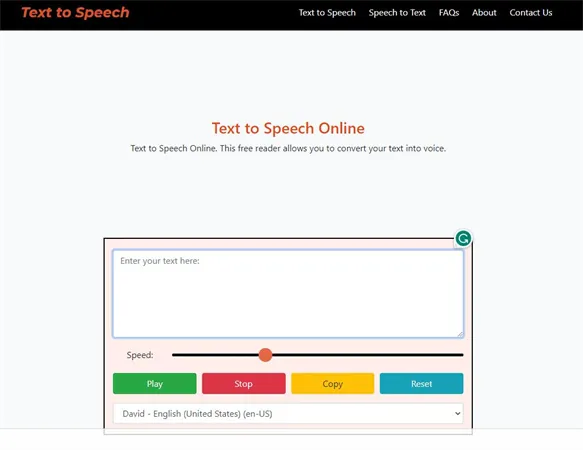
2. Start text to speech playback
Use the text to speech option to begin listening. Audio reading helps you follow the flow of an article or document without needing to stay in front of the page.
Step 3
3. Return to the original passage when needed
Go back to the written source for a citation, an exact phrase, or a complex section. Text and audio work together when you can move between them without losing your place.
Make more room for the reading you saved
Listen to articles and documents in motion
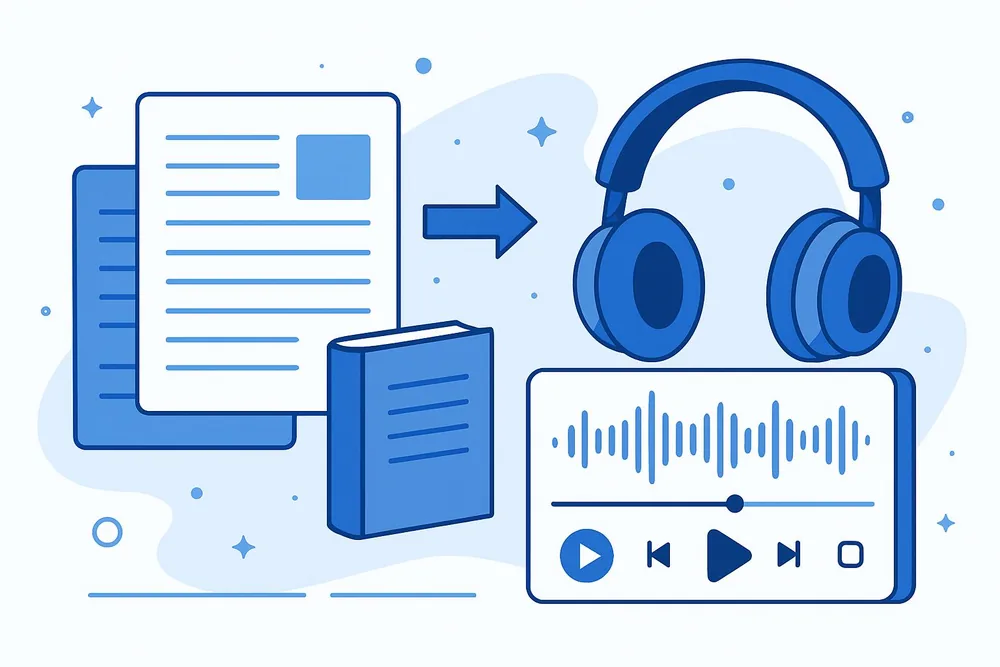
A text to audio workflow makes saved reading more flexible. Use it for an essay you want to finish, a report you need to review, or a long article that has been waiting in your library.
Use audio without giving up close reading
Keep the written source within reach
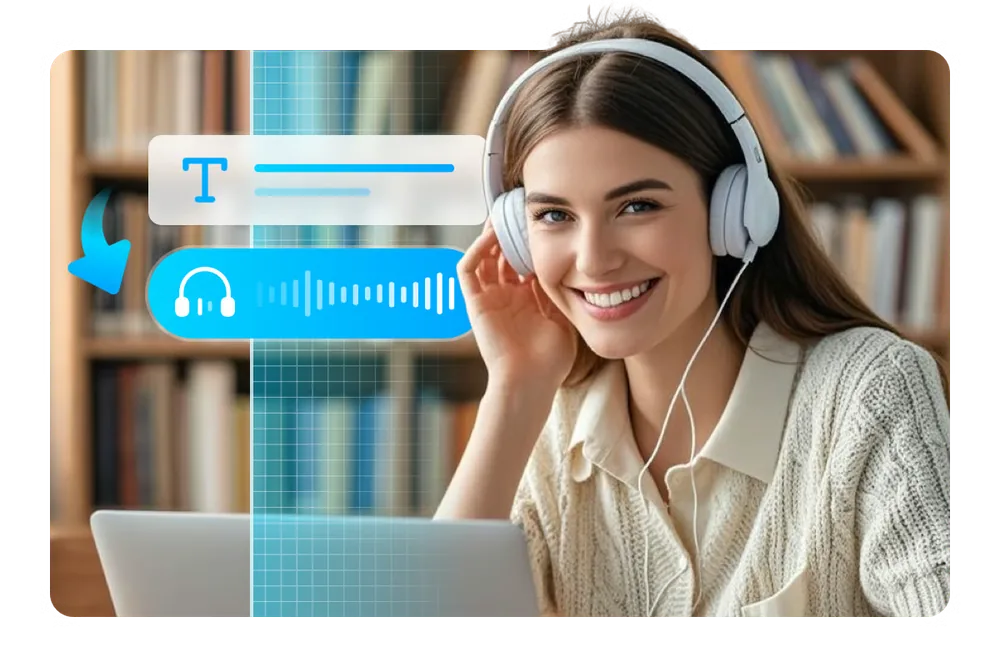
Text to speech is a companion to the original material, not a replacement for it. Listen for the broad arc, then return to the text for detail, notes, and a careful second pass.
Questions about turning text into audio
What does it mean to turn text into audio?
It means using text to speech to have written content read aloud, so you can listen to articles and documents instead of reading every word on screen.
What can I turn into audio in Readify?
Start with the supported articles and documents you have saved in your Readify library, then use audio when listening better fits the moment.
Can I switch back from audio to text?
Yes. Return to the original reading whenever you need to check a detail, revisit a passage, or read a section more closely.
When is a text to audio reader useful?
It is useful while commuting, walking, doing routine tasks, or taking a break from the screen without leaving important reading behind.