
Drive and Listen to Your Reading on Every Commute
Choose your content, voice, and reading speed before departure. Then listen hands-free through Bluetooth and continue from your saved place on the next commute.

Drive and Listen to Books and Word Documents
Readify turns supported reading material into natural-sounding speech for the road. Choose everything before departure, listen hands-free through Bluetooth, and save your place when you arrive. This keeps a repeated commute connected to the reading session before it, without asking you to handle a phone while driving.
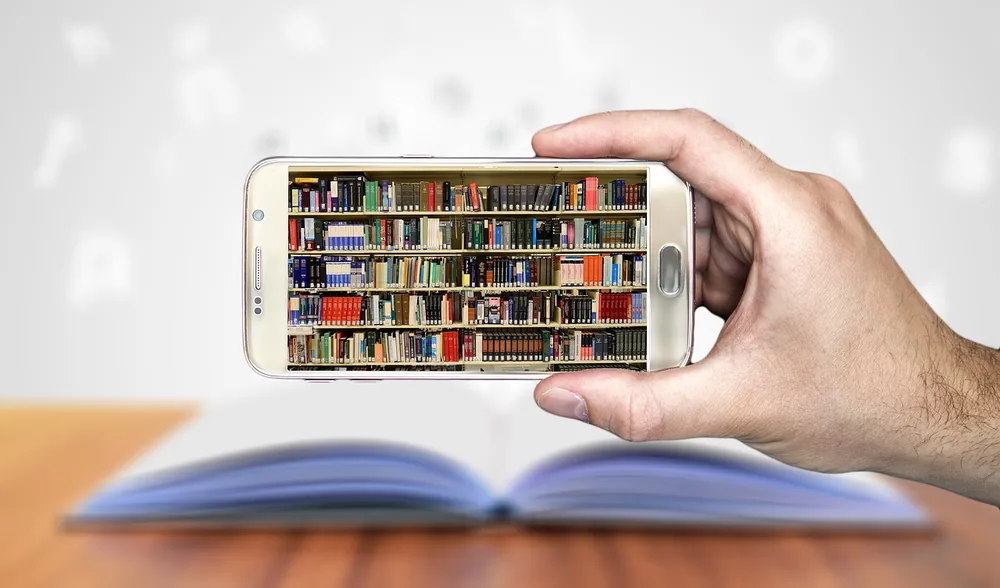
How to Turn On Text to Speech Before Driving
Complete every content and playback choice while parked. Once the trip starts, listen without searching, reading synchronized text, replaying passages, or changing settings.
Keep Reading When the Way You Commute Changes
A driving listening session can become a visual reading session after you leave the car. Readify keeps voice, synchronized text, replay, and saved progress connected across the parts of a commute where each interaction is safe and appropriate.


Practical Questions About Commuting With Readify
What should I check when learning how to turn on text to speech before driving?
Treat setup like a pre-drive checklist. While parked, open the exact book or document you want, move to the right starting point, choose a voice and comfortable speed, connect Bluetooth, set a clear but reasonable volume, and play a short sample. Start the full session before moving and put the phone away for the drive.
Will Readify play through any car with Bluetooth?
Readify can use Bluetooth playback when your phone and vehicle support media audio over Bluetooth, but pairing steps and audio behavior vary by vehicle. Test the connection while parked before depending on it for a trip. This page does not claim built-in CarPlay, Android Auto, steering-wheel controls, or automatic reconnection.
What if I miss a passage or the reading speed feels wrong after I start driving?
Do not reach for the phone, search the text, replay a section, or change the speed while the vehicle is moving. Keep your attention on the road and wait until you are safely parked. You can then use synchronized text to find the missed point, replay it, adjust the pace, and prepare the next part of the session.
Can I continue the same reading after I leave the car or change how I commute?
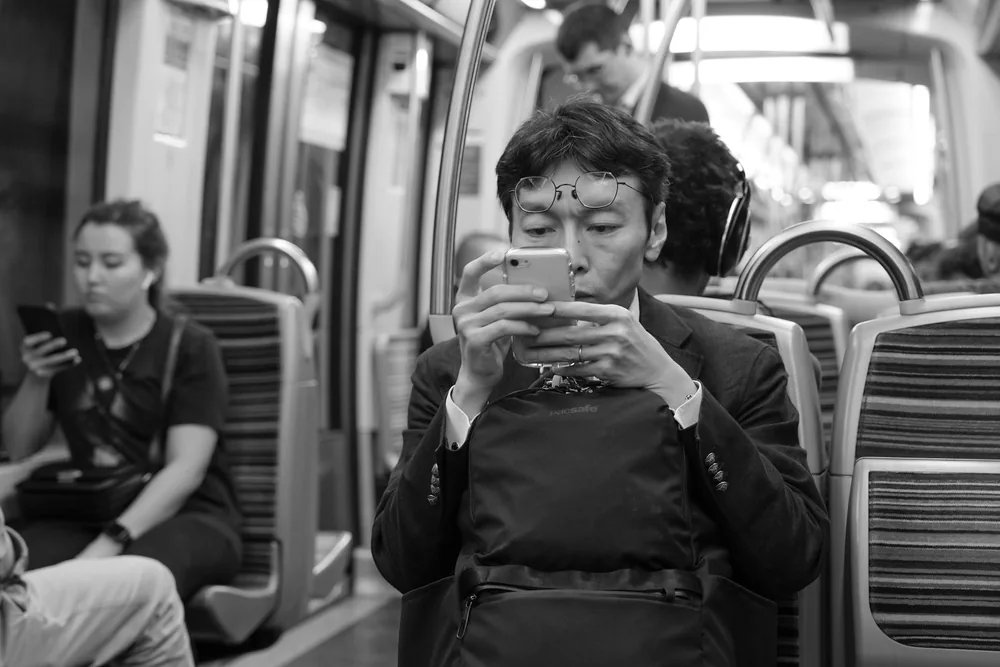
Yes. After parking and leaving the driving environment, return to your saved progress and continue listening while walking, or follow synchronized text as a passenger on a bus or subway. Choose screen use and volume levels that fit the setting, and stay aware of traffic, crossings, and other people.
Can Readify read a Word document or an ebook file from Zlibrary sk during my commute?
A Word document or ebook can only be used when its file type is currently supported by your version of Readify. Confirm the format and open the file successfully before departure. Readify is not affiliated with Zlibrary sk or other third-party ebook sites, so only use files you have the legal right to access and that you have verified as safe.