New: natural AI voices in 30+ languages — press play on anything you read
All Topics

Read at the Speed the Moment Needs

Readify gives you adjustable reading speed for every kind of digital text. Slow the narration when a passage needs attention, move faster through familiar material, and change pace without leaving the page.

iOS App
Listen on iPhone and iPad
Scan to download app
Android App
Listen on any Android device
Scan to download app

A Different Pace for Different Reading

Text-to-speech speed control lets the narration fit the material, your attention, and the time available.

Slow Down Complex Passages
Give technical explanations, unfamiliar terms, and dense paragraphs more time instead of forcing them through one fixed pace.
Move Faster Through Familiar Text
Increase the reading speed when you already know the subject and want to review the main flow without lingering on every sentence.
Match a Study Session
Set a deliberate pace for notes, assigned chapters, or revision, then pause whenever an idea needs another look.
Proofread at a Natural Pace
Change the read-aloud speed until a draft sounds conversational enough for repeated words and awkward transitions to stand out.
Fit Reading Into a Short Break
Use a quicker pace for a brief article or update when the available listening window is limited.
Give New Words More Space
Slow the narration when you want more time to connect unfamiliar spelling, phrasing, or names with the spoken text.
Review Workplace Documents
Move briskly through familiar sections of a brief, then reduce the speed for figures, requirements, and important details.
Adjust as Attention Changes
Reduce the pace when focus drifts and increase it again when the text becomes easier to follow.

Set Your Reading Pace in Three Steps

The speed control stays part of the listening experience, so changing pace does not require rebuilding the audio.

Open the Text
Step 1
Open the Text
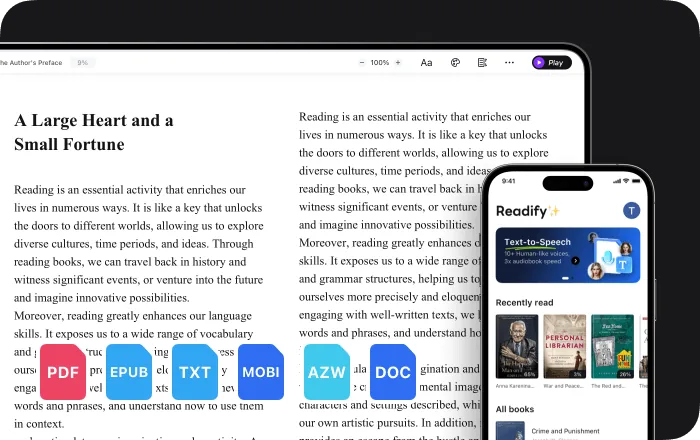
Add a supported EPUB, PDF, DOCX, AZW, MOBI, or TXT file, or open compatible web content through the browser extension.
Choose a Voice and Starting Speed
Step 2
Choose a Voice and Starting Speed
Select from 100+ realistic voices and begin at a pace that feels suitable for the document.
Adjust While You Listen
Step 3
Adjust While You Listen
Speed up, slow down, pause, or replay as the difficulty and purpose of the reading change.

Why Control the Read-Aloud Speed?

A flexible pace keeps you in charge of how the narration meets the text rather than locking every document to the same rhythm.


More Time When Details Matter
A slower pace leaves room to inspect terminology, follow an argument, or check the visible sentence before continuing.
Less Waiting on Familiar Material
A faster setting can keep routine review moving while the original words remain available for reference.
A Pace You Can Change Midway
Documents rarely stay equally difficult from beginning to end, so the narration can change speed with them.
Audio and Text Stay Together
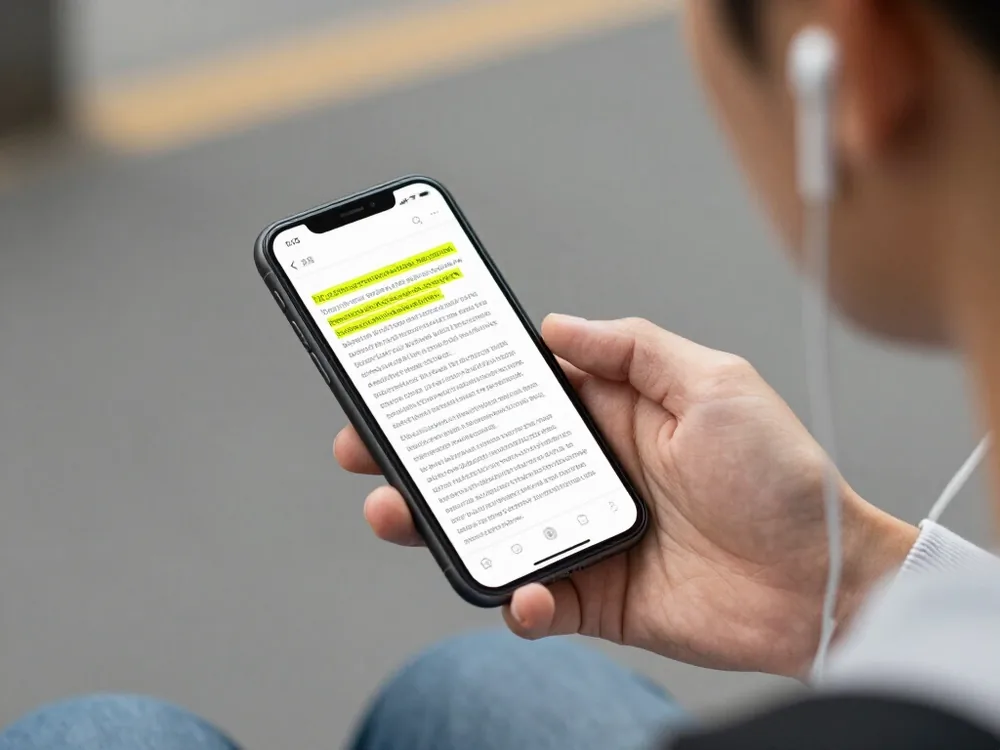
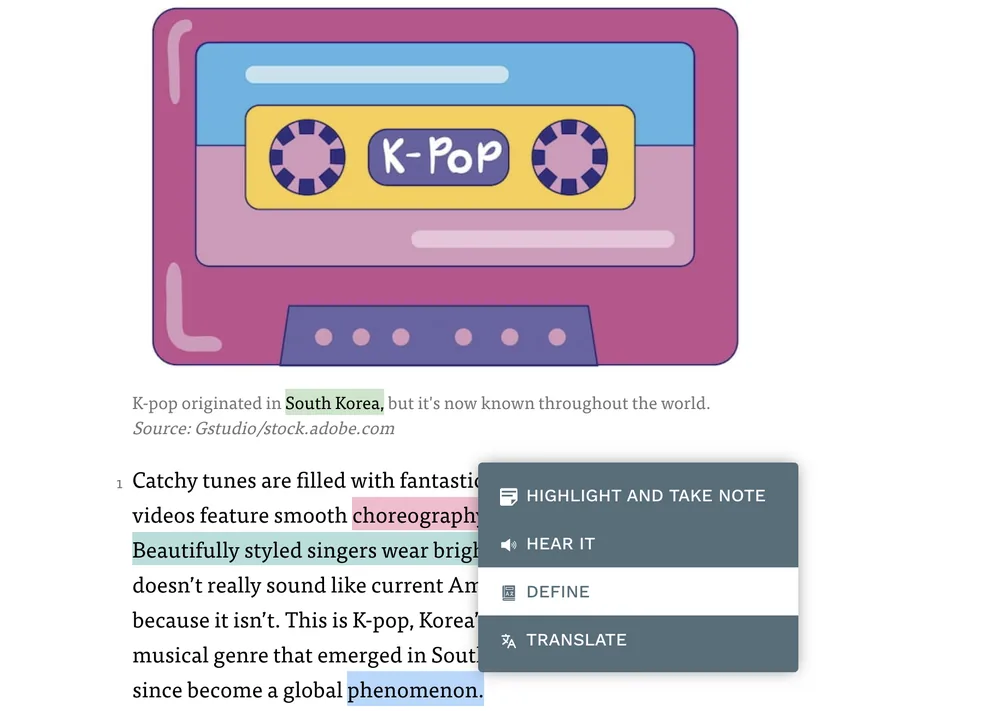
Synchronized highlighting follows the narration even when the speed changes, keeping the spoken position visible.

Playback Controls for a Flexible Reading Rhythm

Change the pace, keep your place, and stay connected to the source document from one reading view.


Adjustable Playback Speed
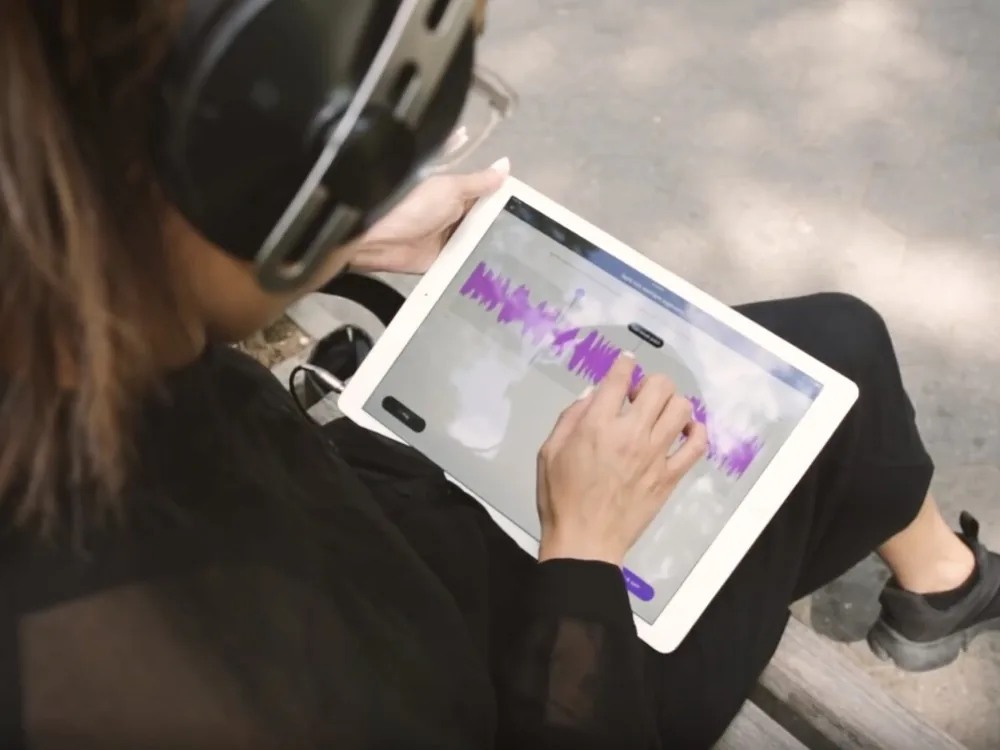
Increase or reduce the text-to-speech speed whenever the document or listening situation calls for a different pace.
Pause and Replay
Pause and Replay
Stop on an important passage, hear it again, and continue only when you are ready.
Synchronized Highlighting
Follow the active words visually as the narration changes speed, pauses, and resumes.
Files and Compatible Webpages
Use speed controls with common document and eBook formats, plus compatible web content through the browser extension.

Adjustable Reading Speed: Frequently Asked Questions

What is adjustable reading speed?

Adjustable reading speed lets you control how quickly text-to-speech narration moves through digital text. You can choose a slower or faster pace according to the material and listening situation.

Can I change the Readify narration speed while listening?

Yes. Readify provides adjustable playback speed, so you can change the pace as the document becomes easier or more difficult.

Should I slow down text to speech for difficult material?

A slower setting gives you more time with each sentence, but the most suitable speed depends on the text and your preferences. You can adjust it whenever needed.

Can I speed up documents I already know?

Yes. You can use a faster pace for familiar or routine material, then slow down again for sections that need closer attention.

Does text highlighting follow the new speed?

Yes. Readify's synchronized highlighting stays connected to the active narration as playback speed changes.

Which file types support speed control?

Readify supports EPUB, PDF, DOCX, AZW, MOBI, and TXT files, along with compatible web content through its browser extension.

Is Readify free to try?

Readify offers a free way to start. Current plan details and usage limits are available in the Readify app.