New: natural AI voices in 30+ languages — press play on anything you read
All Topics

Keep Listening, Even When the Screen Moves On

Readify background playback keeps your text-to-speech narration moving when you switch apps or lock your phone. Start an article, PDF, eBook, or document, then carry the reading into the rest of your day.

iOS App
Listen on iPhone and iPad
Scan to download app
Android App
Listen on any Android device
Scan to download app

Reading That Keeps Up With the Next Thing

Start with the text in front of you, then let background text to speech follow as your attention shifts to another screen or activity.
Switch Apps Without Stopping
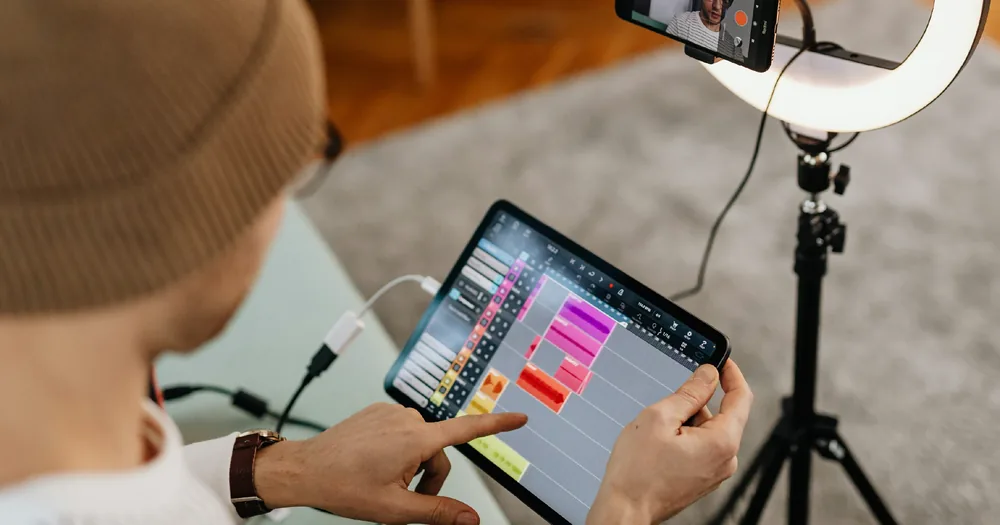
Check a message, open your calendar, or take a quick note while the narration continues in the background.
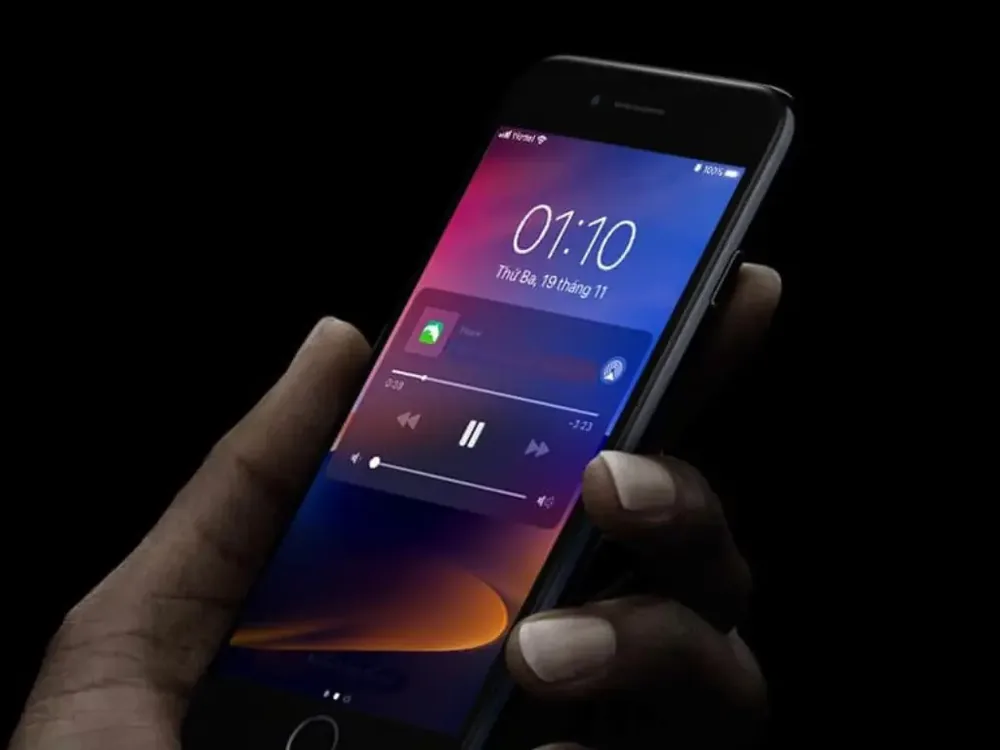
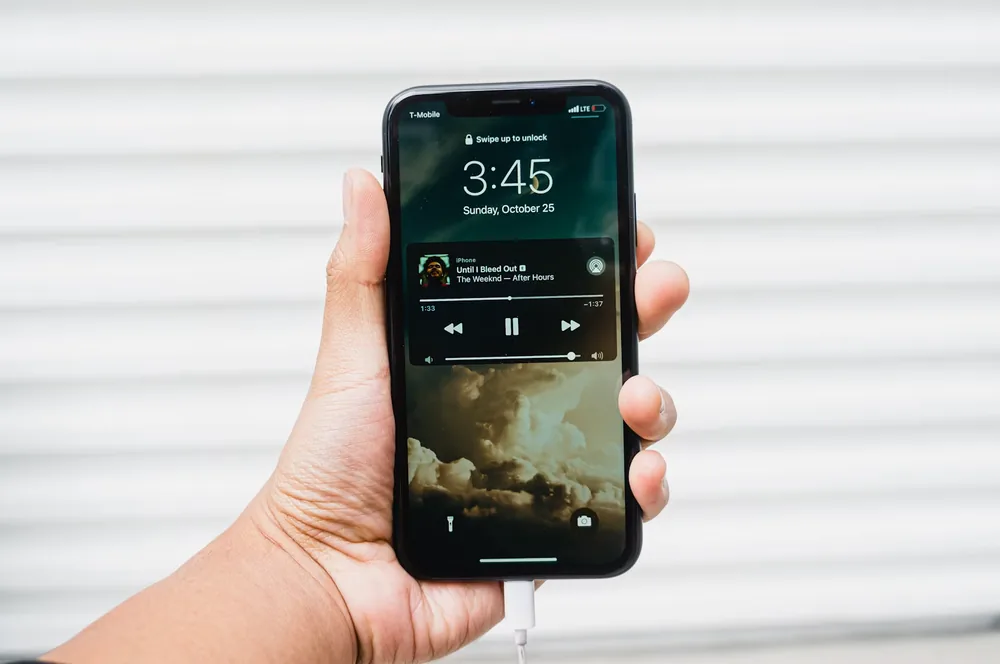
Listen With the Screen Locked
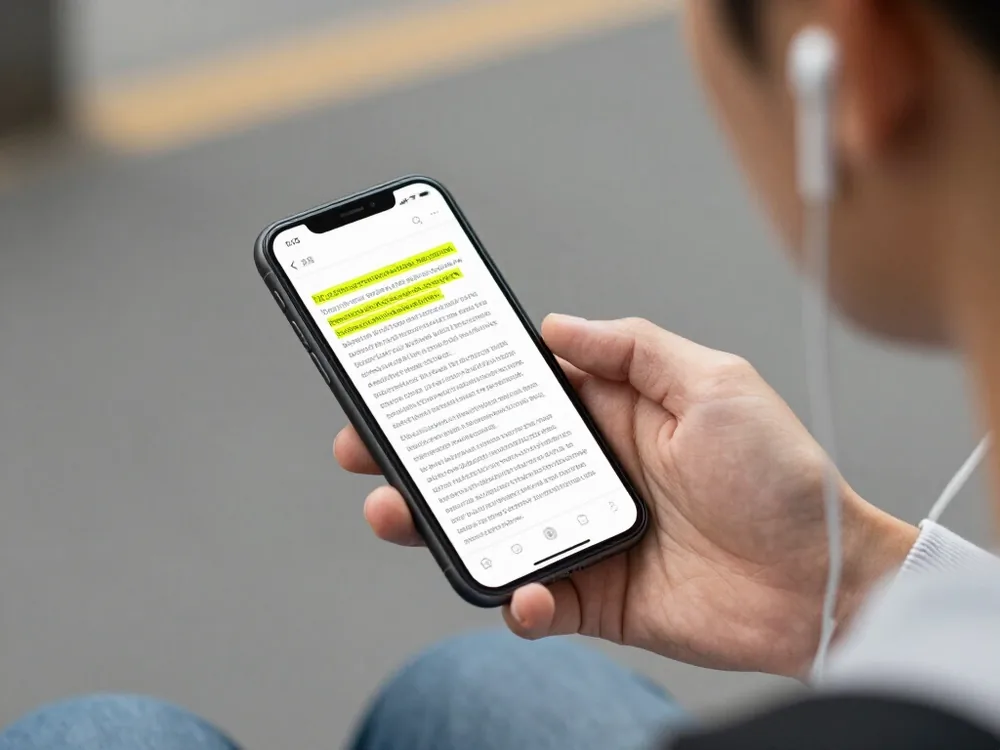
Put the phone away and keep listening to the source text through your headphones instead of keeping the display awake.
Carry an Article Into Your Commute
Begin reading before you leave, then let background audio continue as you walk, wait, or ride.
Cook While the Chapter Continues
Keep both hands on the recipe and let an eBook, saved article, or long document play in the background.
Take a Walk Without Losing Your Place
Lock the screen, pocket the phone, and continue from the same spoken position while you move outside.
Move From Desk to Meeting
Leave the reader view without ending playback when a workday transition pulls you into another app or room.
Keep Study Notes in Your Ears
Let class notes or assigned reading continue while you organize files, prepare your bag, or step away from the desk.
Finish a Draft During Routine Tasks
Listen for awkward phrasing and missing words while tidying, filing, or handling familiar low-attention work.

Start Background Playback in Three Steps

The reader stays simple: open the text, begin narration, and move on without rebuilding the audio.

Open What You Want to Hear
Step 1
Open What You Want to Hear
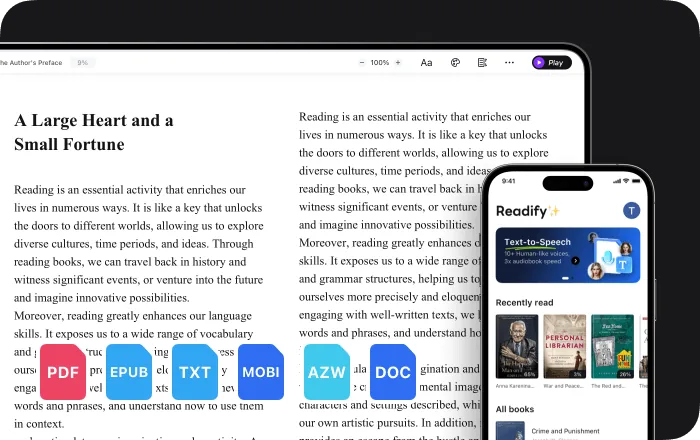
Add a supported PDF, EPUB, DOCX, AZW, MOBI, or TXT file, or open compatible web content through the browser extension.
Choose a Voice and Press Play
Step 2
Choose a Voice and Press Play
Select a natural voice and playback speed, then begin from the passage you want to carry with you.
Switch Apps or Lock the Screen
Step 3
Switch Apps or Lock the Screen
Let the narration continue in the background and return to the reader whenever you want to see the synchronized text again.

Why Use Background Playback?

Background narration reduces the need to keep one screen, one posture, and one app active for the entire reading session.


Fewer Broken Reading Sessions
A quick app switch does not have to become the end of the chapter, article, or document you started.
Less Screen Time for Long Text
Lock the display and keep listening when you no longer need to follow every line visually.
More Useful In-Between Minutes
Short walks, household tasks, and routine transitions become natural places to continue your reading queue.
Your Place Remains Connected to the Text
Return to the reader and continue with the source document available for visual reference and synchronized highlighting.

Background Text-to-Speech Controls That Stay Close

Keep the reading moving while the essential playback controls remain easy to reach.

Background Audio Playback
Continue text-to-speech narration when Readify is no longer the active view.
Lock-Screen Listening
Turn off the display and keep your document playing through the connected audio device.
Adjustable Reading Speed
Set a comfortable pace before leaving the reader and change it again when the text or moment calls for a different rhythm.
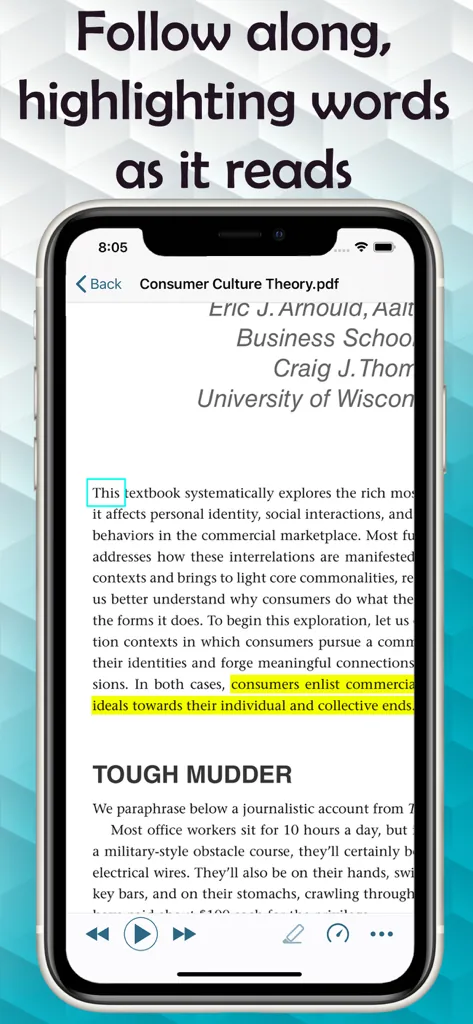
Synchronized Text Highlighting
Come back to the page and see the active spoken position highlighted in the original text.

Background Playback: Frequently Asked Questions

What is background playback for text to speech?

Background playback lets text-to-speech narration continue when the reader is not the active view, so you can switch apps or lock the screen without ending the listening session.

Can Readify keep reading when I switch apps?

Yes. Readify background playback is designed to keep narration moving while you use another app, then reconnect you with the visible text when you return.

Can I listen to text with my phone screen off?

Yes. After playback begins, you can lock the phone and continue listening through its speaker or a connected audio device.

Does background playback work with PDFs and eBooks?

Readify supports common reading formats including PDF, EPUB, DOCX, AZW, MOBI, and TXT, so background narration can fit a wide range of personal reading.

Will I lose my place when I return to Readify?

The reading position remains connected to the source text, allowing you to return to the page and continue from the current spoken passage.

Can I change the narration speed before using background playback?

Yes. Choose a preferred playback speed before switching away, and adjust the pace again when you return to the reader.

Is Readify free to try?

Readify offers a free way to start. Current plan details and usage limits are available in the Readify app.