New: natural AI voices in 30+ languages — press play on anything you read
All Topics

Give Dense PDFs More Than One Way In

Readify adds natural text-to-speech narration to complex, text-based PDFs while keeping the original document available. Listen through long explanations, slow down technical passages, and look back whenever a formula, table, figure, or citation needs your eyes.

iOS App
Listen on iPhone and iPad
Scan to download app
Android App
Listen on any Android device
Scan to download app

Complex PDFs, Broken Into a More Flexible Rhythm

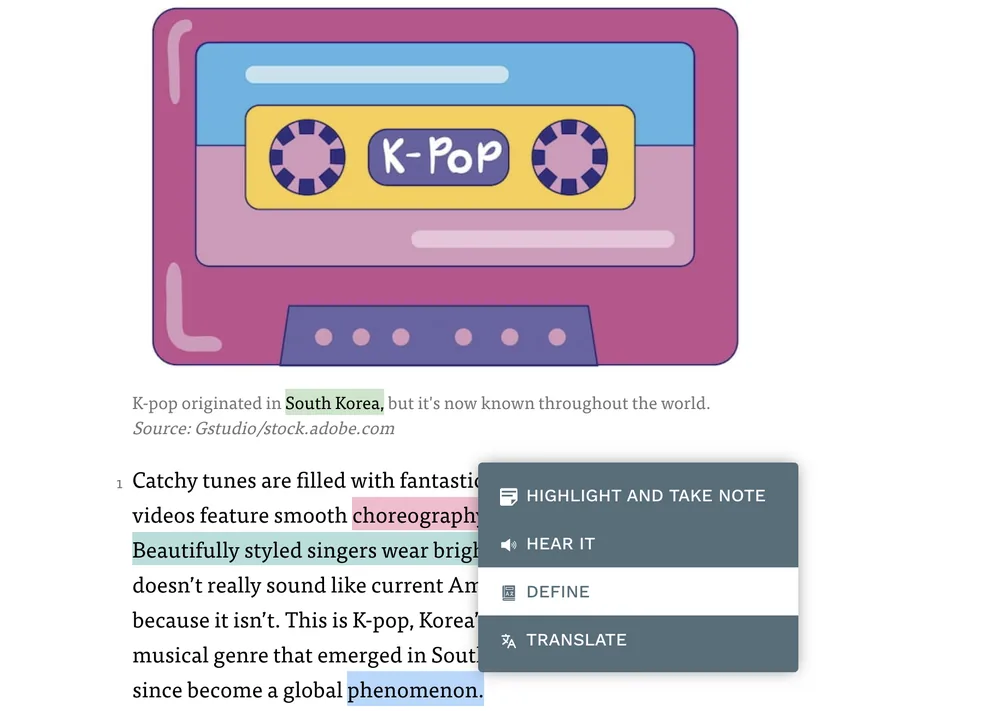
Use narration for continuous text, then return to the page for visual evidence, exact notation, and document structure.


Work Through a Research Paper
Listen through the abstract, introduction, methods, and discussion while keeping citations, equations, and figures ready for closer inspection.
Follow a Technical Report Section by Section
Let text to speech carry narrative analysis, then pause when specifications, diagrams, appendices, or tables need visual review.
Review a Long Policy Document
Hear definitions, requirements, and explanatory clauses in sequence, then return to numbered provisions and exact wording before acting.
Read Academic Material in a Second Language
Use spoken phrasing to support the flow of dense paragraphs while checking terminology and quotations in the original PDF.
Prepare Before a Seminar or Meeting
Listen through background sections and key arguments before returning to charts, evidence, and passages you want to discuss.
Proofread a Detailed PDF Draft
Hear long sentences, repeated language, and missing transitions that can be difficult to notice during line-by-line visual editing.
Continue a Thesis Away From the Desk
Carry narrative chapters into a walk or routine task, then return to the PDF when footnotes, references, or layout become important.
Revisit a Difficult Passage
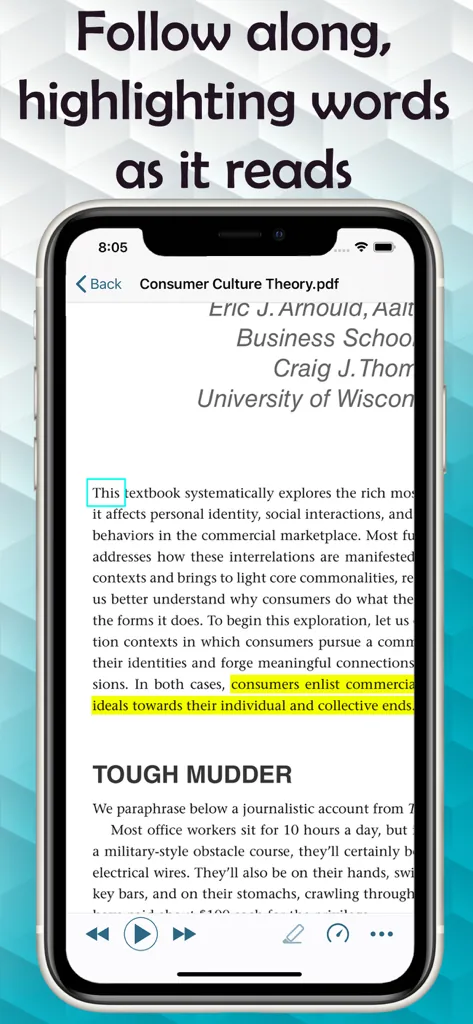
Slow the narration, replay the paragraph, and follow synchronized highlighting before moving into the next section.

Read a Complex PDF in Three Steps

Start with extractable text, choose how the document should sound, and move between listening and visual inspection as the material changes.

Open a Text-Based PDF
Step 1
Open a Text-Based PDF
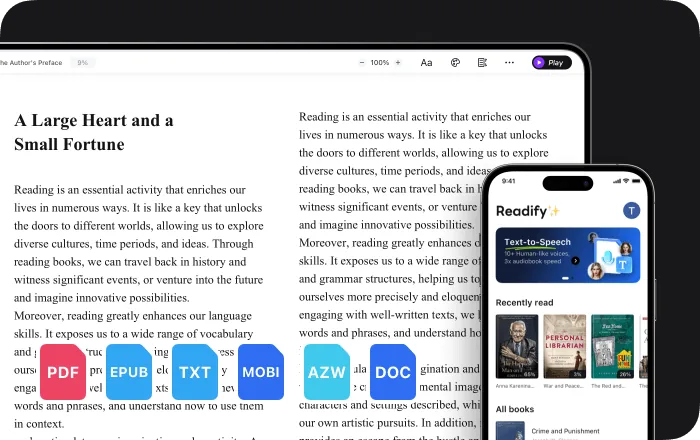
Upload a PDF whose text can be selected or extracted. Image-only scans may need OCR before reliable narration is possible.
Choose a Voice and Starting Pace
Step 2
Choose a Voice and Starting Pace
Select a natural voice and begin at a speed that leaves enough room for unfamiliar terminology and detailed reasoning.
Listen, Pause, and Look Back
Step 3
Listen, Pause, and Look Back
Follow the highlighted text, replay difficult sentences, and inspect formulas, charts, tables, and figures directly in the source PDF.

Why Add Audio to a Complex PDF?

Narration does not simplify or replace the document. It adds another route through continuous text while preserving the original evidence and layout.


Hear the Argument Across Long Sections
Listening can make it easier to notice how ideas connect across paragraphs without removing the exact wording from view.
Give Dense Language More Time
Reduce playback speed for unfamiliar concepts, technical vocabulary, and sentences that need another pass.
Keep Visual Attention for Visual Evidence
Use your eyes where they add the most value: formulas, graphs, tables, footnotes, diagrams, and page relationships.
Return to the Current Sentence
Synchronized highlighting keeps narration connected to the visible PDF text when you switch back from listening to close reading.

Controls for Detailed PDF Reading

Change pace, replay a line, follow the active words, and keep the complete document available from one reading workflow.


Natural AI Text to Speech
Choose from realistic voices for research papers, reports, policies, textbooks, and other text-based PDFs.
Adjustable Reading Speed
Slow down technical passages, move faster through familiar context, and change pace again whenever the document changes difficulty.
Pause, Replay, and Highlighting
Replay a difficult sentence and use synchronized highlighting to reconnect the spoken passage with the original PDF text.
Original PDF Kept Close
Return to document structure, page layout, citations, tables, figures, and exact notation whenever narration alone is not enough.

Complex PDF Reading: Frequently Asked Questions

What is complex PDF reading with text to speech?

It is a reading workflow that adds narration, adjustable speed, replay, and synchronized highlighting to a detailed text-based PDF while keeping the original pages available for visual information.

Can Readify read research papers and technical reports aloud?

Readify can narrate extractable text from supported PDFs. You should still inspect formulas, charts, tables, diagrams, citations, and specialized layout directly in the document.

Will text to speech understand equations and tables correctly?

Narration is best suited to continuous text. Equations, tables, charts, and complex visual relationships may not translate meaningfully into audio and should be reviewed visually.

Can Readify read a scanned PDF?

An image-only scanned PDF may require optical character recognition before its text can be narrated reliably. A quick check is whether the PDF text can be selected.

Can I slow down difficult PDF passages?

Yes. Adjust the playback speed, pause, or replay a sentence whenever technical language or dense reasoning needs more time.

Does highlighting stay connected to the PDF text?

Readify uses synchronized highlighting to show the current spoken position, helping you return from listening to visual reading without searching the page again.

Is Readify free to try?

Readify offers a free way to start. Current plan details and usage limits are available in the Readify app.