All Topics

Turn a PDF Into Something You Can Listen To

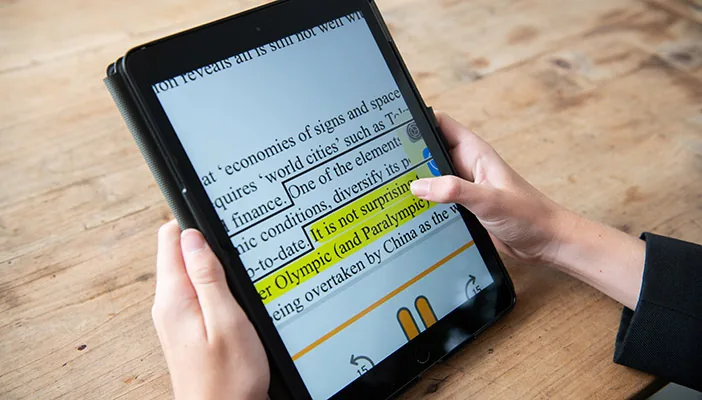
Readify turns text-based PDFs into natural AI narration while keeping the original words visible. Choose a voice, adjust the pace, and follow synchronized highlighting through reports, papers, and long documents.

iOS App
Listen on iPhone and iPad
Scan to download app
Android App
Listen on any Android device
Scan to download app

Give Long PDF Reading a Voice

Use a PDF audio reader when listening offers a more practical way to begin, continue, or review a text-based document.


Listen to Research Papers
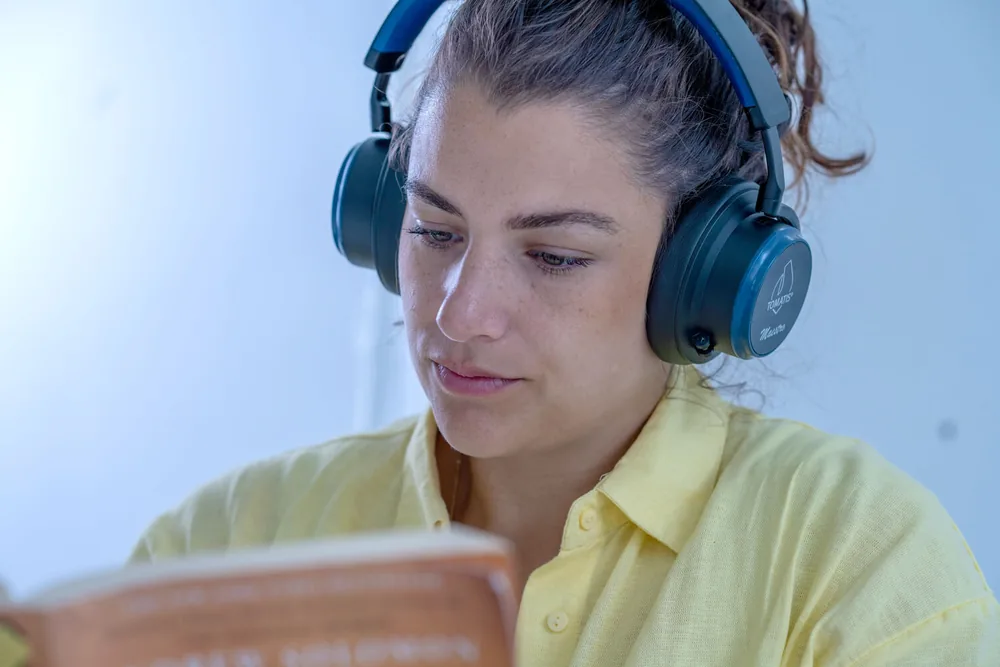
Turn a text-based paper into spoken reading, then slow down for methods, findings, or unfamiliar terminology.
Hear Reports and Briefs
Listen through a long report while keeping charts, names, numbers, and quotations available on the original page.
Work Through Textbook Chapters
Add narration to a PDF chapter and follow the synchronized text when a definition or example needs closer attention.
Review Manuals and Guides
Hear instructions in sequence, pause at a step, and return to the visible PDF whenever a diagram or exact label matters.
Check Policies and Agreements
Listen through text-heavy workplace documents while keeping the source open for careful review of specific wording.
Revisit Lecture Handouts
Use PDF text to speech for class handouts or exported slides that contain readable text, then replay important sections.
Catch Up Away From the Desk
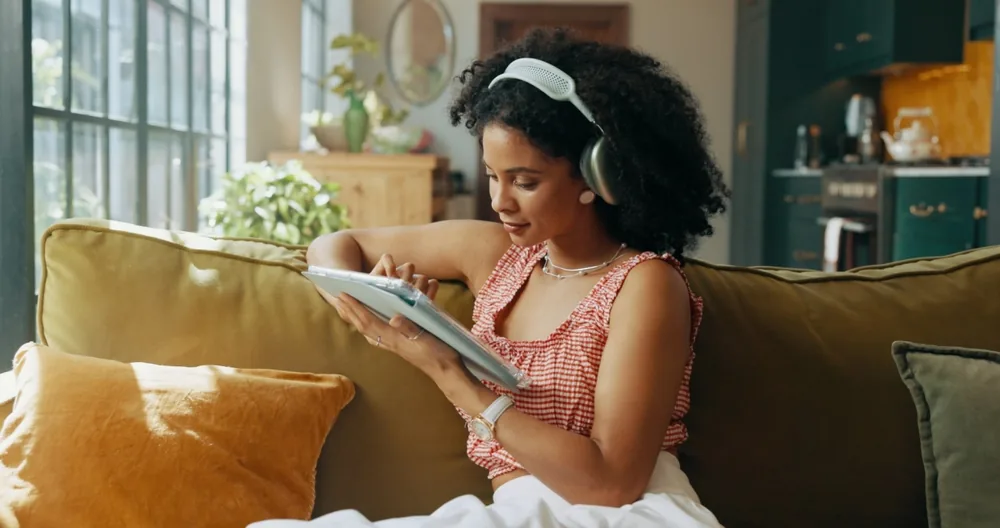
Continue a saved PDF during a walk, commute, or household routine when hands-free listening fits better than screen reading.
Take a Break From Continuous Screen Reading
Switch from looking to listening for part of a document without losing the PDF you may still need to reference.

Read a PDF Aloud in Three Steps

There is no recording setup: open the document, choose how it should sound, and start listening.
Add a Text-Based PDF
Step 1
Add a Text-Based PDF
Open a PDF whose text can be selected and extracted, so the document can be converted into narration.
Choose a Voice and Speed
Step 2
Choose a Voice and Speed
Select from 100+ realistic AI voices and set a playback pace that matches the document.
Listen and Follow the Text
Step 3
Listen and Follow the Text
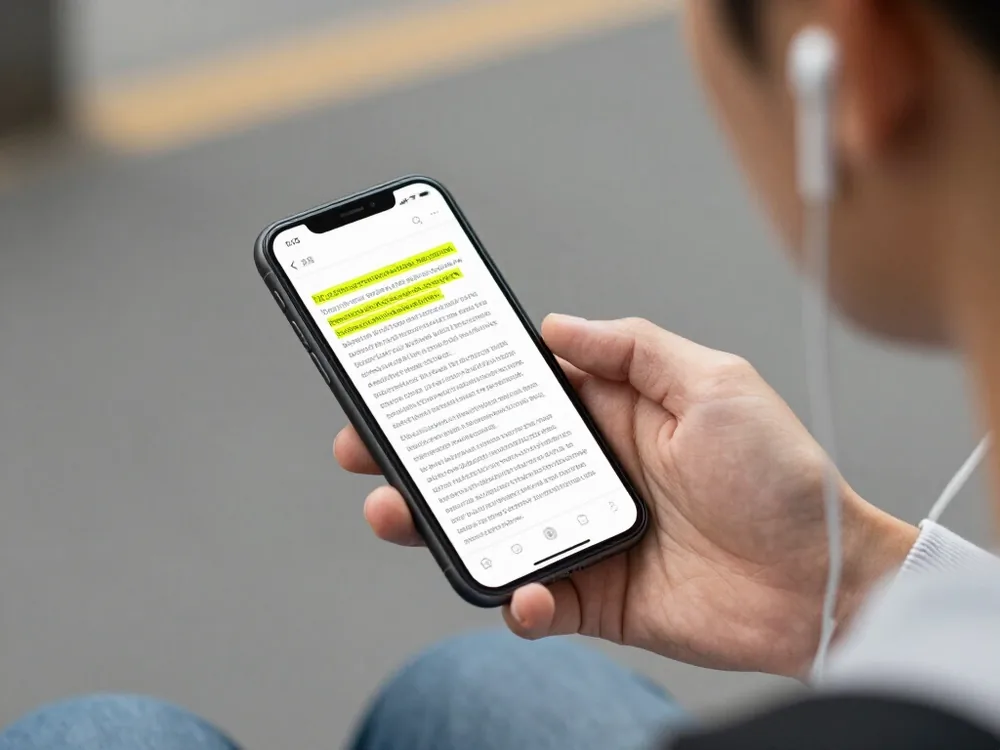
Play, pause, replay, and watch synchronized highlighting keep the spoken position connected to the PDF text.

Why Listen to a PDF?

AI narration adds another route through a document while the original pages remain available for detailed reference.


Start Without Recording the Document
Turn readable PDF text into narration without producing an audio file or reading every page into a microphone yourself.
Change Pace With the Material
Move faster through familiar sections and slow down when a paragraph, table reference, or definition needs more time.
Keep the Original Text Nearby
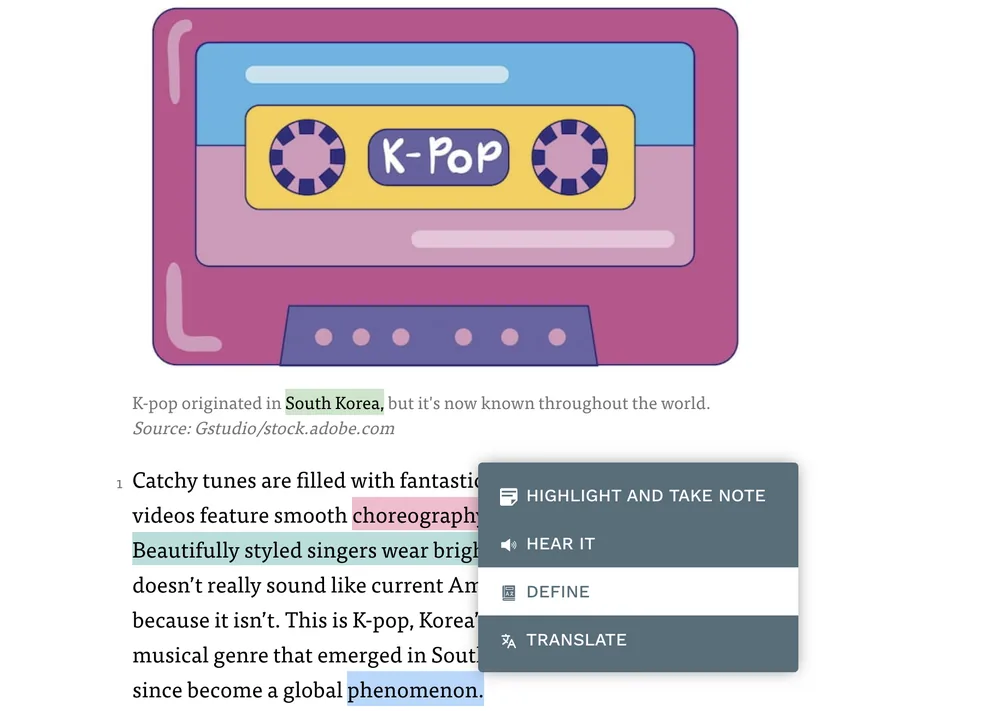
Return to the visible PDF for exact wording, citations, spelling, or details that are easier to inspect than hear.
Let the Document Move With You
Shift between desk reading and hands-free listening while continuing with the same PDF content.

PDF Text-to-Speech Controls That Stay Simple

The voice, pace, reading position, and source document remain together in one listening flow.
PDF Format Support
PDF Format Support
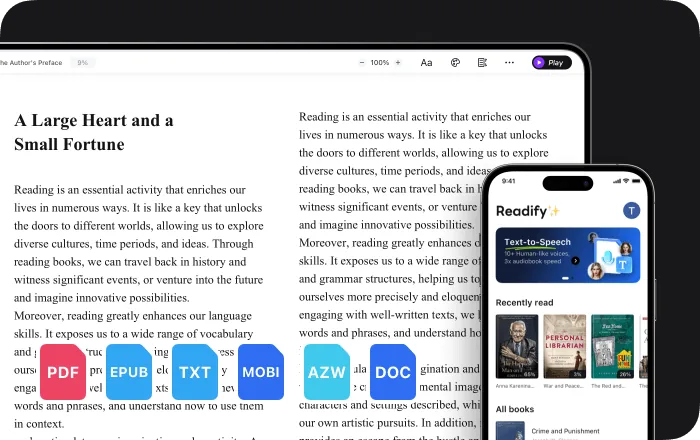
Open text-based PDF files alongside Readify's other supported document and eBook formats.
100+ Realistic Voices
Choose a natural-sounding AI voice that suits the subject and kind of PDF reading you are doing.
Speed, Pause, and Replay
Control the narration instead of adapting every PDF to one fixed pace from beginning to end.
Synchronized Text Highlighting
See the active text highlighted as it is spoken, making it easier to keep the audio connected to the document.

PDF Read Aloud: Frequently Asked Questions

What is a PDF read-aloud tool?

A PDF read-aloud tool converts extractable PDF text into spoken narration. Readify keeps the visible text available while the AI voice reads it aloud.

Can Readify read PDF files aloud?

Yes. PDF is one of Readify's supported formats, along with EPUB, DOCX, AZW, MOBI, and TXT.

Can Readify read a scanned PDF aloud?

A scanned PDF may contain only images rather than extractable text. Readify is not presented here as an OCR tool, so image-only PDFs may need to be converted to searchable text before narration is available.

Can I change the PDF narration speed?

Yes. Playback speed is adjustable, and you can pause or replay whenever a section needs more time.

Can I follow the PDF text while listening?

Yes. Synchronized highlighting keeps the active spoken words connected to the visible text.

Does the PDF read-aloud tool summarize the file?

This page describes reading the PDF text aloud. It does not claim that narration automatically summarizes or replaces the source document.

Is Readify free to try?

Readify offers a free way to start. Current plan details and usage limits are available in the Readify app.