All Topics

Listen to Long Business Reports Without Losing Your Place

Turn a long business report, industry analysis, or permitted PDF into a structured listening experience. Readify keeps audio connected to visible text so you can follow the report format, pause at important evidence, and resume later.

iOS App
Listen on iPhone and iPad
Scan to download app
Android App
Listen on any Android device
Scan to download app

Move Through Long Reports with a Clear Purpose

A long report rarely needs one uninterrupted reading session. Use audio to understand its structure, revisit priority sections, and preserve the page as the source of record.


Understand a Business Report Before a Decision
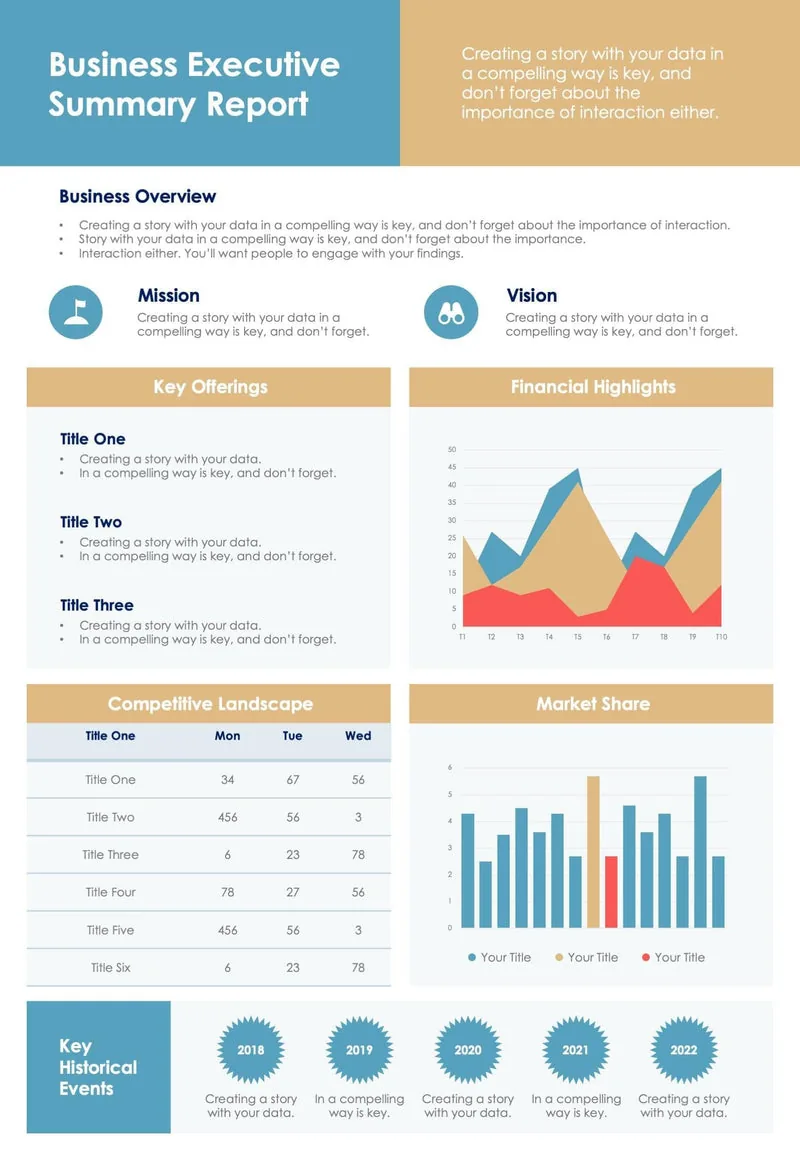
Listen through the executive summary, analysis, recommendations, and appendices to understand the argument. Return to the document before relying on exact numbers, dates, conditions, or quoted language.
Keep Up with Industry Reports
Use audio for market context, trends, competitive observations, and recurring industry analysis. Keep charts, tables, footnotes, and methodology visible for careful comparison.
Review Data-Heavy Sections More Deliberately
Listen to the explanation around a chart or performance measure, then pause to inspect the visual evidence. Audio supports the narrative, while the page preserves relationships that must be seen.
Divide a Long PDF into Manageable Sessions
Treat each chapter or section as a separate listening goal. Stop after a complete idea, record the next section, and resume without rebuilding the entire report from the beginning.

From Long PDF to Audio in Three Steps

A section-based workflow turns report listening into active review instead of background noise.

Add a Report You Are Authorized to Process
Step 1
Add a Report You Are Authorized to Process
Upload a supported file, add permitted webpage content, or paste authorized text. Check the report version and access rules before adding internal, client, or licensed material.
Use the Report Format as Your Listening Map
Step 2
Use the Report Format as Your Listening Map
Identify the executive summary, main findings, recommendations, and supporting sections. Choose a voice and pace that match the section's complexity rather than using one speed for the entire report.
Listen, Pause, and Return to the Evidence
Step 3
Listen, Pause, and Return to the Evidence
Follow synchronized text while the report is spoken. Pause at a claim, comparison, or recommendation, then inspect the source before carrying it into a decision, summary, or presentation.

Make Long-Form Report Review More Flexible

Audio creates more opportunities to understand and repeat a report, while visual review remains necessary for figures, tables, formatting, and exact language.


Hear the Logic of Business Reports
A complete listening pass can make the sequence from problem to evidence to recommendation easier to recognize. Use the page to validate the details that support that logic.
Use Listening as a Report Writing Check
After report writing, listen to the draft to notice abrupt transitions, repeated explanations, or sections that lack context. Audio supports revision, but it does not replace factual, legal, or editorial review.
Create a PDF to Audiobook Workflow
Use Readify as a listening layer for a supported report PDF rather than producing a public audiobook. Keep the visible document available and follow copyright, licensing, and workplace rules.
Repeat the Sections That Drive the Decision
Replay the executive summary, findings, risks, or recommendations without restarting the full report. Targeted repetition helps important relationships become familiar before a discussion.

A Listening Experience for Long Reports

Readify combines visible source text, playback control, and continuity across sessions so a substantial report remains navigable and traceable.

Synchronized Text for Source Checking
See the active passage as it is spoken. Keep terminology, names, definitions, and claims tied to the report instead of separating audio from its evidence.
One Library for Supported Reports
Keep supported reports, permitted web material, and related text together. Organize by project or topic so the correct document is easier to reopen for the next listening session.
Flexible Playback for Different Sections
Move faster through familiar context, then slow down for methods, risks, technical language, and recommendations. Replay individual passages whenever the argument becomes dense.
Resume Long Reports Across Sessions
Continue from the same place after a meeting, commute, or focused task. Resume support makes a substantial report easier to divide into sessions without losing the reading thread.

Frequently Asked Questions About Listening to Long Reports

What is a business report?

A business report is a structured document that presents information, analysis, findings, or recommendations for a workplace audience. Examples include performance reports, project reviews, market analyses, risk assessments, and industry reports.

How can I read business reports more efficiently?

Start with the executive summary and report format, identify the sections connected to your decision, and use audio for orientation or repetition. Check tables, charts, citations, dates, and exact wording directly in the document.

Can Readify read a PDF aloud?

Readify can provide a listening layer for a PDF added in a supported format. When you read a PDF aloud, keep synchronized text visible and inspect figures, tables, footnotes, and layout-dependent information on the page.

How does a PDF to audiobook workflow work?

Add a permitted report PDF, choose a voice and pace, then listen while following the source text. This is a personal listening workflow, not permission to publish, distribute, or commercially reuse copyrighted material.

Can text to speech help with report writing?

Listening to a draft may reveal awkward transitions, repetition, missing context, or overly long sentences. It should complement, not replace, fact-checking, document control, specialist review, and final approval.

Why does report format matter when listening?

The report format provides a map of the document. Headings such as executive summary, methodology, findings, risks, and recommendations help you choose what to hear first and where close visual review is required.

Can I listen to confidential business or industry reports?

Only process material when you have authorization and the workflow complies with your organization's confidentiality, security, and data-handling rules. Avoid playing sensitive audio where other people can hear it.