All Topics

Turn Work Reading into Listening

Read PDF out loud, listen to web articles, and keep important reports moving beyond your desk. Readify turns the material already in your workflow into clear audio while synchronized text keeps every detail connected to its source.

iOS App
Listen on iPhone and iPad
Scan to download app
Android App
Listen on any Android device
Scan to download app

Listen to the Documents That Drive Your Work

Bring the files and webpages already in your workflow into one listening routine. Use audio for the first pass, return to synchronized text for exact wording, and keep every source available for closer review.

Read PDF Out Loud Before the Next Meeting
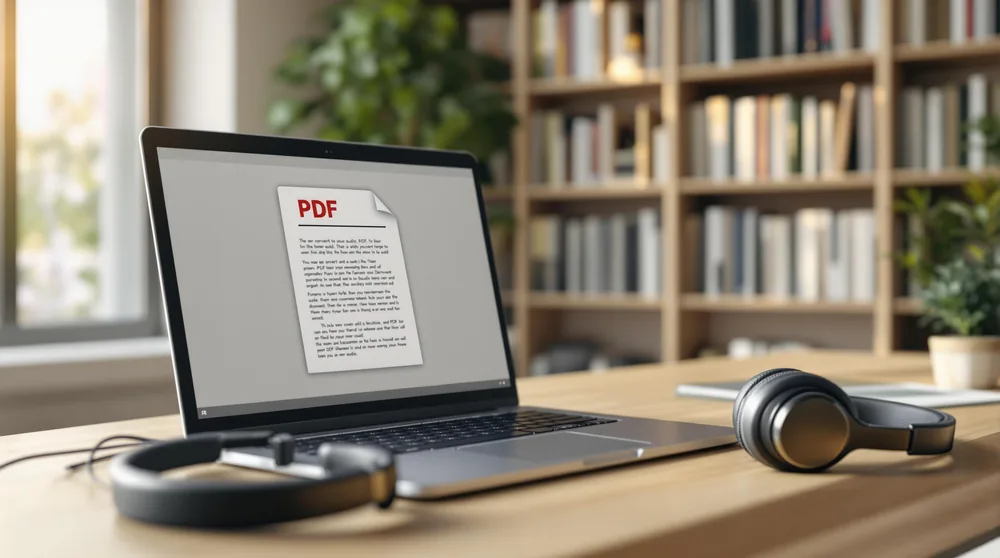
Use Readify as a PDF reader aloud for proposals, briefings, and reference files. Listen for the structure first, then return to the visible page when a number, table, or quotation needs close attention.
Listen to Reports Without Staying at Your Desk
Turn a long internal report into a controlled listening session. Follow the highlighted passage when context matters, pause at a key finding, and replay only the section you need before a discussion or decision.
Keep Up with Web Articles and Industry Reading
The best Chrome extensions for reading articles should help useful pages move with you. Add relevant webpages to Readify, hear the main text without the surrounding clutter, and return to the source when a chart or link deserves attention.
Review Documents During a Commute
Use travel time for familiar reports, background reading, and previously reviewed material. Audio keeps the reading queue moving, while the original document remains ready when you arrive and need to verify a detail.

From Work Document to Audio in Three Steps

A short, repeatable setup makes listening useful without turning it into another task to manage.

Add the File, Webpage, or Text
Step 1
Add the File, Webpage, or Text
Upload a supported work file or add the page you need to review. Start with one focused document so the purpose of the listening session stays clear.
Choose a Voice and Practical Pace
Step 2
Choose a Voice and Practical Pace
Use a comfortable voice and match playback speed to the material. Slow down for unfamiliar analysis and increase the pace for a report you are reviewing for the second time.
Listen, Follow, and Return to the Source
Step 3
Listen, Follow, and Return to the Source
Follow synchronized text when terminology or exact wording matters. Pause at decisions, replay dense explanations, and resume later without searching through the document again.

Make More Time for Essential Reading

Listening does not replace careful analysis. It creates more opportunities to begin, review, and revisit work material before close reading is required.

Turn Waiting Time into Review Time
Use a commute, airport wait, or walk for material you already understand well enough to hear safely. Save tables, annotations, and precise comparisons for a later screen-based review.
Reduce Continuous Screen Reading
Alternate between listening and visual review during document-heavy days. Audio can give your eyes a break while synchronized text remains available whenever the source requires inspection.
Replay the Section That Changes the Decision
Return directly to a recommendation, risk statement, or methodology section. Targeted replay is more useful than restarting an entire file when only one passage needs another pass.
Use Audio for a First Pass, Not the Final Check
A PDF to audio workflow can reveal a document's structure before detailed review. Return to the original page for figures, citations, legal language, financial data, and anything that requires exact verification.

A Listening Workspace Built for Professionals

Readify keeps spoken material connected to its source so professional reading stays controllable, portable, and easy to verify.


One Place for Different Work Materials
Bring supported PDFs, reports, articles, and text into a consistent listening library. Keep related material together instead of rebuilding the same workflow in separate tools.
Synchronized Text for Exact Details
See the current passage as it is spoken. Use the visible source to confirm terminology, names, quotations, and numbers rather than relying on audio alone.
Flexible Playback for Long Documents
Slow down for technical sections and move faster through familiar background. A controlled PDF to audiobook-style experience lets the same document support both orientation and review.
Continue Reading Across the Workday
Begin on a larger screen, continue while mobile, and return to the same material later. Progress continuity makes it easier to read PDF files out loud without losing the point where the work stopped.

Frequently Asked Questions About Listening to Work Documents

Can Readify read a PDF aloud for work?

Yes. Add a supported PDF you are permitted to process, select a voice and pace, and listen while the current text remains visible. Always return to the original page for tables, figures, citations, and exact wording.

What does PDF to audio mean?

PDF to audio can describe listening to a PDF inside a reader or creating an exported audio file. Readify focuses on a connected reading experience in which audio, visible text, playback position, and the source document stay together.

Is a PDF reader aloud useful for long reports?

It can help with an initial pass, background sections, and targeted review. Dense analysis, legal language, financial data, charts, and recommendations should still receive direct visual inspection.

Can I listen to web articles for professional research?

Yes. Add supported webpages to your reading queue and listen to the main text. Keep the original page available for links, charts, publication details, and source verification.

Can I read aloud PDFs while commuting?

Previously reviewed or lower-risk material can work well during a commute. Do not review confidential material where others can hear it, and avoid tasks that require visual attention when moving or driving.

Does Readify create an exported audiobook from every PDF?

The page describes a PDF to audiobook-style listening workflow, not a promise of unrestricted audio export. Confirm current format, platform, plan, and export availability before choosing a workflow.

Should I use audio for proofreading business documents?

Listening can reveal missing words, repetition, and awkward sentences, but it should complement rather than replace visual proofreading, factual review, and any required legal or compliance checks.