New: natural AI voices in 30+ languages — press play on anything you read
All Topics

Turn Research Reading into a Listening Workflow

Move through research PDFs, methods, background material, and web sources with clear audio and synchronized text. Readify helps researchers listen for structure, revisit difficult passages, and return to the source whenever evidence needs close inspection.

iOS App
Listen on iPhone and iPad
Scan to download app
Android App
Listen on any Android device
Scan to download app

Move Through Research Sources Without Losing the Evidence

Use audio to orient yourself, revisit familiar material, and create more opportunities for review. Keep the page available for every claim, citation, table, and methodological detail that requires verification.

Triage a Reading Queue Before Close Review
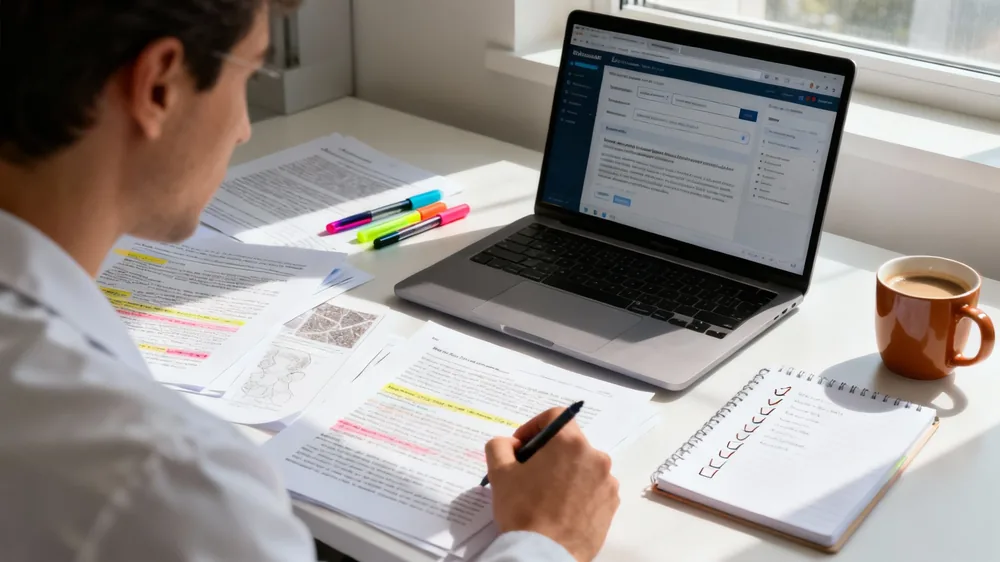
Listen to introductions, background sections, and conclusions to understand how a source is organized. Use that first pass to decide which documents deserve annotation, extraction, or full visual review.
Revisit Methods and Definitions by Listening
Replay a procedure, theoretical distinction, or operational definition without restarting the entire source. Follow synchronized text so technical language remains visible while it is spoken.
Keep Current Literature in One Reading Routine
Bring supported PDFs, articles, and saved text into a consistent library. Organize a queue by project or question so new background material does not disappear among browser tabs and downloads.
Listen Across Disciplines and Formats
Use the same reading workflow for interdisciplinary background, technical reports, and permitted web sources. Audio supports orientation while the original document preserves disciplinary notation and context.

From Research PDF to Audio in Three Steps

A deliberate setup keeps listening connected to the research question instead of turning audio into background noise.


Add a Focused Set of Sources
Step 1
Add a Focused Set of Sources
Upload a supported file or add the text you are permitted to process. Start with one paper, report, or bounded group of sources tied to the same research task.
Choose a Voice and Evidence-Safe Pace
Step 2
Choose a Voice and Evidence-Safe Pace
Use slower playback for unfamiliar theory, dense methods, and specialist terminology. Increase the pace only for background or previously reviewed material.
Listen, Flag, and Return to the Page
Step 3
Listen, Flag, and Return to the Page
Pause when a claim affects your question, then return to the visible passage. Record the source and location in your normal reference system before carrying an idea into notes or writing.

Use Audio Across the Research Cycle

Listening is most valuable when it supports source selection, repetition, and recall while evidence remains anchored to the original document.

Separate Orientation from Evidence Extraction
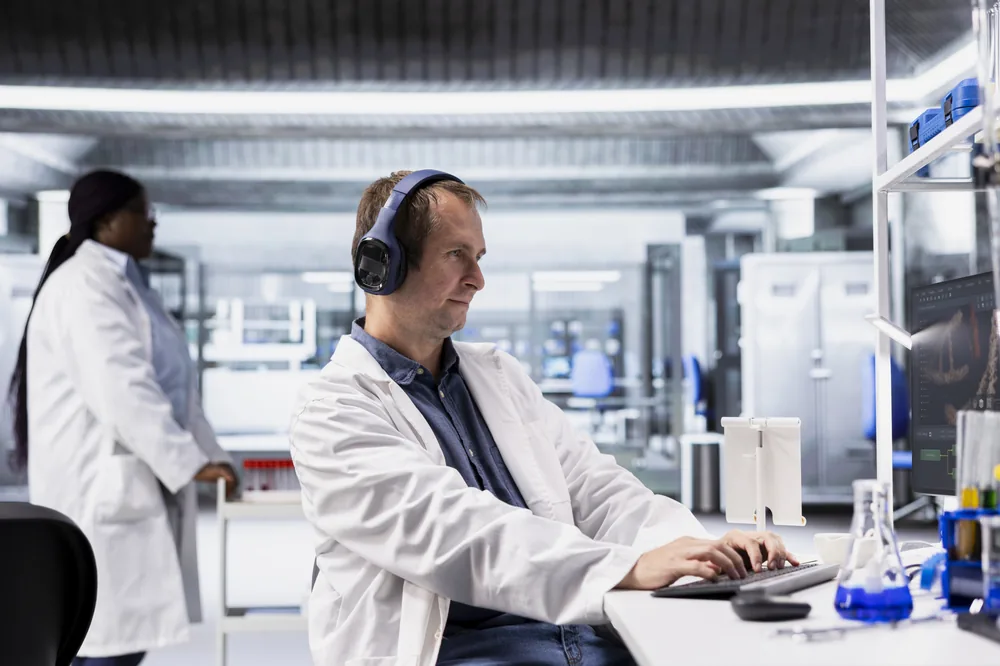
Use audio to learn a source's structure and argument before extracting evidence. Quotations, data, and citations should always be checked directly against the document.
Reduce Continuous Screen Reading
Alternate listening with close visual work during document-heavy days. Audio can support familiar material, while formulas, tables, figures, and precise comparisons stay on screen.
Prepare for Lab Meetings and Discussions
Replay an argument, definition, or limitation before a meeting. Listening can refresh the source, but your discussion notes should still preserve the document and page location.
Create More Opportunities for Repetition
Hear a complex explanation more than once without rereading the entire file. Targeted replay helps terminology and conceptual relationships become familiar before deeper analysis.

A Text-to-Speech PDF Reader for Research Work

Readify combines controlled audio with visible source text so research reading remains traceable, repeatable, and easy to verify.


Synchronized Text for Source Checking
See the active passage as it is spoken. Check names, terminology, claims, and exact wording without separating the audio from the document that supports it.
One Library for Supported Research Formats
Keep supported PDFs, web material, and text together by project. A consistent library reduces the friction of moving between downloaded files and saved webpages.
Flexible Playback for Different Source Types
Match listening speed to the task. Use a measured pace for methods and unfamiliar concepts, then move faster through familiar context and repeated explanations.
Resume Long Reading Across Sessions
Return to the same place after a pause instead of rebuilding context from the beginning. Resume support makes extended literature work easier to divide into manageable sessions.

Frequently Asked Questions About PDF Readers for Research

What is a PDF reader?

A PDF reader is software used to open and navigate PDF files. Depending on the tool, it may also provide search, annotation, accessibility, or text-to-speech features. Researchers should choose based on document complexity and the need to verify source details.

Can ChatGPT read PDFs?

Some AI interfaces can process uploaded PDFs under specific limits, but summarizing or answering questions is different from a traceable listening workflow. Verify availability, privacy terms, extraction quality, citations, and the original source before relying on any AI-generated interpretation.

How does a PDF reader text to speech workflow help researchers?

It can support source triage, repeated listening, and review away from the desk. It should not replace visual inspection of data, figures, formulas, quotations, citations, or methodological detail.

What should I check in a text to speech PDF reader?

Check whether it handles the PDFs you use, keeps audio synchronized with visible text, preserves reading position, offers practical playback control, and makes it easy to return to the source.

Is Microsoft Edge PDF reader enough for research listening?

A browser PDF reader may be sufficient for occasional files. A connected library can be more useful when research spans multiple PDFs, webpages, devices, and listening sessions. Compare current capabilities before choosing.

Can I use text-to-speech instead of reading a paper closely?

No. Audio can support orientation and repetition, but close reading remains necessary for evidence, caveats, tables, figures, citations, and exact language.

Does Readify generate citations or verify research claims?

No. Readify provides a listening layer for material you choose. It does not replace reference management, source evaluation, statistical review, peer review, or verification against the original publication.