All Topics

Turn White Papers and Long PDFs into Audio

Convert a white paper PDF, industry brief, or other permitted long document from PDF to audio. Readify keeps the source text visible so you can listen, pause at evidence, and continue without losing the argument.

iOS App
Listen on iPhone and iPad
Scan to download app
Android App
Listen on any Android device
Scan to download app

Listen to White Papers with a Clear Question

A white paper is easier to follow when each listening session has a purpose. Use audio for orientation and repetition, while keeping charts, citations, and exact language available on the page.

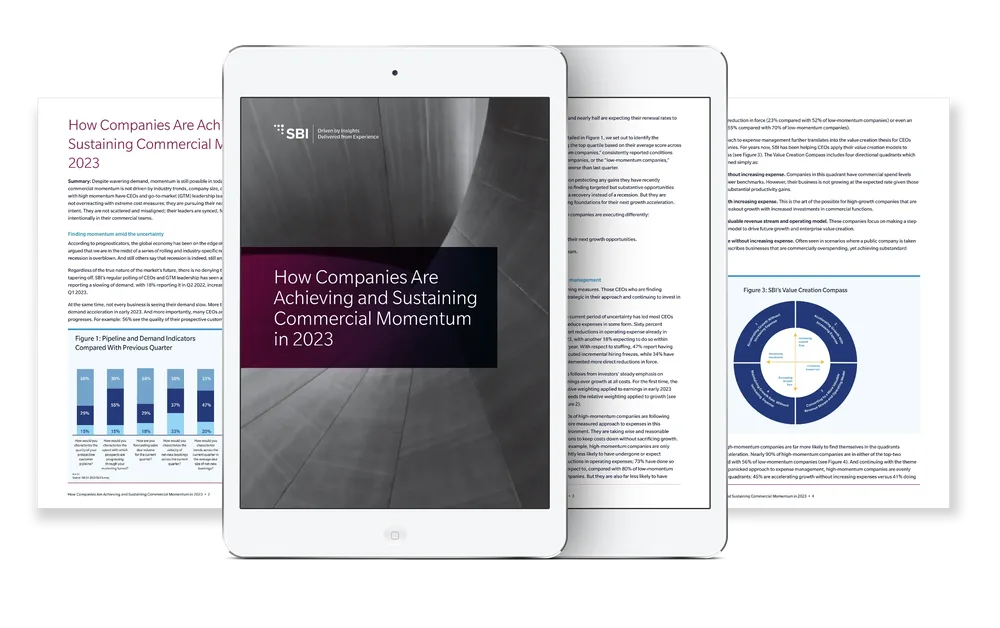
Understand the Main Argument First
Listen to the executive summary, problem statement, evidence, and recommendation before examining details. This first pass helps a long white paper become a structured argument instead of an uninterrupted block of text.
Review Industry Evidence Before a Meeting
Use PDF to audio for market context, survey findings, and industry observations, then return to the white paper PDF to verify charts, sample sizes, dates, and methodology before discussing the findings.
Break Technical Papers into Sections
Divide a big white paper into the introduction, technical explanation, evidence, limitations, and conclusion. One complete section per session is easier to understand than treating every page as equally important.
Compare Recommendations Across Papers
Keep related white papers together and listen for differences in assumptions, evidence, and proposed actions. Use the original documents when comparing exact definitions, statistics, or quoted conclusions.

From White Paper PDF to Audio in Three Steps

Keep the document as the source of record while Readify provides a flexible listening layer.

Add a White Paper You Can Process
Step 1
Add a White Paper You Can Process
Upload a supported white paper PDF or add authorized text. Confirm the version, copyright, workplace policy, and confidentiality requirements before processing licensed, client, or internal material.
Choose the Section, Voice, and Pace
Step 2
Choose the Section, Voice, and Pace
Start with the summary or the section connected to your current question. Use a natural pace for general context, then slow down for technical language, risks, methods, and recommendations.
Listen, Pause, and Inspect the Evidence
Step 3
Listen, Pause, and Inspect the Evidence
Follow synchronized text as the paper is spoken. Pause at statistics, charts, claims, and citations, then inspect the visible source before using the information in a decision, summary, or presentation.

Why Listen to a Long White Paper?

Audio creates more opportunities to begin, repeat, and finish long-form professional reading without pretending that every part of a white paper can be understood by sound alone.
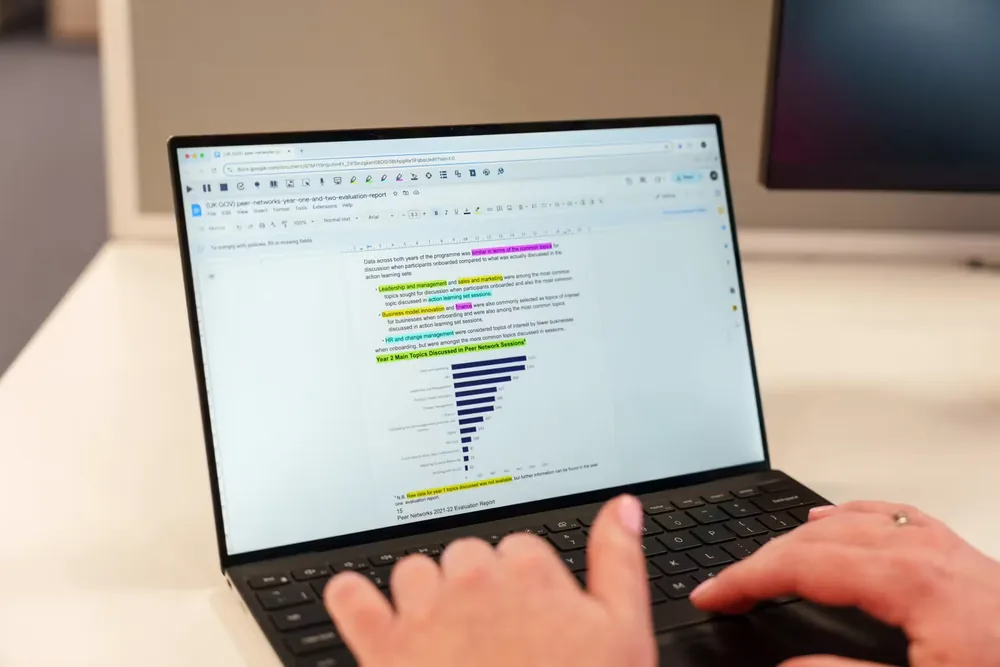

Make the First Pass Less Demanding
Listening can reduce the friction of starting a dense paper. Use the first pass to identify the purpose and structure, then schedule close reading for the passages that carry the strongest evidence.
Preserve the Paper's Structure
Headings, summaries, callouts, and section boundaries provide a map for listening. A useful AI PDF reader should help you stay connected to that structure instead of flattening every page into one audio stream.
Keep Charts and Tables in View
Audio can explain the narrative around a figure, but visual relationships still need visual review. Pause to inspect axes, legends, units, notes, and comparisons before drawing a conclusion.
Use Time Away from the Desk
Listen to PDF sections during a commute, walk, or routine task when workplace policy and safety allow. Save focused screen time for annotation, comparison, and decisions that require the page.

A Listening Experience for Big White Papers

Readify combines PDF text to speech, visible source text, playback control, and session continuity so substantial professional documents remain navigable.


Synchronized Text for Source Checking
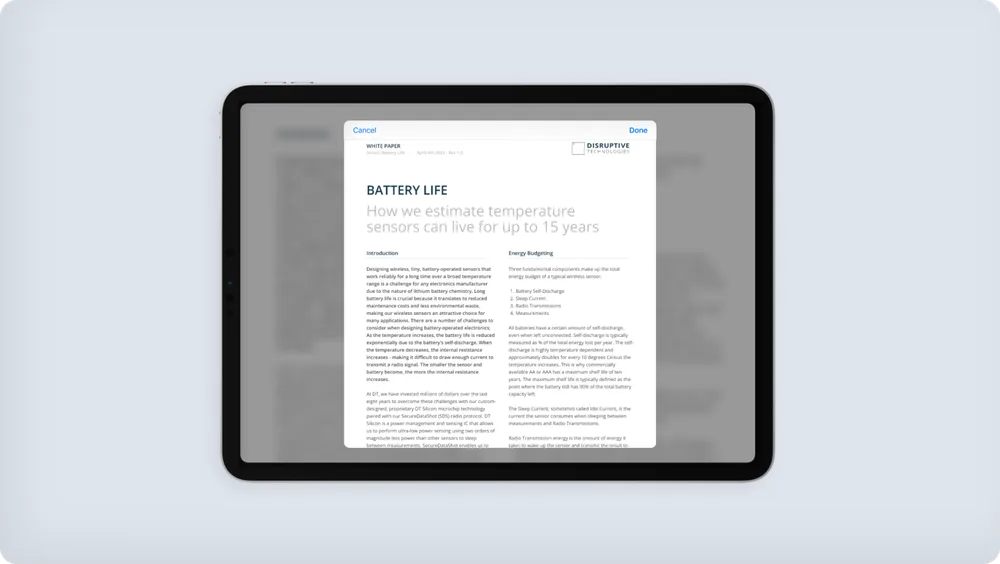
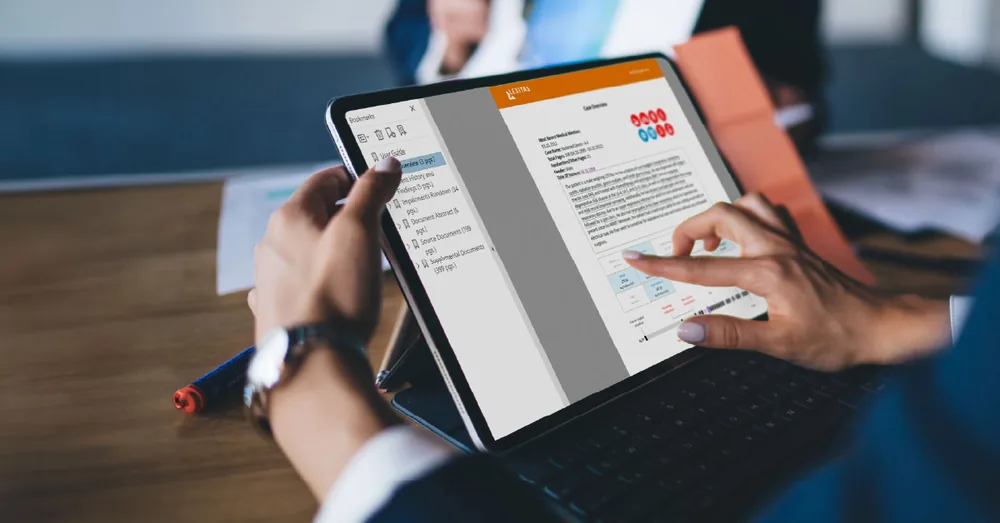
See the active passage while it is spoken. Names, terminology, definitions, and claims stay connected to the white paper PDF instead of becoming detached audio notes.
Flexible Playback for Dense Sections
Move faster through familiar context and slow down for definitions, methods, limitations, or recommendations. Replay an individual passage instead of restarting the entire document.
One Library for Related White Papers
Keep supported papers and related work documents together by project or topic. A consistent library makes comparison and repeated listening easier when research arrives over several weeks.
Resume Without Rebuilding Context
Stop after a complete section and continue from the same place later. Resume support helps a big white paper fit into several deliberate sessions while preserving the reading thread.

Frequently Asked Questions About White Paper Listening

What is a white paper?

A white paper is a structured document that explains a problem, presents evidence or expertise, and proposes an approach or recommendation. Business, technology, policy, and research teams often publish white papers for professional audiences.

How do I convert a white paper PDF to audio?

Add a permitted white paper PDF in a supported format, choose a voice and speed, and listen while following the visible text. Keep charts, tables, citations, and exact wording available for visual verification.

How long should a white paper be?

There is no universal length. A search such as white paper long usually reflects concern about review time rather than a fixed page count. Use headings and section goals to divide a lengthy paper into manageable listening sessions.

How should I handle a big white paper?

Start with the summary and conclusion, identify the sections relevant to your question, then listen section by section. Replay important passages and inspect the source before carrying claims or statistics into your work.

Is PDF to audio the same as creating an audiobook?

Not necessarily. Readify provides a personal listening layer connected to the source document. That is different from producing, publishing, or distributing a standalone commercial audiobook.

Can an AI PDF reader explain charts and tables?

Audio may help with nearby explanations, but charts and tables often depend on layout, axes, legends, units, and footnotes. Inspect visual evidence directly and do not rely on narration alone.

Can I upload confidential or licensed white papers?

Only process documents when you have authorization and the workflow complies with copyright, licensing, confidentiality, security, and workplace data-handling requirements.