All Topics

Save Highlights and Notes as You Read

Save important passages with your own questions and observations so later review starts with context instead of isolated fragments.

iOS App
Listen on iPhone and iPad
Scan to download app
Android App
Listen on any Android device
Scan to download app

Turn important passages into lasting context
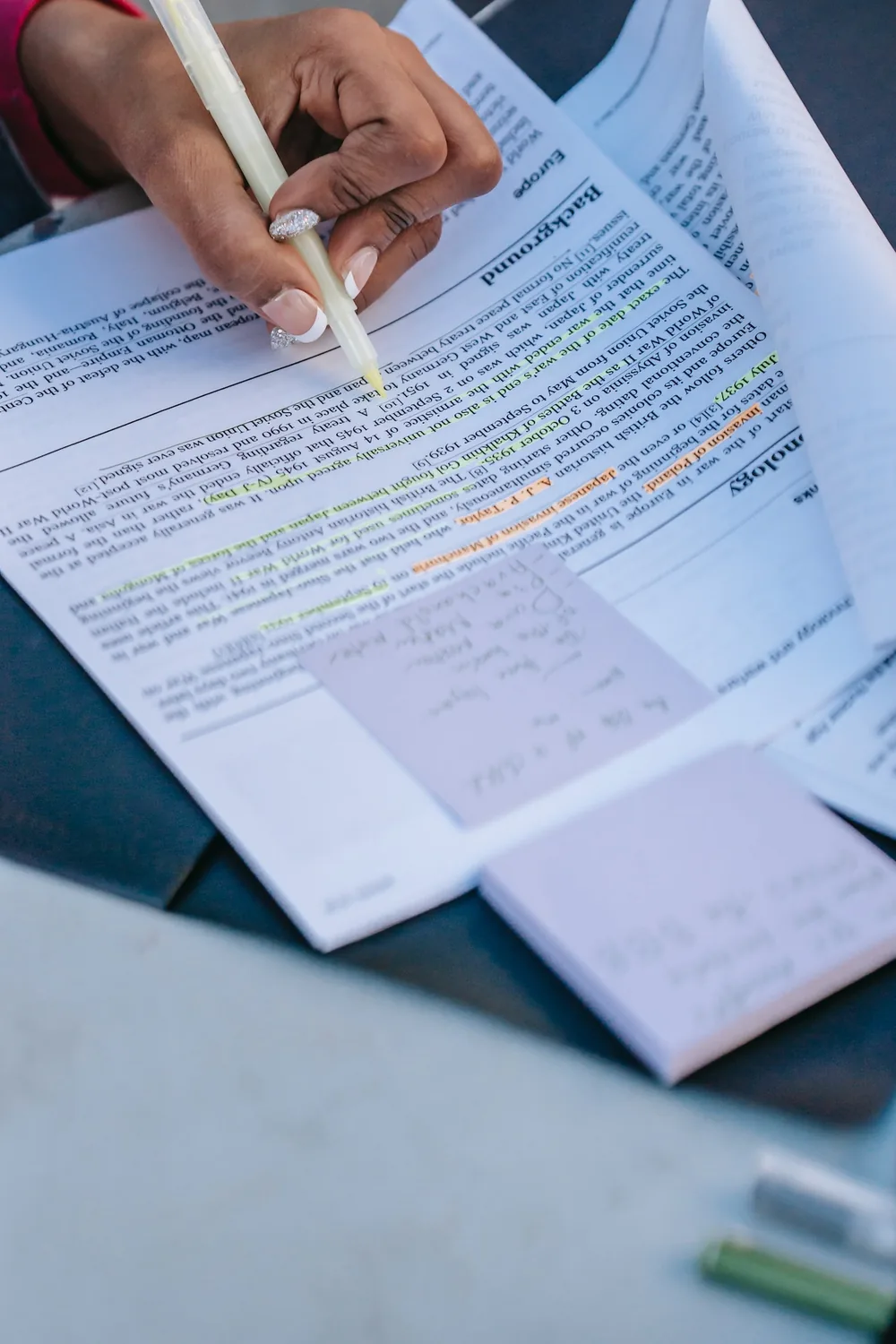
Highlight what actually carries meaning
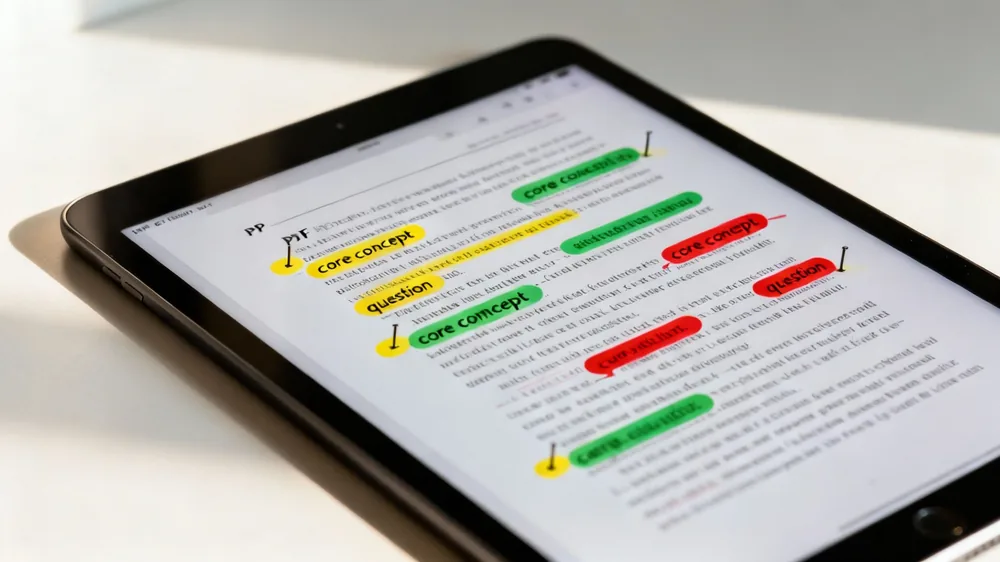
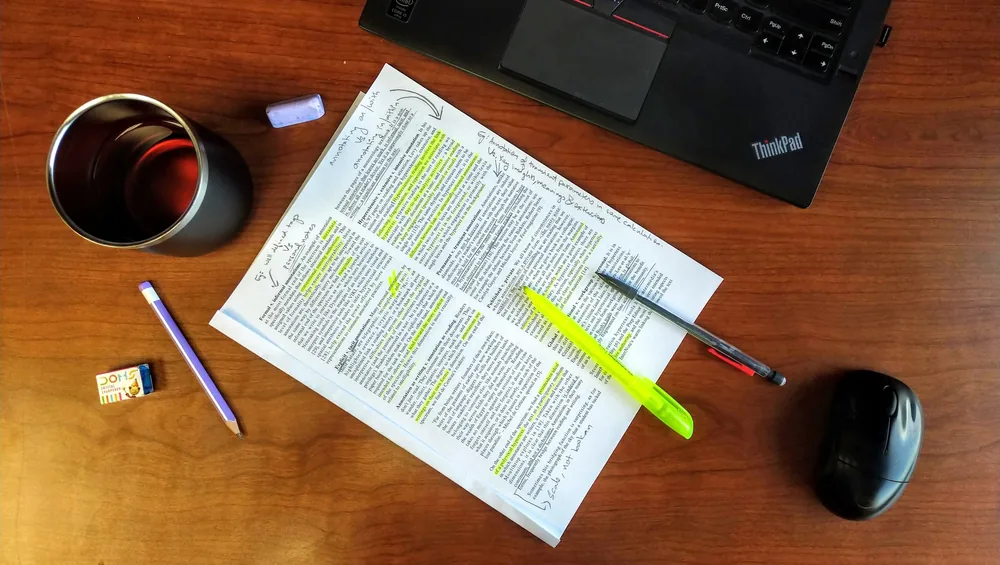
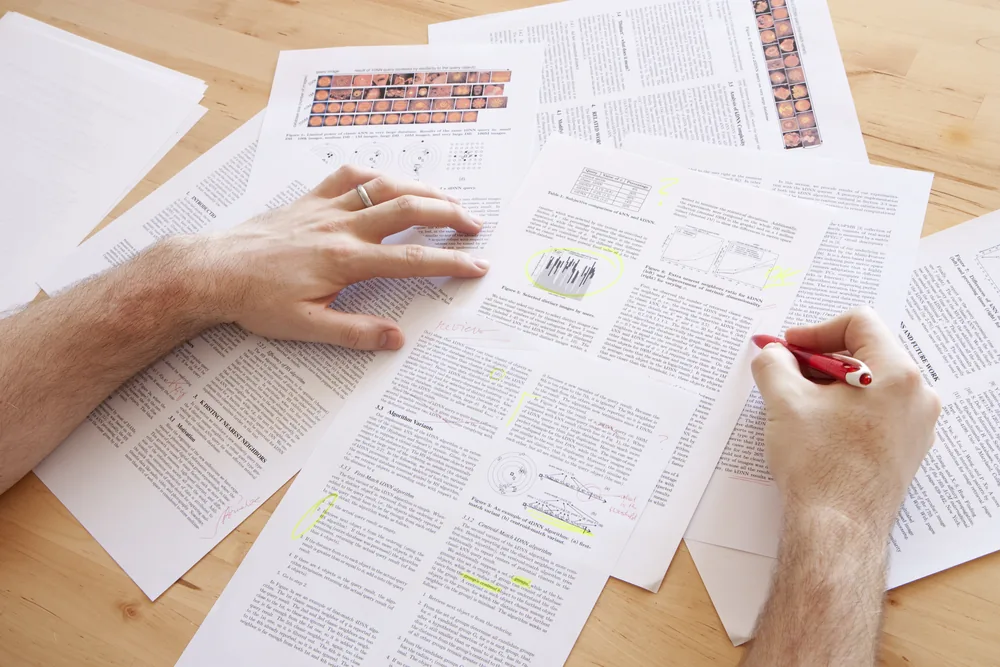
Readify helps you highlight key sentences, definitions, claims, examples, and turning points so a long article, PDF, EPUB, or web page becomes easier to revisit.
Add notes while the idea is still fresh
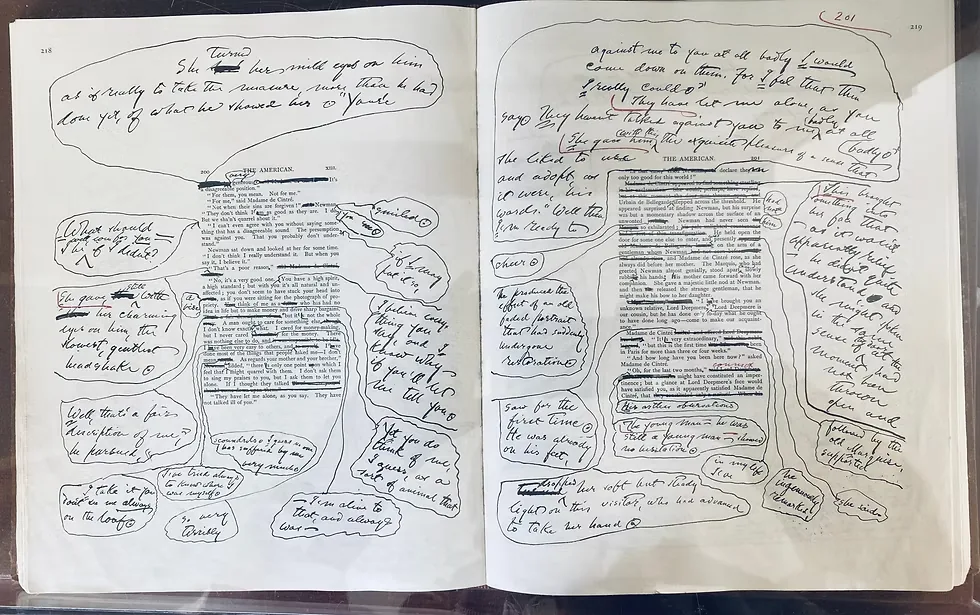
Capture a quick reaction, question, summary, or next action beside the passage, keeping your reading notes connected to the exact text that sparked them.
Keep the source visible
Your highlights and notes stay close to the original reading, so you can move from a saved thought back to the sentence, paragraph, or section it belongs to.

How to use highlights and notes in Readify

Open the text you want to understand
Step 1
Open the text you want to understand
Bring in a PDF, EPUB, Word document, TXT file, MOBI file, AZW file, academic paper, or saved web page and begin from the section that needs attention.
Mark the passage that matters
Step 2
Mark the passage that matters
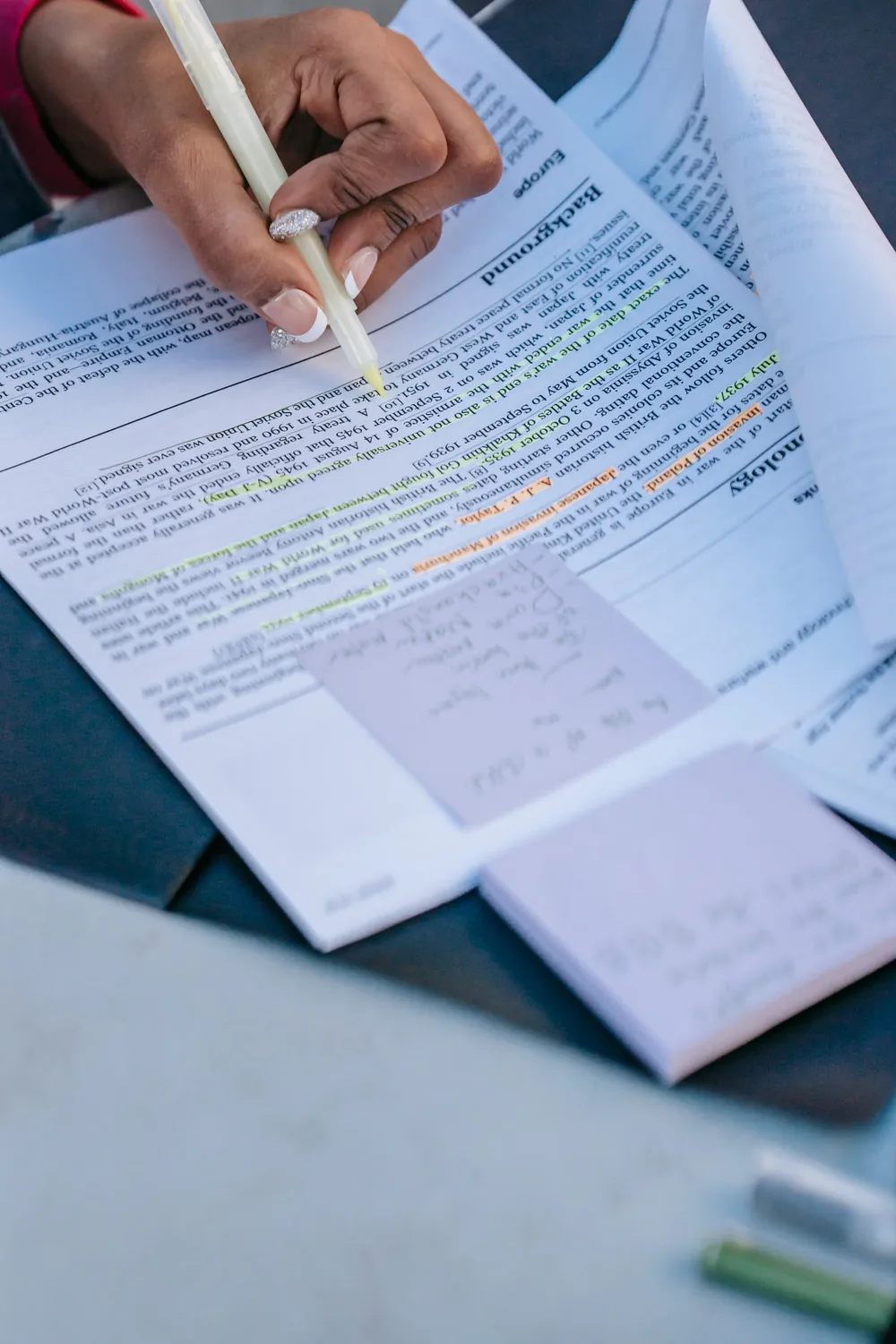
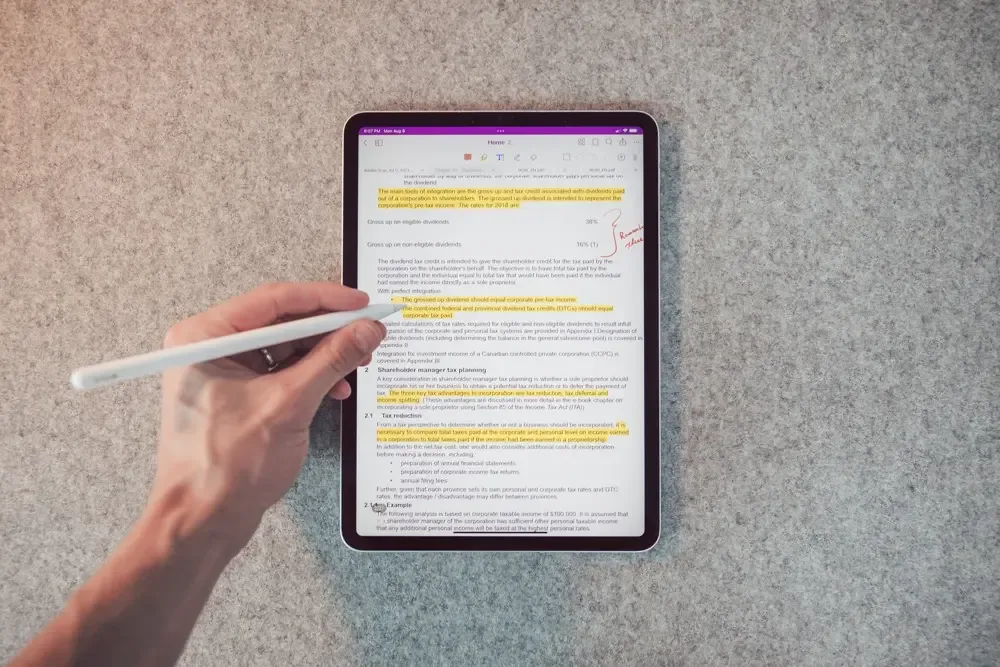
Use highlights for important evidence, unfamiliar terms, memorable lines, and ideas you want Readify to help you return to later.
Write the reason it matters
Step 3
Write the reason it matters
Add a note that explains the takeaway in your own words, turning passive reading into active reading comprehension.
Review your saved context
Step 4
Review your saved context
Come back to highlights and notes before a meeting, class, writing session, or second read so the thread of the text is ready again.

Build a cleaner memory of the text
Separate signal from noise
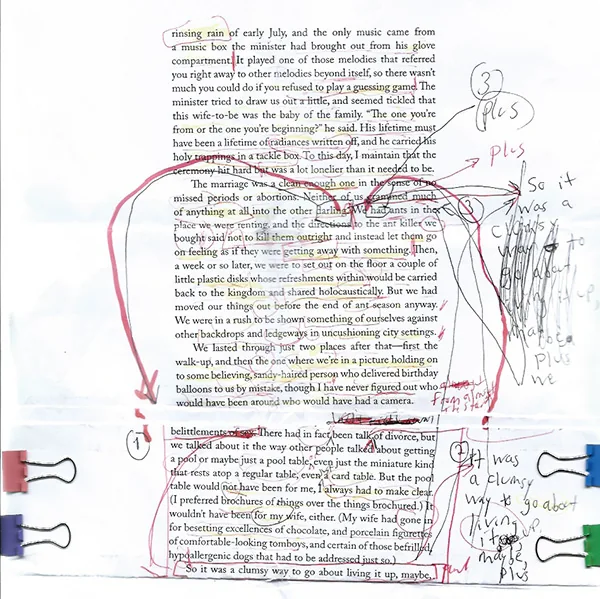
Highlights let you preserve the strongest ideas without rereading every line, especially when you are moving through dense PDFs or long research material.
Make annotations useful later
A short note can store why a passage matters, where it might be used, or what question it raises for the next reading session.
Support active recall
Reviewing saved highlights and notes helps you restate core ideas, check your interpretation, and hold onto what you read.

Useful for every serious reading format
Academic papers and reports
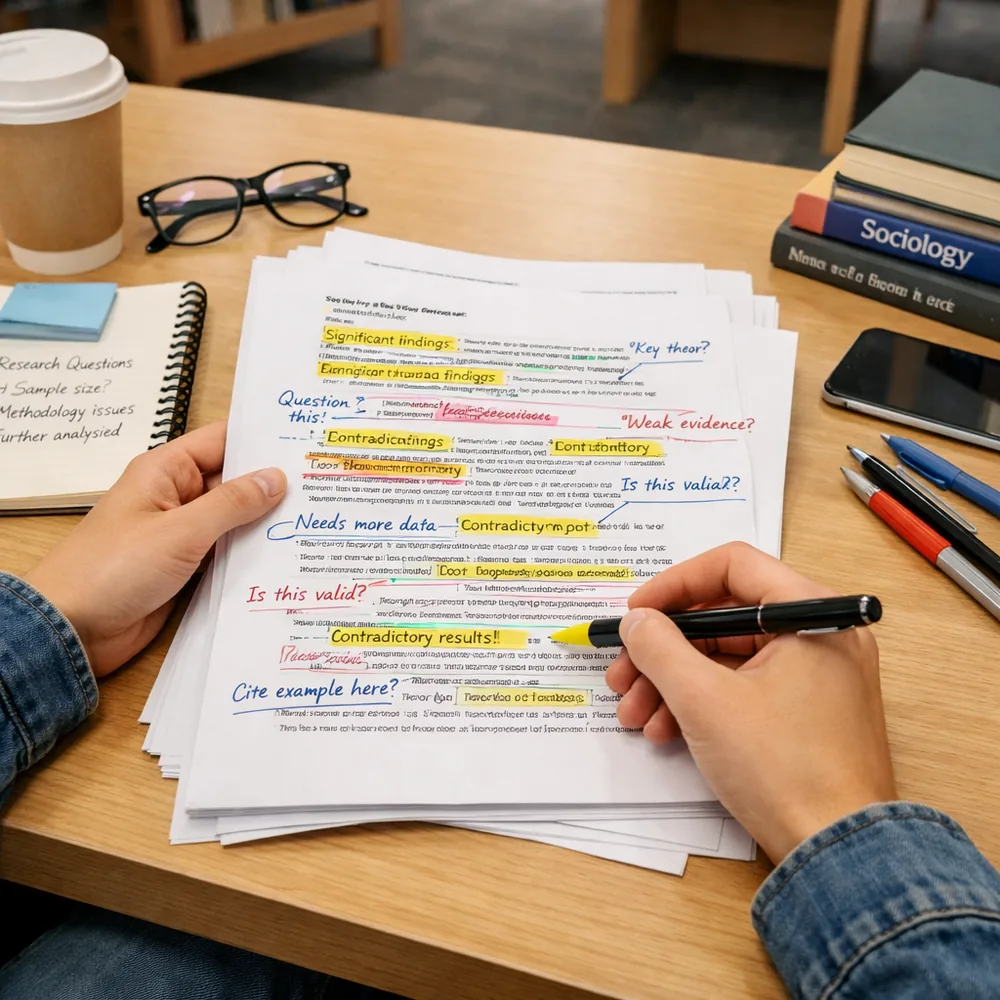
Save claims, methodology details, definitions, and evidence so a paper becomes easier to discuss, cite, and compare.
Books, essays, and long reads
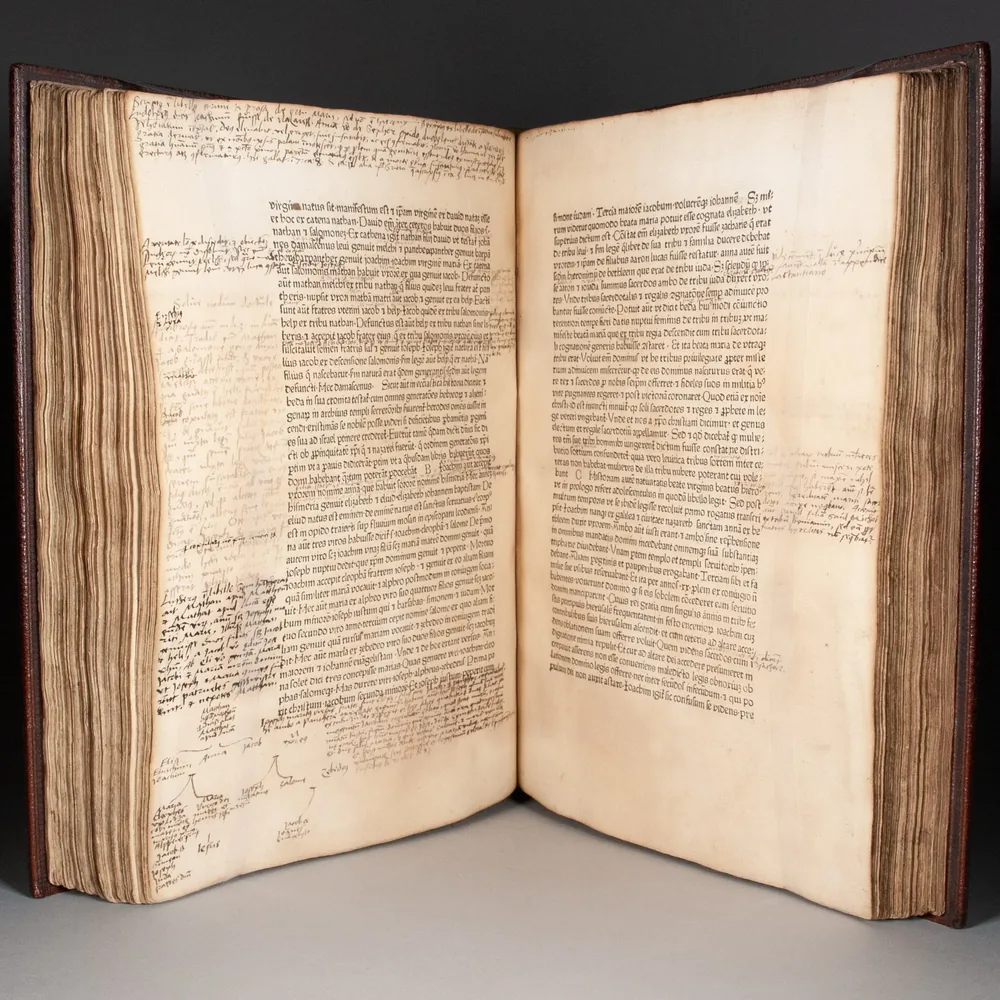
Collect meaningful lines and chapter-level ideas while keeping your notes close enough to recover the original flow.
Work documents and saved web pages
Highlight decisions, requirements, examples, and follow-up items so practical reading turns into clear action.

From saved quote to deeper understanding
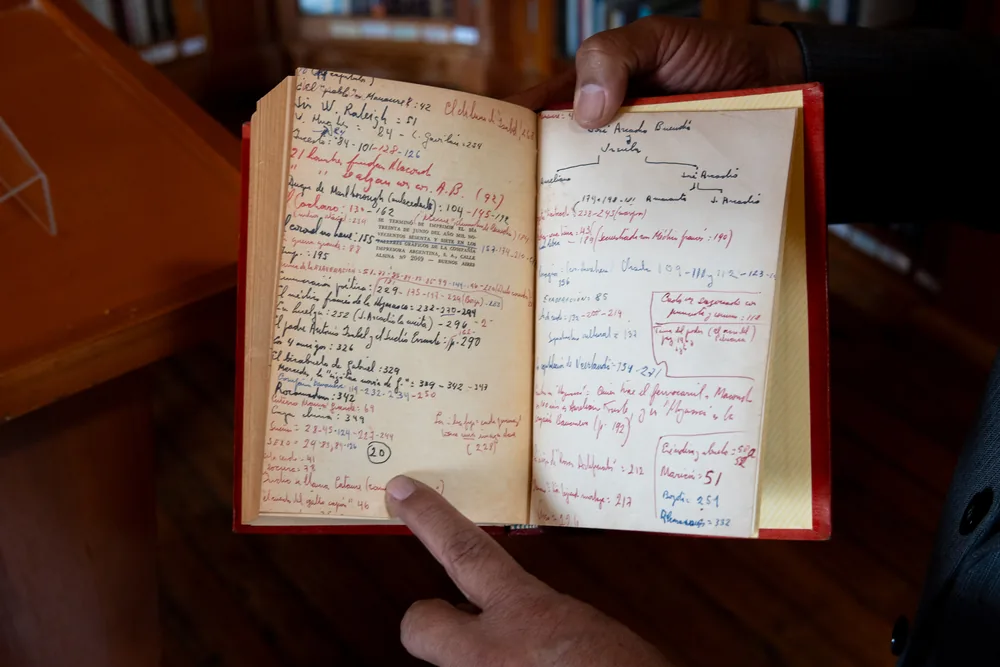
Create a second reading path
Your highlights become a guided route through the text, helping you return to the most important parts before you reread in full.
Connect ideas across sessions
Notes make it easier to remember what you were thinking yesterday, last week, or halfway through a long document.
Keep close reading calm
Readify gives you a clean way to mark, annotate, review, and keep reading without scattering your thoughts across separate tools.

Highlights and notes: common questions

Can Readify help me understand what I read?

Yes. Readify supports active reading by helping you save highlights, add notes, and return to the passages that explain the main idea.

What should I highlight when reading?

Highlight claims, definitions, examples, evidence, questions, and lines that change your understanding of the text.

How do notes improve reading comprehension?

Notes ask you to restate the idea in your own words, which makes it easier to remember, review, and apply what you read.

Can I use highlights and notes with PDFs, EPUBs, and web pages?

Readify is designed for bringing your own reading into one place, including PDFs, EPUBs, documents, TXT files, academic papers, and web pages.

Do highlights help when I come back later?

Yes. A saved highlight acts like a signpost, and a connected note gives you the context you need to pick up the idea again.

Is this useful for students and knowledge workers?

Yes. Highlights and notes are useful for study, research, work documents, meeting preparation, writing, and any reading that needs follow-through.