
Listen on Desktop with Readify
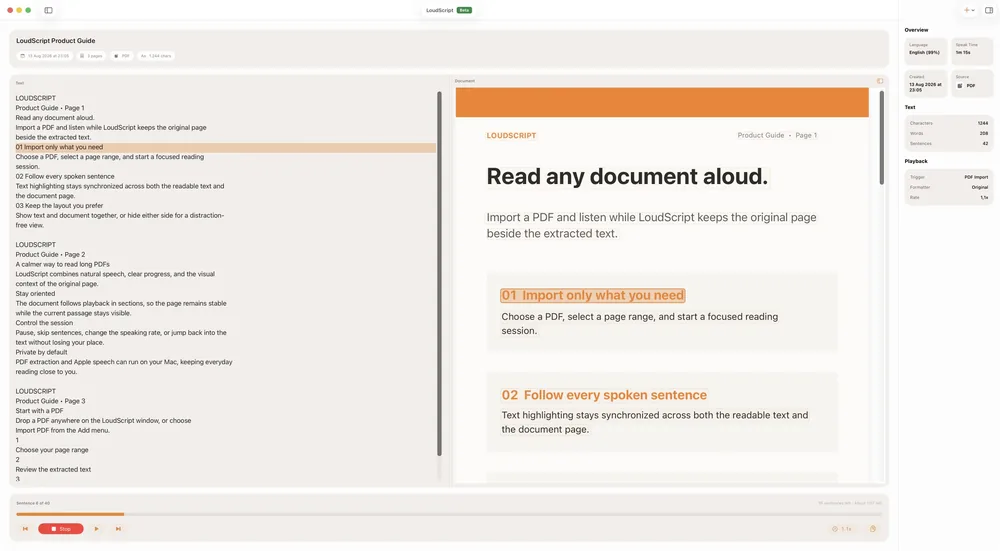
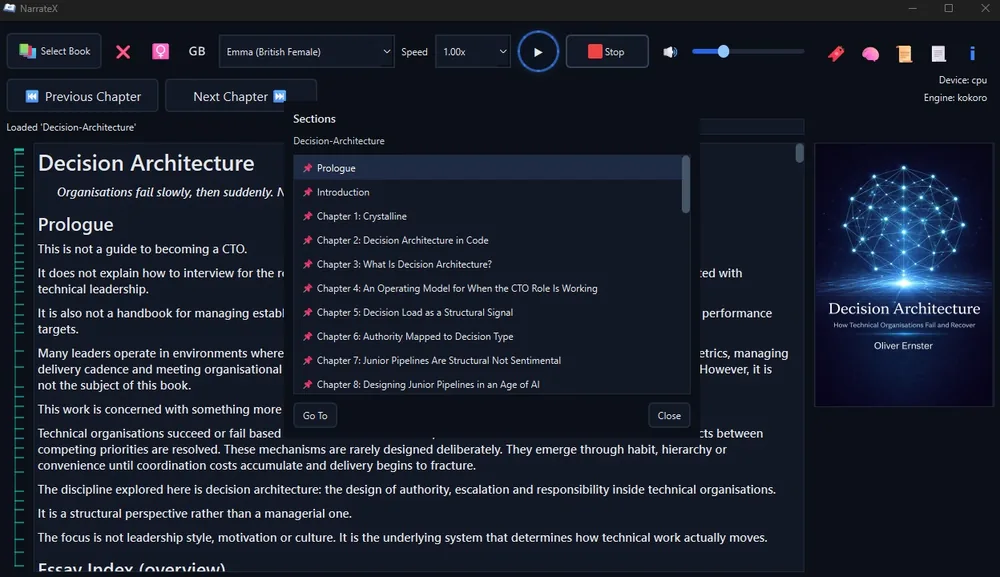
Turn your desktop into a calm listening workspace. Open supported PDFs, ebooks, articles, and documents in Readify, then listen with source text, notes, highlights, and progress still in view.

Build a Desktop Listening Desk
Readify helps long-form reading feel less scattered on a laptop or desktop, especially when documents, notes, and browser tabs are already part of your workflow.

From Desktop File to Listening Flow
Set up the workspace once, then use Readify whenever a desktop reading task needs audio, review tools, and continuity.


Desktop Reading Without Window Chaos
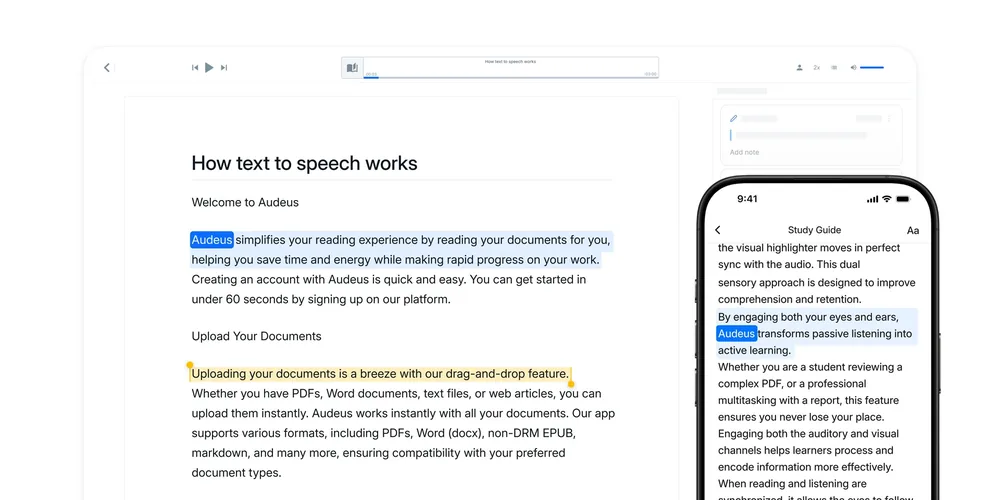
Readify is useful when your reading is not one clean book, but a mix of PDFs, drafts, references, emails, and saved pages.

Questions About Listening on Desktop
When is Readify better on desktop than on mobile?
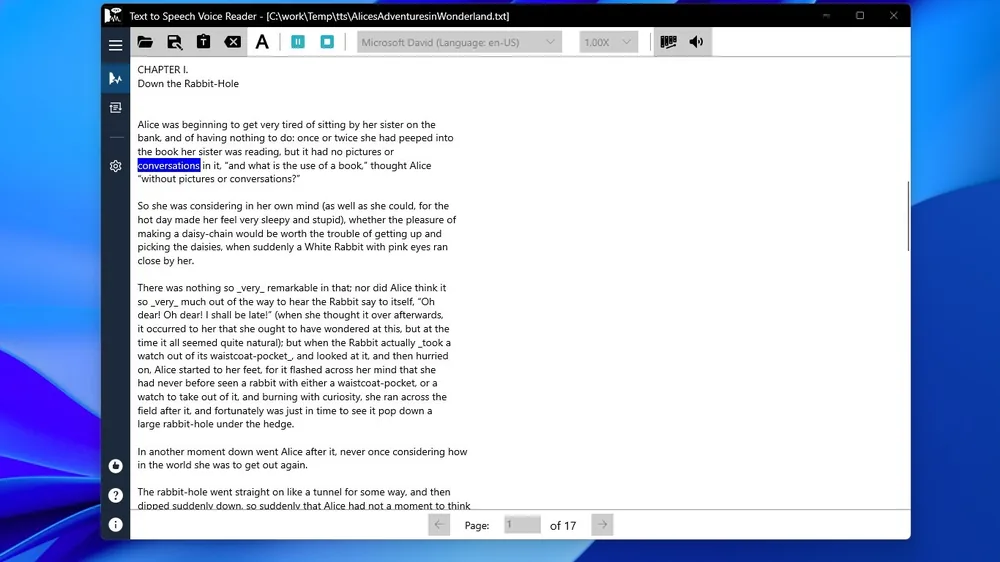
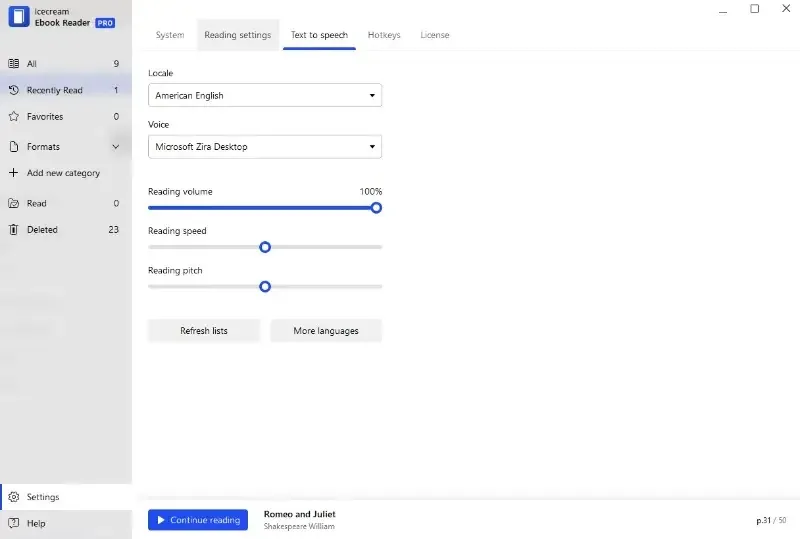
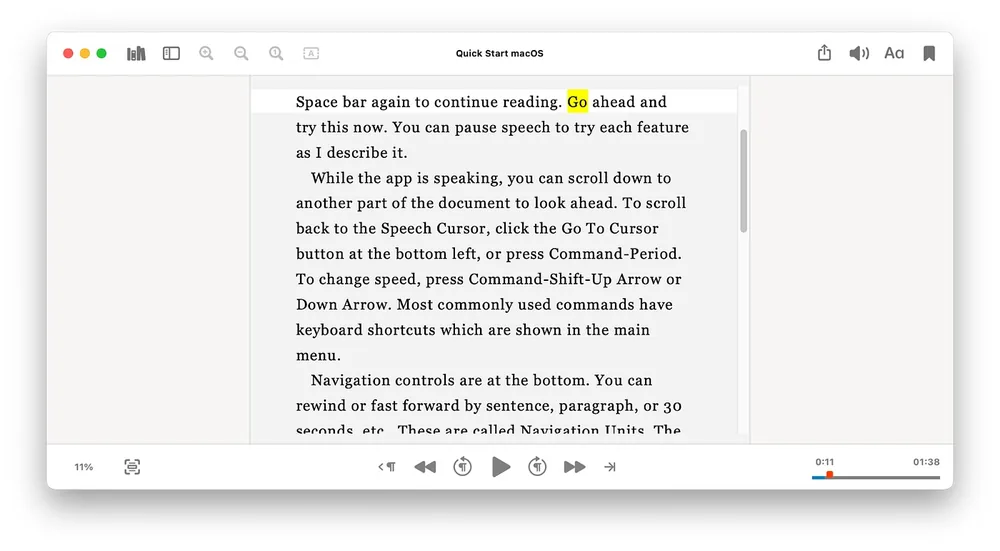
Desktop is best when the source material needs space: research PDFs, multi-column documents, long ebooks, drafts, notes, or files you want beside other work. Readify lets you listen while keeping the source text, highlights, and notes visible.
Can Readify help me turn a PDF into audio on desktop?
Yes, for compatible documents. Readify supports pdf to audio and pdf to audiobook style workflows so you can listen through long sections while returning to the original page when layout or citations matter.
Can I use Readify with Word documents or copied text?
Readify is useful alongside ms word text to speech and word text to speech habits because it gives you a dedicated listening-and-review space with saved progress, notes, and highlights for supported materials.
How do I make Readify feel like a desktop app?
You can keep Readify open in a browser window or create a desktop shortcut. People searching how to add website on desktop like app on mac or how to add apps to desktop usually want faster access; the same idea works for keeping Readify one click away.
Is Readify only for PDFs?
No. PDFs are a strong use case, but desktop listening is also useful for ebooks, articles, study notes, copied passages, and other supported reading materials that benefit from text to speech reader controls.
What makes desktop listening more productive?
A desktop gives you room to compare the source, notes, browser research, and playback controls. Readify uses that space to keep audio, text, highlights, and progress connected instead of making you choose between listening and close review.