
Use Readify Anywhere on Android
Bring Readify to your Android phone or tablet so PDFs, ebooks, articles, and long documents can become listening sessions without losing the original text, notes, highlights, or progress.

Listen Across Android Reading Moments
Readify for Android is built for the messy middle of mobile reading: saved PDFs, ebooks, browser articles, study files, and documents you need to finish away from a desk.
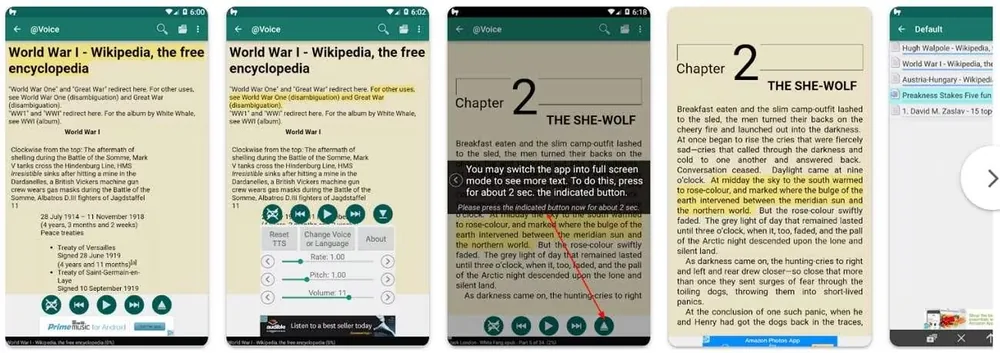
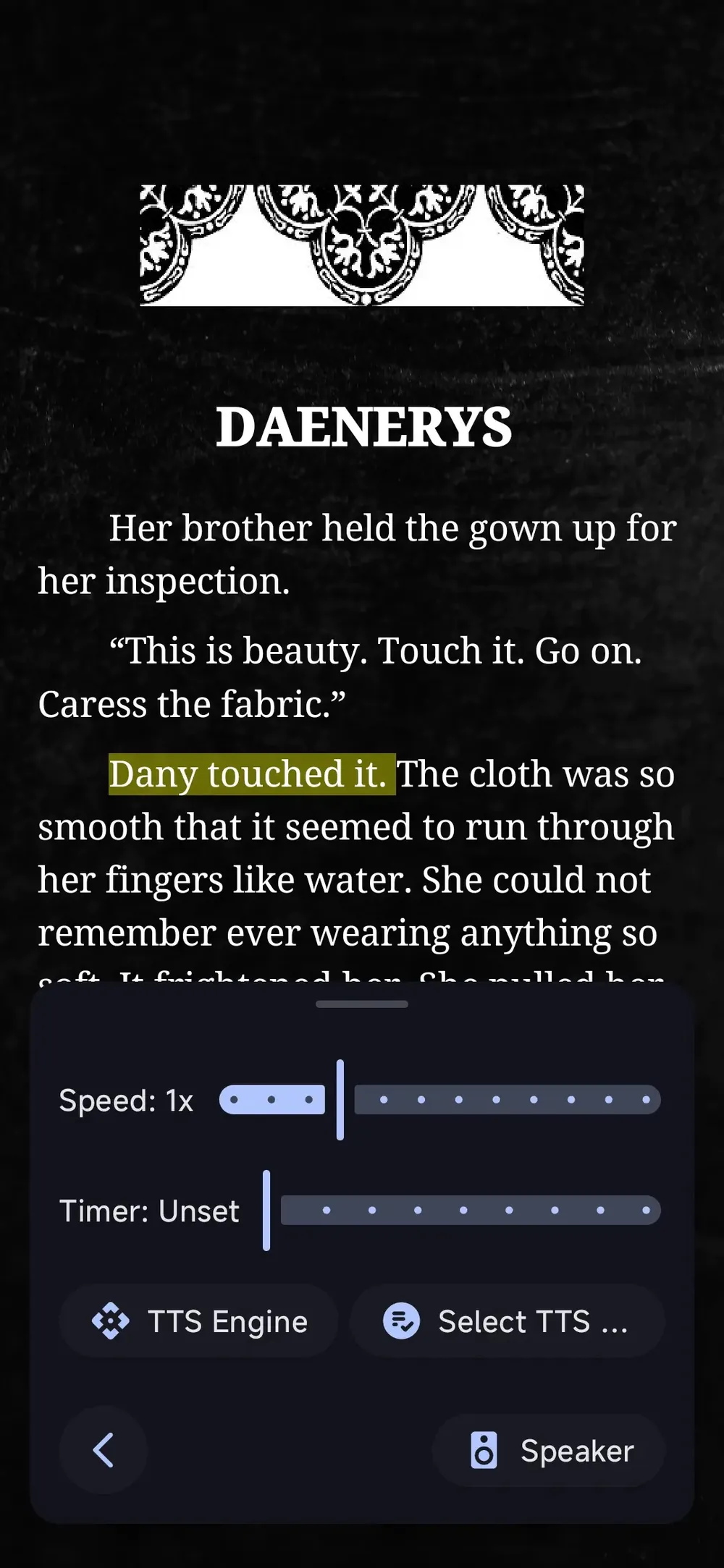
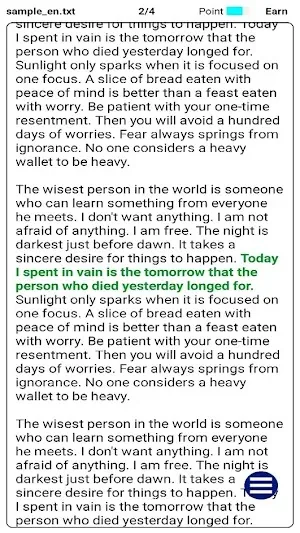
From Android File to Focused Listening
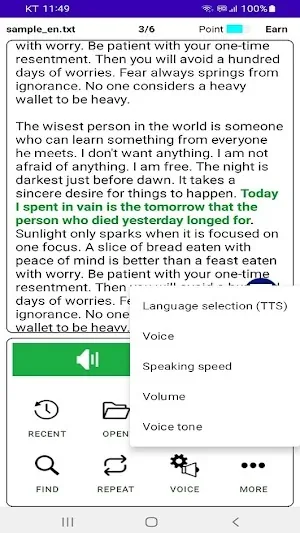
Start with the material you already have, then let Readify shape it into a cleaner listen-and-review session.
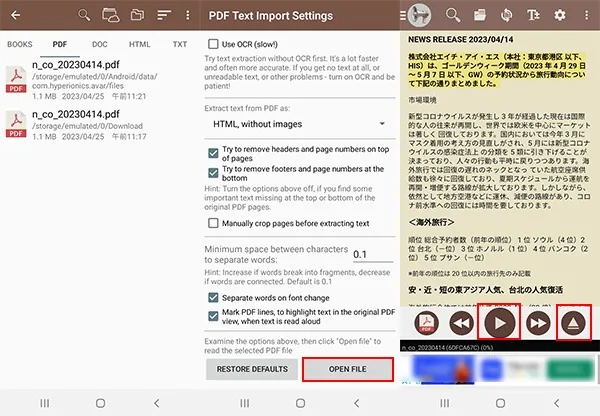
Make Android Reading Feel Less Fragmented
Readify gives Android users an audio layer for personal documents while keeping the precision of reading tools close.
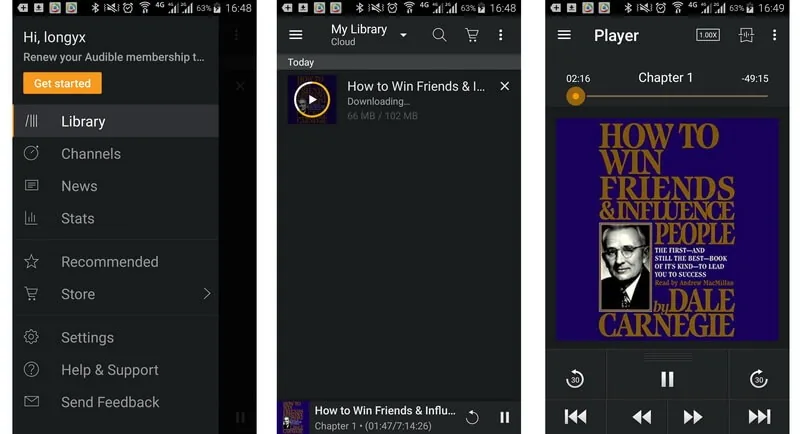
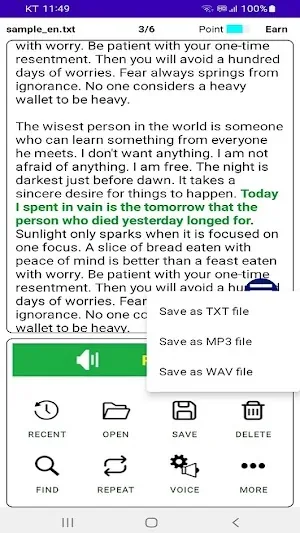
Questions About Readify for Android
When is Readify for Android more useful than a regular audiobook app?
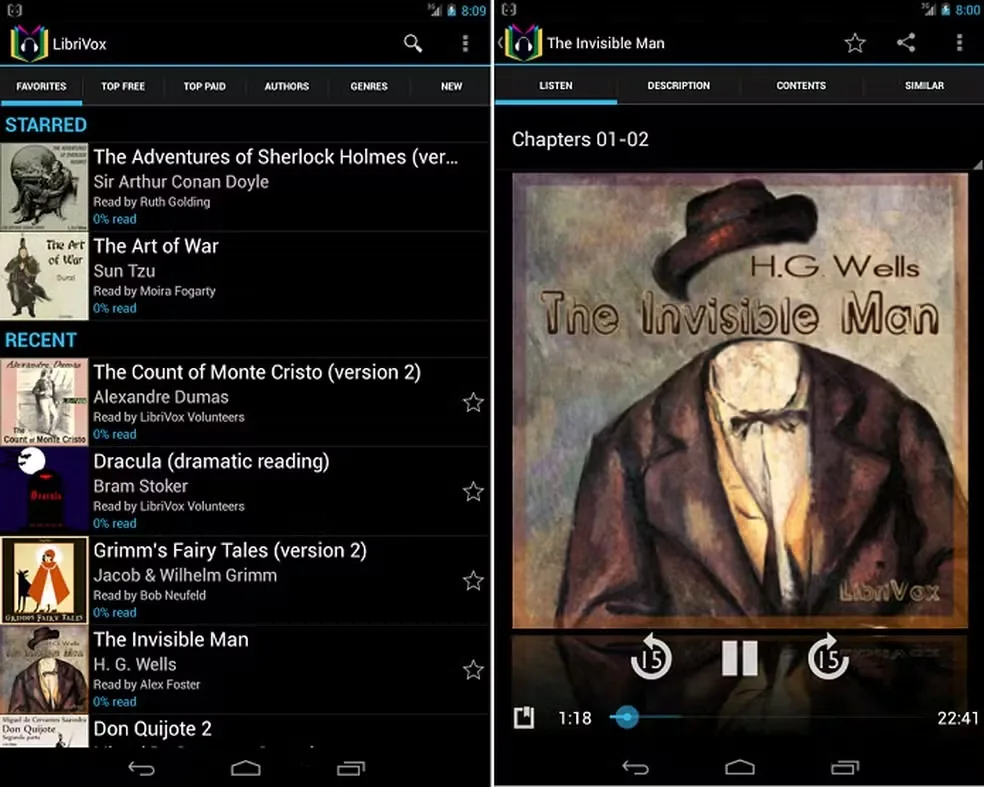
Use Readify when the material is not already a produced audiobook: PDFs, ebooks, work documents, study packets, saved articles, and reference files. Audiobook apps are best for catalog titles; Readify helps turn your own supported reading materials into listenable sessions.
Can Readify help me read PDFs aloud on Android?
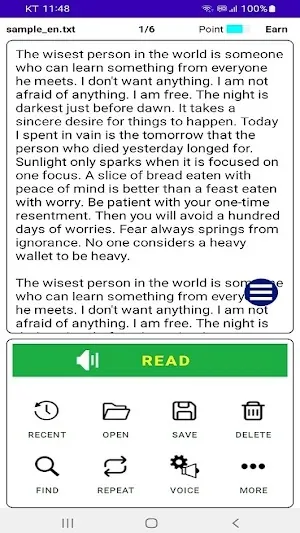
Yes, for compatible documents. Readify supports PDF text to speech and PDF to audio workflows so you can listen, follow the text, highlight important sections, and return to the exact place later.
Is Readify a free audiobook android app?
Readify is not meant to be only a catalog-style free audiobook android app. Its value is helping personal reading materials become audio-friendly, especially when you already have PDFs, articles, or ebooks you need to finish.
How is Readify different from the best audiobook app for Android?
The best audiobook app for android usually helps you discover and play published audiobooks. Readify is better suited for documents you bring yourself, including kindle text to speech android comparisons and other personal reading workflows, with synchronized text, notes, highlights, and saved progress connected to the original material.
Can I use Readify while multitasking on Android?
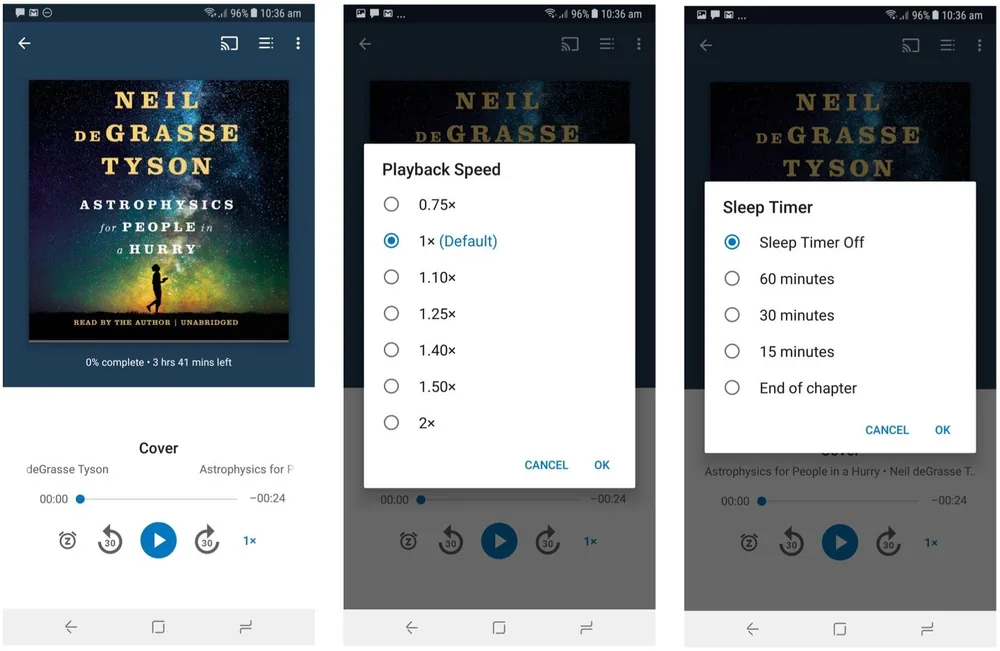
Yes. Readify is designed for mobile listening patterns like commuting, walking, chores, or resting your eyes. You can adjust voice speed, pause when needed, and continue from saved progress instead of restarting the document.
What should I do if an Android PDF does not read correctly?
Some PDFs are image scans rather than selectable text. If a file does not read cleanly, try a text-based version, OCR the document first, or use a clearer source file before adding it to Readify. This matters for any android text to speech application because audio quality depends on readable source text.