
Use Readify Anywhere on iOS
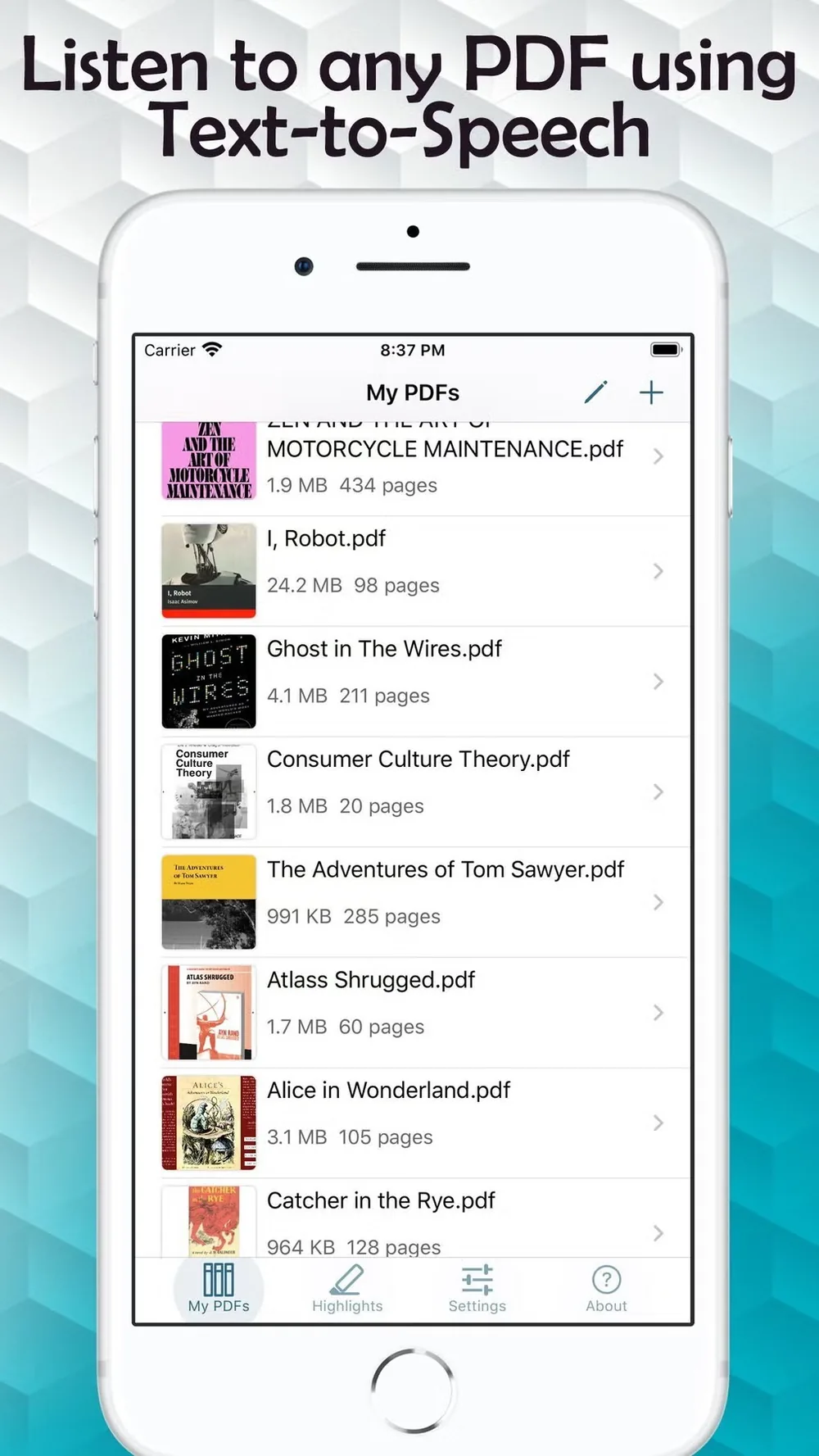
Take Readify with you on iPhone or iPad. Listen to supported PDFs, ebooks, articles, and study materials while keeping synchronized text, highlights, notes, and your reading position available.

Listen from iPhone or iPad
Readify for iOS helps reading fit into commutes, walks, study breaks, and quiet evening sessions without losing access to the original text.
From Saved File to Mobile Listening
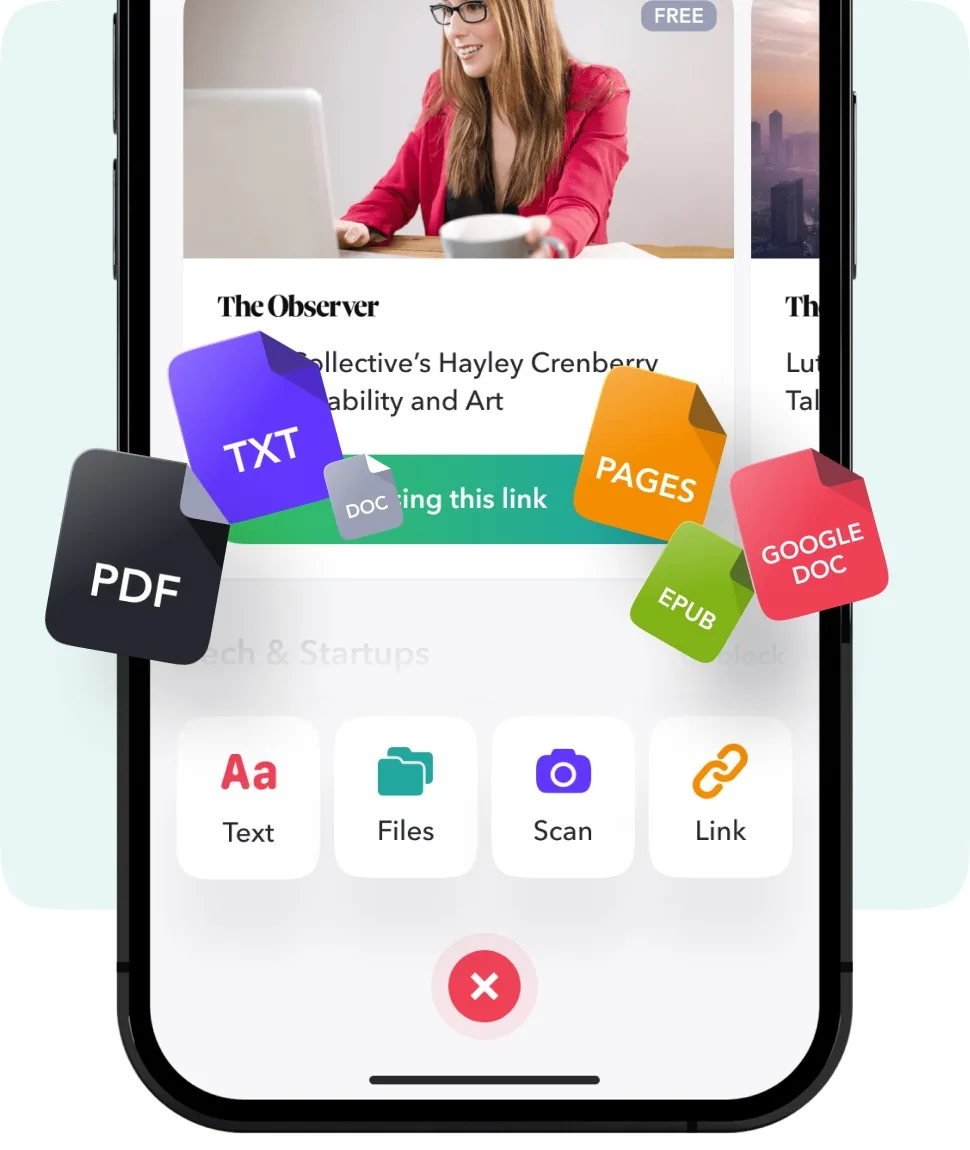
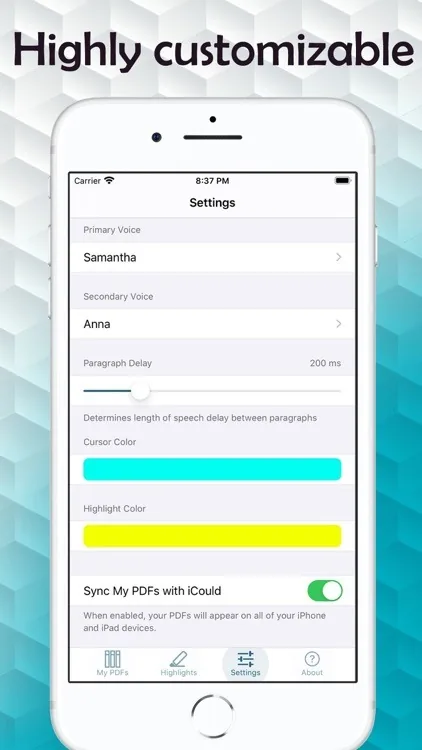
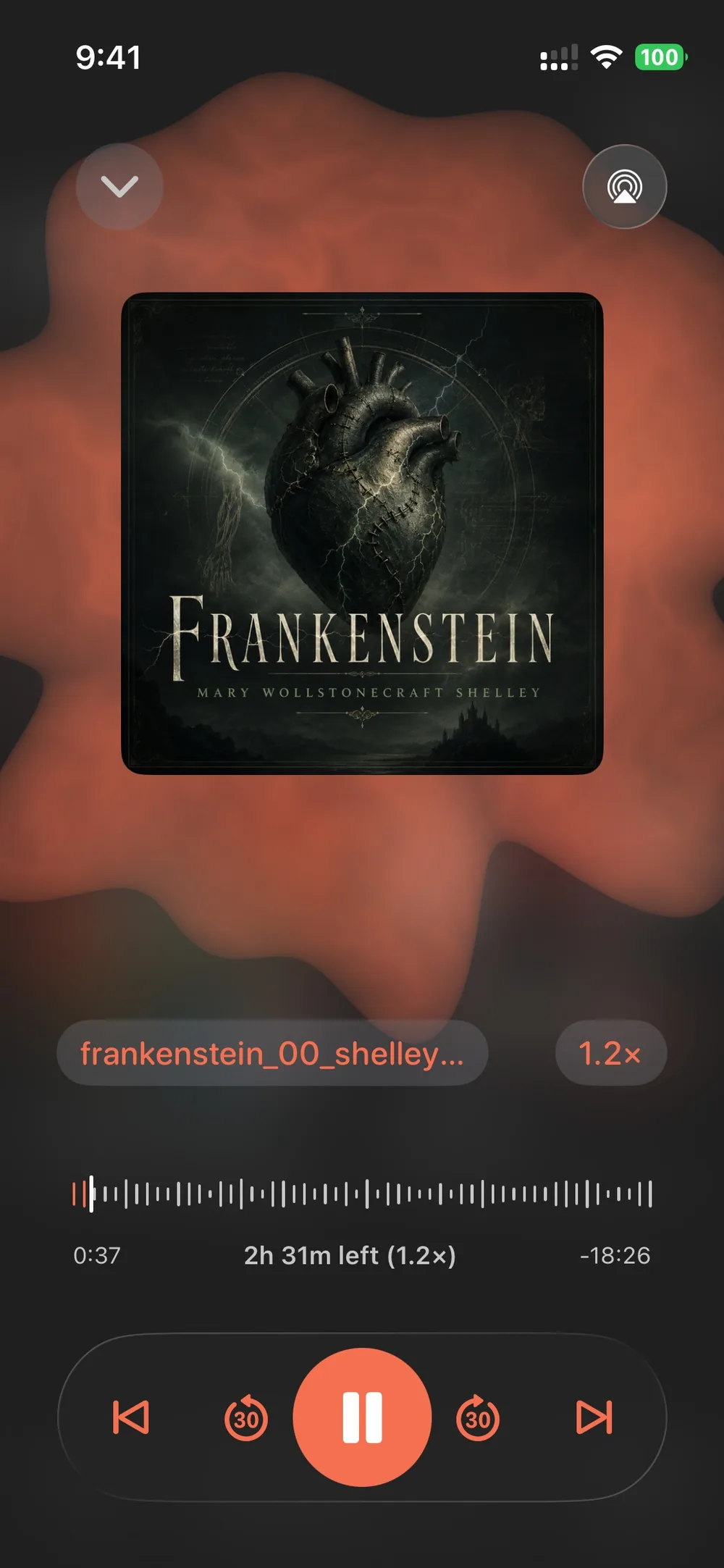
Open a supported document, choose how it should sound, then continue reading or listening wherever the day moves.
Make Mobile Reading Easier to Keep
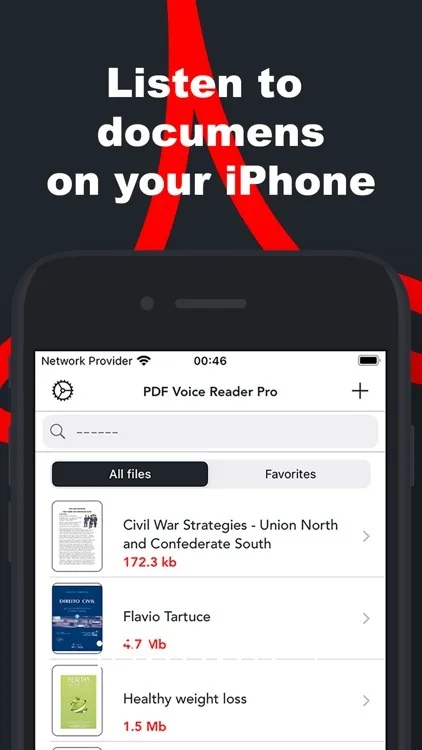
Readify combines audiobook-style convenience with the precision of text, notes, and document context.
Questions About Readify for iOS
When is Readify for iOS better than a regular audiobook app?
Use Readify when the material you need is not already a polished audiobook: PDFs, class readings, research articles, work documents, ebooks, and saved web content. The best audiobook apps are useful for published titles, while Readify helps make your own reading list easier to hear, review, and continue on iPhone or iPad.
Can I turn PDFs and study documents into audio on iPhone?
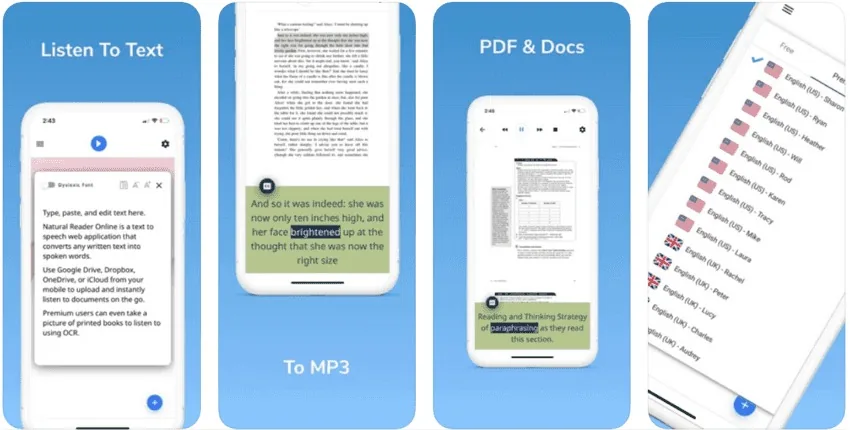
Yes, for compatible files. Readify supports PDF to audio and PDF to audiobook-style workflows so you can listen to long documents, slow down for dense sections, and keep the source text available when you need citations, tables, page context, or exact wording.
Can I read and listen at the same time?
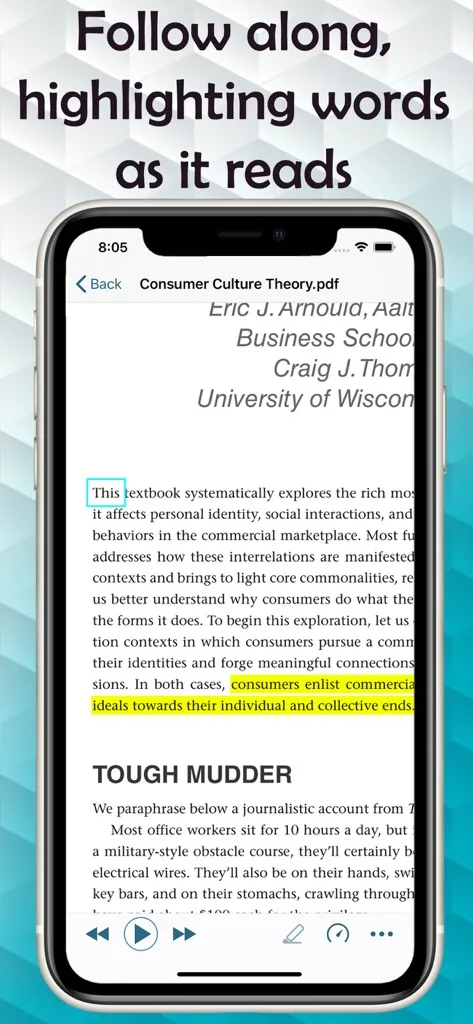
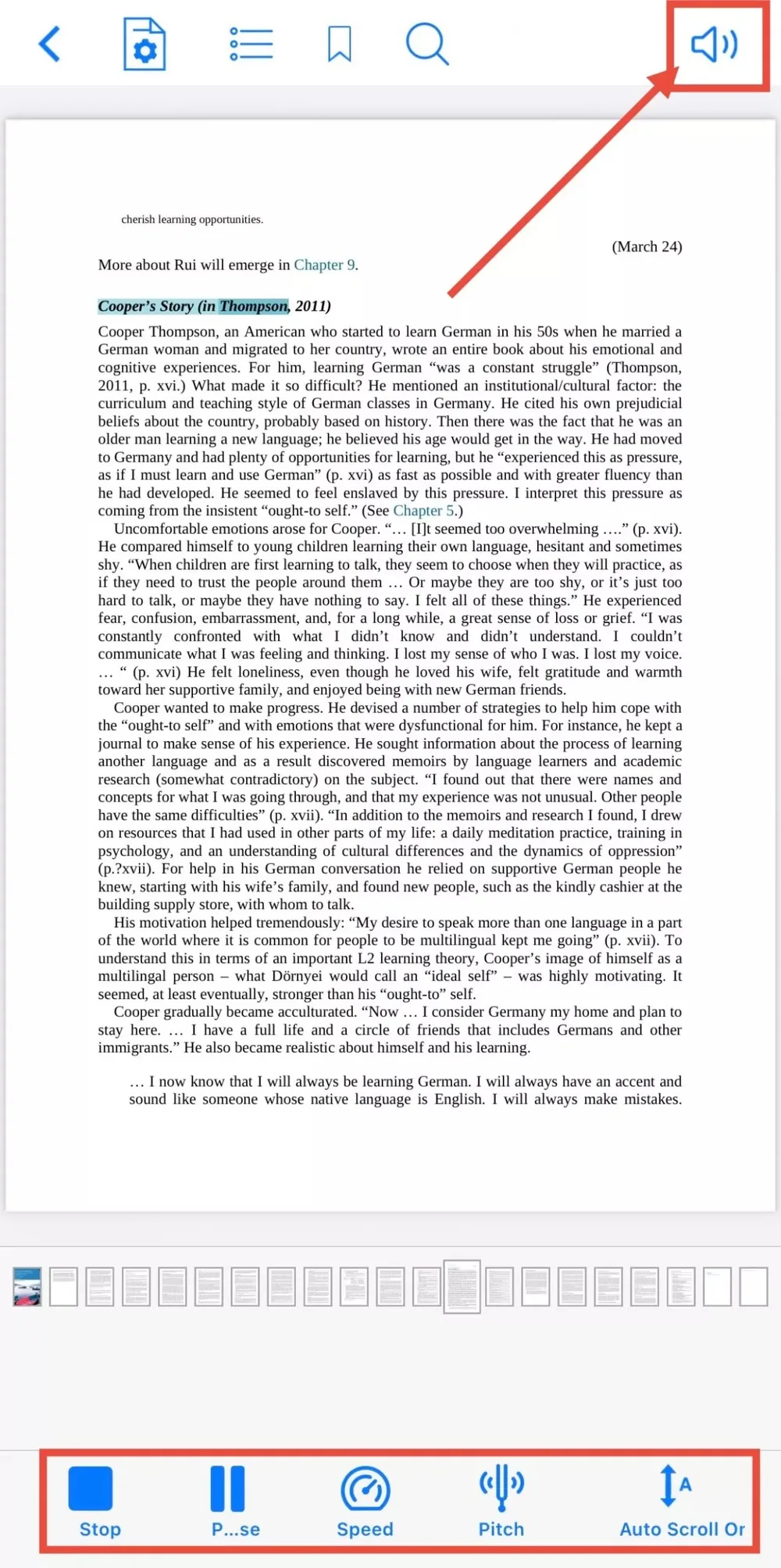
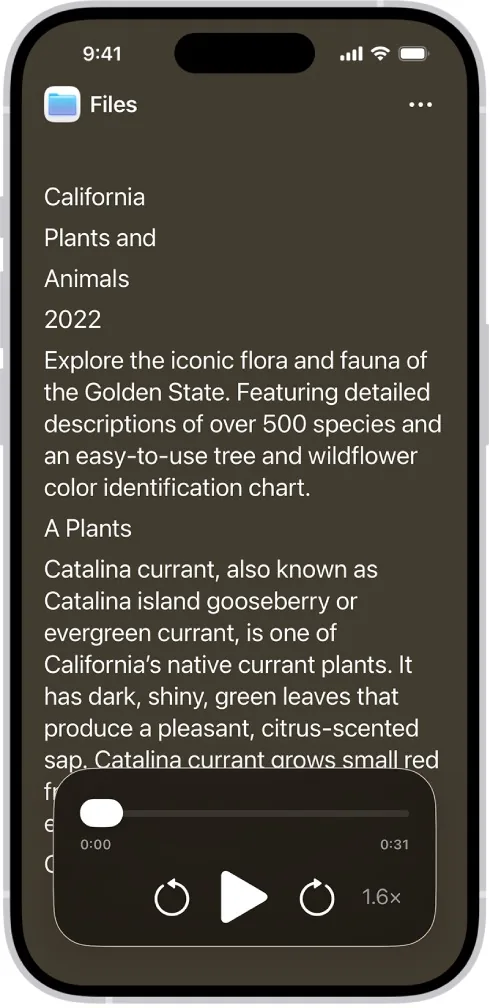
Yes. Readify is designed for the kind of reading and using audiobook same time harry potter behavior many readers want: audio keeps the session moving, while synchronized text helps you follow names, dialogue, unfamiliar terms, and passages worth rereading.
How should I choose voice speed for long mobile reading sessions?
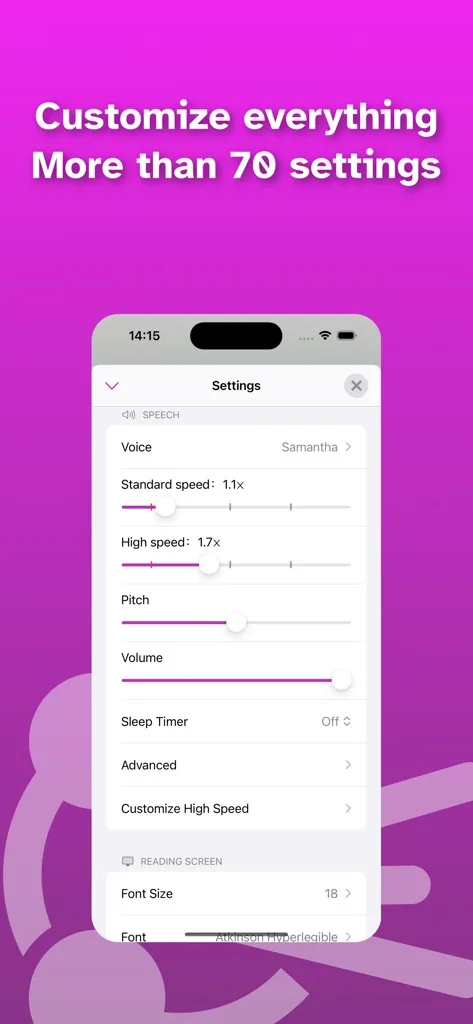
Start near a natural speaking pace for new or complex material, then increase speed only when comprehension stays comfortable. For review, summaries, or familiar material, a faster pace can work well. Readify lets you adjust speed by document and session instead of forcing one setting for everything.
Does Readify keep notes, highlights, and progress connected to the text?
Yes. Listening is most useful when it does not separate you from the original material. Readify keeps highlights, notes, and saved progress tied to the reading context so you can pause, return later, and review the exact section that mattered.
How is Readify different from tools people search for, such as nemin.io or what's a good audiobook?
Those searches usually mean the reader is trying to find a better way to listen. Readify focuses on a different problem: turning supported personal reading materials into audio-friendly sessions while preserving text, notes, and progress, so you are not limited to whatever is already available as an audiobook.