
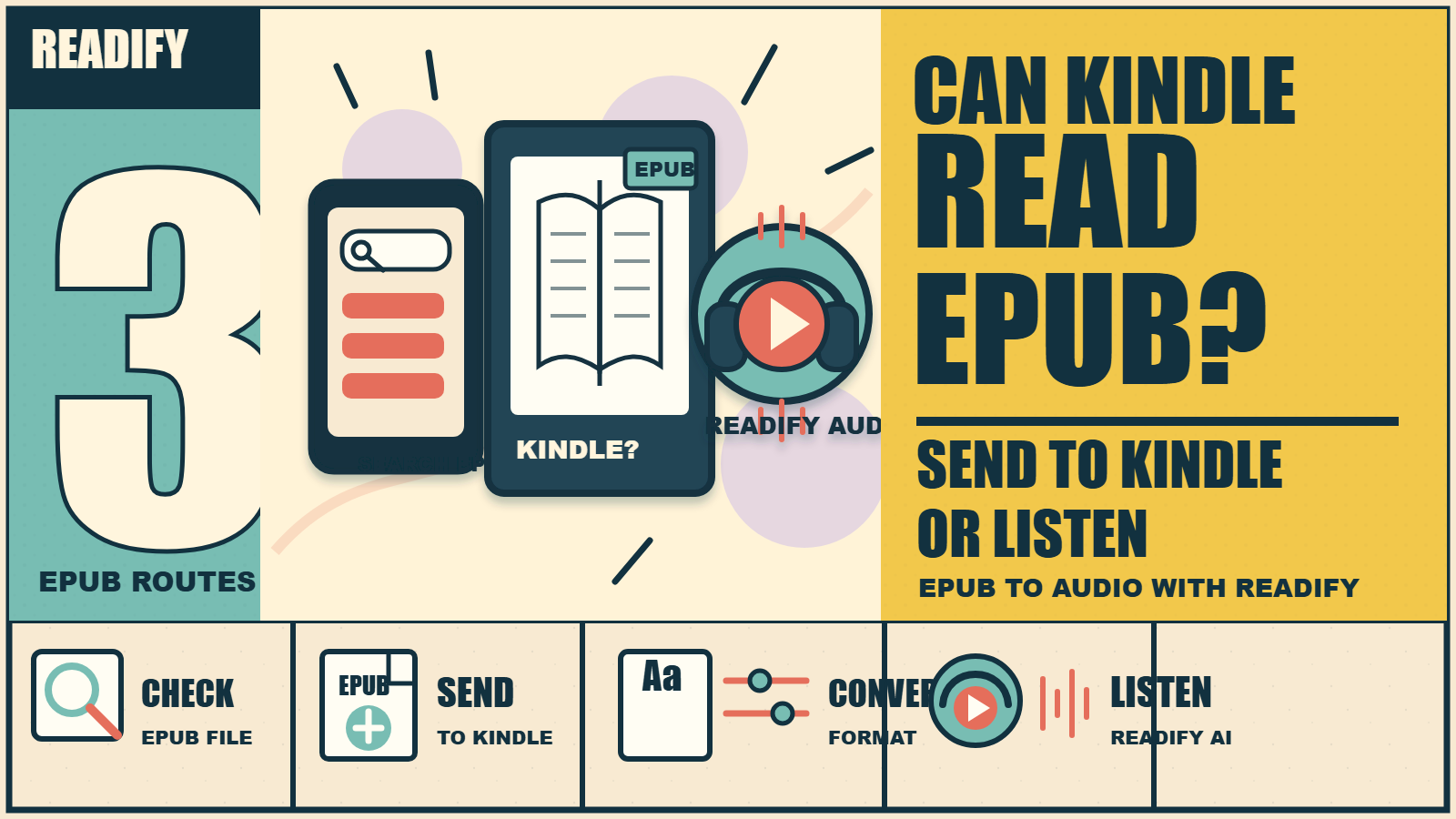
Can Kindle read EPUB?
The short answer is: not in the same native way Kindle handles Kindle formats, but modern Kindle workflows can accept EPUB through Send to Kindle and convert it for reading. That distinction matters. If you try to open an EPUB file directly on a Kindle like a standard Kindle book, the experience may not work as expected. If you send the EPUB through the supported conversion route, it can become readable on your Kindle library.
For readers who manage many books, study files, manuals, public-domain texts, or personal documents, that creates a second question: what should you do with EPUB files that you want to read, listen to, or review across devices? Readify helps with that part. With Readify AI Reader, natural sounding TTS, listen to text, EPUB to audio, PDF to audio, DOCX to audio, and offline listening, you can turn permitted documents into a more flexible reading and listening routine.
Important copyright note: use Readify only with files you own, files you created, files you are authorized to process, appropriately licensed materials, or public-domain content. Do not use any reading or audio tool to bypass DRM, distribution limits, library restrictions, author rights, or platform terms.
Can Kindle Read EPUB Directly?
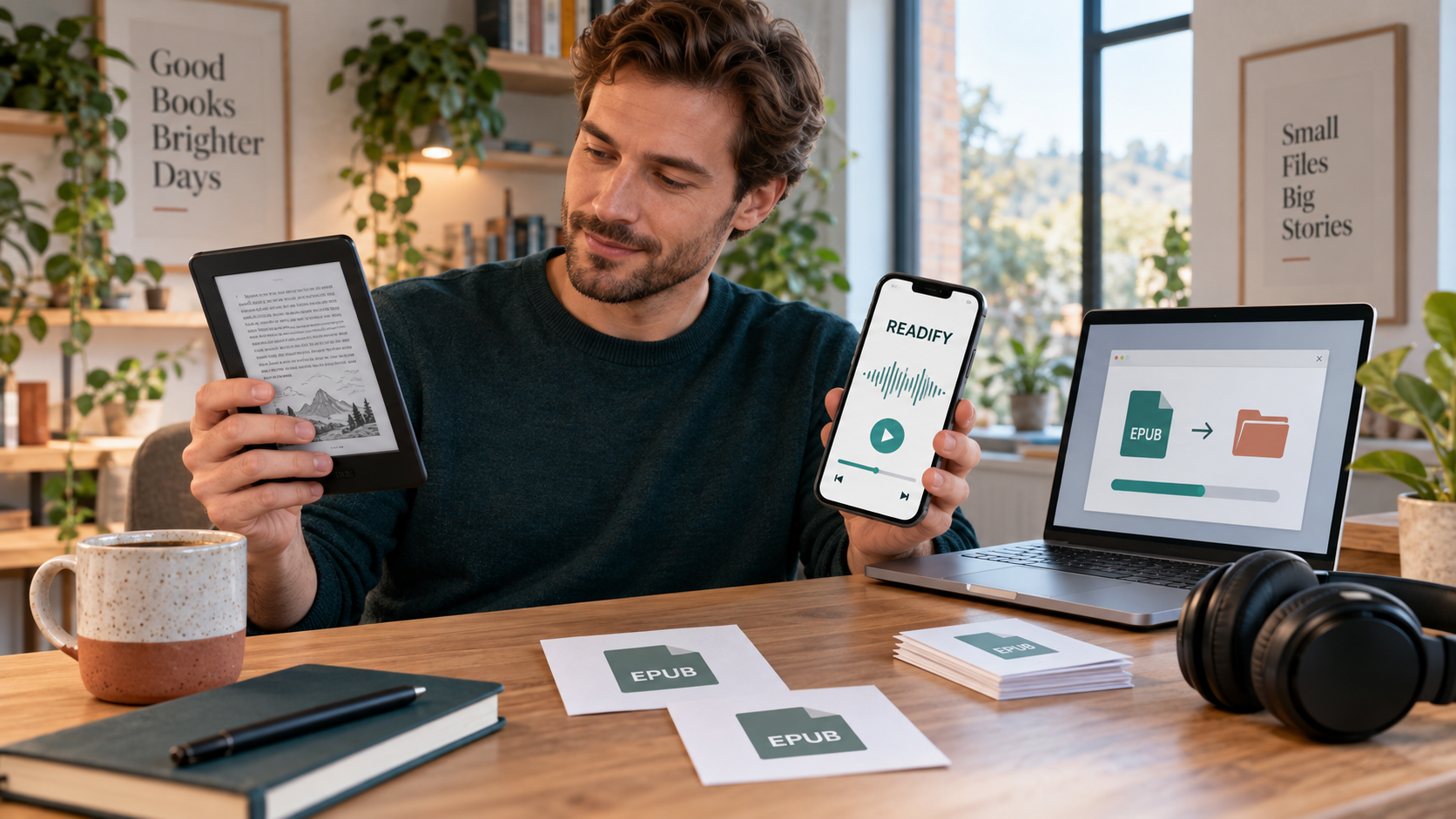
The phrase can kindle read epub is slightly tricky because people mean different things by "read." If you mean "can I drag an EPUB file onto a Kindle and open it as-is," the answer is usually no. Kindle devices are built around Kindle-supported formats and converted personal documents. If you mean "can I send an EPUB file into my Kindle library through the supported route," the answer is generally yes: EPUB can be accepted and converted through Send to Kindle.
This is why users search variations like can i read epub on kindle, can kindle read epub format, and can the kindle read epub. They are usually trying to understand whether EPUB is compatible, whether conversion is automatic, and whether their existing ebook library will move cleanly into the Kindle ecosystem.
The practical rule is simple: Kindle can work with EPUB through conversion, but EPUB is not the same as a native Kindle ebook format. Formatting, covers, tables, footnotes, images, and typography may change during conversion. A clean EPUB file usually converts better than a messy one.
What Happens When You Send EPUB to Kindle?
When an EPUB file is sent through a supported Kindle document workflow, the system converts it into a Kindle-readable document. That can be very convenient for personal reading. It also means the final result may not preserve every original design detail. Complex academic layouts, heavily illustrated books, footnote-heavy texts, or fixed-layout EPUBs can behave differently after conversion.
Before sending a large library, test one file. Check the cover, chapter breaks, table of contents, images, links, and notes. If the file looks good, the rest of the workflow becomes easier. If it looks broken, consider cleaning the source file or using a different reader for that document.
This is where competitor ecosystems become relevant. Google Play Books EPUB reader is a strong comparison point because it supports uploaded EPUB and PDF reading across devices. It is not the same workflow as Kindle, but it shows why readers often compare ecosystems before committing to one library.
When Readify Is Useful Alongside Kindle
Kindle is strong for long-form visual reading. Readify is useful when you want flexible listening and document review. If you have a permitted EPUB and want to hear it while walking, commuting, resting your eyes, or reviewing notes, Readify can support an AI Reader workflow built around natural sounding TTS and hands-free reading.
This does not mean Readify replaces Kindle. It solves a different problem. Kindle helps you read on an e-ink device. Readify helps you listen to text, create an AI audiobook generator workflow for permitted files, and use AI audiobook narration when you want long documents to become audio sessions. If your question is can you read epub on kindle, the answer is about compatibility. If your next question is "can I listen to this EPUB comfortably," Readify becomes much more relevant.
For readers who want another EPUB-first reading ecosystem, Kobo EPUB reading ecosystem is a useful competitor reference. Kobo devices and apps are often discussed by readers who value EPUB support and broad ebook compatibility.
Best Practices Before Sending EPUB Files
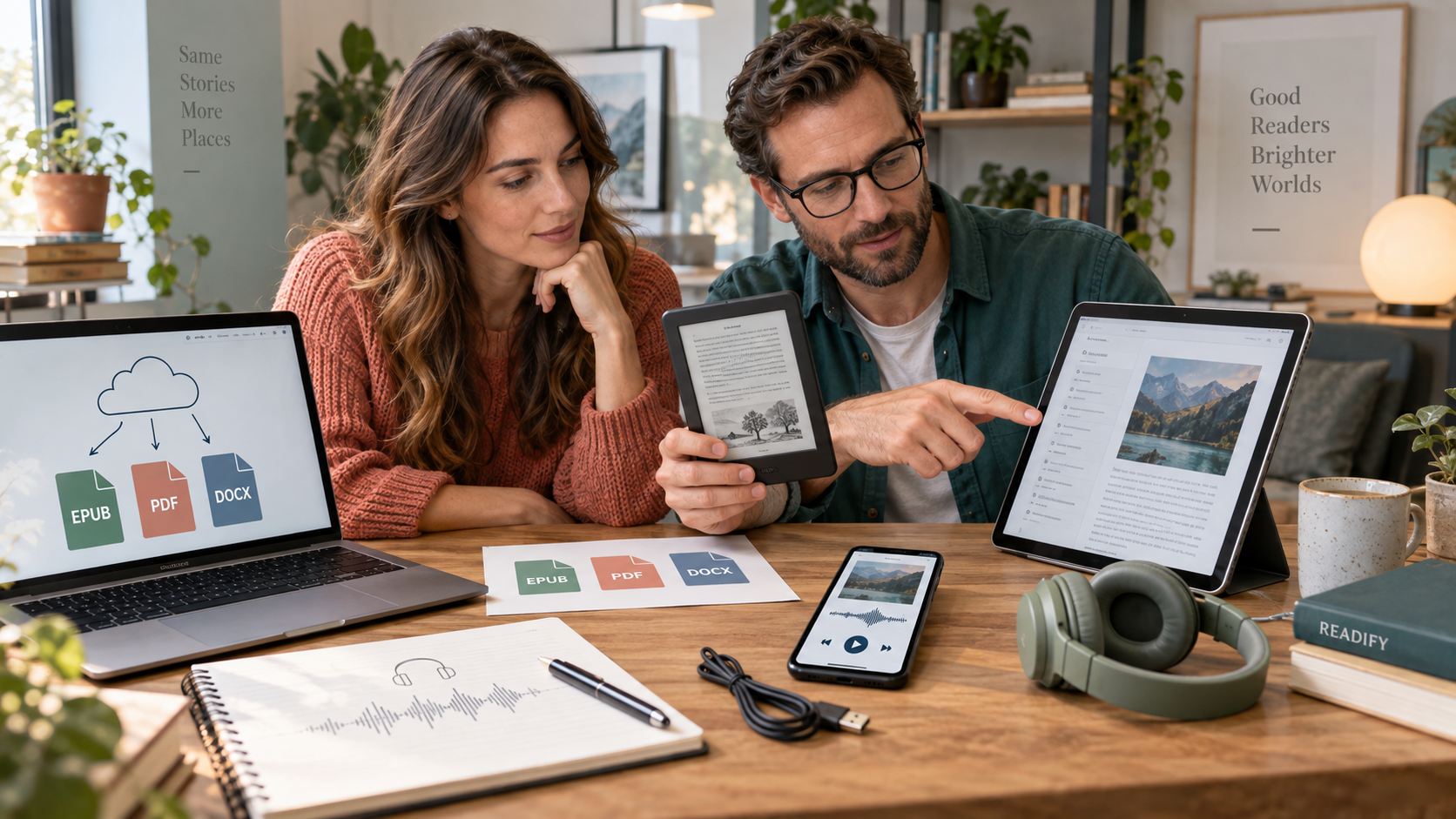
Start with the file itself. A well-structured EPUB should have chapter headings, a working table of contents, clean paragraph spacing, and readable images. If the source file is damaged, the conversion may produce strange breaks, missing covers, or awkward navigation. That problem is not unique to Kindle; any conversion workflow depends on source quality.
Next, decide whether you need visual reading, audio review, or both. If you are reading a novel at night, an e-reader may be perfect. If you are reviewing a manual, study notes, or a long public-domain text while commuting, Readify's offline listening can be more practical. You can keep visual reading for dense sections and use audio for repeated exposure.
Another competitor to compare is BookFusion EPUB reader app, which focuses on cross-device ebook reading and personal libraries. It is relevant because many people asking can kindle read epub are really deciding where their EPUB library should live.
A Simple Decision Guide
Use Kindle when you want distraction-light reading on an e-ink screen and you are comfortable sending files through a conversion workflow. Use an EPUB-first reader when preserving the original EPUB experience matters more than staying inside the Kindle library. Use Readify when the file is something you want to hear, repeat, or review hands-free.
That split is useful because one file can have more than one job. A novel may belong on an e-reader for relaxed page reading. The same book, if it is public domain or otherwise permitted for your use, may also become a Readify listening session. A course handout may be awkward on a small e-reader but excellent as audio review. A technical PDF may need visual inspection first and then short audio sections later.
Do not treat every file as something that must be converted. Sometimes the best answer is to keep the EPUB in an EPUB reader, keep a PDF on a tablet, and use Readify for the sections where audio genuinely helps. A good reading workflow is not about forcing one device to do everything. It is about choosing the best surface for the moment: screen, e-ink, phone audio, or offline listening.
How to Use Readify for EPUB to Audio
If you have an EPUB you are allowed to process, Readify can help you turn it into a listening routine. Open the document, check the chapter structure, and use EPUB to audio when you want the text read aloud. For other personal documents, the same habit can extend to PDF to audio and DOCX to audio.
The best listening experience starts with clean input. Remove duplicated headers if you control the document. Keep chapter titles. Avoid files with broken character encoding. For study materials, split huge files into sections so you can review one topic at a time. Readify's natural sounding TTS works best when the source text is clear and structured.
Use speed control carefully. Faster playback is useful for rereading familiar material, but slower playback helps when the text is technical. If you are using Readify for accessibility, language learning, or careful review, comfort matters more than speed. For more workflows, browse the Readify blog.
What About Apple Books and Other EPUB Readers?
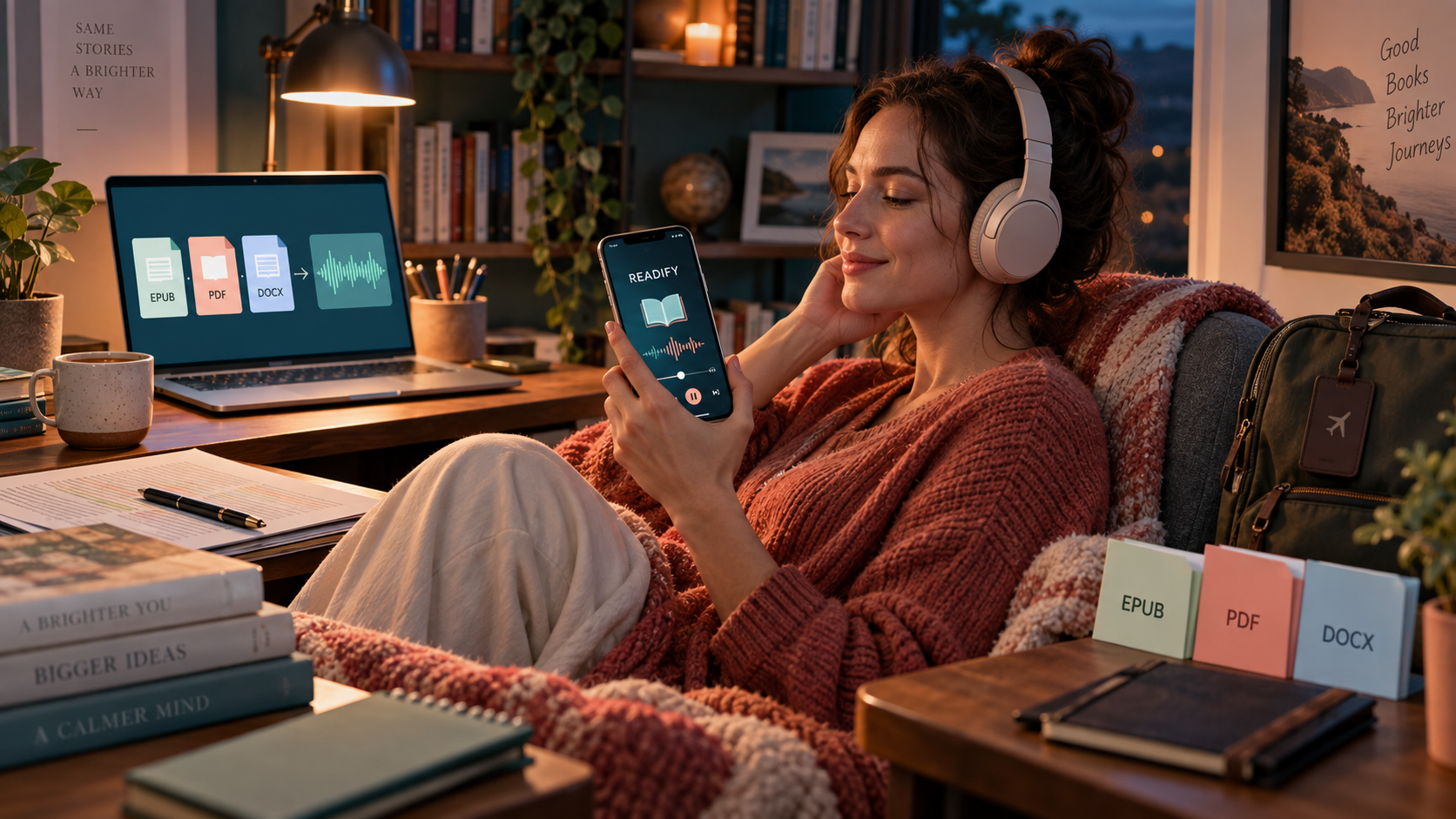
Apple Books, Kobo, Google Play Books, BookFusion, and other readers can be better fits for some EPUB libraries, depending on your devices and habits. For example, Apple Books EPUB library is a relevant option for readers already inside the Apple ecosystem. The right tool depends on whether you care most about e-ink reading, cross-device sync, annotations, audio, or format openness.
Readify fits the audio and accessibility side of that decision. It can sit next to ebook readers rather than compete with them directly. Use an EPUB reader when you want traditional page reading. Use Readify when you want accessible reading, hands-free reading, or a private audio version of content you are allowed to process. For a direct product starting point, visit Readify text to audio tools.
FAQ
Can Kindle read EPUB?
Can Kindle read EPUB? Kindle can accept EPUB through supported conversion workflows such as Send to Kindle, but it does not treat EPUB exactly like a native Kindle format. The converted result may vary depending on file quality.
Can I read EPUB on Kindle without converting?
Can i read epub on kindle without conversion? In most practical cases, no. EPUB usually needs to be sent through a conversion workflow before it becomes readable in the Kindle environment.
Can Kindle read EPUB format with images and footnotes?
Can kindle read epub format with complex design? Sometimes, but conversion can change layout. Test files with images, footnotes, tables, or fixed formatting before relying on them for long reading sessions.
Can the Kindle read EPUB better than PDF?
Can the kindle read epub better than PDF? For reflowable books, converted EPUB often reads better than PDF because text can adapt to the screen. PDF is better when preserving exact page layout matters.
Can you read EPUB on Kindle and listen with Readify?
Can you read epub on kindle and also use Readify? Yes, if you have the right to process the file. You can read through Kindle-compatible conversion and use Readify for private listening, EPUB to audio, and offline listening.
Does Readify remove DRM from EPUB files?
No. Readify should not be used to bypass DRM or access restrictions. Use it only with files you own, created, are authorized to process, hold appropriate rights for, or that are in the public domain.
