
Introduction
The best podcast equipment is not the most expensive gear on a creator's desk. It is the small, reliable setup that helps you publish a clear first episode and repeat the process next week. If you are learning how to start a podcast, begin with the audience and format you want to serve, then buy only the tools that support that plan. Readify can help before recording begins by turning your personal research, interview briefs, and scripts into audio you can review away from the screen.
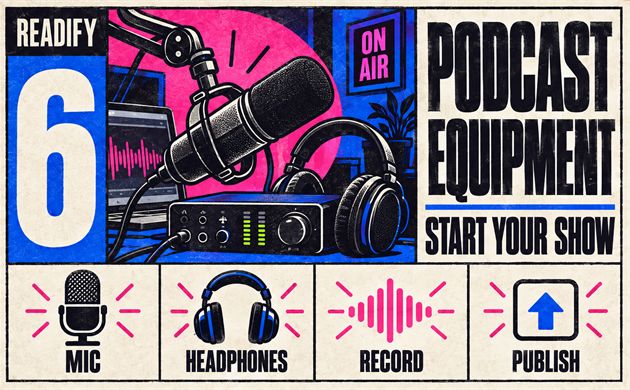
Many people search starting a podcast equipment needed because the gear list feels bigger than the project. It does not have to be. A practical podcast setup starts with a microphone, headphones, a recording device or computer, a quiet space, and a simple publishing workflow. This guide explains the podcast equipment worth prioritizing, how to make a podcast step by step, and where Readify fits into the research and script-review stage. Try Readify for free with a personal outline or research document before your next recording session.
How to Start a Podcast Before You Buy Podcast Equipment
The first answer to how to start a podcast is not “buy a microphone.” Decide what the show is for. A clear listener, repeatable format, and manageable episode length make later podcast equipment choices much easier. A solo advice show, an interview series, and a narrative project need different workflows, even when they share the same basic tools.
When starting a podcast, write down three decisions before shopping:
- Who is the show for?
- What promise will each episode deliver?
- Will you record alone, remotely with guests, or in person?
These choices define the starting a podcast equipment needed list. A solo creator may need one microphone and headphones. A two-person local show may need two microphones, a way to record separate inputs, and a larger table. Creators learning how to make a podcast often save money by starting with the smallest setup that supports their actual format.
For research-heavy shows, add one more habit: collect source notes, potential questions, and episode ideas in a personal document. Readify can turn those personal PDFs, EPUBs, and DOCX files into audio, making it easier to listen through material during a walk or commute before you decide what belongs in an episode.
Starting a Podcast Equipment Needed: The Essential List
The right starting a podcast equipment needed list is short. You can upgrade later after you understand your voice, guests, room, and editing routine. For most beginners, these five categories cover the real foundation of podcasting equipment.
1. A Microphone
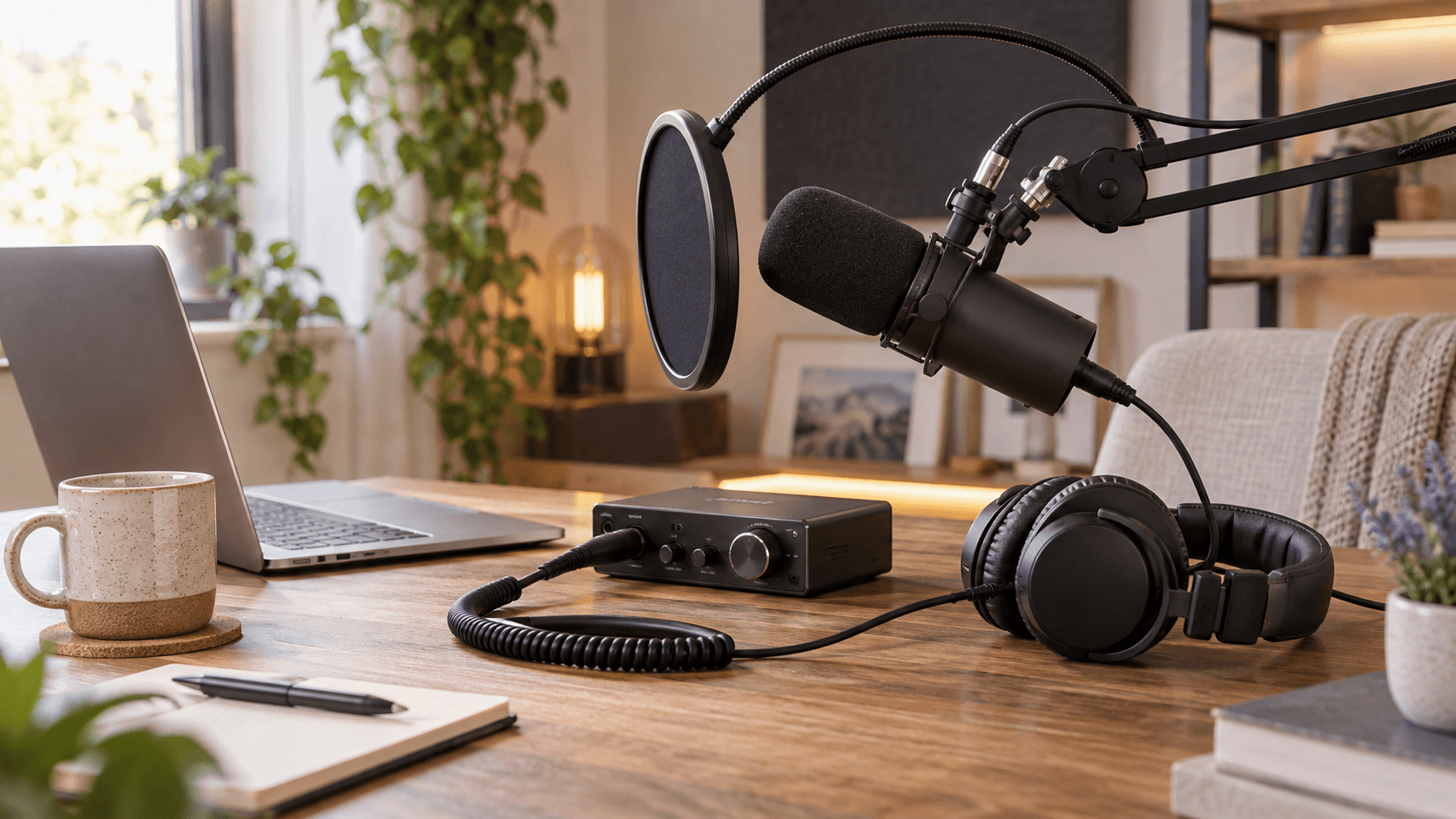
The microphone is the most important piece of podcast equipment because it captures the part listeners notice first: your voice. Choose a microphone that works with your recording method and your room. USB microphones are simple for one-person recording through a computer. XLR microphones offer more flexibility when you want multiple microphones or a separate audio interface. Review Shure's podcast microphone guidance alongside your own test recordings.
A good podcast microphone setup matters as much as the microphone itself. Put the mic close enough for a full, clear voice, keep it stable with a desk stand or boom arm, and use a pop filter or windscreen if plosive sounds are distracting. RØDE's microphone setup overview is another useful reference when comparing microphone types. This is the first place where new creators should spend attention when asking about equipment for podcasters.
2. Closed-Back Headphones
Headphones help you notice background noise, distance from the microphone, and interruptions before an episode is published. You do not need luxury podcast headphones to begin; you need a pair that lets you monitor your voice without sound leaking into the microphone.
For a simple podcast setup, use headphones while recording and while checking your final export. This small habit catches many avoidable mistakes. It also keeps your podcast equipment list focused on useful gear instead of decorative upgrades.
3. A Recording Device or Computer
Your computer may already be enough for a solo show. If you record in person with multiple speakers, you may eventually prefer an interface or recorder that can capture separate microphone inputs. The goal is not to build a studio on day one; it is to make how to record a podcast repeatable. If you use Audacity, its basic recording guide is a helpful reference for a first test session.
When you compare equipment for podcasters, ask whether the device supports your next six episodes, not whether it supports every possible production. The simplest reliable option is usually the best one for podcasting for beginners.
4. A Quiet Recording Space
Room sound affects every microphone. Soft furnishings, curtains, bookshelves, rugs, and a smaller quiet room can make a major difference. You do not need to cover every wall with foam to improve a basic podcast setup. Start by reducing obvious reflections and noise near the microphone.
This is often the most overlooked part of starting a podcast equipment needed. Better placement and quieter timing may improve an episode more than another purchase.
5. A Simple Workflow for Notes, Recording, and Review
Your final essential is a repeatable process. Keep episode notes in one place, test sound before each recording, label files clearly, and reserve time to listen back. Readify is useful here: upload personal research notes, guest briefs, or draft scripts and listen through them before you record. That gives you one more way to test pacing, clarify questions, and spot a weak transition.
Podcast Kit, Podcast Starter Kit, or Individual Gear?
A podcast kit or podcast starter kit can be useful when you want compatible basics in one purchase. A bundle may include a microphone, headphones, stand, cable, and sometimes an interface. It reduces decision fatigue for someone who is starting a podcast for the first time.
However, a podcast equipment bundle is not automatically the best choice. Compare the parts against your format. A solo creator with a laptop may not need an interface. A creator recording two in-person voices may need more than a one-microphone podcast kit. The best podcast equipment for beginners is the setup that matches the show you will actually make.
If you are comparing a podcast starter kit with individual pieces, use this test: can you record one complete episode, listen to it carefully, and publish it without borrowing another critical tool? If yes, you have enough to begin.
Podcast Equipment for Beginners: Build a Setup in Stages
The best podcast equipment for beginners plan avoids buying every accessory at once. Build in stages:
- Start with one microphone, headphones, a quiet space, and recording software.
- Record a private five-minute test episode.
- Review the sound, room noise, pacing, and workflow.
- Upgrade only when a recurring problem appears.
This staged approach makes podcasting equipment easier to evaluate. If your room sounds echoey, work on placement and soft surfaces. If guests are hard to hear, reconsider your recording method. If your episodes feel unfocused, refine the outline before buying more podcast equipment.
For business podcasts and a startup podcast, this restraint is especially useful. Your first priority is a reliable process for sharing expertise, interviewing customers, or documenting founder stories. A modest podcast setup that produces consistent episodes is more valuable than a complicated studio that slows the team down.
How to Record a Podcast With Your New Setup
To learn how to record a podcast, begin with a short test. Put the microphone at a consistent distance, wear headphones, record thirty seconds of normal speech, and listen for room noise or clipping. Adjust one thing at a time.
Then use a basic recording checklist:
- Confirm that every microphone is receiving audio.
- Silence notifications and close noisy applications.
- Ask guests to wear headphones when possible.
- Record a few seconds of room tone.
- Save files with the episode number and date.
This is the practical side of how to record a podcast. Good podcast equipment helps, but consistency matters more. The same microphone position, note template, and file naming system make editing less stressful across every episode.
Before the session, Readify can help you hear a personal script or briefing document at a natural pace. Listening to your introduction and questions often reveals sentences that look fine on a page but sound too long aloud. That is a useful preparation step for anyone learning how to make a podcast.
How to Produce a Podcast After Recording
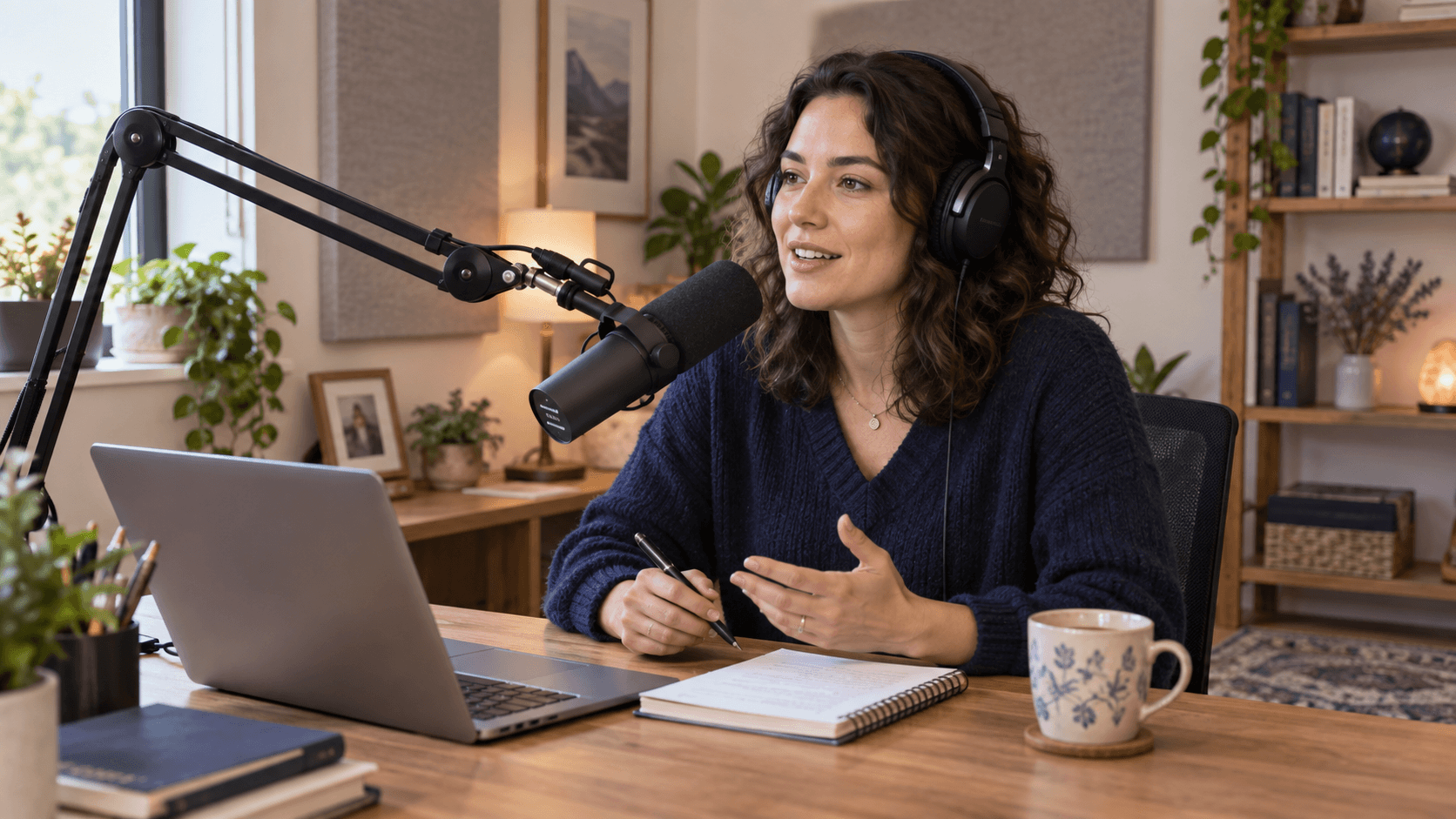
Learning how to produce a podcast means turning a raw recording into something listeners can follow comfortably. Start with the basics: trim obvious mistakes, balance voice levels, remove unnecessary pauses, and add an introduction or outro only when it supports the show.
You do not need to over-edit every breath. The goal of how to produce a podcast is clarity and consistency. Make sure the first minute tells listeners what the episode is about, keep transitions understandable, and use episode titles that describe the value clearly. For a deeper audio-level review, see Transom's podcasting basics on levels and processing and Auphonic's guide to loudness normalization and compression.
This is also a strong moment to revisit your outline. If you use personal show notes or source documents, Readify lets you listen through them separately from the raw audio. It is not a production editor or recording platform; it is a text-to-speech companion for your personal reading and preparation materials. See the related best audiobook apps and audio reading tools guide for more personal-file listening workflows.
How to Launch a Podcast After the First Recording
Once you have a finished episode, prepare your basic show information: a clear title, description, cover artwork, episode title, and audio file. Your hosting or distribution service will have its own current requirements, so check its official guidance before you submit the first episode.
For anyone learning how to start a podcast, the easiest launch is one supported by a repeatable recording and preparation routine.
If you are wondering how to launch a podcast, think beyond the upload button. Prepare a launch checklist: confirm the title and description, listen through the final export, write a short announcement, decide how listeners can follow the show, and schedule the next recording session. RØDE's guide on making a podcast sound professional offers additional recording and positioning ideas. Learning how to start a successful podcast is mostly about making a promise you can keep over time.
Podcast Topics and Research Without More Screen Time
Great podcast topics come from a useful question, a listener problem, a guest’s experience, or a point of view worth exploring. For a business podcast, that might mean customer lessons, practical frameworks, industry changes, or founder decisions. For a startup podcast, it might mean product building, hiring, or early customer conversations.
Use Readify to listen through your own research documents, saved articles, interview briefs, and episode drafts. This will not replace your judgment, but it can make prep easier when you are away from your desk. You may hear repetition in a script, discover a better question for a guest, or find that your opening needs to be more direct.
That workflow supports starting a podcast without adding another recording tool to your stack. The podcast equipment records your voice; Readify helps you review the written material that shapes the conversation.
Prepare and Review Podcast Content With Readify
Good podcast equipment captures a clean recording, but episode quality is often decided before you press record. The research you select, the questions you ask, the order of your ideas, and the length of the opening all shape whether an episode feels clear. This is the content-preparation stage where Readify has a specific role.
Use Readify to turn your personal research materials, interview transcripts, guest briefs, episode outlines, and scripts into audio. Upload a personal PDF, EPUB, or DOCX file, then listen through it as you walk, commute, or take a break from your desk. This gives you a different way to review written material before you use your podcast equipment to record it. For EPUB-based preparation files, see how Readify works with EPUB.
Listening to a script can reveal what silent reading misses. You may hear an introduction that takes too long to reach the point, a question that sounds overly formal, two segments that repeat the same idea, or a transition that needs a clearer bridge. For an interview episode, Readify can help you listen through your personal guest research and identify the questions worth asking first. For a narrative episode, it can help you hear the pacing of a draft before recording a full take.
Try this simple pre-recording workflow:
- Gather your personal source notes, interview prep, episode outline, or script.
- Add the file to Readify and listen once without editing.
- Note where the argument slows down, repeats, or loses focus.
- Simplify the opening, tighten questions, and reorder the outline if needed.
- Open your recording setup and use the revised draft when you record the episode.
Readify is not recording, editing, hosting, or publishing software. It is a personal text-to-speech tool that supports the work before recording: hearing your research and script in a format that fits the rest of your day. When you are learning how to make a podcast, that extra review pass can make your first take more focused and your podcast topics easier to explain.
If your show is built around complex research, a business podcast, or a startup podcast, use Readify to keep prep moving when you are away from the screen. Then return to your podcast equipment with a clearer plan for the episode. Browse the Readify blog for more listening workflows, then try Readify for free with a personal episode outline before your next recording.
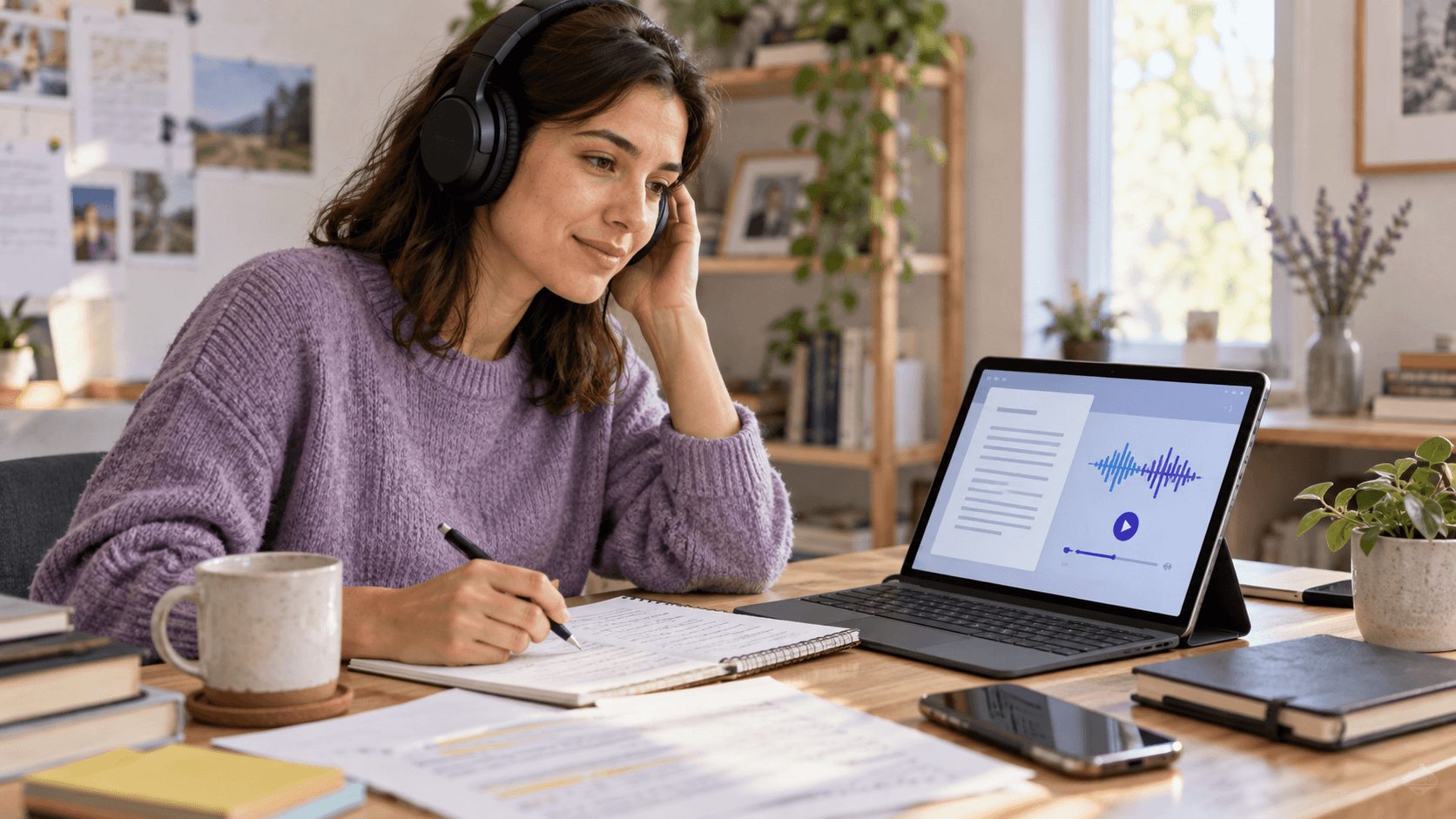
A Repeatable Podcast Workflow From Setup to Launch
The easiest way to make how to start a podcast less overwhelming is to divide it into a repeatable sequence. First, define one listener and one recurring format. Second, choose the starting a podcast equipment needed for that format. Third, record a short test. Fourth, prepare the episode, publish it, and learn from the result. This sequence keeps starting a podcast focused on steady progress rather than a perfect launch.
Choose Equipment for Podcasters Based on Format
The most useful equipment for podcasters depends on whether the show is solo, interview-led, remote, or recorded around a table. Solo creators need the simplest reliable chain: one microphone, headphones, a computer or recorder, and a quiet room. For two local speakers, equipment for podcasters may include two microphones and a way to capture each voice clearly. For remote interviews, prioritize a dependable recording workflow before adding extra accessories.
Creators often compare equipment for podcasters as though there is one universal shopping list. Instead, use your format to decide what the next purchase should solve. If the recurring issue is unclear audio, improve microphone position and room control. If guests need separate inputs, add the appropriate recording hardware. That is how equipment for podcasters becomes a practical decision rather than a collection of gadgets.
Keep Podcasting Equipment Proportional to the Show
Useful podcasting equipment should reduce friction in the episode process. A microphone that is easy to position, headphones that make monitoring simple, and a stable stand are often more valuable than a complicated collection of upgrades. When you are new, evaluate podcasting equipment after recording real episodes, not after watching another review.
The same rule applies as you grow. Better podcasting equipment is worth considering when it fixes a repeated problem: background noise, awkward guest recording, inconsistent levels, or a workflow that delays publishing. If it does not solve a problem you actually have, keep your current setup and spend the time on episode preparation instead.
How to Make a Podcast That Is Easy to Repeat
If you are working out how to make a podcast, create a simple episode template: opening promise, main discussion, one useful takeaway, and a clear close. This structure helps you decide what to research, what to record, and what to cut. It also makes how to make a podcast more manageable when you are building a back catalog.
For another perspective on how to make a podcast, listen to your outline before you record it. Use Readify with a personal script or brief, and notice whether the opening is clear, the questions sound natural, and the closing arrives at the right time. A repeatable preparation process is as important as your podcasting equipment.
How to Record a Podcast Without Adding Avoidable Work
The practical answer to how to record a podcast is to standardize your setup. Use the same microphone position, record in the same room where possible, check levels before every session, and keep a short preflight list. This makes how to record a podcast less stressful as guest schedules and episode topics change.
When you learn how to record a podcast, record a short test whenever the room, guests, or equipment changes. Listen through headphones before you begin the conversation. That small check makes it easier to solve a technical issue before it becomes an editing problem.
Frequently Asked Questions
What Podcast Equipment Do I Need to Start?
The core podcast equipment for a solo show is a microphone, headphones, a recording device or computer, a quiet space, and a simple note-and-review workflow. Start with the smallest setup that lets you record and evaluate a complete episode.
What Is the Starting a Podcast Equipment Needed List for Beginners?
The essential starting a podcast equipment needed list includes a microphone, headphones, a stable stand, a compatible cable or connection, recording software, and a reasonably quiet recording space. Add an interface or extra microphones only if your format requires them.
How Do You Make a Podcast With Limited Equipment?
If you are asking how do you make a podcast on a budget, focus on one clear format, one usable microphone, clean monitoring, and a repeatable recording routine. Strong preparation and clear audio matter more than a long gear list.
How Do I Make a Podcast That People Return To?
For creators asking how do I make a podcast that keeps listeners, choose a specific audience, make each episode promise clear, and publish on a schedule you can maintain. Improve one part of the process at a time.
How Do I Start a Podcast for Beginners?
For how to start a podcast for beginners, choose a topic, define a listener, buy only the necessary podcast equipment, record a short test, then publish a simple first episode. The first goal is not perfection; it is a workflow you can repeat.
Can Readify Help Me Prepare a Podcast?
Yes. Readify can turn your personal research PDFs, EPUBs, DOCX files, briefs, and scripts into audio for review. Use it to listen through episode preparation materials; it does not replace recording, editing, or hosting software.
Start With the Equipment You Need, Then Keep Improving
The clearest answer to how to start a podcast is to make the first version simple. Choose the podcast equipment that fits your show, practice a consistent podcast microphone setup, and refine the process as you publish.
When starting a podcast, do not wait for a perfect studio. Record a test, listen closely, choose the next improvement, and keep the preparation process light. Try Readify for free with a personal script, guest brief, or research document, then use the listening time to make your next episode more focused.
